Creating a Professional Printable Payment Slip Template can significantly streamline payment processes for small businesses. These templates not only save time but also ensure that transactions are clearly documented. With customizable features, the right template will fit your business’s specific needs, allowing you to maintain professionalism in all transactions.
Understanding Payment Slip Templates
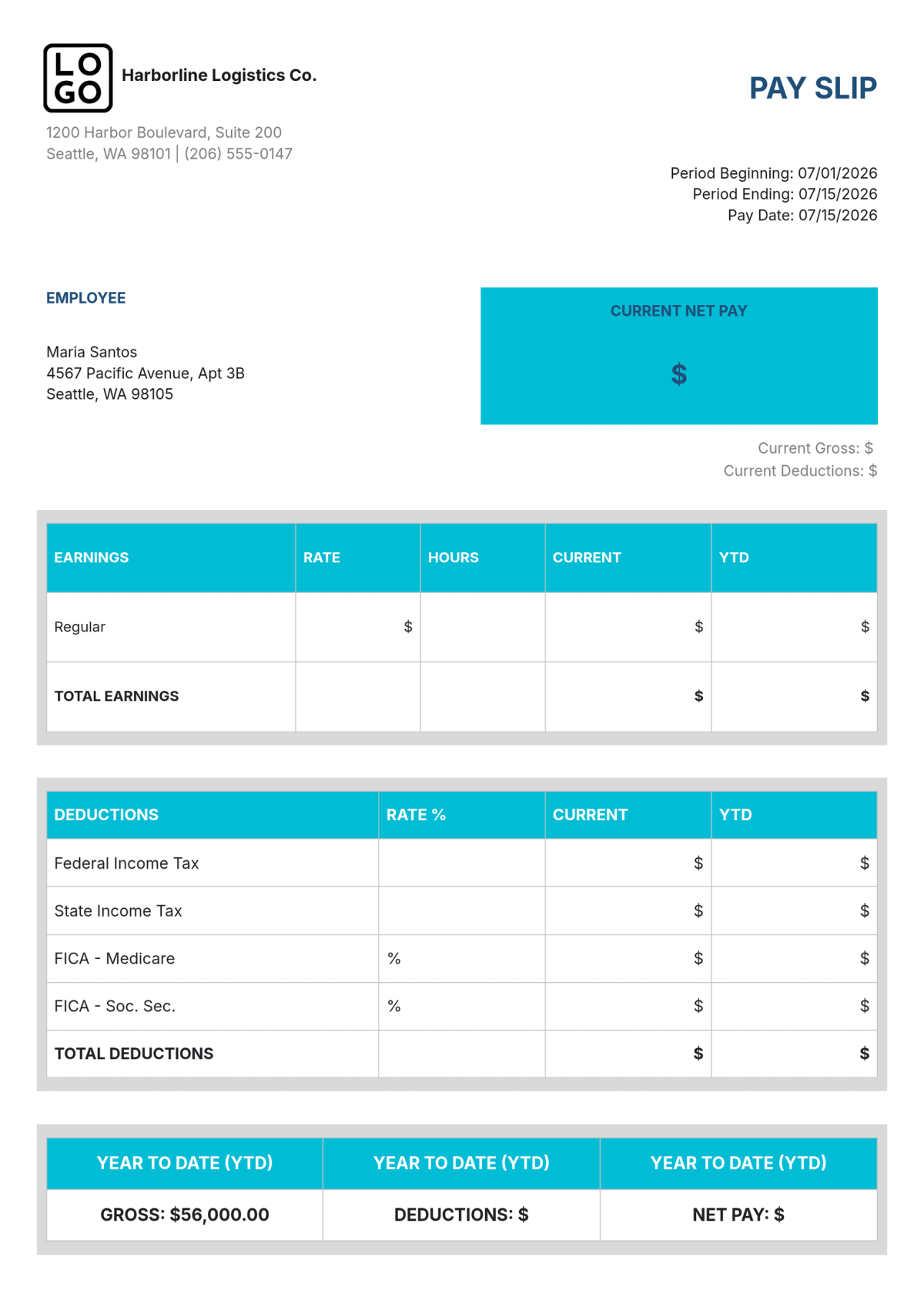
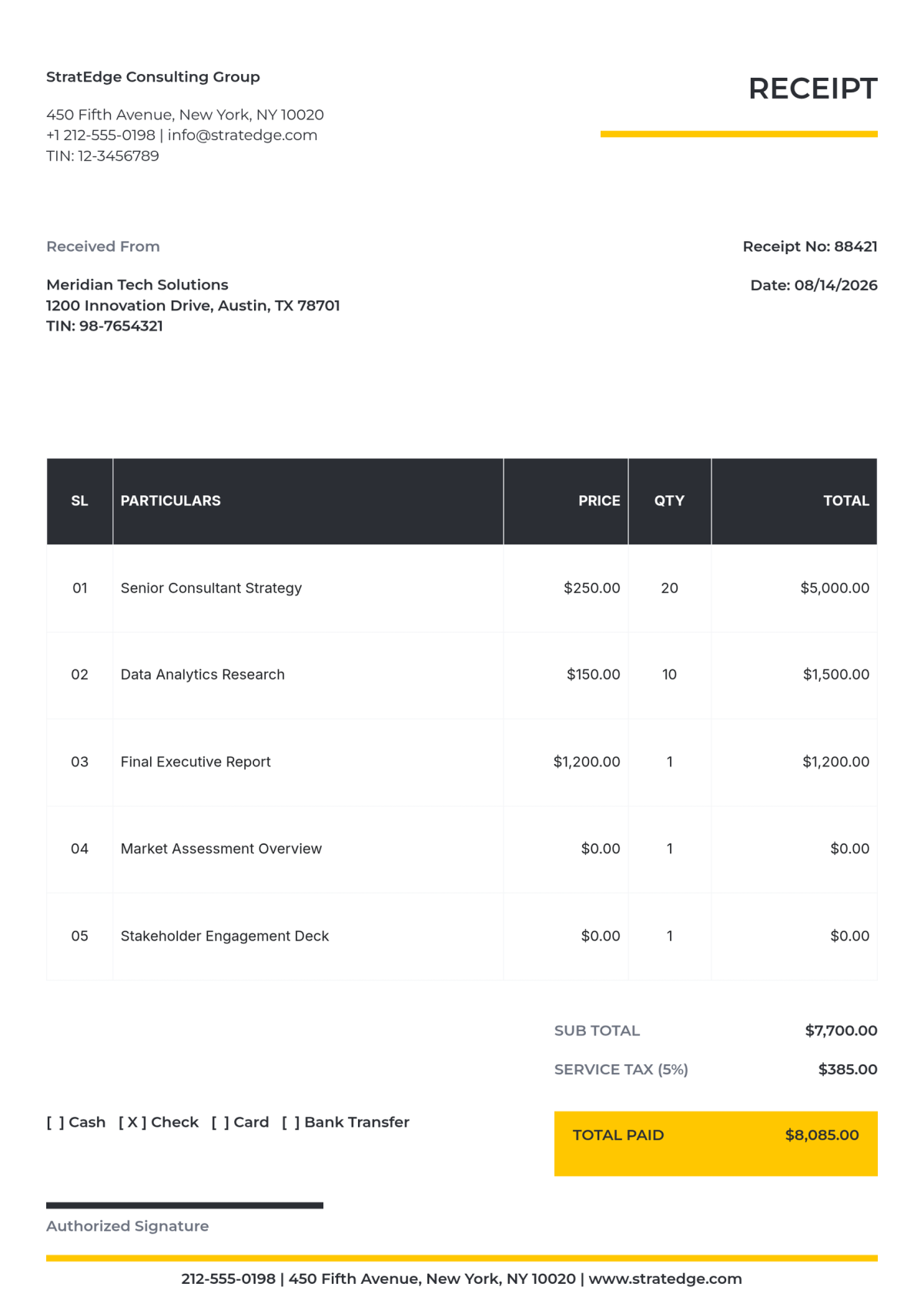
A payment slip template serves as a formal document that outlines details of a transaction. It typically includes the payer’s information, the amount being paid, the payment date, and a breakdown of services or products purchased. Using a professional template enhances clarity and reduces the chances of misunderstandings.
When downloading a Professional Printable Payment Slip Template, consider what elements you need to include. Most templates allow for customization, so make sure to add your business logo, contact information, and any other relevant details. This personalization not only makes the slip more professional but also creates a sense of trust with your clients.
Choosing the Right Format
Payment slips are commonly available in several formats, including PDF, Word, and Excel. Each format has its advantages:
- PDF: This format is ideal for preserving the layout and ensuring that the document looks the same on any device. It’s perfect for printing, as it minimizes the risk of formatting issues.
- Word: Using a Word document allows for easy editing and customization. This is useful if you need to make frequent changes or if you want to include detailed descriptions.
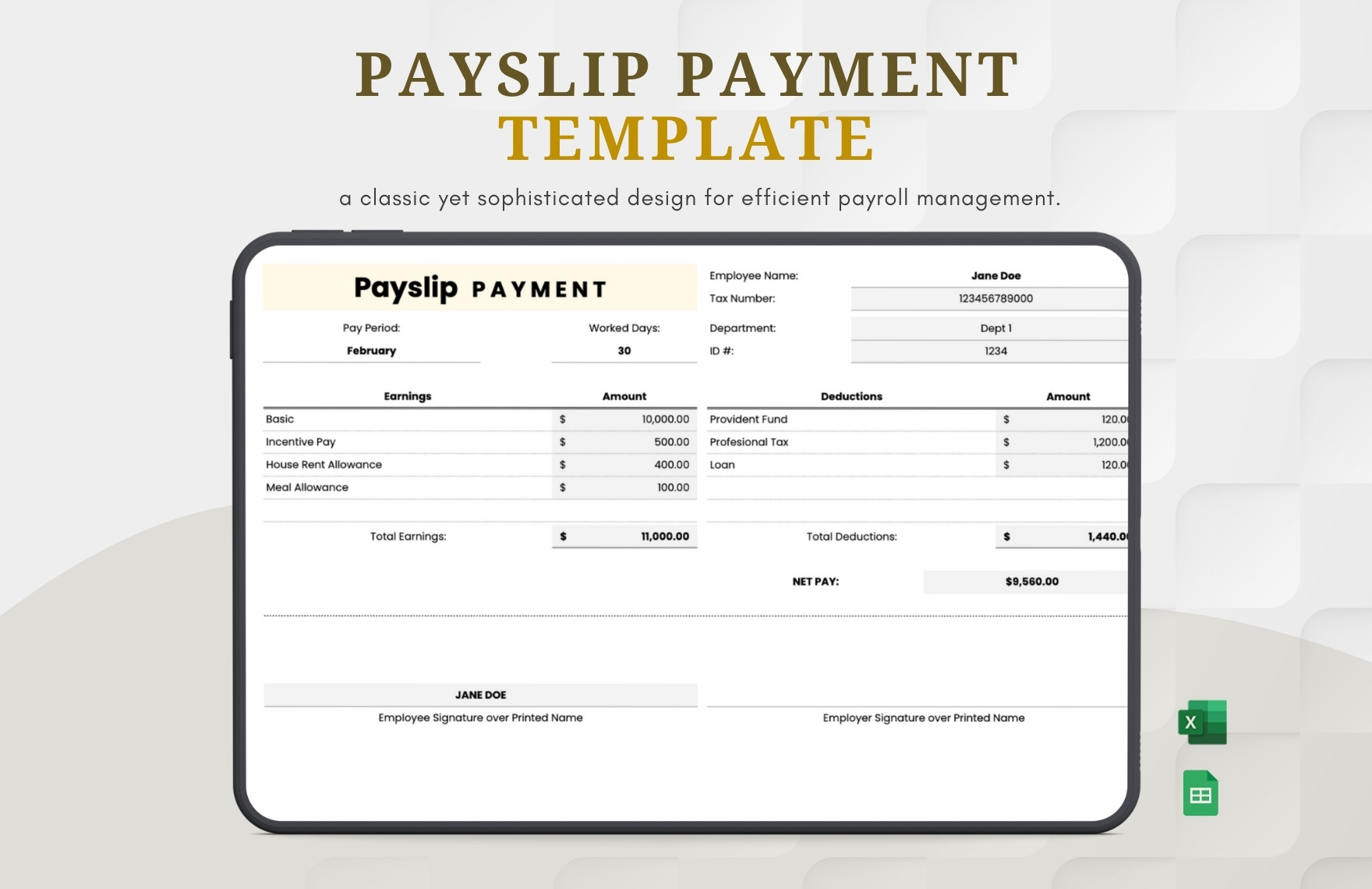
- Excel: If you need to keep track of multiple payments or want to calculate totals automatically, an Excel template is beneficial. It helps in organizing data effectively.
For most users, the PDF format is the best choice for printing due to its reliability. Make sure to check the compatibility with your printer before downloading the template.
Printer Setup and Paper Choices
When preparing to print your payment slips, the choice of paper and printer settings is essential for achieving a professional look. Here are some tips:
- Paper Type: Using a heavier paper, such as cardstock, is recommended for payment slips. It provides durability and a more polished appearance. Standard printer paper can also work, but it may not feel as substantial.
- Size: Most payment slips are designed to fit standard letter size (8.5 x 11 inches). Ensure your printer is set to this size to avoid any cropping or formatting issues.
- Print Settings: Make sure to select the highest quality print setting available on your printer. This will enhance the clarity of the text and images, ensuring that your payment slips look professional.
If you plan to laminate or file these slips, consider using a slightly larger paper size to allow for margins.
Customization Options
Customizing your payment slip template is crucial for branding and usability. Here are some common elements to modify:
- Logo: Adding your business logo at the top of the slip makes it instantly recognizable. Ensure the logo is high-resolution for a clean print.
- Contact Information: Include your business address, phone number, and email. This makes it easy for clients to reach out if they have questions or need assistance.
- Payment Details: Clearly outline what the payment is for. This might include itemized charges or service descriptions. Transparency in billing helps to build trust.
Most templates will allow you to adjust colors and fonts. Choose colors that align with your brand identity and ensure that the text is legible.
Practical Uses for Payment Slips
Payment slips can serve various purposes beyond simple receipts:
- Invoicing: Use payment slips as invoices for services rendered. This gives clients a clear understanding of what they are paying for, which can help in managing accounts receivable.
- Record Keeping: Keep copies of payment slips for your records. They can be useful during tax season or for tracking business expenses.
- Client Communication: Payment slips can also be sent to clients as confirmation of payment received, reinforcing professionalism in your transactions.
Things to Watch Out For
While using a Professional Printable Payment Slip Template can be a great asset, it’s important to ensure accuracy. Double-check all information before sending or printing. Common pitfalls include:
- Incorrect Details: Always verify the payment amount, due date, and client information. Mistakes can lead to confusion and dissatisfaction.
- Template Variations: Some templates may have different layouts or sections. Familiarize yourself with the template you choose to ensure it meets your needs.
- Printer Compatibility: Not all printers handle heavy cardstock well. Test print a sample slip before printing multiple copies to avoid wasting materials.
By keeping these considerations in mind, a Professional Printable Payment Slip Template can be an invaluable tool for managing finances and maintaining professionalism in your small business transactions.