Managing payments can often feel chaotic, especially when you have multiple transactions to keep track of. A Customizable Printable Payment Slip Layout solves this problem by providing you with a structured way to document payments. This resource is perfect for anyone managing personal or business finances who needs a clear, organized method to record monetary exchanges.
Understanding the Customizable Printable Payment Slip Layout
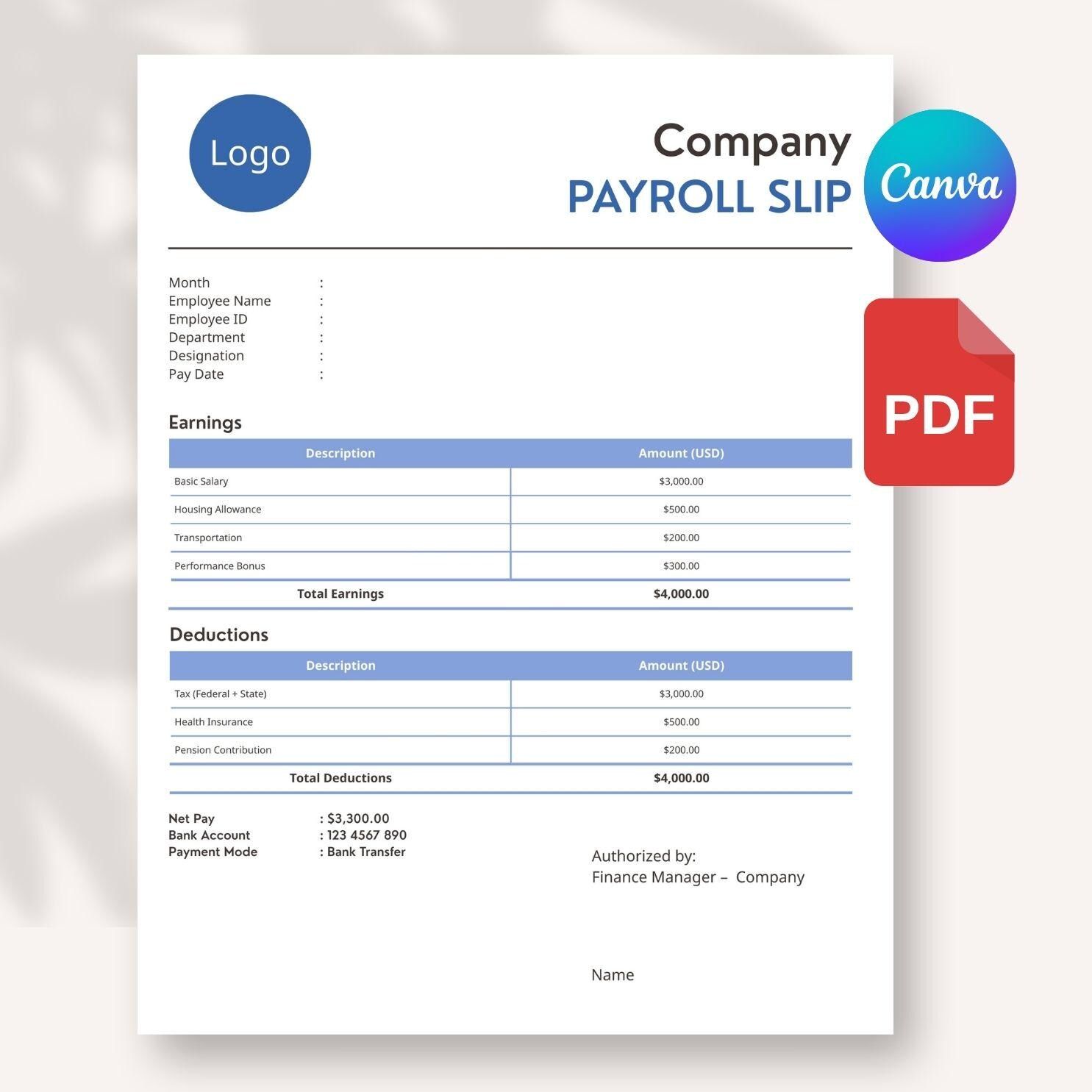
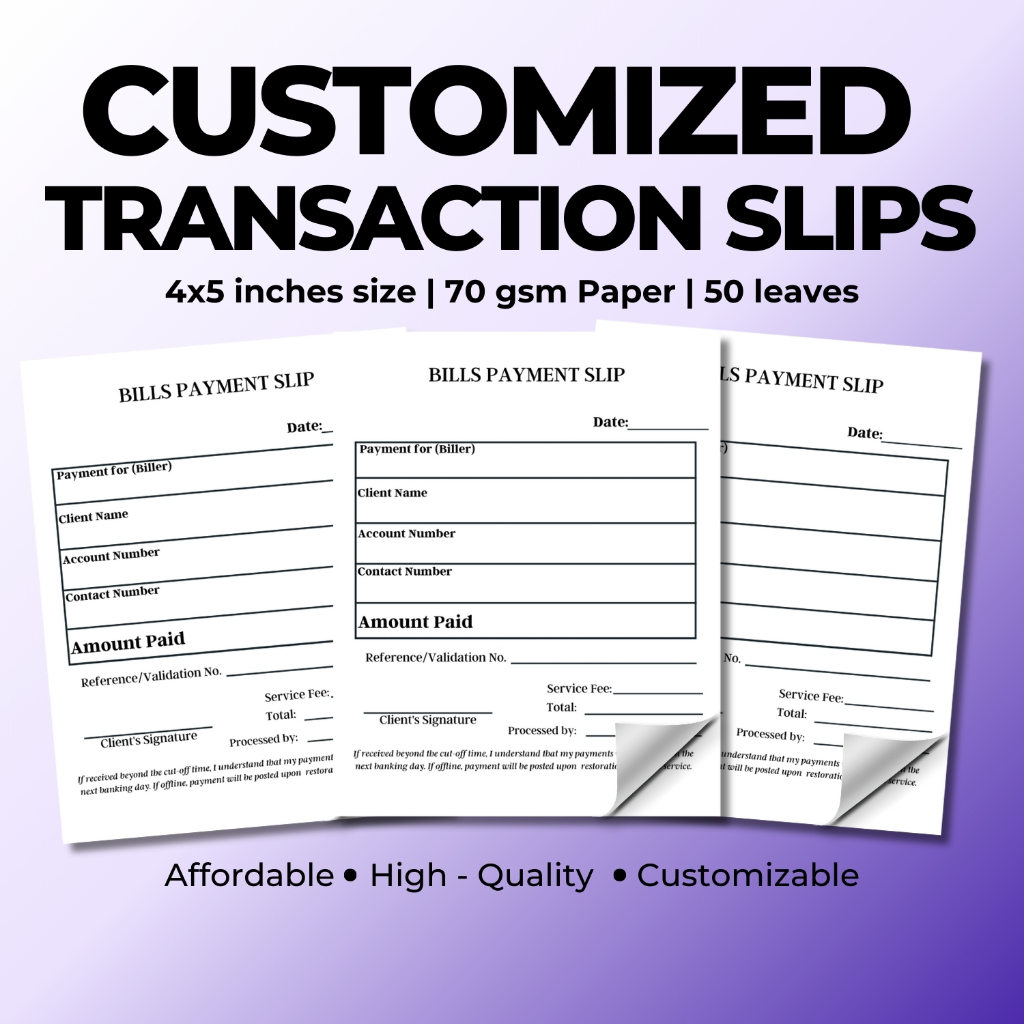
A payment slip is a document that allows you to itemize transactions, making it easier to keep track of what you owe or what you have received. This resource can be tailored to fit your specific needs, If you are using it for personal bills, business transactions, or even school fees. The ability to customize each slip means you can include the necessary information relevant to your transactions, such as date, amount, and payment method.
Choosing the Right Format
Before you download your customizable printable payment slip layout, consider what format will work best for your needs. You often have options like PDF or Word formats. A PDF is generally more reliable for printing, as it preserves the layout exactly as designed. On the other hand, a Word document allows for easy editing, which is useful if you want to frequently change details like the payment recipient or amounts.
When selecting a format, think about how you plan to use the slips. If you’ll be printing them out frequently, a PDF is likely your best bet. If you need to edit details often, go for the Word format.
Downloading Your Payment Slip Layout
Once you’ve decided on the format that suits you, it’s time to download the customizable printable payment slip layout. Most resources are straightforward. Simply click on the download link, and the file will be saved to your device. Make sure to check that the download was successful and that you can open the file without any issues.
If you’re using a PDF, Adobe Acrobat Reader is a free tool that ensures you can view and print the document correctly. For Word documents, Microsoft Word or Google Docs will allow you to edit and print with ease.
Printing the Payment Slips
After downloading, you’ll want to print out your payment slips. First, ensure that you have the correct paper size set in your printer settings. Most payment slips are designed for standard letter-sized paper (8.5″ x 11″). Portrait layout usually works best for home printers, but check your printer’s specifications if you’re unsure.
When printing, consider using heavier paper or cardstock for a more durable slip, especially if you will be handling them frequently. If you plan to laminate the slips for long-term use, cardstock is highly recommended as it holds up well.
Customizing Your Payment Slip
Customization is where this resource shines. Open your downloaded file and start entering your specific details. Include fields such as:
- Date of the transaction
- Name of the person or business receiving the payment
- Amount paid
- Payment method (cash, check, credit card)
- Purpose of the payment
Make sure the layout is clear and easy to read. You may also want to add a logo if you’re using it for business purposes. This not only makes the slip look professional but also helps in branding.
Using the Payment Slips Effectively
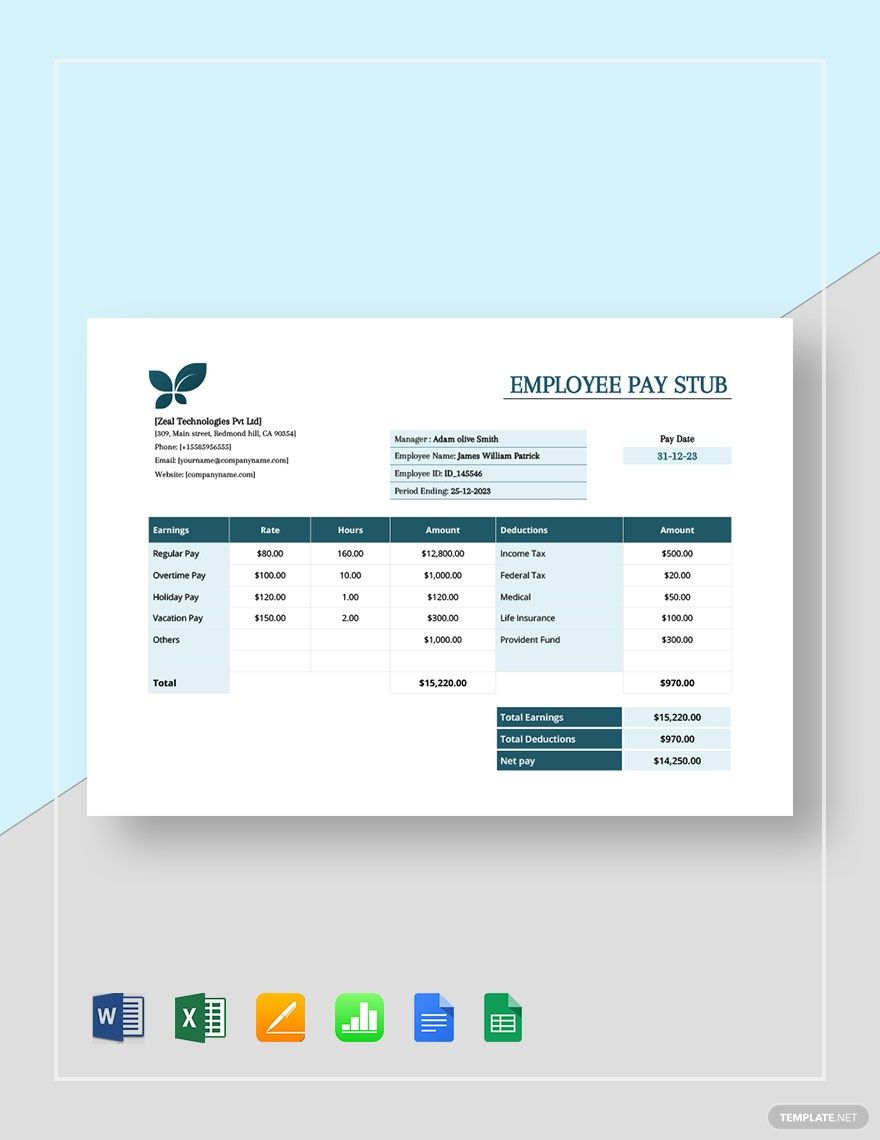
Now that your payment slips are printed and customized, it’s time to put them to use. When making a payment, fill out the slip completely before handing it over. This not only provides a record for both parties but also helps avoid disputes later on.
For ongoing payments, such as subscriptions or rent, consider creating a filing system where you keep copies of each payment slip. This can be particularly helpful during tax season or if you need to refer back to past transactions.
As a final tip, always keep a few blank slips handy for immediate payments. This ensures you’re never caught off guard when you need to make a transaction quickly.
By following these steps, you’ll find that using a Customizable Printable Payment Slip Layout can significantly streamline your payment process and help you keep your finances organized.