Using a customizable printable payment slip document can significantly streamline your payment processing and record-keeping efforts. This resource is designed for small-business owners who need a practical way to manage transactions efficiently. By utilizing this document, businesses can improve their payment tracking and maintain accurate financial records.
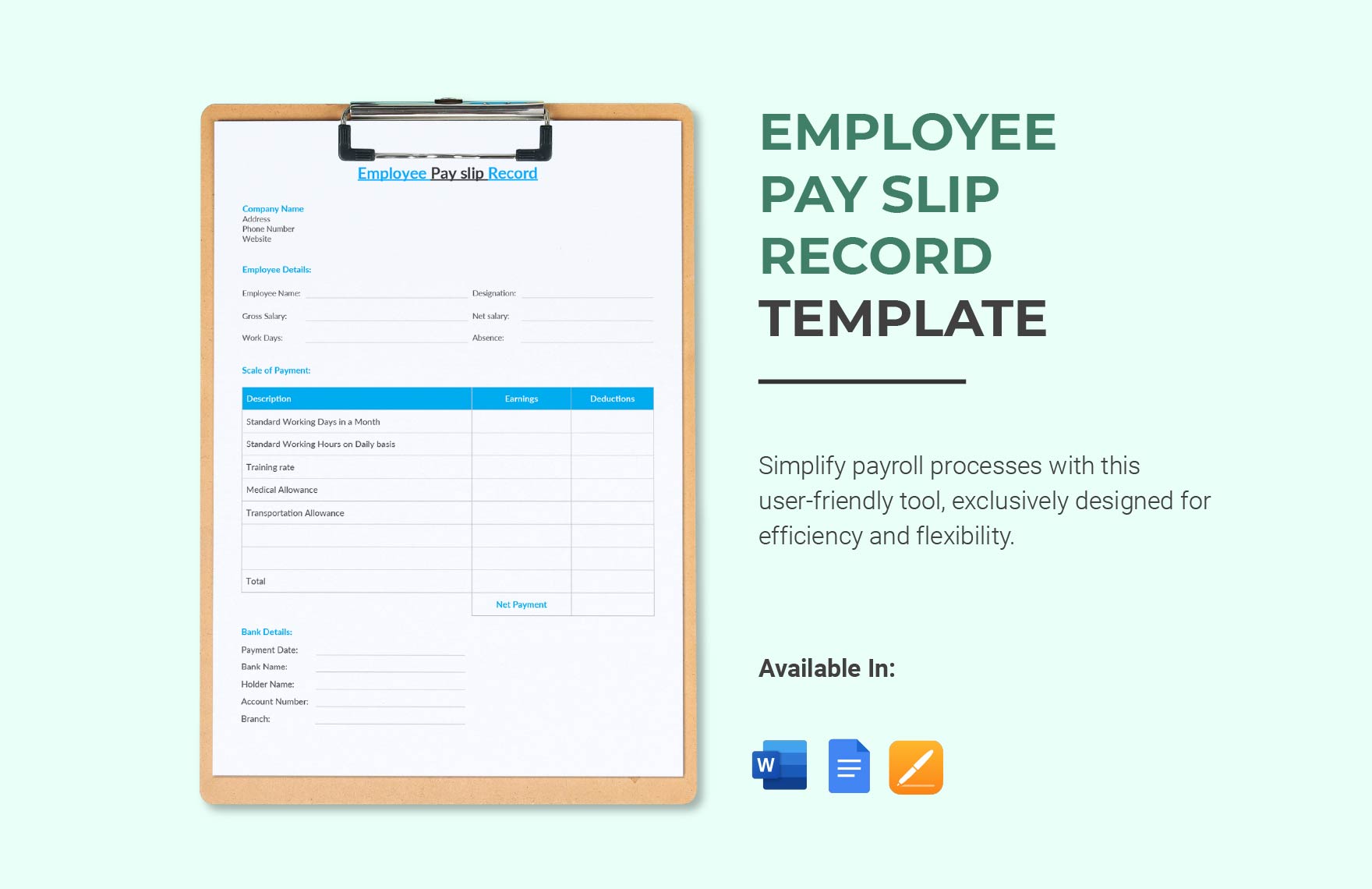
Understanding the Customizable Printable Payment Slip Document
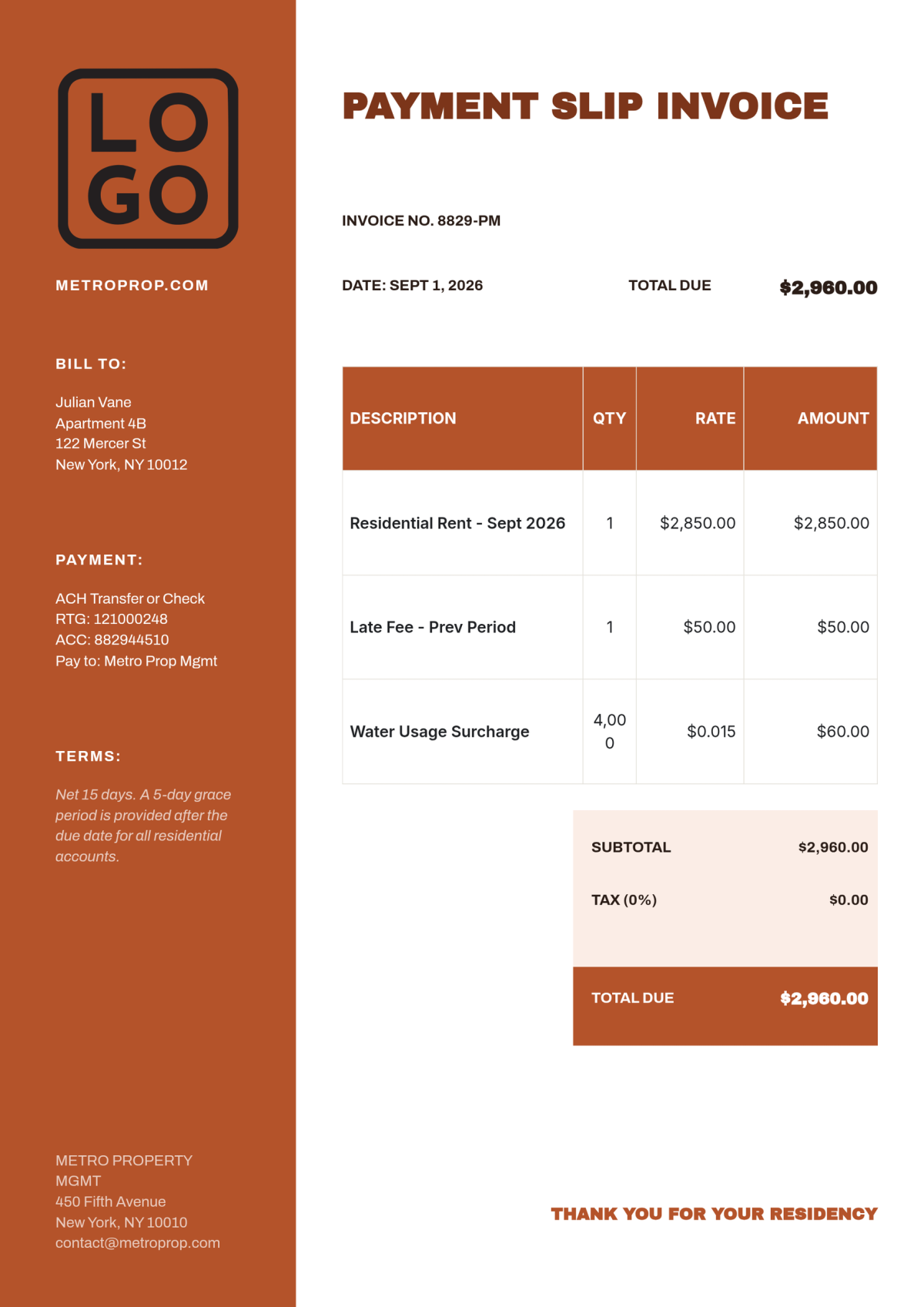
A customizable printable payment slip document serves as a formal receipt that can be issued to customers or clients upon receiving payment. It typically includes essential information such as the date, amount paid, payment method, and details about the goods or services rendered. By personalizing this document, businesses can add their logo and branding, enhancing professionalism while ensuring clear communication with clients.
Key Features of the Payment Slip Document
When selecting a customizable printable payment slip document, consider these key features:
- Customizable Layout: Many templates allow for easy customization, enabling you to adjust colors, fonts, and layouts to fit your brand’s identity.
- Pre-filled Fields: Look for templates that offer pre-filled fields for essential information, saving time during the payment process.
- Multiple Formats: A good document will be available in various formats, including PDF and Word, making it easy to print or email directly to clients.
- User-Friendly Design: Ensure the template is designed for clarity and ease of use, so both you and your clients can understand the payment details without confusion.
How to Effectively Use the Payment Slip Document
Using a customizable printable payment slip document is straightforward. Here’s how to implement it effectively:
- Download the Template: Start by downloading the template that best fits your business needs. Ensure it’s in a format compatible with your printer or preferred editing software.
- Customize the Document: Open the document in your editing software. Add your business name, logo, contact information, and any specific payment instructions. Make sure to include fields for date, amount, and payment method.
- Print or Share: Once customized, print the payment slip on high-quality paper to give it a professional feel. Alternatively, save it as a PDF to send via email, which is particularly useful for remote transactions.
- Record Keeping: After issuing the payment slip, maintain a copy for your records. This helps track payments and can be invaluable during tax season or financial audits.
Best Practices for Payment Documentation
To maximize the utility of your customizable printable payment slip document, adhere to these best practices:
- Be Consistent: Use the same template for all transactions to maintain uniformity. This makes it easier for both you and your clients to manage records.
- Keep It Simple: Avoid cluttering the payment slip with excessive information. Stick to essential details to ensure clarity.
- Stay Updated: Regularly review and update your payment slip template to reflect any changes in your business information or branding.
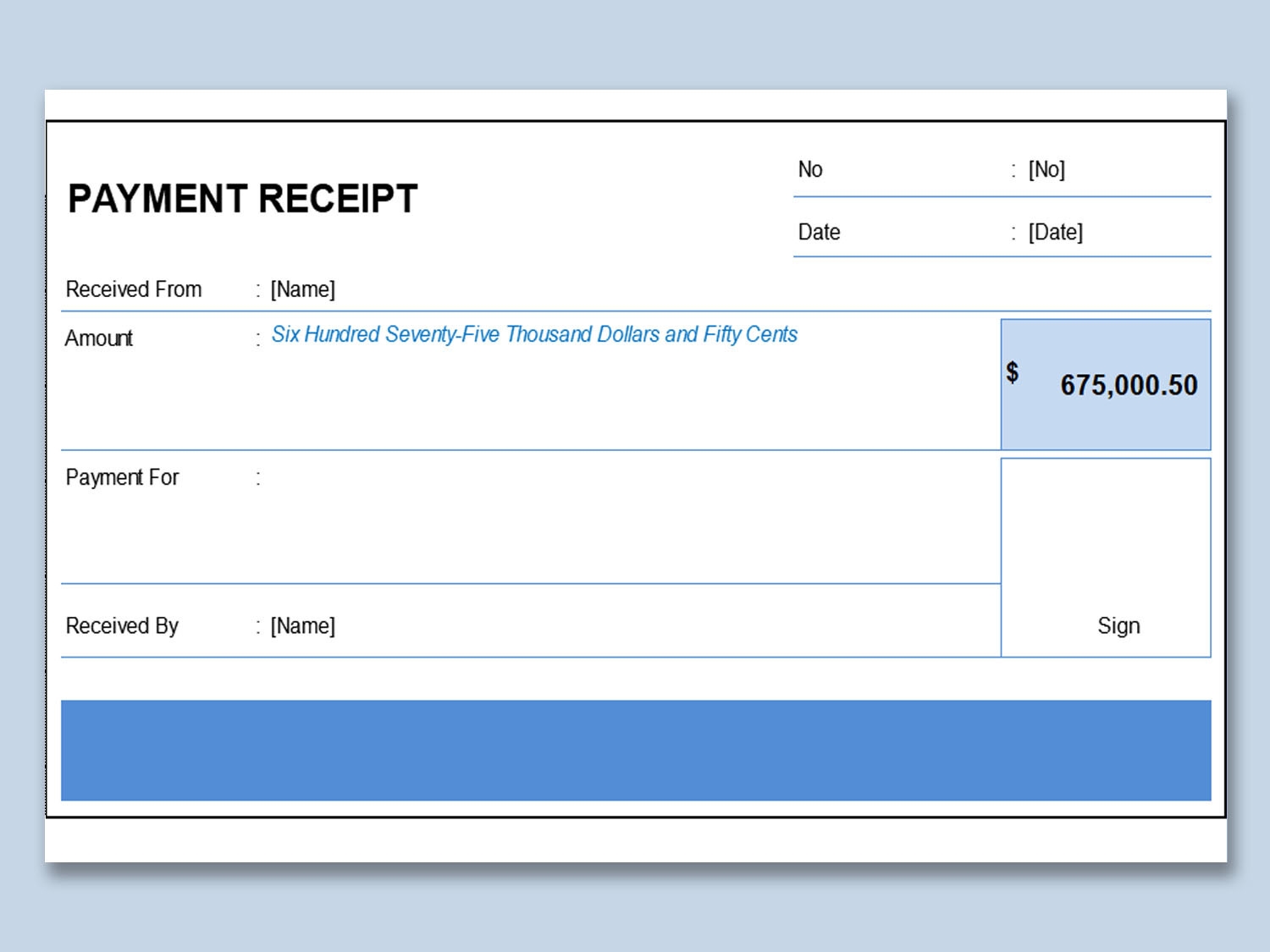
Common Use Cases for the Payment Slip Document
This document can be employed in various scenarios, including:
- Service Payments: Use it for payments received for services rendered, such as consulting or freelance work.
- Product Sales: Issue a payment slip when customers purchase products, providing them with a record of their transaction.
- Event Ticketing: If your business hosts events, a payment slip can serve as proof of purchase for attendees.
The customizable printable payment slip document is an essential tool for small-business owners looking to enhance their payment management processes. By following the guidelines outlined, you can ensure that your payment documentation is professional, organized, and efficient. This not only helps in tracking payments but also improves customer trust and satisfaction.