Managing finances as a small business owner can be a challenge, especially when it comes to keeping track of payments. A Customizable Printable Payment Slip For Small Business can simplify this process. This resource allows you to easily document transactions, ensuring you maintain accurate records for both your customers and your business.
Understanding the Importance of Payment Slips
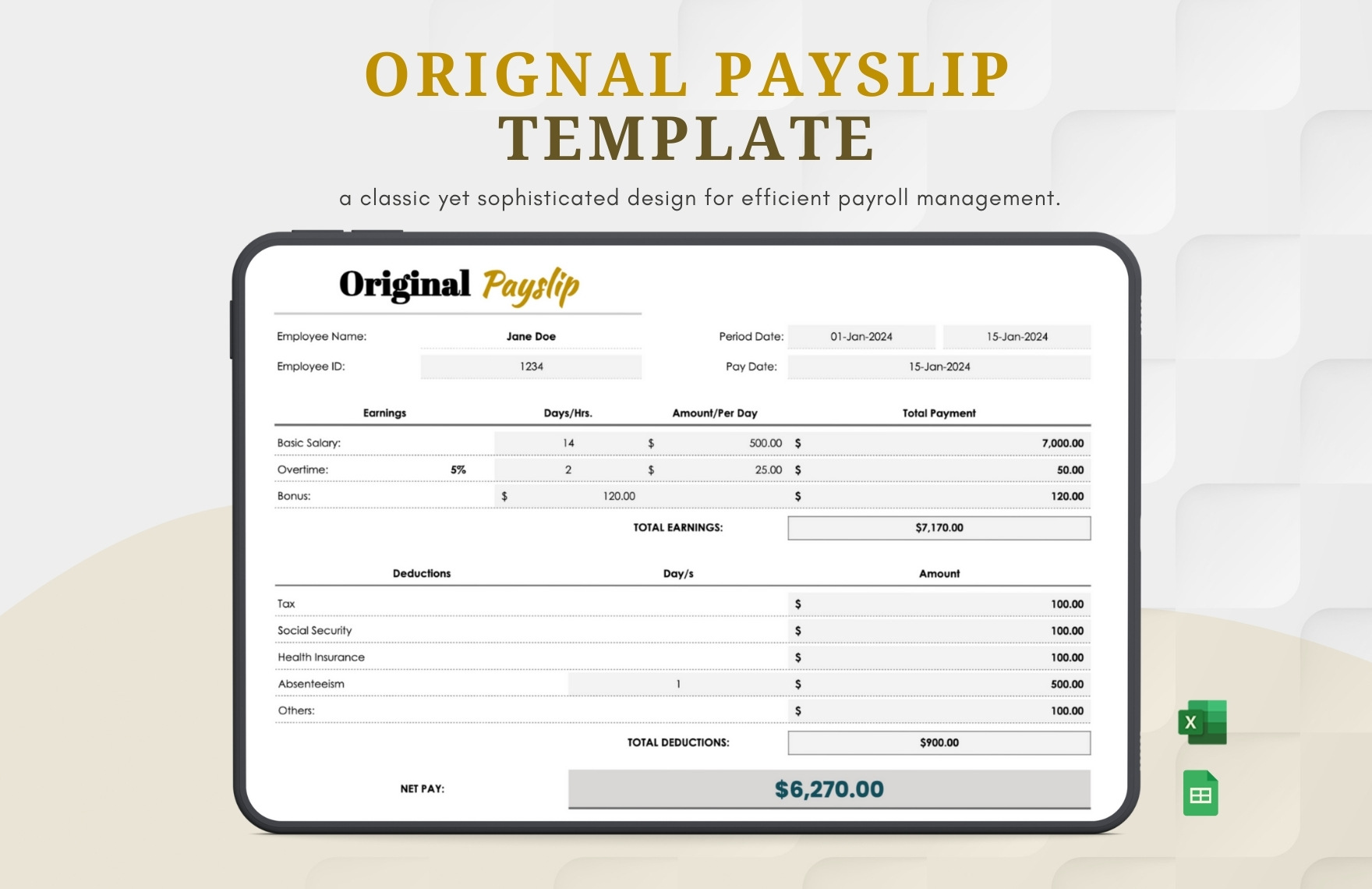
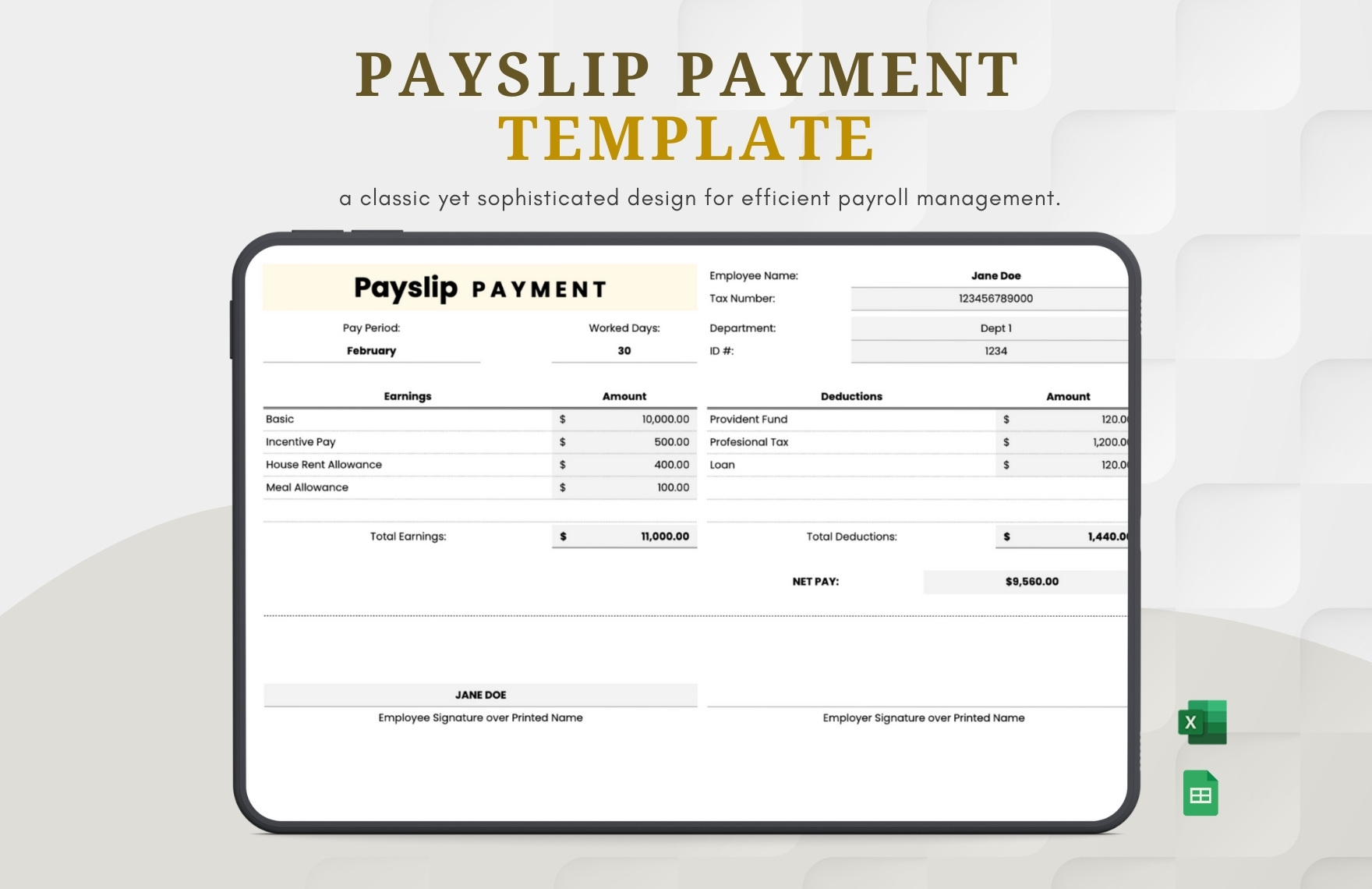
Payment slips serve as a formal record of transactions between you and your customers. They provide essential details such as the amount paid, the date of payment, and the method used (cash, check, or credit). Using a printable payment slip not only professionalizes your business but also helps you keep your finances organized.
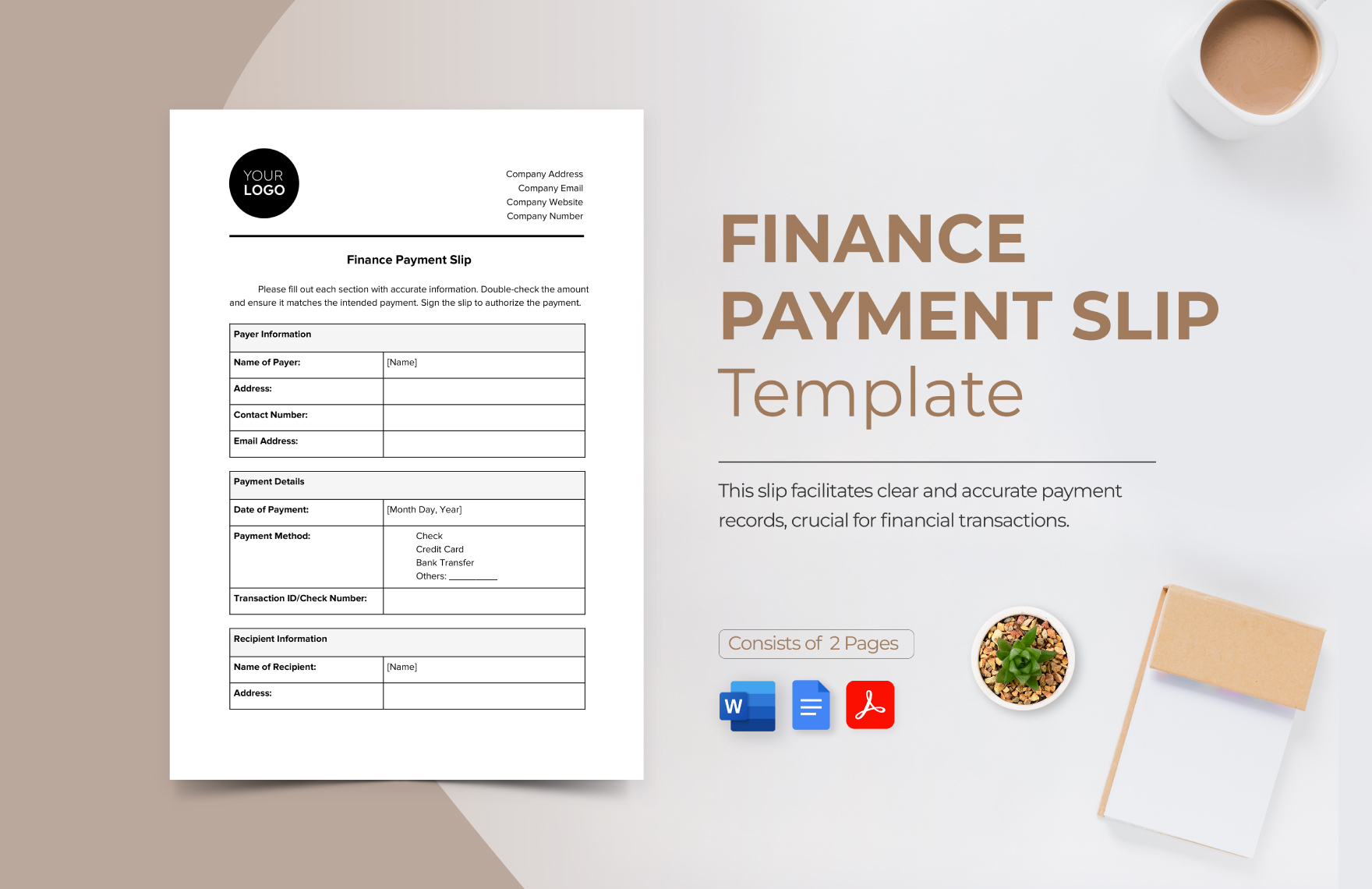
When you use a customizable payment slip, you can tailor it to fit your branding and specific needs. This means you can include your business logo, contact information, and even specific payment terms. Personalizing your payment slips ensures that your customers have all the information they need at their fingertips, which enhances their experience.
How to Download Your Customizable Payment Slip
Getting your hands on a customizable printable payment slip is straightforward. Follow these steps:
- Choose a Template: Depending on your business needs, find a template that suits your style. You might prefer a simple, minimalist design or something more colorful and engaging.
- Download the Resource: Once you’ve selected a template, click on the download button. Most resources are available in PDF format, ensuring easy printing without any formatting issues.
- Open the File: After downloading, open the file on your computer. PDF files are compatible with most devices, so you shouldn’t encounter any problems.
- Customize Your Slip: Using a PDF editor or even printed paper, fill in your business details, including your name, logo, and any other necessary information.
Printing Your Payment Slip
Once you’ve customized your payment slip, it’s time to print. Here are some tips to ensure the best results:
- Paper Size: Standard letter size (8.5” x 11”) is commonly used for payment slips. If you prefer a smaller size, consider using A5 or half-letter sizes to save paper.
- Printer Settings: Make sure your printer is set to print in portrait mode, as this is the most common layout for payment slips. Check that your printer is set to the highest quality for a professional appearance.
- Test Print: Before printing multiple copies, do a test print to ensure everything looks as expected. This is particularly important for checking the alignment of your logo and text.
Using the Payment Slip Effectively
Now that you have your customizable payment slip printed, it’s time to put it to use. Here’s how you can effectively implement it into your business transactions:
- Record Every Transaction: Each time you receive a payment, fill out a payment slip. This will help you keep track of your income and maintain a clear record for accounting purposes.
- Provide a Copy for Customers: After completing a transaction, give a copy of the payment slip to your customer. This not only serves as a receipt but also reinforces your professional image.
- Store Copies for Your Records: Keep a file of all payment slips for your records. This is essential for tax purposes and can help you quickly reference past transactions.