Creating an efficient system for managing payments in the office is crucial for any organization. A customizable printable payment slip for office use can streamline your financial processes, ensuring accuracy and professionalism. This guide will walk you through the benefits of using a payment slip, how to customize it, and practical tips for printing and utilizing this resource effectively.
Understanding the Importance of Payment Slips
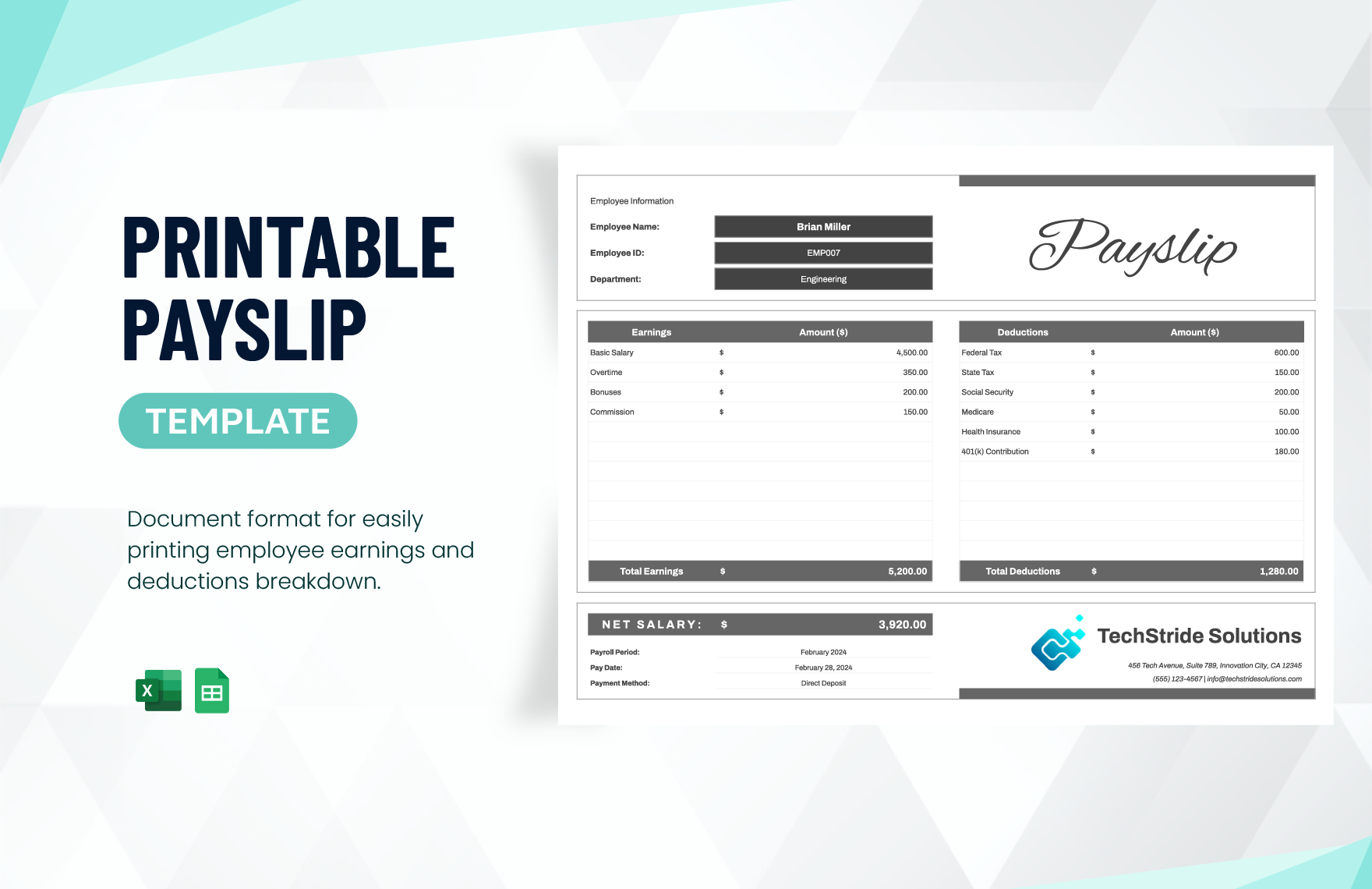
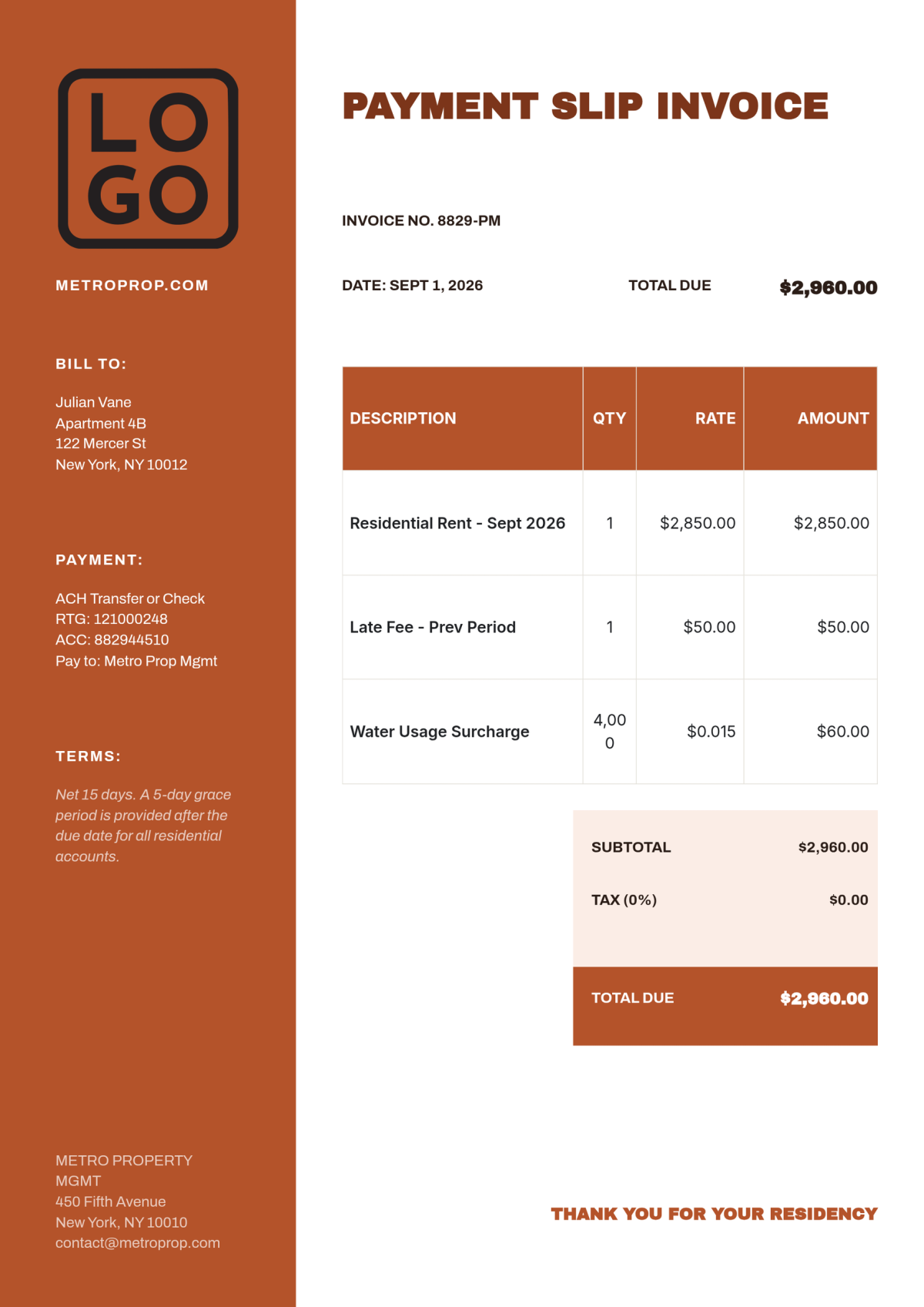
Payment slips serve as a formal record of transactions, providing proof of payment made or received. They are essential for maintaining clear financial records, especially in environments where cash transactions occur frequently. Using a customizable printable payment slip allows you to tailor the slip to fit your specific needs, which helps ensure that all necessary information is included.
When you customize your payment slip, you can incorporate your company logo, adjust the fields to suit your business, and even choose the design elements that represent your brand. This not only enhances professionalism but also helps in maintaining consistency across all financial documents.
How to Customize Your Printable Payment Slip
Customizing your payment slip is straightforward. Here are the steps you can follow:
- Choose a Template: Start by selecting a template that meets your needs. Many printable resource websites offer free or paid templates in various formats, including PDF and Word. Look for templates that allow easy editing.
- Edit the Fields: Make sure to include essential information such as:
- Business name and logo
- Date of payment
- Amount (in figures and words)
- Payment method (cash, check, etc.)
- Recipient’s name and signature space
- Any additional notes or reference numbers
- Adjust Formatting: Depending on your printer, you might need to adjust the formatting. Ensure that the slip is set to standard paper sizes like A4 or Letter, and consider the orientation—portrait or landscape—that works best for your printer.
- Add Personal Touches: If your brand has specific colors or fonts, incorporate these elements into your design. This not only reinforces your brand identity but also makes the payment slip more visually appealing.
Printing Your Payment Slip
Once your payment slip is ready, it’s time to print. Here are some practical tips to ensure the best results:
- Use Quality Paper: For a more professional look, print on heavier paper or cardstock. This not only enhances durability but also gives a polished appearance.
- Test Print First: Before printing a large batch, do a test print to check for any formatting issues. This step can save you time and resources.
- Printer Settings: Adjust your printer settings to match the paper type and size. If you’re using a color printer, make sure to select the best quality setting for a sharp, clear print.
Utilizing Your Payment Slip Effectively
With your customizable printable payment slip ready, you can start using it to manage transactions. Here are some practical applications:
- Daily Transactions: Use the payment slip for daily cash transactions within the office, ensuring that all payments are accurately recorded.
- Client Payments: When receiving payments from clients, issuing a payment slip can provide them with assurance and a record of their transaction.
- Internal Transactions: For payments made between departments, a payment slip can help track budget allocations and expenditures.
- Record Keeping: Store completed payment slips in an organized manner, either digitally or in a physical file, to maintain a clear audit trail for future reference.
Being organized in your financial dealings can significantly impact your overall workflow and efficiency. By implementing a customizable printable payment slip for office use, you can simplify your processes and ensure that all transactions are documented and easily retrievable.
To get started, look for a reliable template online, customize it to fit your needs, and set aside some time to print and organize them. Keeping your financial documentation in order will not only enhance professionalism but also contribute to smoother operations in your office.