Creating a clear and professional payment slip is essential for any business or individual managing transactions. A customizable printable payment slip for customers allows you to tailor the document to your specific needs while maintaining a professional appearance. Typically formatted on standard 8.5” x 11” paper, this resource ensures that you can easily print it at home or in the office.
Understanding the Layout of the Payment Slip
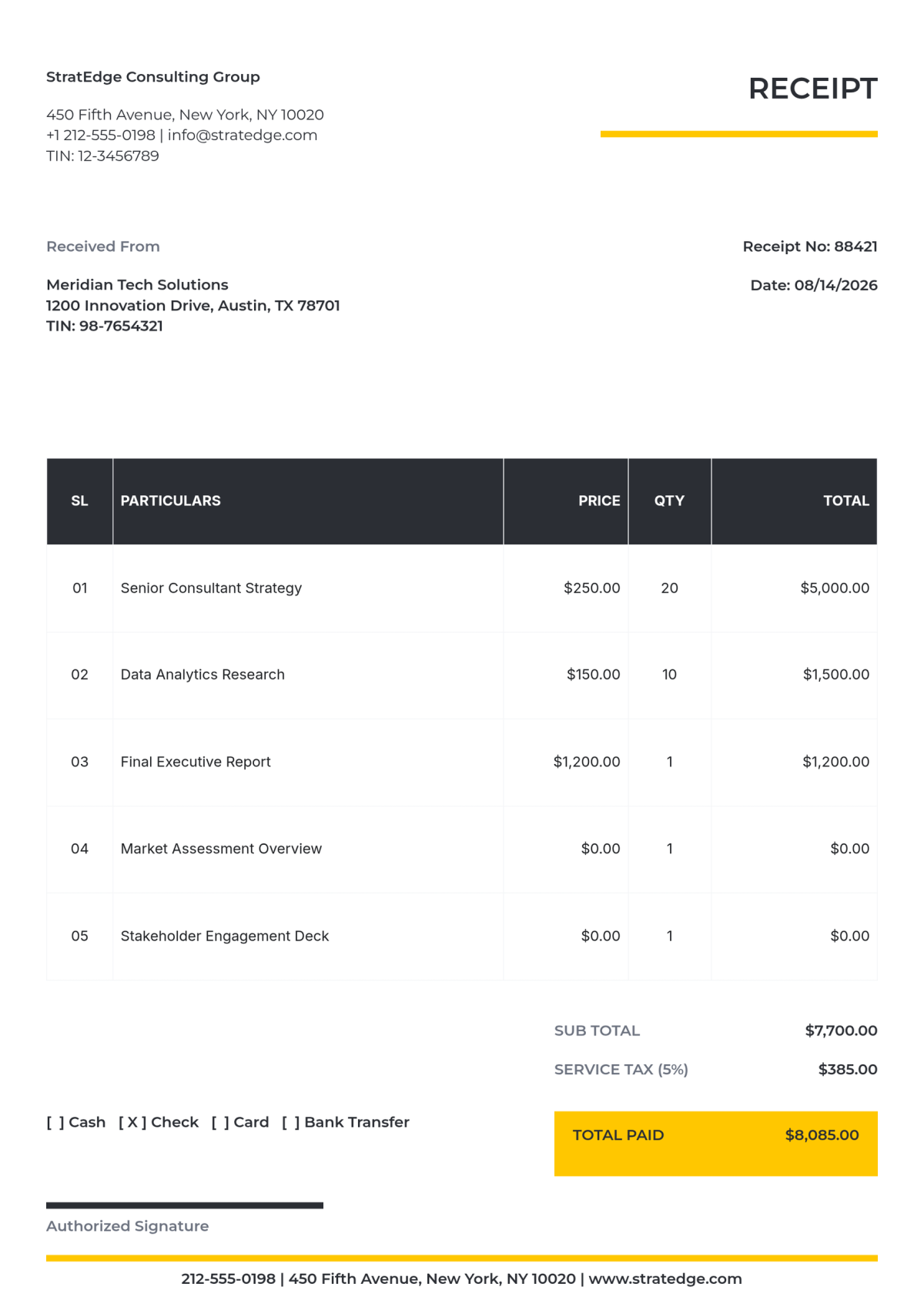
When you first look at a customizable printable payment slip, you’ll notice its structured layout. Most designs include several key sections that enhance clarity and organization:
- Header: This area usually includes your business name, logo, and contact information. It sets a professional tone for the document.
- Customer Information: Fields for entering customer names, addresses, and contact information are vital. This helps in maintaining clear records for both parties.
- Payment Details: A section for itemizing products or services rendered, including descriptions, quantities, prices, and total amounts. This is crucial for transparency.
- Payment Method: Options for specifying how payment was made (e.g., cash, check, credit card) are commonly included. This ensures proper tracking of transactions.
- Date and Receipt Number: Including a date and a unique receipt number can help streamline your record-keeping and make it easier to manage your accounts.
Customizing Your Payment Slip
One of the most significant advantages of using a customizable printable payment slip for customers is the ability to tailor it to your specific needs. Here’s how you can make the most of this feature:
Choose Your Design
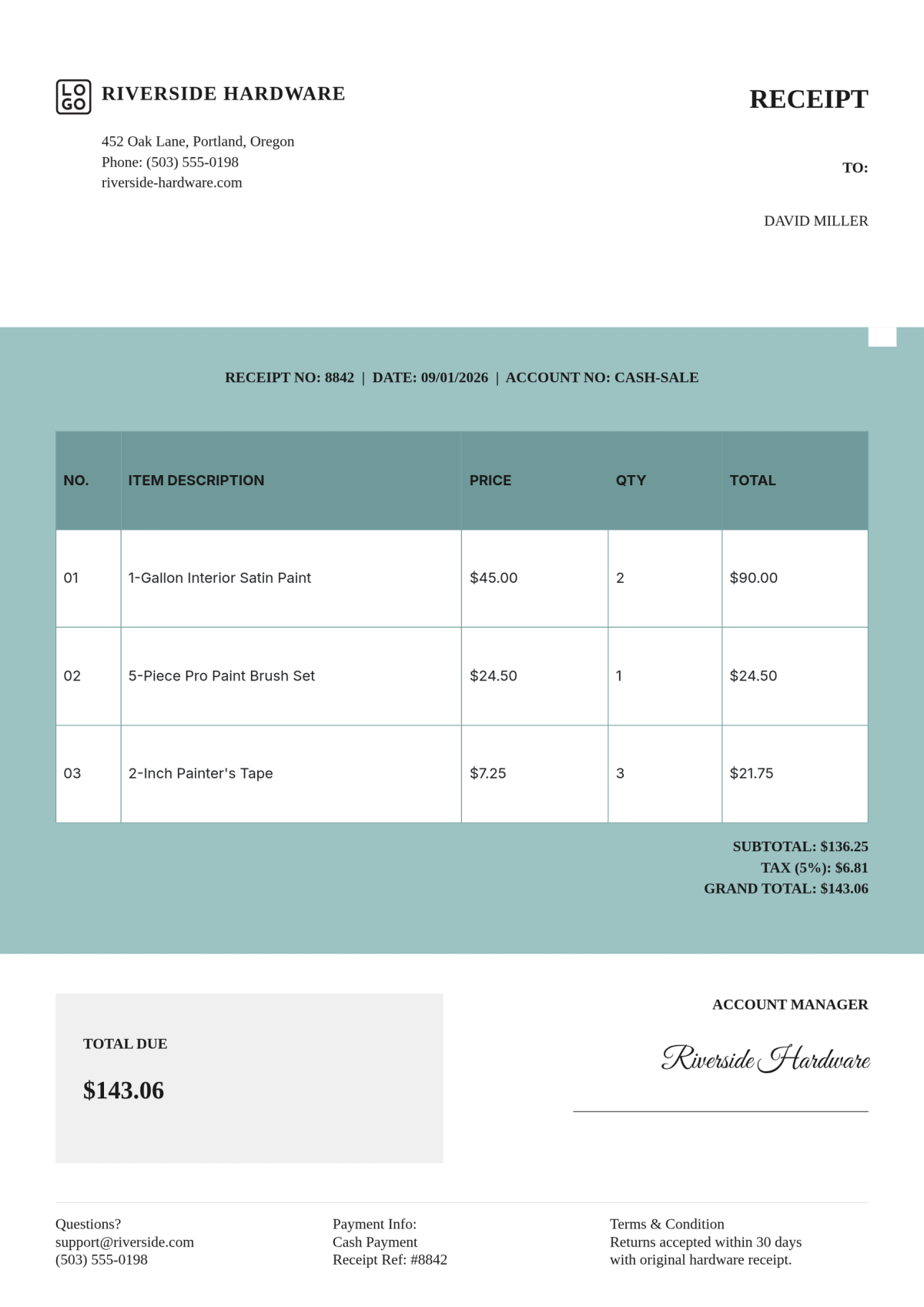
Depending on your brand’s identity, select a design that reflects your style. You might prefer a simple, clean layout or something more colorful and eye-catching. Many templates are available online, allowing you to choose colors and fonts that align with your branding.
Add Your Information
Fill in the header section with your name or business name, logo, and contact details. This not only personalizes the slip but also helps customers know where to direct questions or concerns.
Adjust Fields as Needed
If your business has unique needs, such as specific payment methods or additional charges (like taxes or shipping), modify the payment details section accordingly. You can also add notes or disclaimers, providing further clarification on your policies.
Printing Tips for Optimal Use
Once you’ve customized your payment slip, it’s time to print. Here are some tips to ensure the best results:
- Paper Quality: Use high-quality paper or cardstock for a more professional feel. This is particularly important if you plan to give these slips directly to customers.
- Printer Settings: Make sure your printer settings are adjusted for the paper type and size. Portrait layout typically works best for most home printers.
- Test Print: Before printing multiple copies, do a test print to check for any formatting issues or errors. This helps avoid wasting resources on incorrect prints.
Maintaining Records With Payment Slips
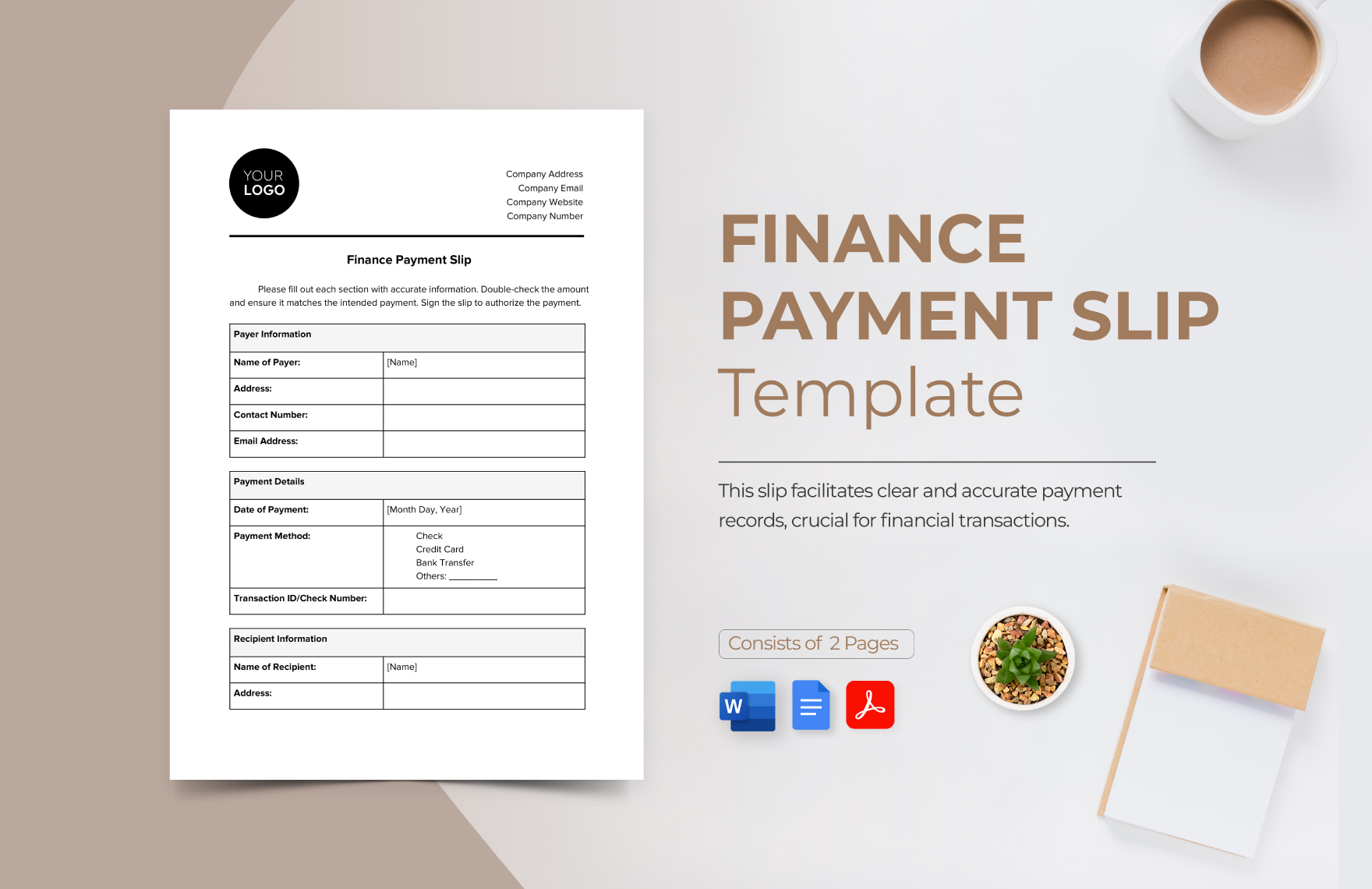
Using a customizable printable payment slip for customers not only enhances professionalism but also aids in record-keeping. Here are some practical ways to maintain records effectively:
- Organize by Date: Keep copies of payment slips in chronological order. This makes it easier to track income and manage finances.
- Digital Copies: If possible, scan or save digital copies of your payment slips. This way, you have backups in case of misplaced documents.
- Categorize Transactions: If you have multiple types of services or products, consider categorizing your payment slips. This can help in understanding which areas are performing well and which may need attention.