When managing finances, a Payment Slip Printable Form With Company Details can be a crucial tool for ensuring your transactions are clearly documented. This form not only helps you keep track of payments but also provides your recipients with the necessary information to process transactions smoothly. In this article, I’ll guide you through its intended use, how to prepare it, and common pitfalls to avoid when filling it out.
What Is a Payment Slip Printable Form?
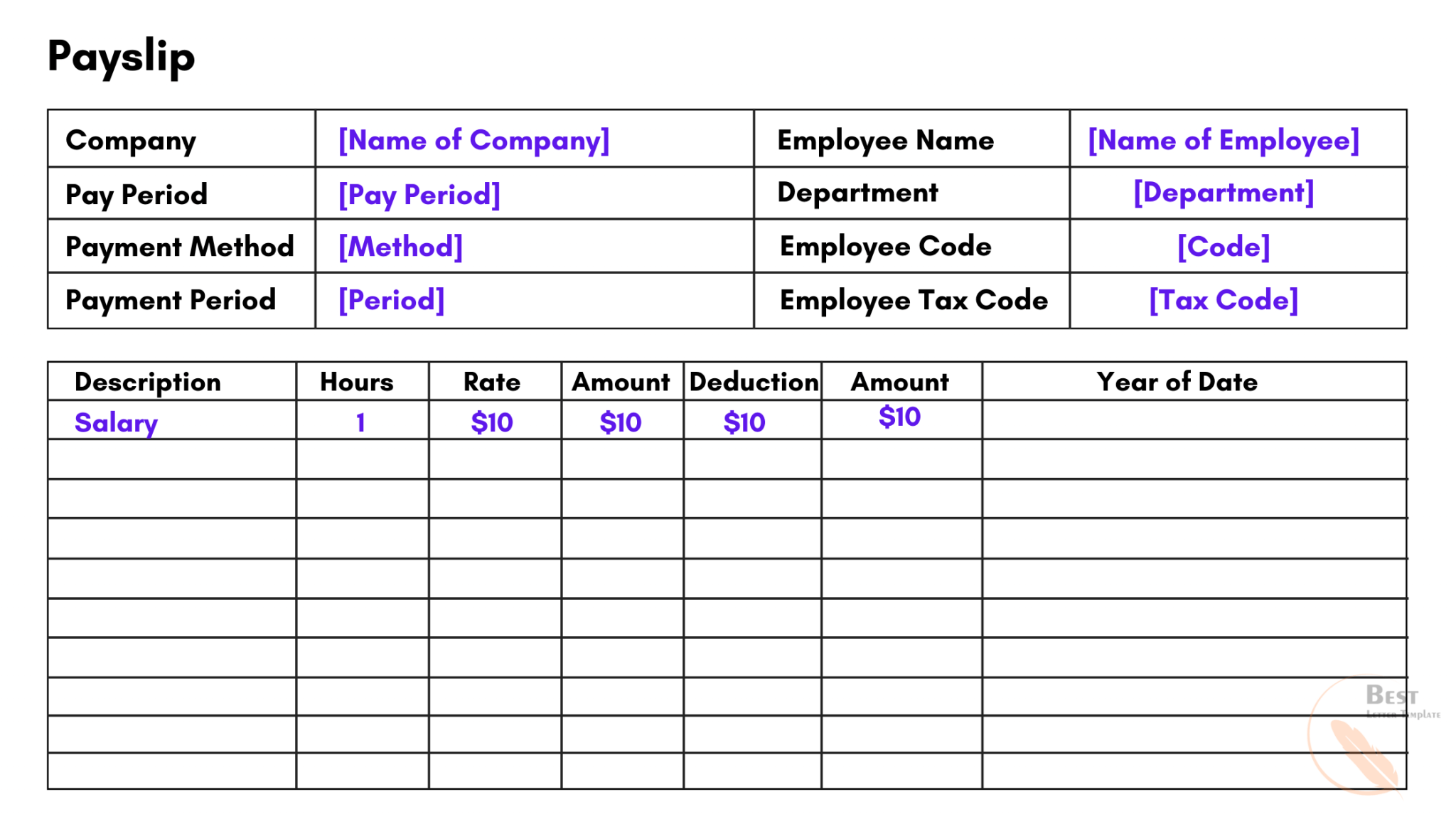
A payment slip printable form is a document used to record a payment made to a company or individual. It typically includes essential company details such as name, address, contact information, and payment specifics like amount and date. This form serves as a receipt and proof of payment, making it valuable for both parties involved in the transaction.
These forms are particularly useful for small business owners, freelancers, or individuals who wish to maintain organized financial records. They can be easily customized to include specific company branding, making them look professional and trustworthy.
How to Prepare Your Payment Slip Printable Form
Selecting the Right Format
Most payment slip forms are available in PDF or Word formats. PDFs are generally preferred since they maintain their formatting regardless of the device used to open them. Word documents, while editable, can sometimes lead to formatting issues when printed. Choose the format that best suits your needs.
Customizing Company Details
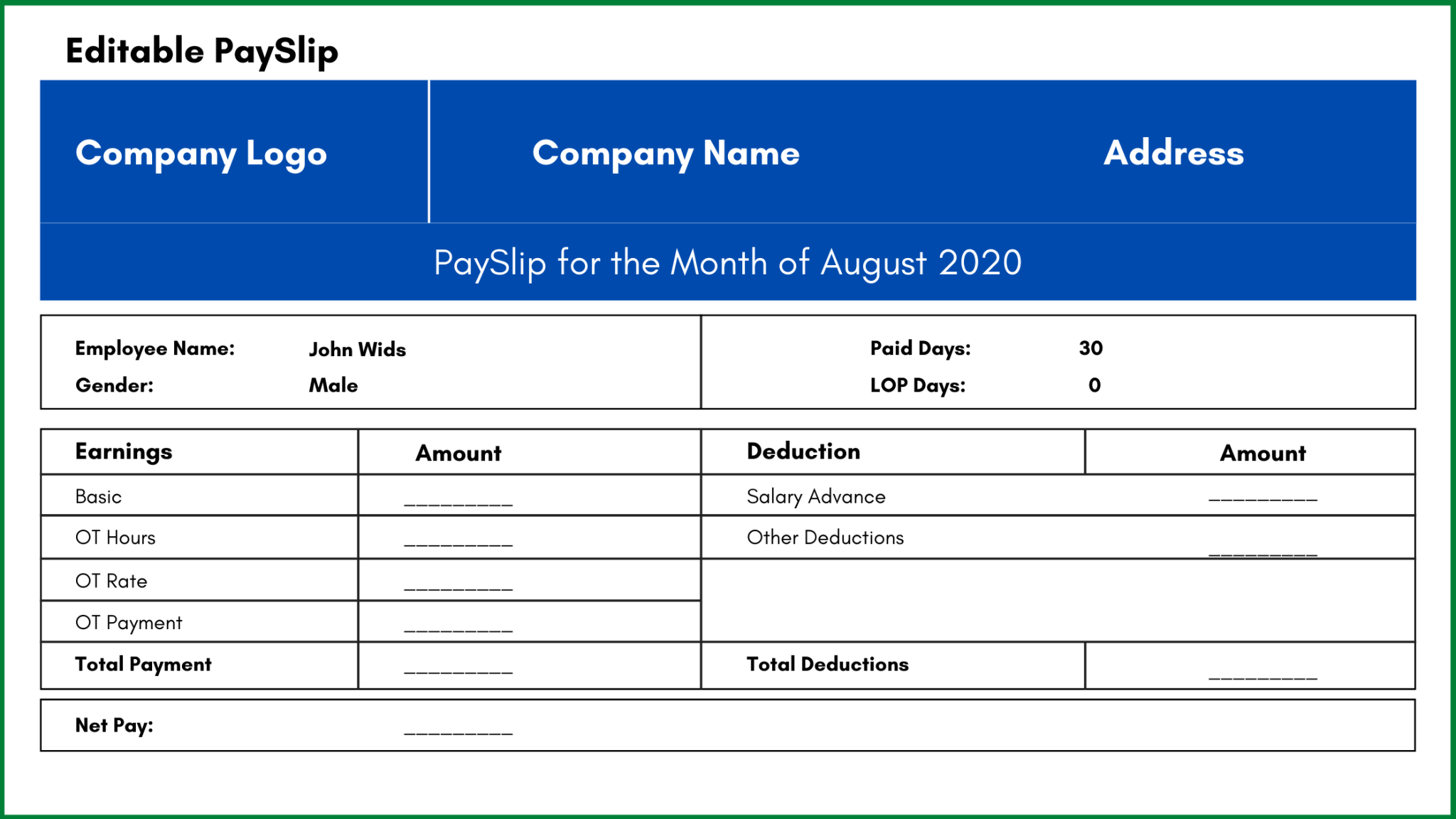
When filling out your payment slip, include your company details prominently at the top. This should consist of:
- Company Name
- Address
- Phone Number
- Email Address
- Website (if applicable)
Make sure this information is accurate to avoid any confusion during the payment process. Using a larger font size for your company name can help it stand out.
Filling Out Payment Information
Below your company details, clearly list the payment information:
- Date of Payment
- Amount Paid
- Payment Method (e.g., cash, credit card, bank transfer)
- Invoice Number (if applicable)
- Description of Goods or Services Rendered
Be precise with the amounts to prevent discrepancies later. Include any relevant notes that might help clarify the transaction for the recipient.
Common Mistakes to Avoid
Even the best-prepared forms can be rejected if they contain errors. Here are some common mistakes you should watch out for:
Incomplete Information
Always ensure that all fields are filled out completely. Missing information, such as the payment amount or date, can lead to misunderstandings and delays in processing.
Incorrect Company Details
Double-check your company details for accuracy. An incorrect address or phone number can cause issues when the recipient tries to contact you or send confirmation.
Format Issues
If you’re using a Word document, print a test copy to ensure that everything aligns correctly. Misalignment can make your form look unprofessional and may cause confusion.
Best Practices for Submission and Record Keeping
After filling out your Payment Slip Printable Form With Company Details, it’s time to consider how to submit it and keep records.
Submission
Depending on your arrangement with the recipient, you can either hand the slip directly or send it via email or postal service. If sending electronically, ensure the document is saved in a universally acceptable format like PDF to avoid formatting issues.
Record Keeping
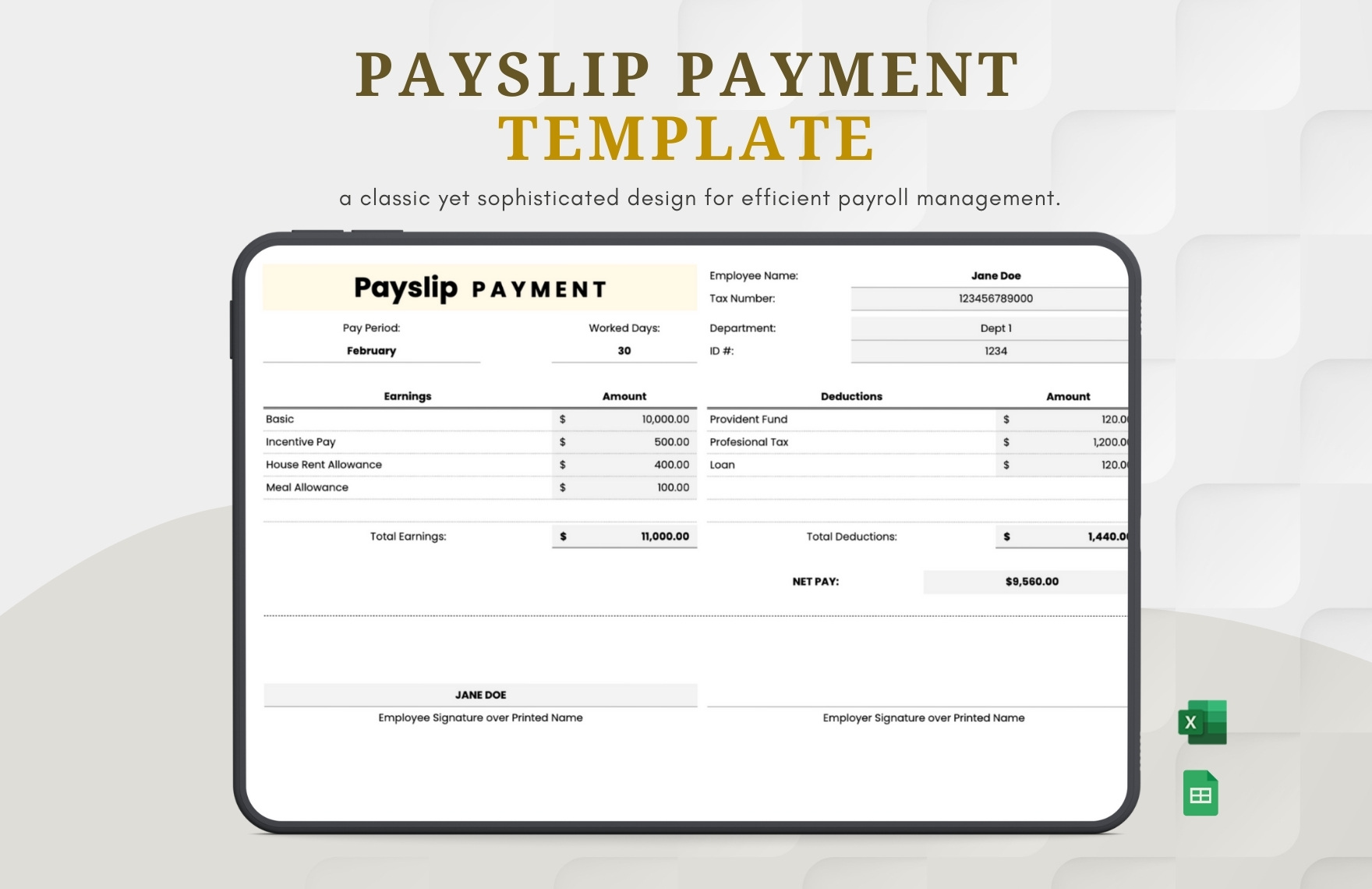
Maintain a copy of each payment slip for your records. This is important for tracking your expenses and for tax purposes. A simple filing system, whether digital or physical, can help you stay organized.
You might also consider using a spreadsheet to log each transaction, noting the date, amount, and purpose of the payment. This can help in reconciling your records at the end of the month or year.