A well-structured payment slip can simplify transactions and enhance professionalism in your small business. A Customizable Printable Payment Slip With Item Details serves as a vital tool to ensure clarity and accountability in payments. This resource typically comes in a standard 8.5 x 11 inches format, making it convenient for printing and handling.
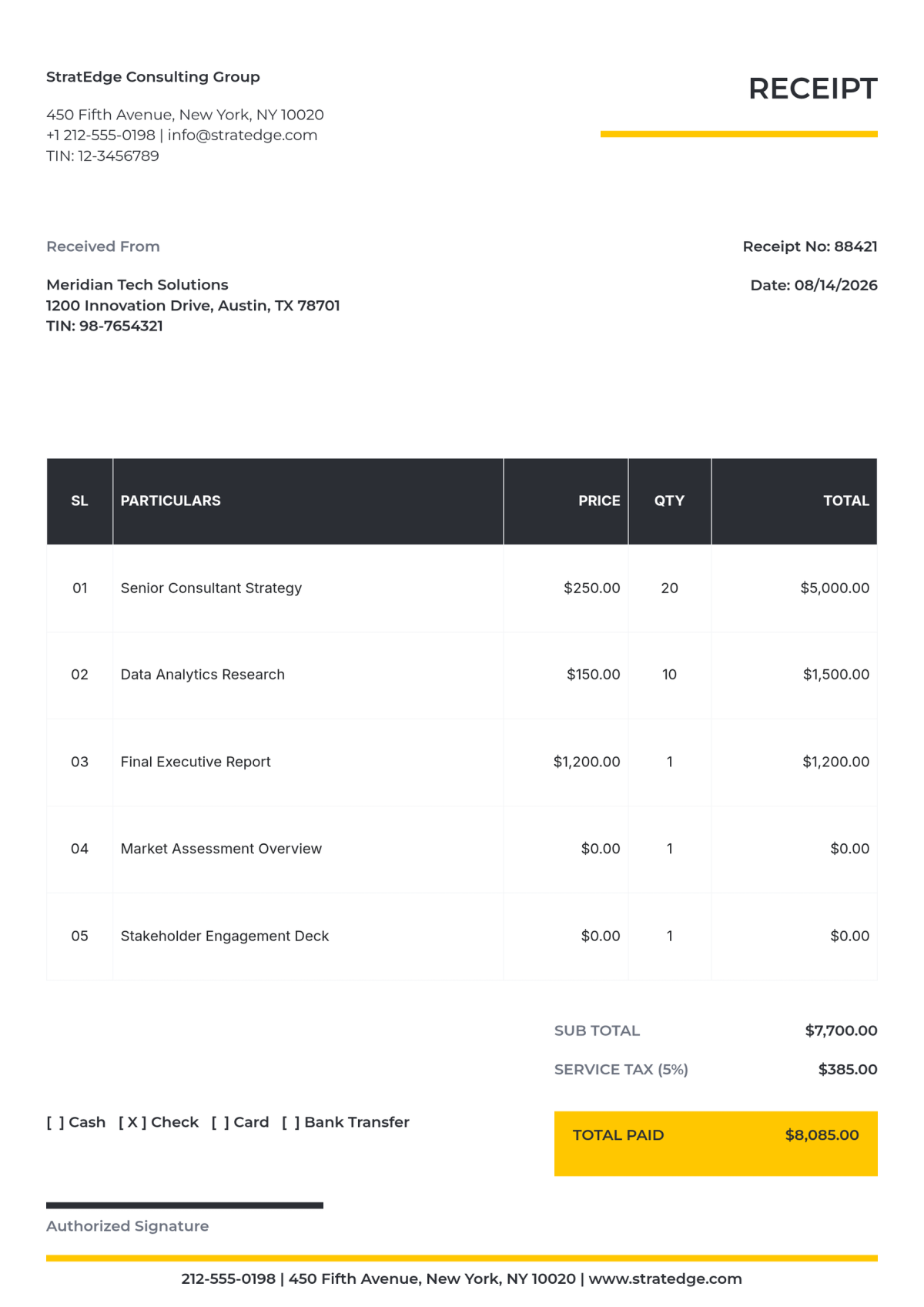
Understanding the Importance of a Payment Slip
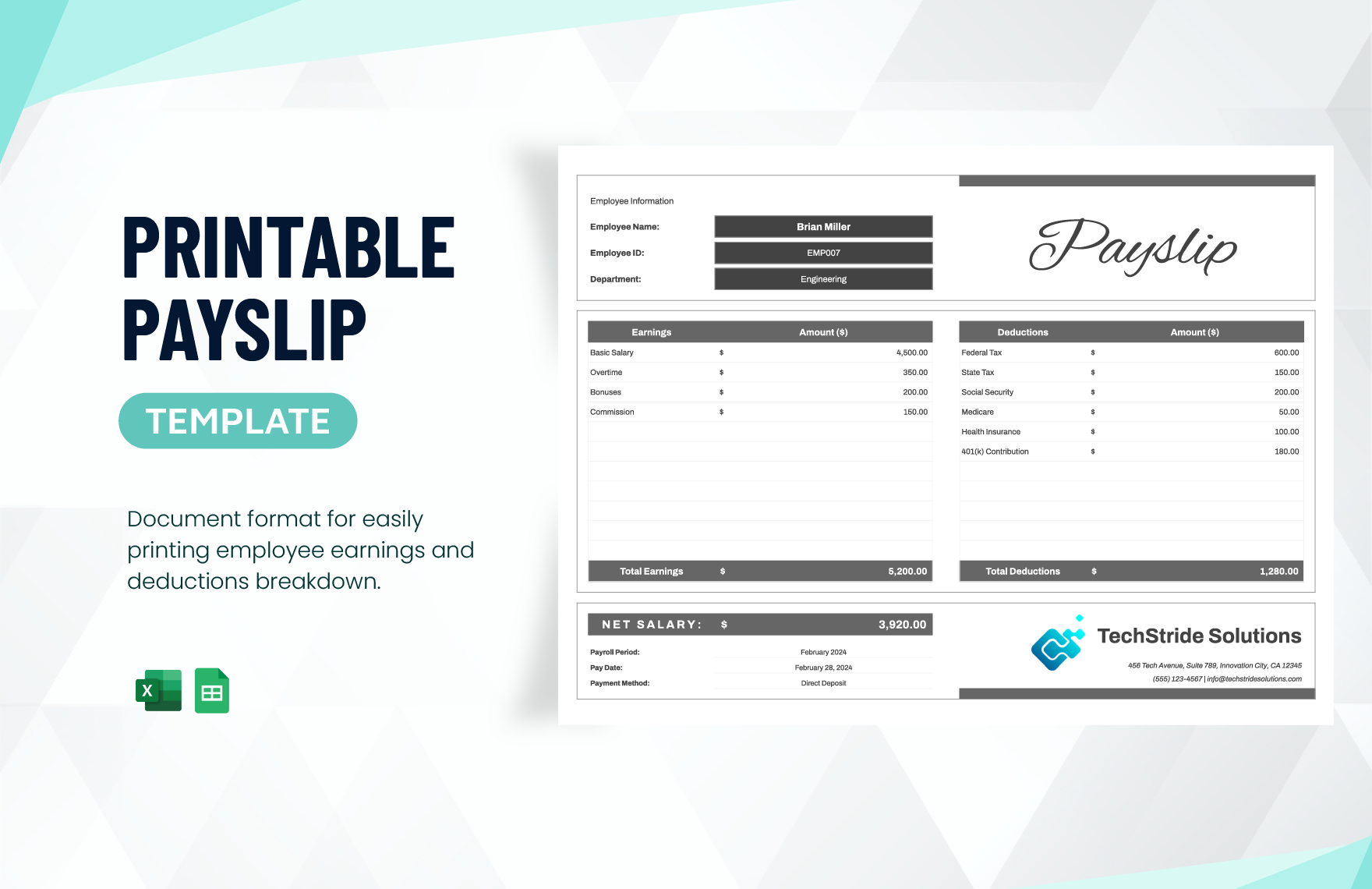
Payment slips are essential documents in business transactions. They serve multiple purposes, including providing a clear record of the items purchased and the corresponding amounts owed. When you include item details on your slip, it not only helps your customers understand what they are paying for but also aids in maintaining accurate records for your accounting.
Using a customizable payment slip allows for personalization, making it easier to align with your brand. Including your business name, logo, and contact information can enhance professionalism. This small touch can help build trust with clients, as it reflects your attention to detail.
How to Download and Customize Your Payment Slip
- Choose the Right Template: Start by selecting a payment slip template that fits your business needs. Look for templates that allow for the addition of item details, ensuring clarity for both you and your customers.
- Download the Template: Most templates come in PDF or Word format. PDFs are preferred for printing, as they maintain formatting across different devices. Word documents can be edited easily, allowing for customization.
- Personalize Your Slip: Open the downloaded file and begin customizing. Add your business name, logo, and any specific payment terms you wish to include. Ensure the item details section is clearly defined. You might want to include columns for item descriptions, quantities, unit prices, and total amounts.
- Save Your Changes: Once you have completed your customization, save the file. Make sure to keep a copy of the original template for future use.
Printing Your Payment Slip
When it’s time to print your payment slip, consider the following:
- Paper Type: Use quality paper for a professional finish. Standard printer paper works, but heavier cardstock can give a more durable feel. If you plan to laminate these slips, opt for a heavier weight to withstand handling.
- Printer Settings: Adjust your printer settings to ensure the best quality print. Use the portrait layout, as it aligns well with the standard paper size. If your printer supports color printing, consider printing in color to enhance your branding.
- Test Print: Before printing multiple copies, do a test print to check for alignment and clarity. This step can save time and resources by avoiding misprints.
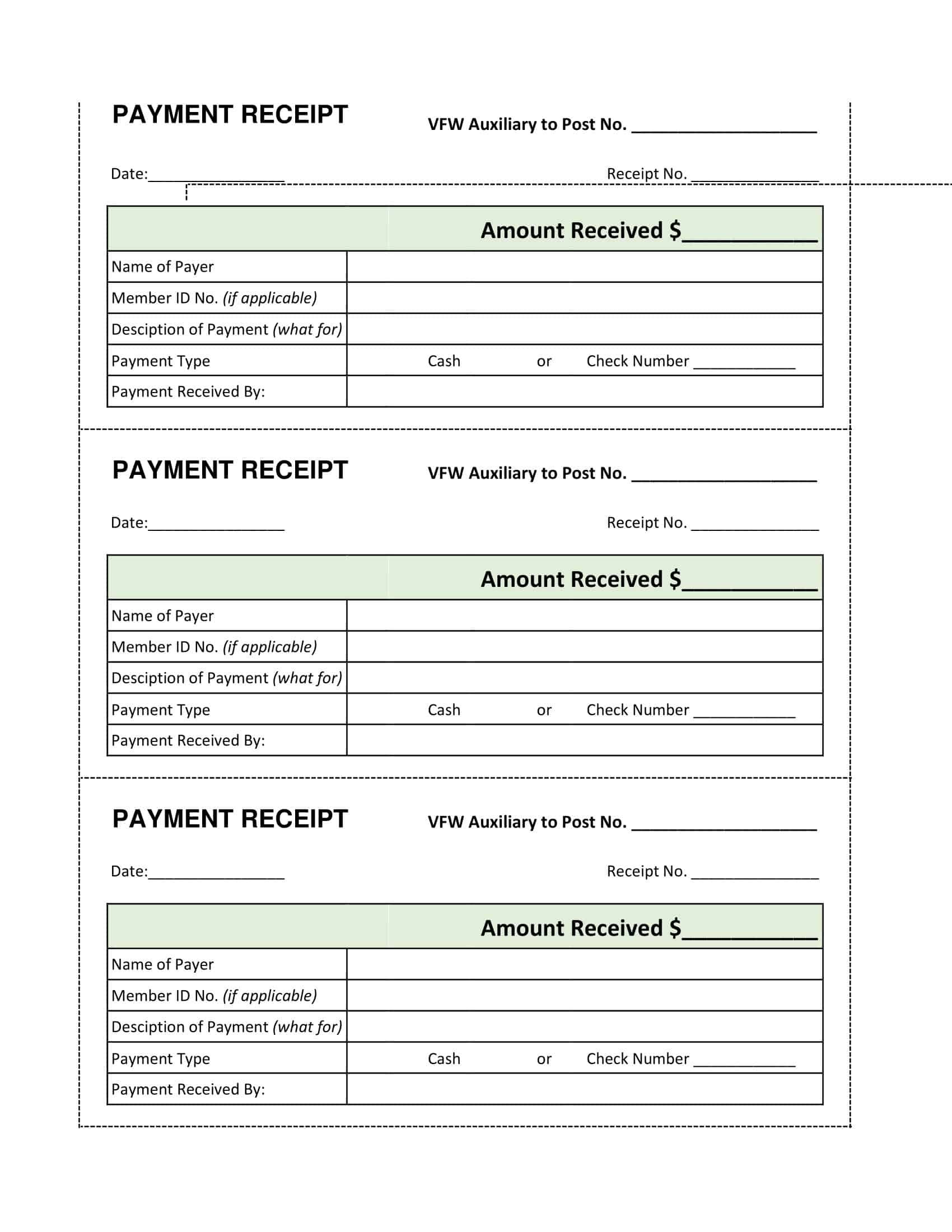
Utilizing the Payment Slip Effectively
After printing your customizable payment slips, it’s time to implement them into your payment processes. Here are some practical ways to use them:
- In Transactions: Hand out the payment slip during sales transactions. It provides a tangible record for your customers and reinforces the details of their purchase.
- Follow-Up: If you offer services or products that require follow-up payments, send a digital copy of the payment slip via email. This serves as a reminder and allows for easy tracking of outstanding payments.
- Record Keeping: Keep a copy of each payment slip for your records. This practice is crucial for financial tracking and can simplify your end-of-year accounting processes.
Utilizing a Customizable Printable Payment Slip With Item Details can streamline your payment processes, enhance your professionalism, and improve customer satisfaction. By following these steps, you can create a reliable resource that benefits both your business and your clients. One final tip: consider using a carbonless form for duplicate copies, which can ease record-keeping efforts even further.