Keeping track of financial transactions is crucial for any small business. A Payment Slip Printable Template For Accounting Records serves as an effective tool for documenting payments, ensuring accuracy, and maintaining organized records. Unlike generic templates that might leave out important details, this specific version caters to accounting needs, allowing for customization that aligns with your business operations.
Understanding Payment Slip Templates
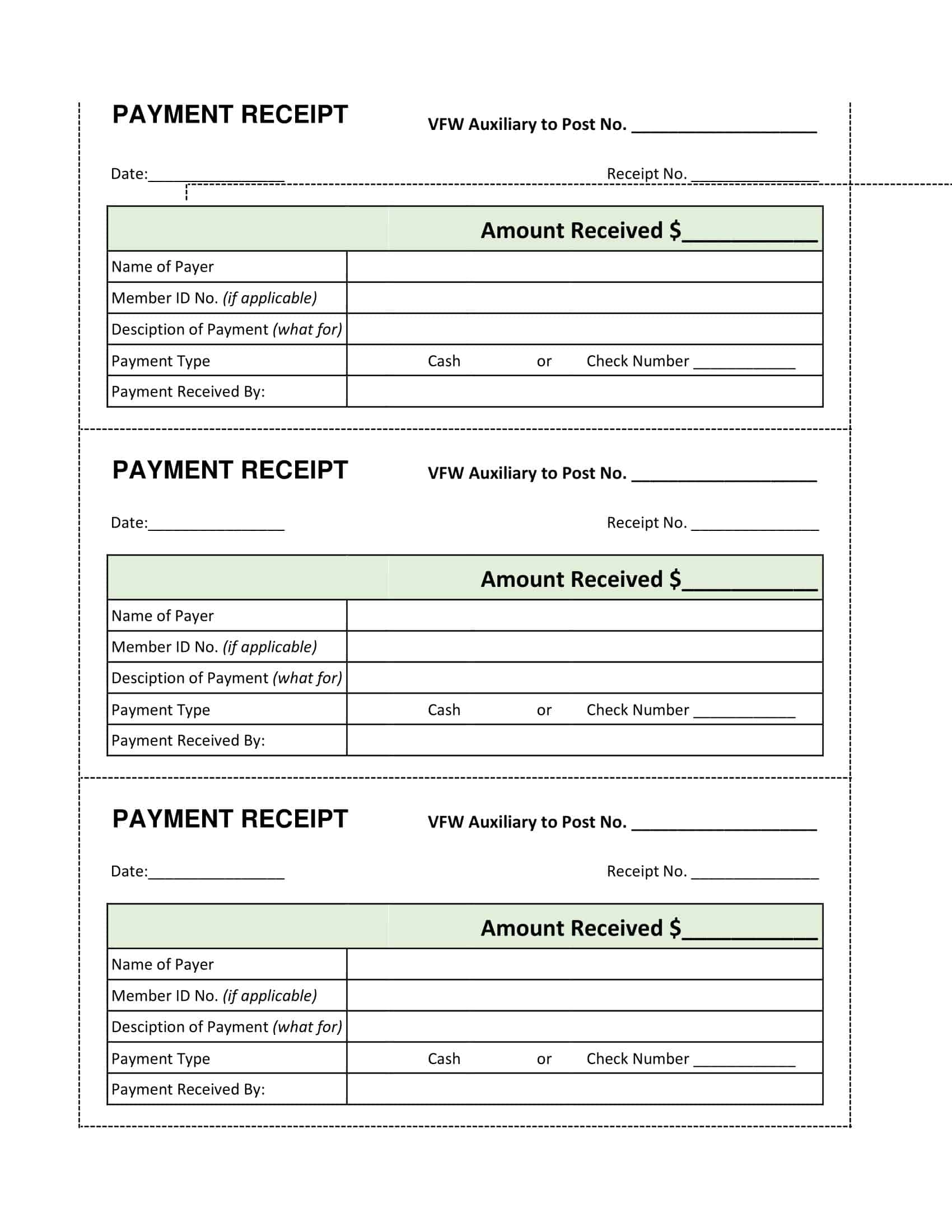
Payment slips are essential documents that provide a clear record of transactions. They typically include key information such as the payer’s name, date of payment, amount, and purpose. The Payment Slip Printable Template offers several advantages over handwritten notes or generic templates. It provides a standardized format that can help prevent errors and ensure all necessary details are captured.
When choosing a payment slip template, consider the following aspects:
- Customization Options: Look for templates that allow you to add your business logo, payment terms, and any specific fields relevant to your transactions.
- Format: Choose between PDF, Word, or Excel formats based on your comfort with editing and printing.
- Design: A clean and professional design enhances readability and reflects your brand’s image.
Benefits of Using a Printable Template
Using a Payment Slip Printable Template For Accounting Records streamlines the payment documentation process. Here are some of the significant benefits:
- Time-Saving: With a ready-to-use template, you can quickly fill in the necessary information without starting from scratch.
- Consistency: Utilizing the same format for all payment slips ensures uniformity in your records, which simplifies auditing and financial reviews.
- Error Reduction: Standardized fields reduce the likelihood of missing critical information or making mistakes, which can occur with handwritten notes.
Customizing Your Payment Slip
Customization is key to making the most of your payment slip template. Here are some practical choices to consider when adapting the template:
Essential Fields to Include
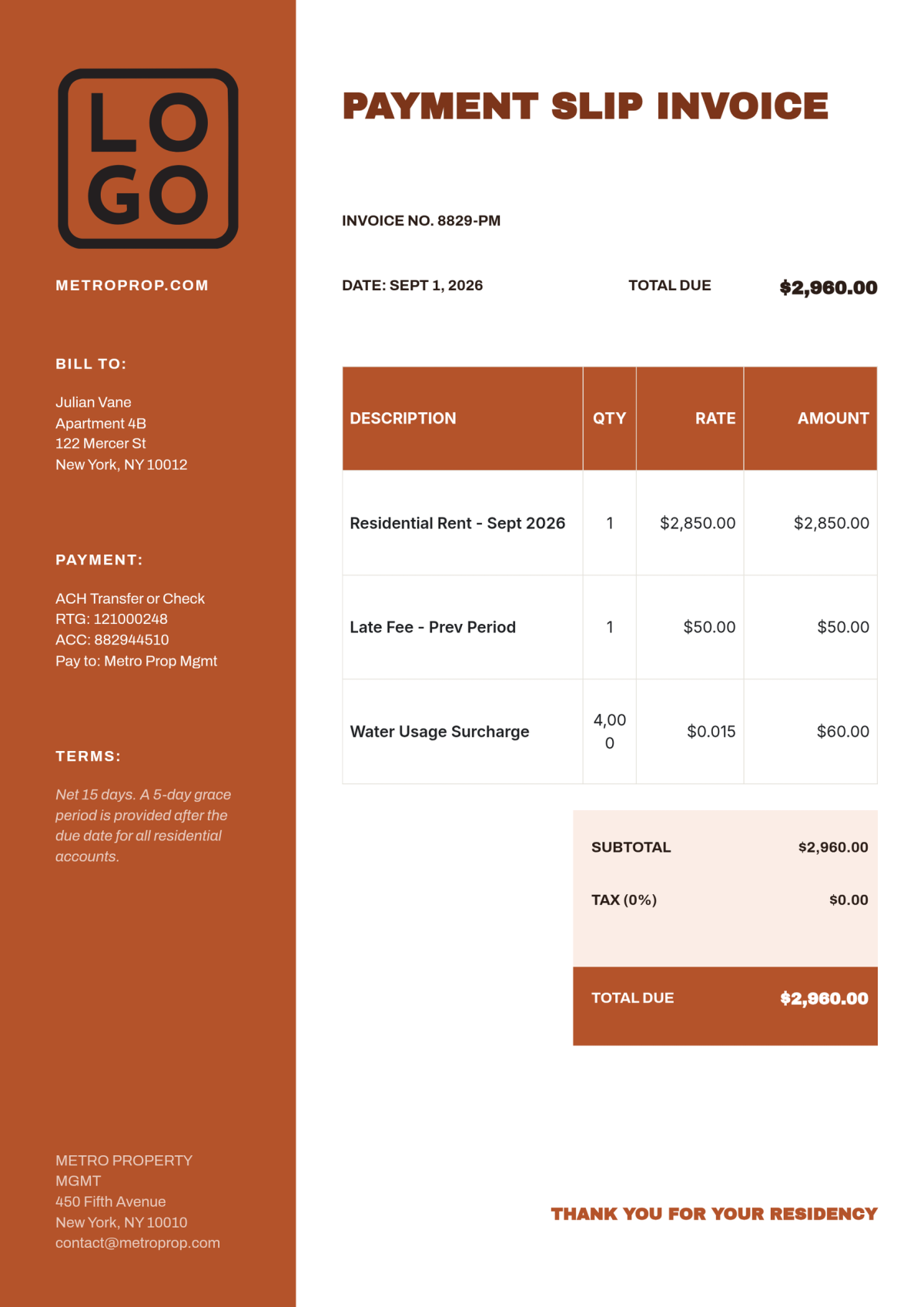
- Business Information: Your company name, address, and contact details should be prominently displayed.
- Transaction Details: Include fields for the payment date, transaction number, amount paid, and payment method (cash, check, electronic transfer).
- Payer Information: Capture the name and contact details of the individual or business making the payment.
Design Considerations
- Font and Color: Choose easy-to-read fonts and colors that align with your branding. Avoid overly complicated designs that may distract from the information.
- Layout: A portrait layout often works best for printing on standard 8.5” x 11” paper. Ensure there is enough space for signatures if needed.
- Additional Notes Section: Consider adding a section for notes or special instructions, which can be helpful for specific transactions.
Printing and Using Your Payment Slip
Once the template is customized to your needs, you can print it out for immediate use. Consider the following tips for printing:
- Paper Type: Use high-quality paper or cardstock for durability, especially if the payment slips will be stored or filed.
- Printer Settings: Ensure your printer is set to the correct paper size to avoid misalignment. Most standard printers handle letter-sized paper well.
- Test Print: Always do a test print to check for formatting issues before printing in bulk.
After printing, these payment slips can be distributed to clients or retained for your records. Maintaining organized payment slips will assist in tracking income and preparing for tax season.
Practical Considerations for Record Keeping
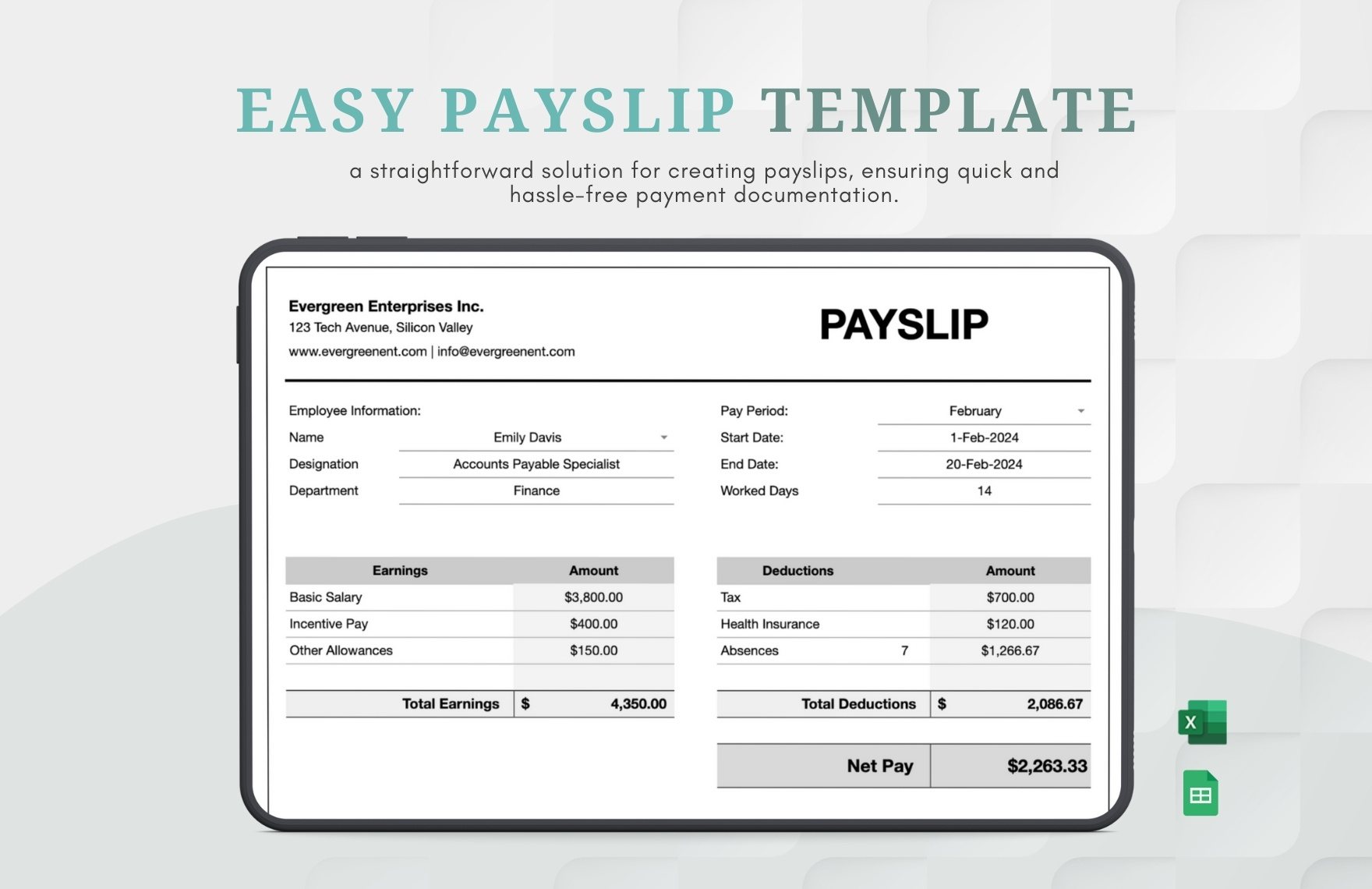
After using the Payment Slip Printable Template For Accounting Records, it’s essential to implement a solid system for filing and tracking these documents. Here are some practical tips:
- Filing System: Organize payment slips by date or by client to make retrieval easier. Consider using folders or digital filing systems for better management.
- Regular Updates: Ensure that the payment slips are filled out consistently and accurately after each transaction to avoid losing track of payments.
- Backup Records: If possible, keep digital copies of your payment slips to prevent loss due to damage or misplacement.
Using a Payment Slip Printable Template For Accounting Records not only helps maintain organized financial records but also instills professionalism in your business transactions. Remember to regularly review and update your practices to ensure they continue to meet your evolving business needs.