Managing payments effectively is crucial for any small business. A well-organized payment slip can enhance professionalism and ensure clarity in transactions. The Customizable Printable Payment Slip With Payment Details serves as an essential tool for small business owners looking to streamline their payment processes. This guide will help you navigate the steps to choose, download, print, set up, and use this resource effectively.
Understanding the Importance of Payment Slips
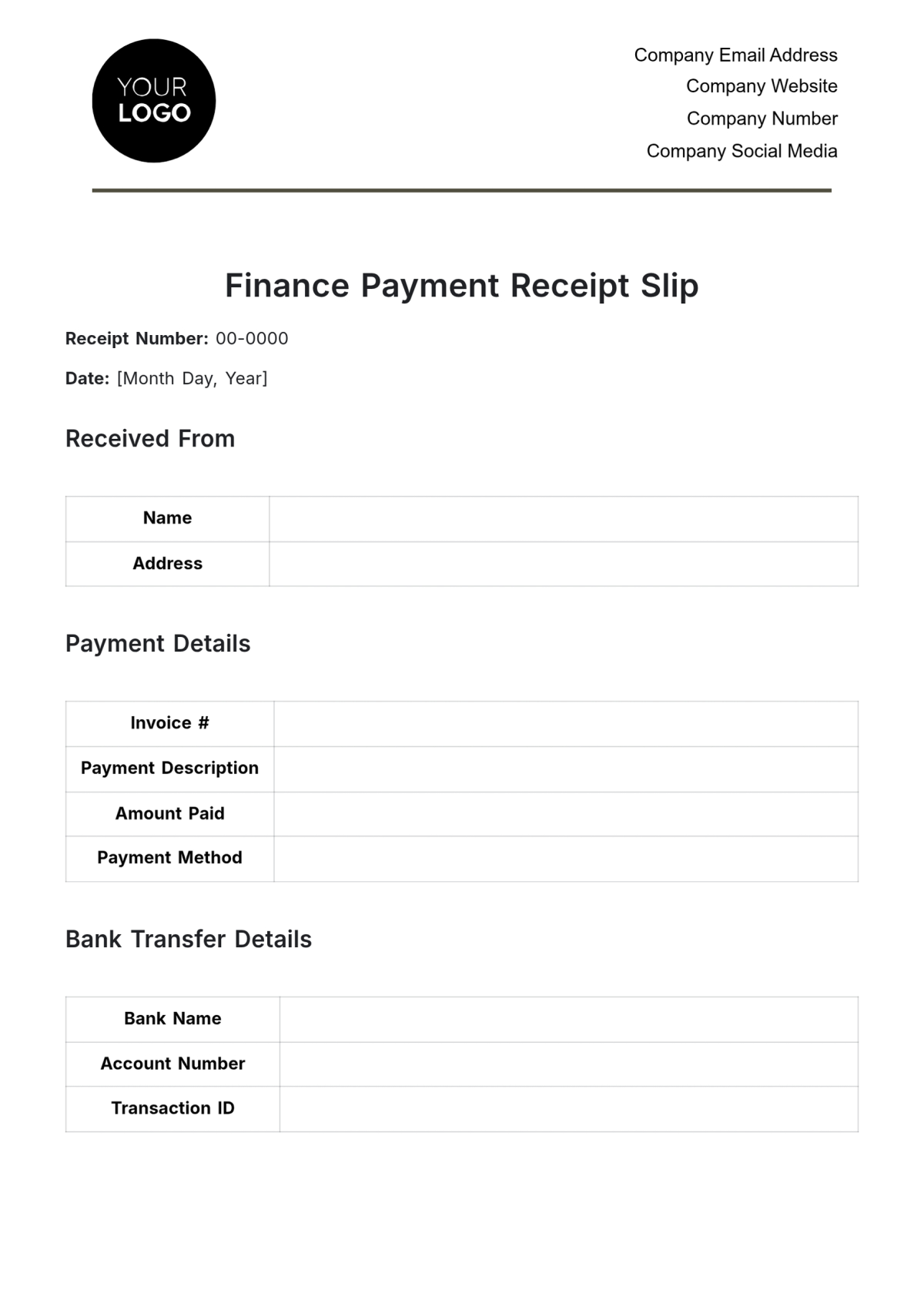
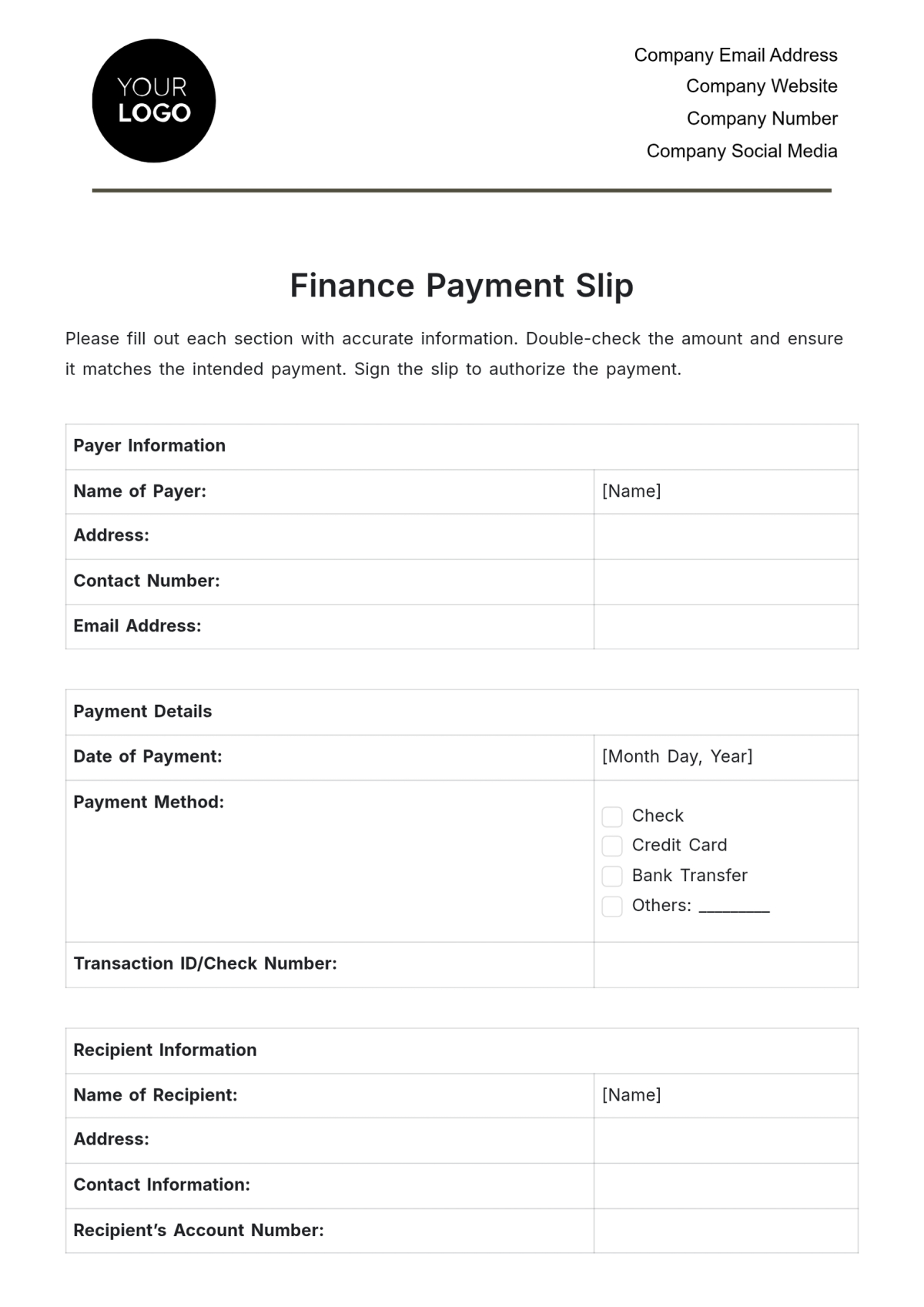
Payment slips are not just pieces of paper; they represent a commitment between businesses and their clients. They serve as a record of the transaction, providing necessary details such as the amount, date, and payment method. Using a customizable payment slip helps maintain professionalism and transparency, which can improve customer trust and satisfaction.
When you have a clear and detailed payment slip, it reduces the chances of misunderstandings. Your clients will appreciate having a documented record of their payments, which can help in their accounting processes as well. A well-designed payment slip also reflects positively on your business, showcasing your attention to detail.
Selecting the Right Customizable Printable Payment Slip
Choosing the right template is crucial. Look for a payment slip that offers flexibility in terms of customization. You should be able to modify fields such as:
- Business name and logo
- Customer details
- Payment amount
- Payment method (cash, check, credit card, etc.)
- Date of the transaction
Consider what specific details are necessary for your business operations. For example, if you frequently deal with recurring payments, ensure the template has spaces for subscription details or payment frequencies.
Downloading Your Payment Slip Template
Once you’ve selected the appropriate template, the next step is to download it. Typically, these templates are available in PDF or Word formats. PDF files are often preferred as they maintain formatting across different devices and printers, ensuring that your payment slip looks professional when printed.
When downloading, check the file size and format. Most templates are designed to fit standard paper sizes, such as A4 or letter size (8.5 x 11 inches). This compatibility ensures that you won’t have issues when printing.
Printing Your Payment Slip
After downloading, it’s time to print your customizable printable payment slip with payment details. Here are some practical tips for optimal printing:
- Use Good Quality Paper: For a more professional feel, opt for heavier paper or cardstock. This gives the slip a sturdier look and ensures it doesn’t easily tear.
- Adjust Printer Settings: Check that your printer is set to the correct paper size. Portrait layout usually works best for payment slips, but landscape can be suitable for more extensive designs.
- Test Print: Before printing multiple copies, do a test print. This allows you to check for any formatting issues or errors in the information.
Customizing Your Payment Slip
Customization is where you can make this resource truly yours. Most templates will allow you to add specific details that reflect your brand. Consider the following customization options:
- Logo and Branding: Including your business logo and colors makes the payment slip recognizable and reinforces your brand identity.
- Field Details: Ensure all fields are relevant to your transactions. You may want to add sections for discounts, tax, or payment terms.
- Personal Touch: Adding a thank-you note or a message can enhance customer satisfaction. It shows appreciation for their business and encourages repeat transactions.
Using the Payment Slip Effectively
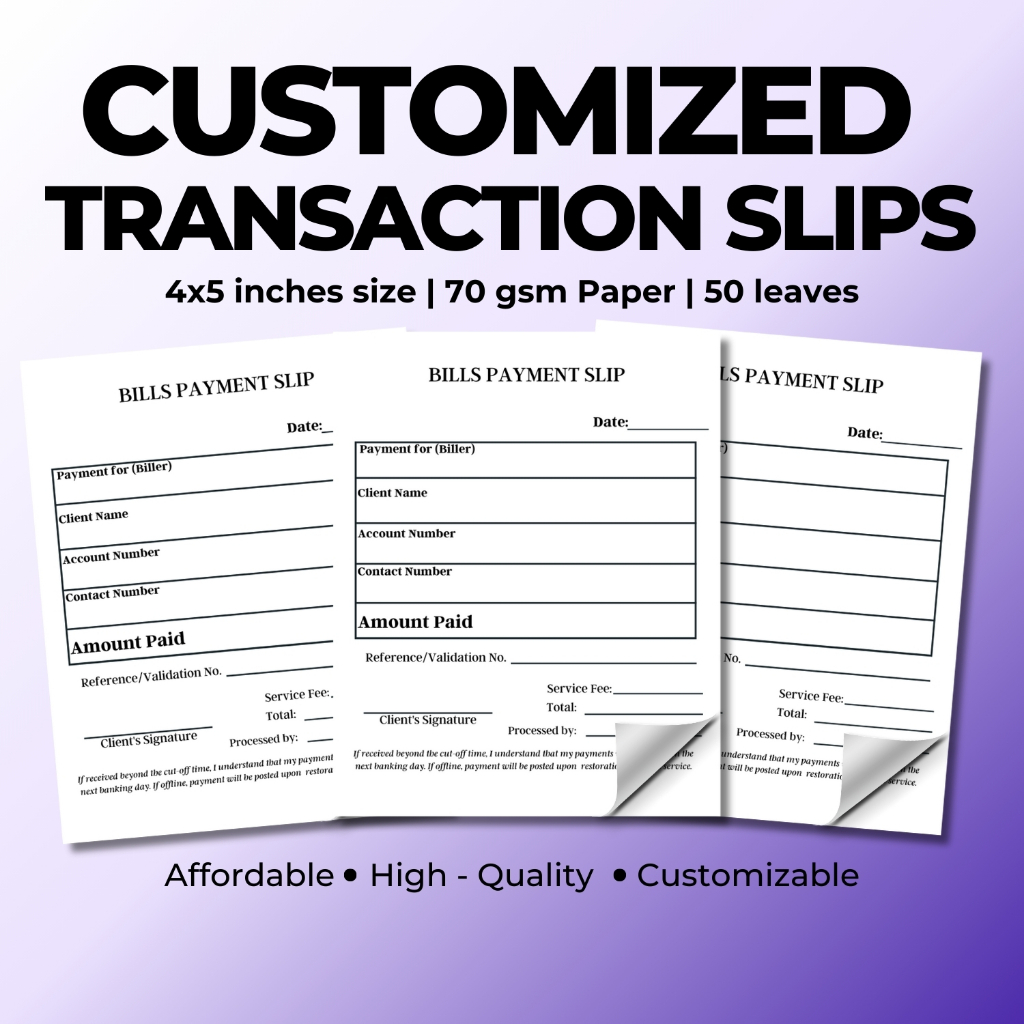
Once you’ve printed and customized your payment slips, it’s time to put them to use. Here are a few ways to integrate them into your business operations:
- At Point of Sale: Hand out the payment slip at the time of transaction. This gives customers immediate confirmation of their payment.
- Follow-Up: If you provide services over time, send a payment slip after each installment. This keeps clients informed about their payment status.
- Record Keeping: Keep a copy of each payment slip for your records. This can help in accounting and tax preparation.
Using a customizable printable payment slip with payment details is a straightforward yet effective way to enhance your business’s payment process. By following these steps, you can ensure clarity, professionalism, and efficiency in your transactions. To get started, download a template today and customize it to suit your business needs.