Creating a clear and organized payment slip can streamline your financial transactions, making it easier to track payments received or made. The Customizable Printable Payment Slip For Google Docs is a versatile tool that allows you to create a professional-looking document quickly. If you are managing personal finances, running a small business, or just need a simple way to keep track of payments, this resource is a must-have.
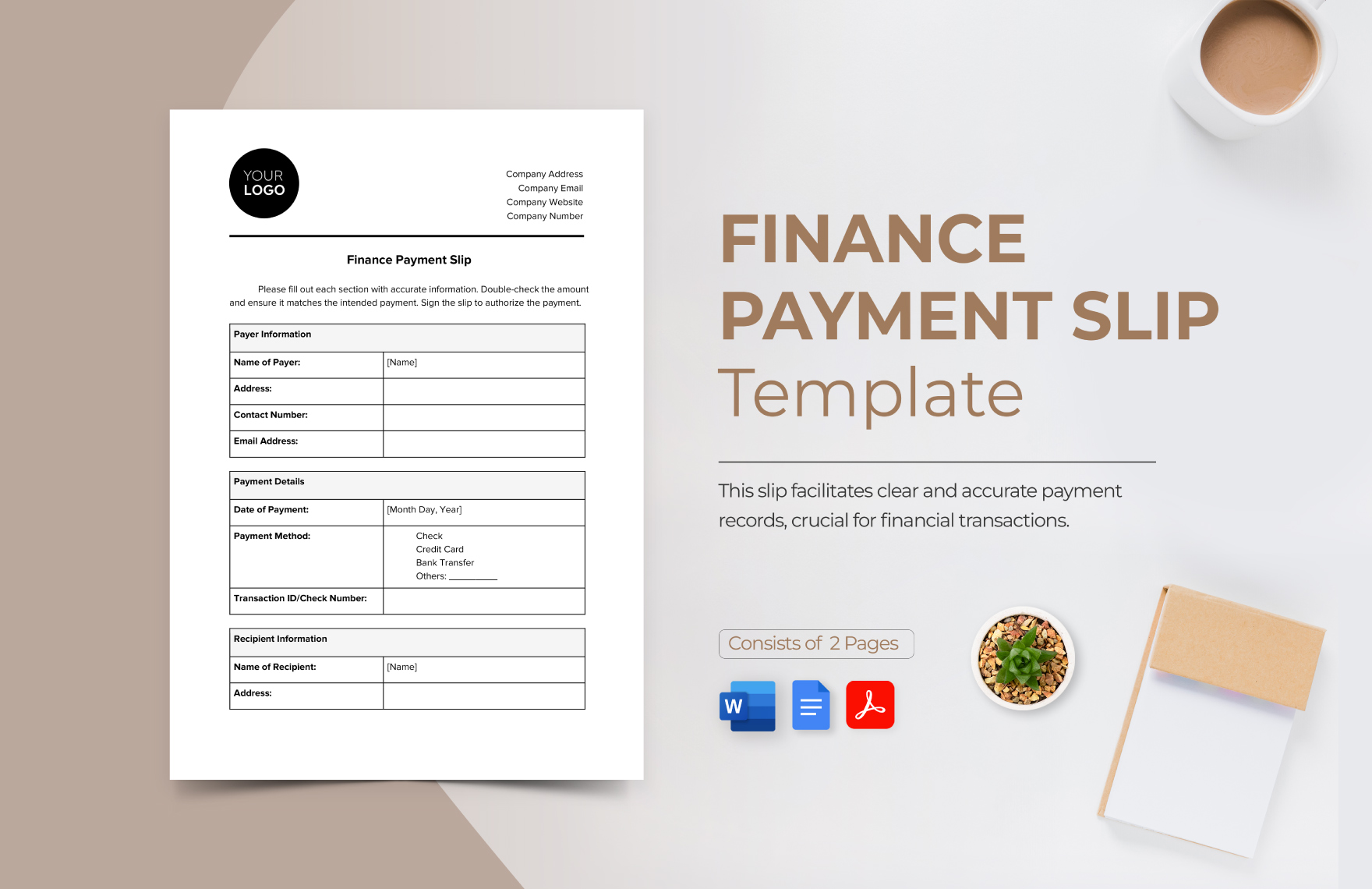
What is a Customizable Printable Payment Slip?
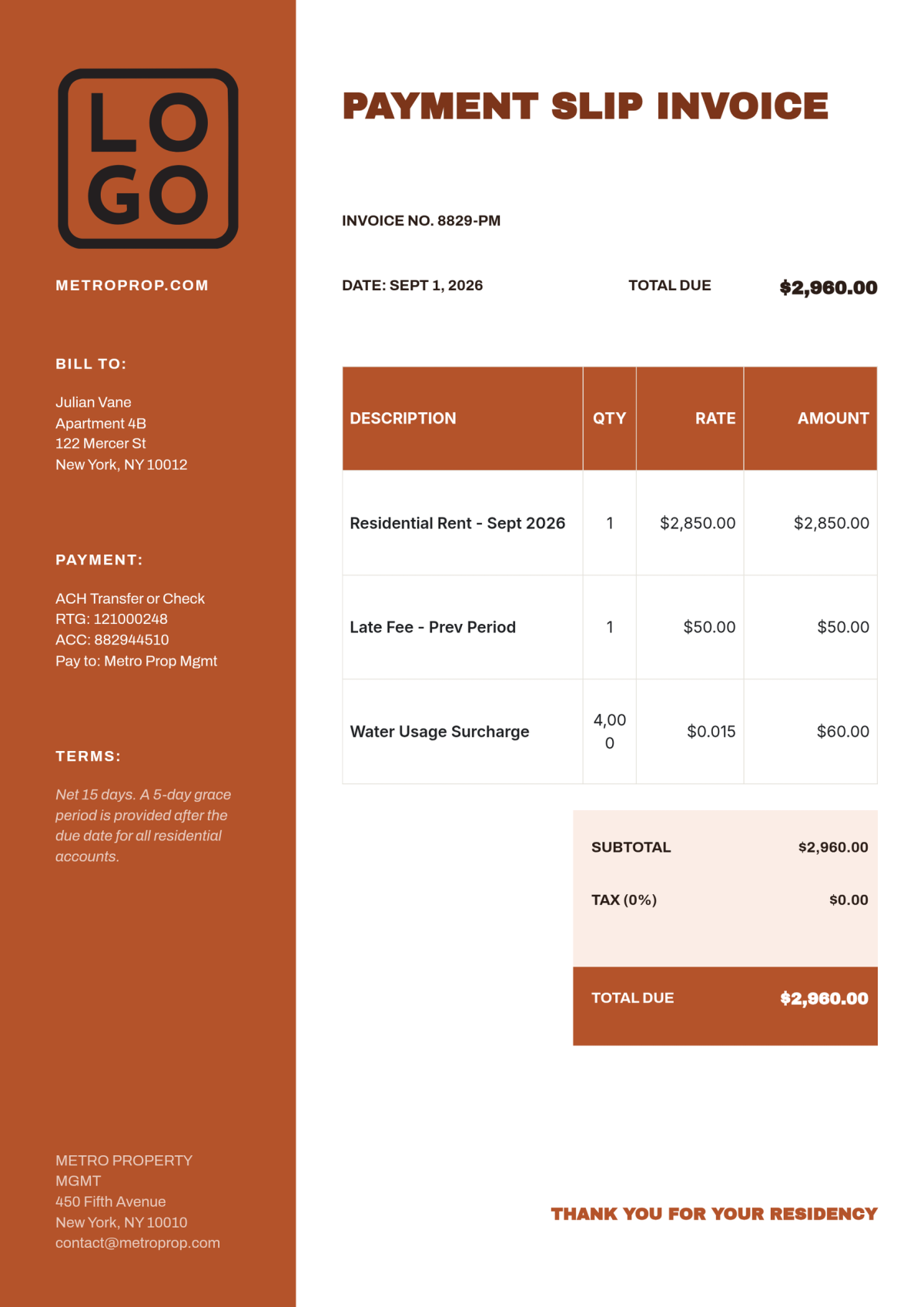
A customizable printable payment slip is a template designed to help you document transactions in a clear, concise manner. This specific slip is tailored for Google Docs, which means you can easily edit it to fit your needs. You can modify fields such as the date, amount, payer’s name, and purpose of payment. This flexibility allows you to adapt the slip for various uses, whether it’s for rent collection, service payments, or even personal loans among friends and family.
How to Access and Download the Slip
Accessing the customizable payment slip is straightforward. You’ll need a Google account to utilize Google Docs. Here’s how to get started:
- Open Google Docs: Go to docs.google.com and sign in.
- Search for the Template: Use the template gallery to find the payment slip or use the link provided on the resource website.
- Make a Copy: Once you find the slip, click on “File” and then “Make a copy” to save it to your Google Drive. This allows you to edit and customize the document as needed.
You can also download the slip as a PDF or Word document if you prefer to work offline or need a different file format. Simply click on “File,” hover over “Download,” and select your preferred format.
Customizing Your Payment Slip
One of the main advantages of the Customizable Printable Payment Slip For Google Docs is the ease of customization. Here are some tips on how to tailor it to your needs:
- Edit Text Fields: Change the default text to include specific details relevant to your transaction, such as your business name, the recipient’s name, and the payment amount.
- Add Your Logo: If you’re using the slip for business purposes, consider adding your company logo to the top of the slip to give it a professional touch.
- Adjust Layout: Google Docs allows you to adjust the layout of the slip. You can change font sizes, styles, and colors to match your branding or personal preference.
- Include Additional Information: If necessary, add extra fields for notes or payment methods (like cash, check, or credit card) to provide more context for the transaction.
Practical Uses for the Payment Slip
The versatility of this payment slip means it can be utilized in various situations. Here are some practical applications:
- Rent Collection: Landlords can issue payment slips to tenants to confirm receipt of rent, making it easier to manage multiple payments.
- Freelance Services: Freelancers can use these slips to invoice clients, providing a professional record of work completed and payments received.
- Personal Transactions: If you lend money to friends or family, using a payment slip can help document the amount, date, and purpose of the loan for both parties.
- Event Organizers: If you’re organizing events that require ticket sales or fees, you can customize the slip to manage payments and provide receipts.
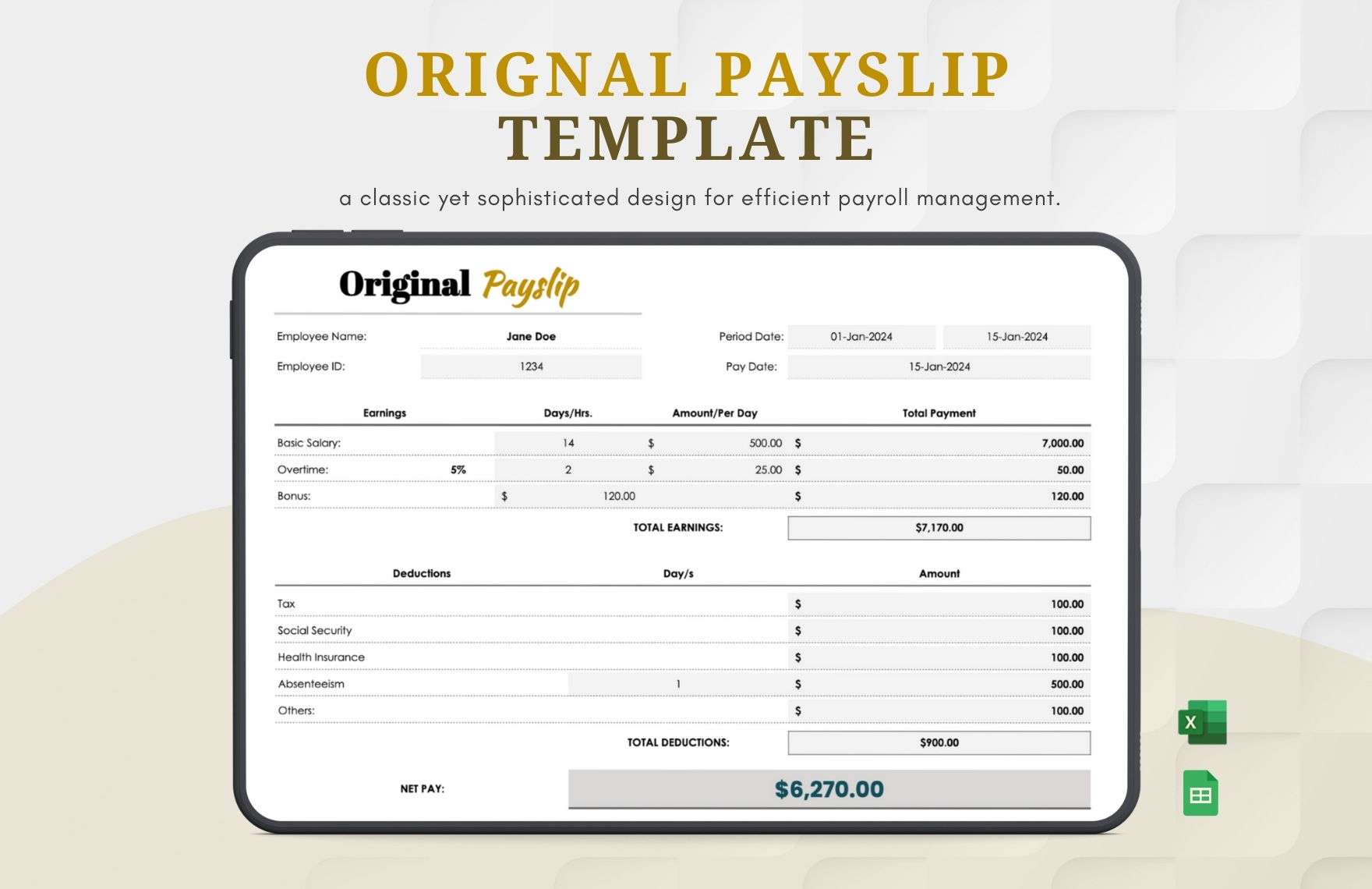
Best Practices for Using Your Payment Slip
To maximize the effectiveness of your customizable payment slip, consider the following best practices:
- Keep a Record: Always make a copy of completed slips for your records. This can help in case of disputes or for future reference.
- Use Clear Language: Ensure that all information on the slip is clear and unambiguous. This reduces the chance of misunderstandings regarding payment details.
- Regular Updates: If your business or payment processes change, revisit the slip to make necessary updates, ensuring it remains relevant and useful.
- Print Quality: When printing, opt for good quality paper. Cardstock is a great option if you want a more durable slip, especially for repeated use.
Having the Customizable Printable Payment Slip For Google Docs at your disposal means you can take control of your financial transactions with ease. If you are a business owner or just someone looking to keep their personal finances organized, this resource can simplify your process. So, download, customize, and start using it today to ensure that every transaction is documented clearly and professionally.