When managing finances for a small business, having the right tools can simplify processes and reduce errors. A customizable printable payment slip for home printing is an invaluable resource for small business owners looking to keep their payment records organized and professional. This guide will walk through the steps of selecting, downloading, printing, setting up, and effectively using this resource.
Understanding the Customizable Printable Payment Slip
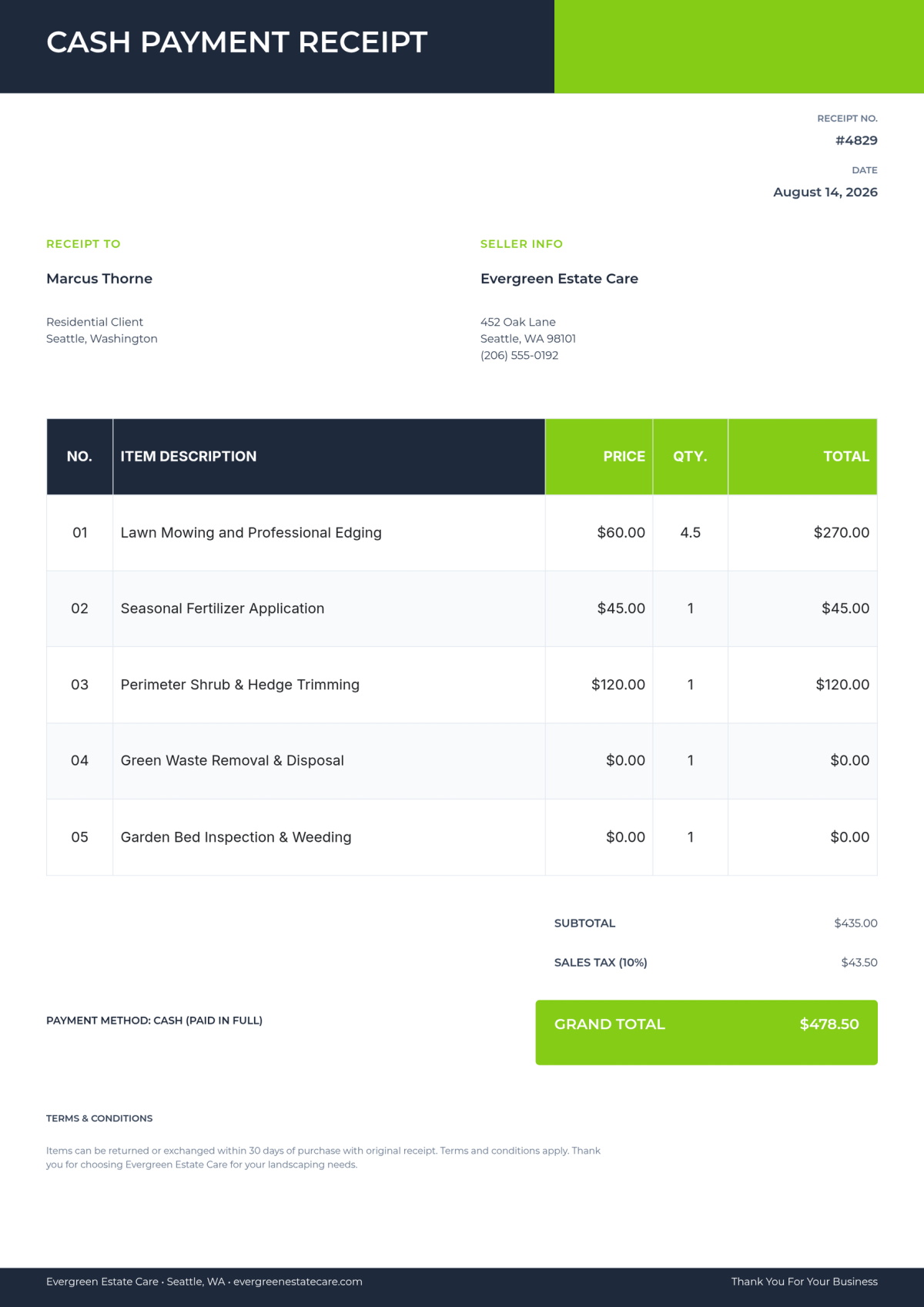
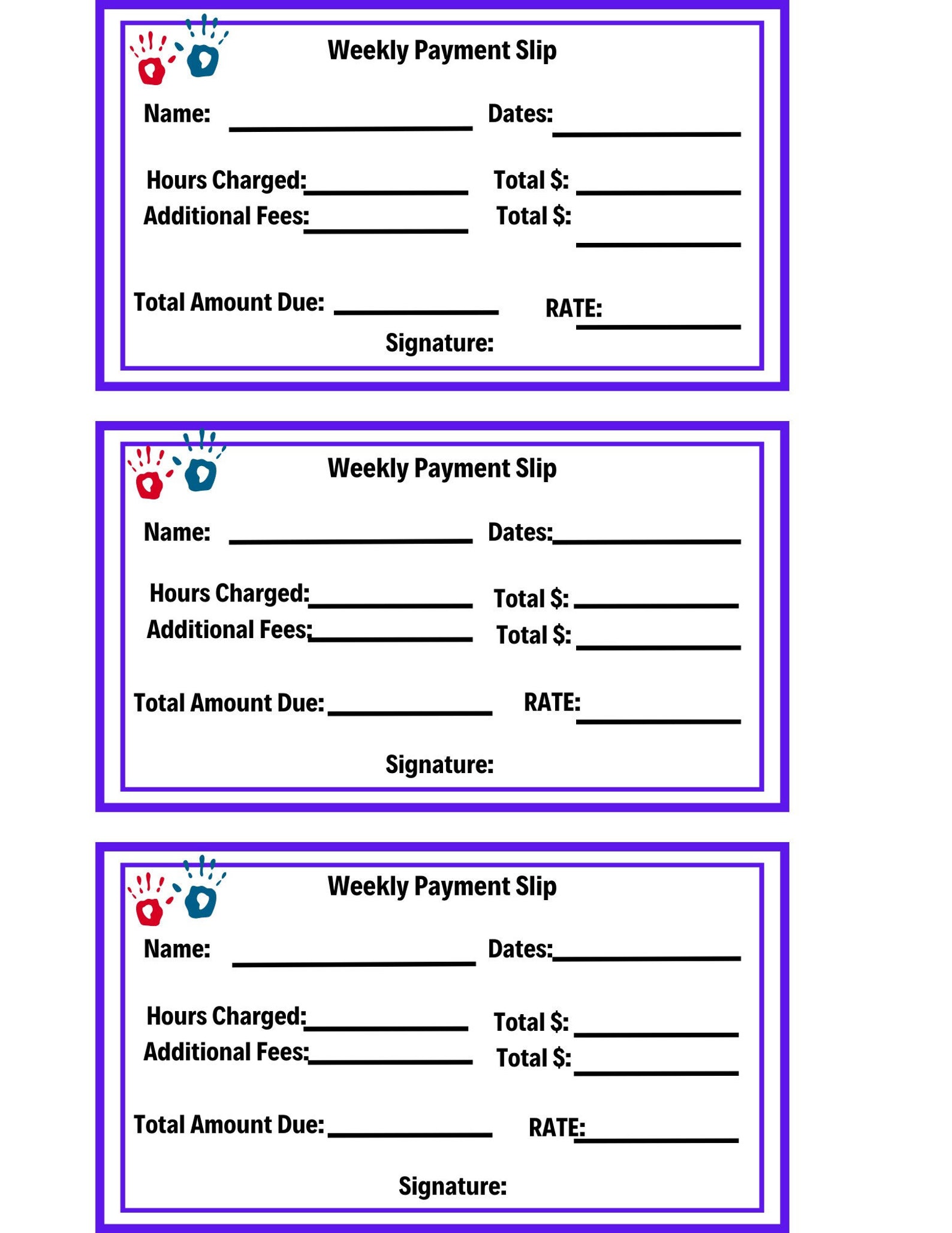
A payment slip is a document that allows you to record payment details, such as the date, amount, and payment method. The customizable aspect means you can personalize it according to your business needs, including your logo, color scheme, and specific payment terms. This flexibility not only enhances professionalism but also ensures that your documentation aligns with your branding.
You’ll find these slips are often available in common sizes, such as 8.5 x 11 inches, which is ideal for standard printer settings. Most printable payment slips come in PDF format, ensuring that the layout remains consistent across various devices and printers. This is crucial to avoid any formatting issues that can arise with image files.
Choosing the Right Template
When selecting a payment slip template, consider the following factors:
- Design: Look for a clean, professional layout that matches your business branding. A well-designed slip communicates reliability and attention to detail.
- Functionality: Ensure the template includes all necessary fields, such as payer information, payment amount, date, and a space for signatures if required.
- Customization Options: Look for templates that allow you to edit text and colors easily, enabling you to tailor the slip to your specific needs.
Once you identify a suitable template, the next step is to download it. Most templates are available for free or at a minimal cost from various printable resource websites.
Downloading and Printing Your Payment Slip
After selecting the desired template, downloading it is straightforward. Follow these steps:
- Click the download link associated with the template.
- Save the file to a location on your computer where you can easily access it.
- Open the file in a PDF viewer or editor. Ensure you have the latest version of Adobe Acrobat or a similar program to avoid compatibility issues.
Before printing, check your printer settings. Use high-quality paper for a professional finish; heavier cardstock can make the slip feel more substantial. For home printing, set the printer to ‘portrait’ orientation to match the template layout. A standard inkjet or laser printer will handle this task well.
Customizing Your Payment Slip
Once printed, you can begin customizing your payment slip. Here are some practical tips:
- Add Business Information: Include your business name, logo, and contact information at the top of the slip. This ensures recipients know who the payment is from.
- Specify Payment Terms: Clearly state your payment terms, such as due dates or late fees, to avoid any misunderstandings.
- Fill in Payment Details: When ready to use the slip, fill in the relevant payment information accurately. This might include the payer’s name, payment amount, and date.
Using a pen that contrasts well with the paper color will enhance readability. Consider using a finer tip for neatness.
Utilizing the Payment Slip Effectively
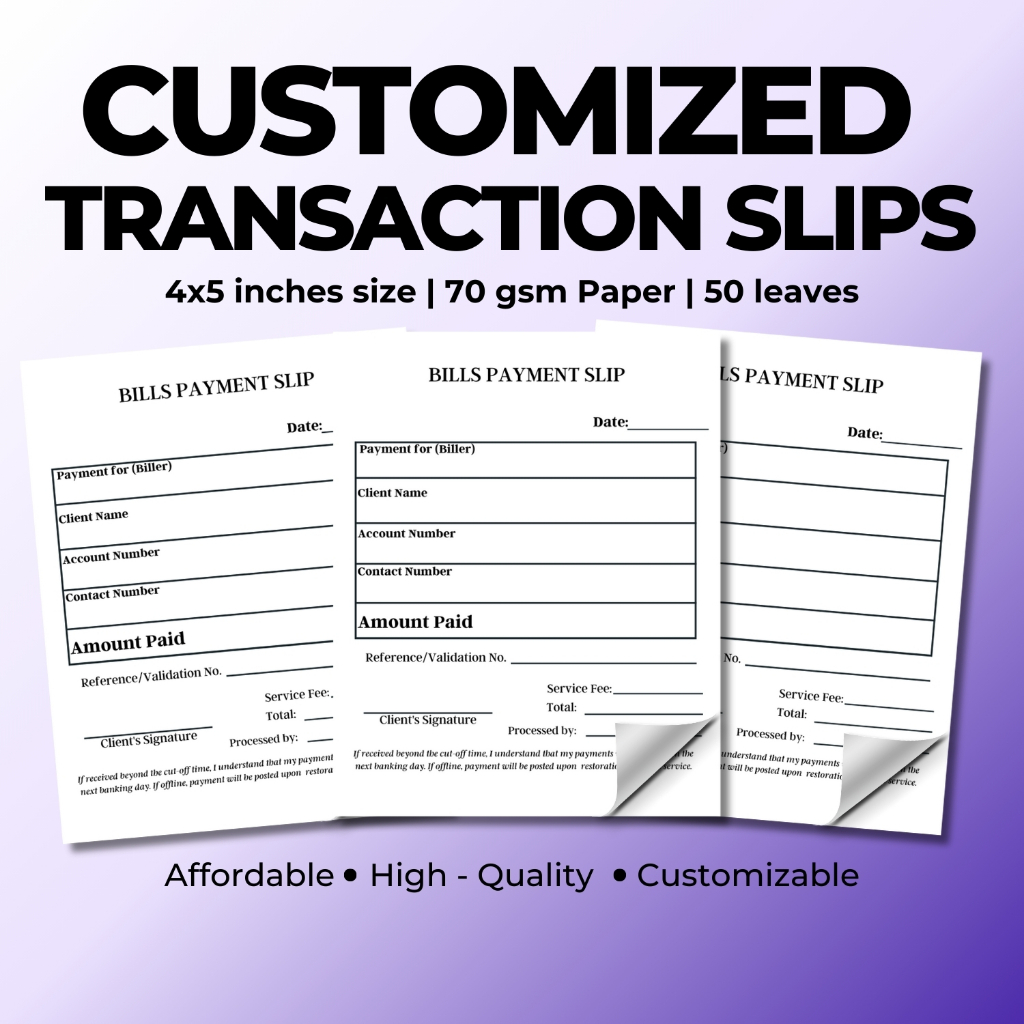
A payment slip is more than just a piece of paper; it serves as a record for both you and the payer. Here’s how to use it effectively:
- Record Keeping: Keep a copy of each payment slip for your records. This helps track payments received and can resolve any disputes that may arise.
- Professionalism: Handing over a well-structured payment slip can improve your business’s image, reinforcing your commitment to professionalism.
- Follow-Up: If a payment is overdue, having a record makes it easier to follow up with clients regarding outstanding invoices.
Incorporating customizable printable payment slips into your payment process can streamline operations and help maintain organized records.
By using this resource, small business owners can experience a noticeable improvement in their payment tracking and professionalism. A key aspect that enhances usability is the ability to easily adjust the slip’s design and information to meet specific business needs. This adaptability makes it an essential tool in any small business’s financial toolkit.