Managing payments in an office setting can be a daunting task without the right tools. One effective solution is a customizable printable payment slip for office printing. This resource not only simplifies the payment tracking process but also enhances professionalism in your financial dealings. In this guide, I’ll walk you through the steps to effectively use this printable resource, ensuring you can streamline your office’s payment processes efficiently.
Understanding the Customizable Printable Payment Slip
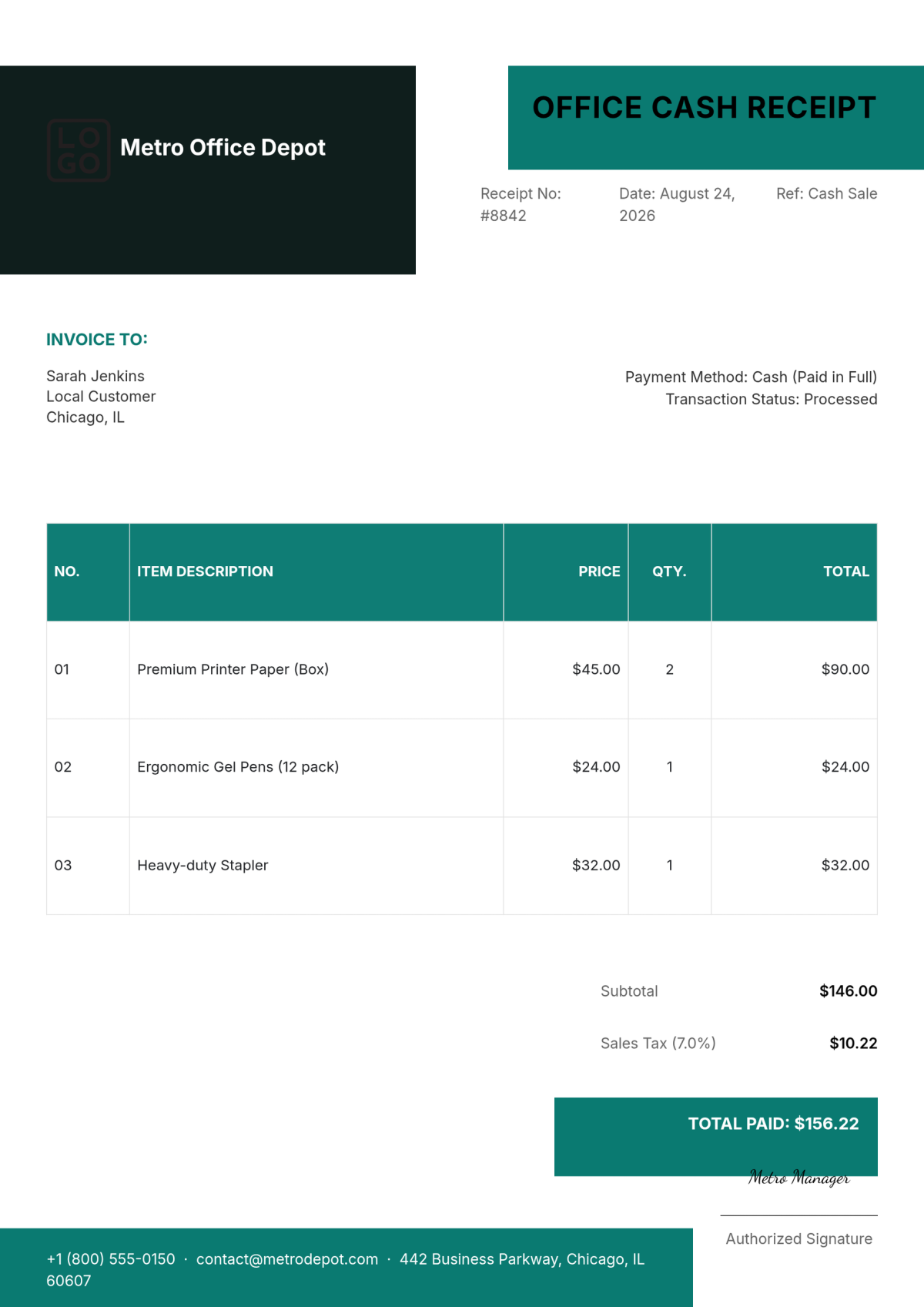
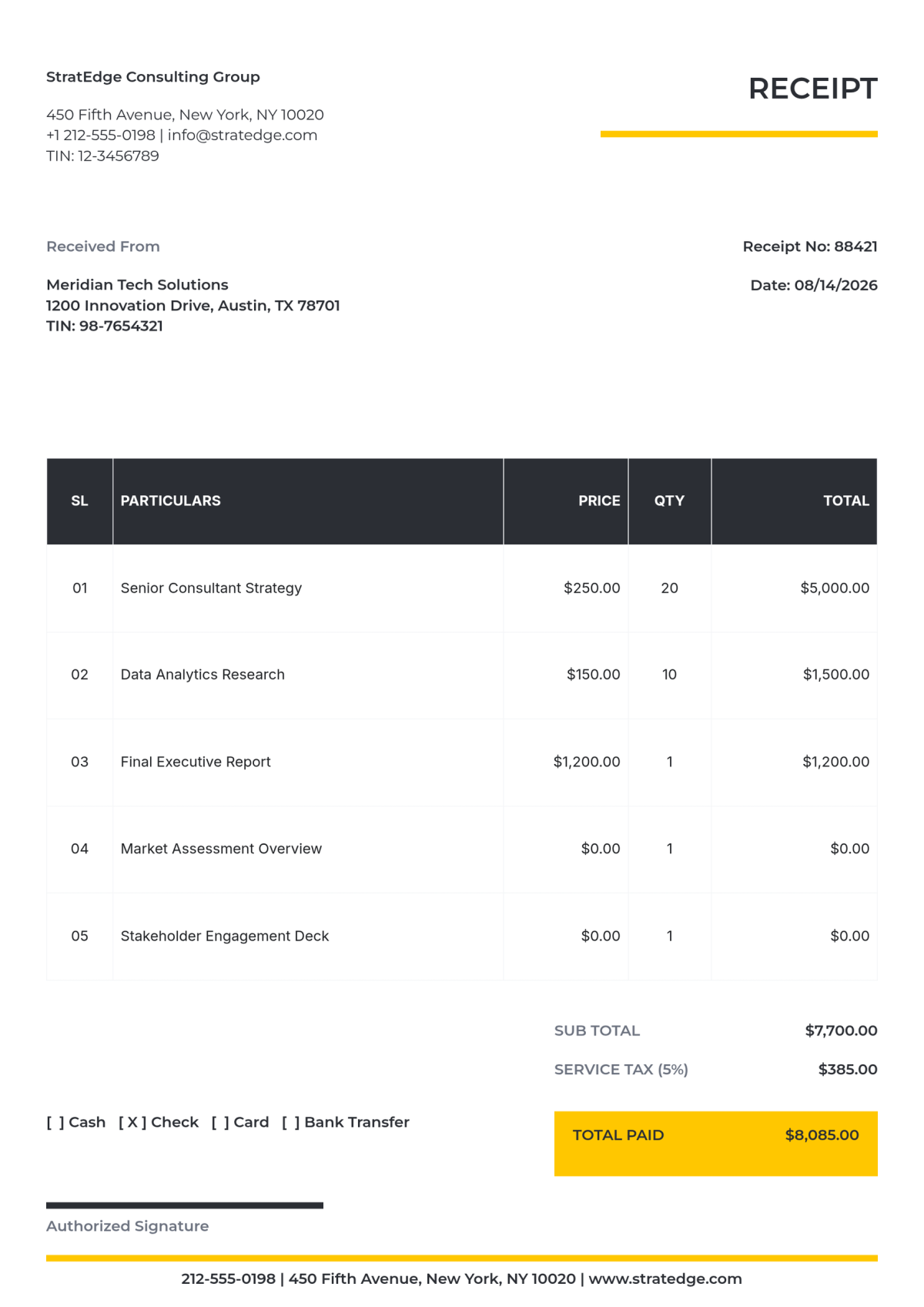
A customizable printable payment slip serves as a formal document for recording payment transactions. It typically includes essential fields such as the payee’s name, amount paid, date, and payment method. The beauty of this resource lies in its flexibility; you can tailor it to fit your specific needs. This means you can adjust fields, colors, or even add your company logo to create a more personalized look.
To get started, you’ll want to decide what information is crucial for your specific context. Consider factors like:
- Payment method (cash, check, electronic transfer)
- Purpose of payment (invoice number, service rendered)
- Any additional notes or terms
Downloading the Payment Slip Template
Once you’ve identified your needs, the next step is to download the template. Many websites offer free or paid options for these customizable payment slips. When choosing a template, look for one that:
- Is available in PDF or Word format for easy editing
- Offers clear instructions for customization
- Is compatible with your printer settings
When you find a template that meets your requirements, simply click the download button. If it’s a PDF, make sure you have a PDF reader installed on your computer. For Word documents, you can open them directly in Microsoft Word or any compatible program.
Printing the Payment Slip
Before printing, it’s crucial to set up your printer correctly to ensure high-quality output. Here are some tips to keep in mind:
- Choose the Right Paper: Standard printer paper works well, but using heavier cardstock can enhance the durability of the slip, especially if it will be handed out physically.
- Adjust Print Settings: Portrait layout generally works best for payment slips. Ensure your printer settings are configured to the correct size, typically A4 or Letter, depending on your region.
- Preview Before Printing: Always use the print preview function to ensure that all text and fields are aligned correctly. This helps avoid wasted paper and ink.
Customizing Your Payment Slip
Customization is where you can really make the payment slip your own. Here’s how to do it effectively:
- Edit Text Fields: Open the template in your chosen program. Update the text fields to reflect your company’s name, address, and any other relevant information.
- Add a Logo: If your company has a logo, consider adding it to the slip. This enhances professionalism and helps with branding.
- Color Scheme: Choose colors that reflect your business identity. A cohesive color scheme can make the slip more visually appealing.
- Additional Information: If needed, you can add fields for notes or terms and conditions to clarify payment expectations.
Using the Payment Slip Effectively
Now that your payment slip is customized and printed, it’s time to put it to use. Here’s how to integrate it into your office workflow:
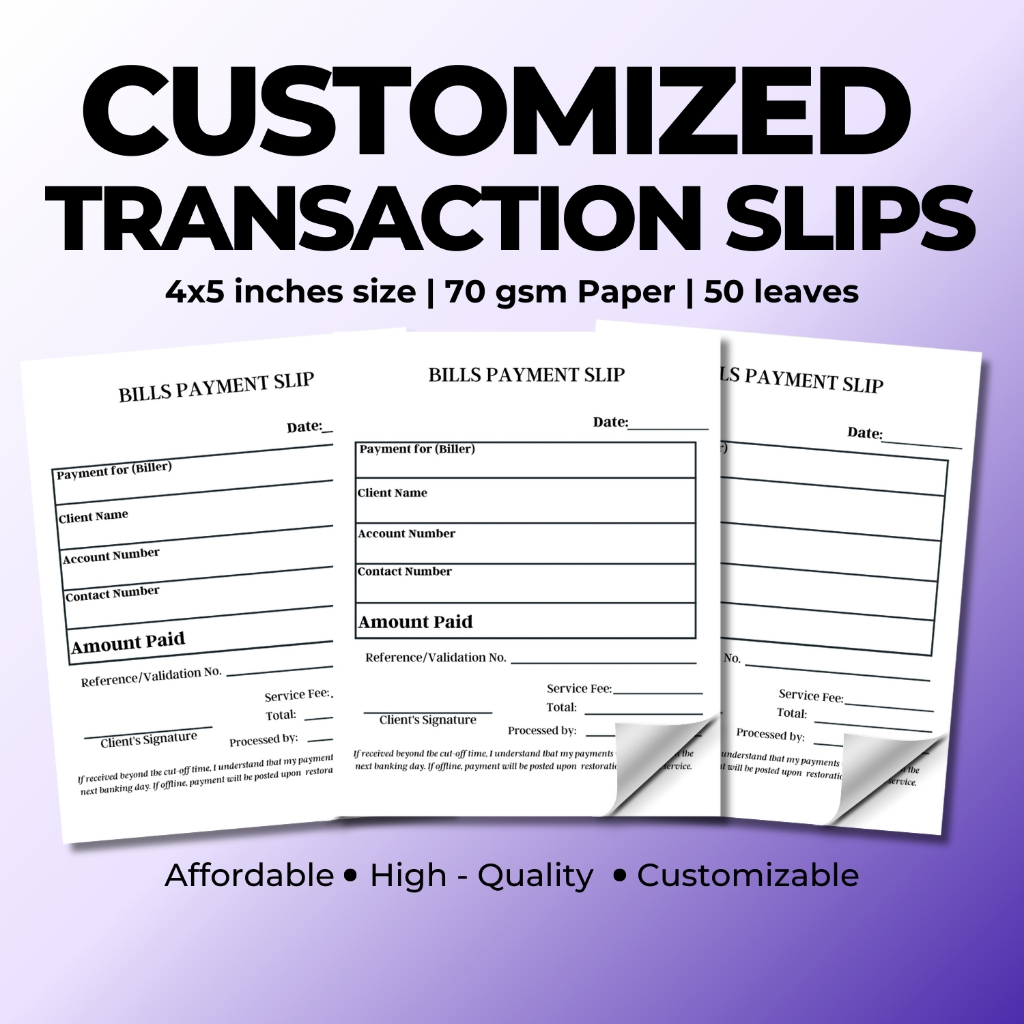
- Record Each Transaction: As payments are made, be diligent about filling out each slip completely. This not only helps in tracking payments but also serves as a receipt for both parties.
- File for Reference: Keep a dedicated folder for all completed payment slips. This is essential for record-keeping and can be a lifesaver during audits or financial reviews.
- Communicate with Recipients: When delivering the payment slip to clients or vendors, ensure they understand its purpose. This transparency fosters trust and professionalism.
One immediate tip to enhance your use of the payment slip is to create a digital backup. Scan completed slips or save them as PDFs after filling them out. This not only preserves your records but also makes it easier to reference past transactions without sifting through paper.
By following these steps, you’ll find that a customizable printable payment slip for office printing can significantly enhance your office’s financial management process. Make sure to revisit your template periodically to adjust any fields as your business needs evolve.