Managing financial transactions in a small business can become chaotic without the right tools. A customizable printable payment slip with clean layout can significantly simplify this process. This resource helps you maintain clear records and provides a professional appearance when handling payments. Here’s how to effectively use this resource in your daily operations.
Understanding the Printable Payment Slip
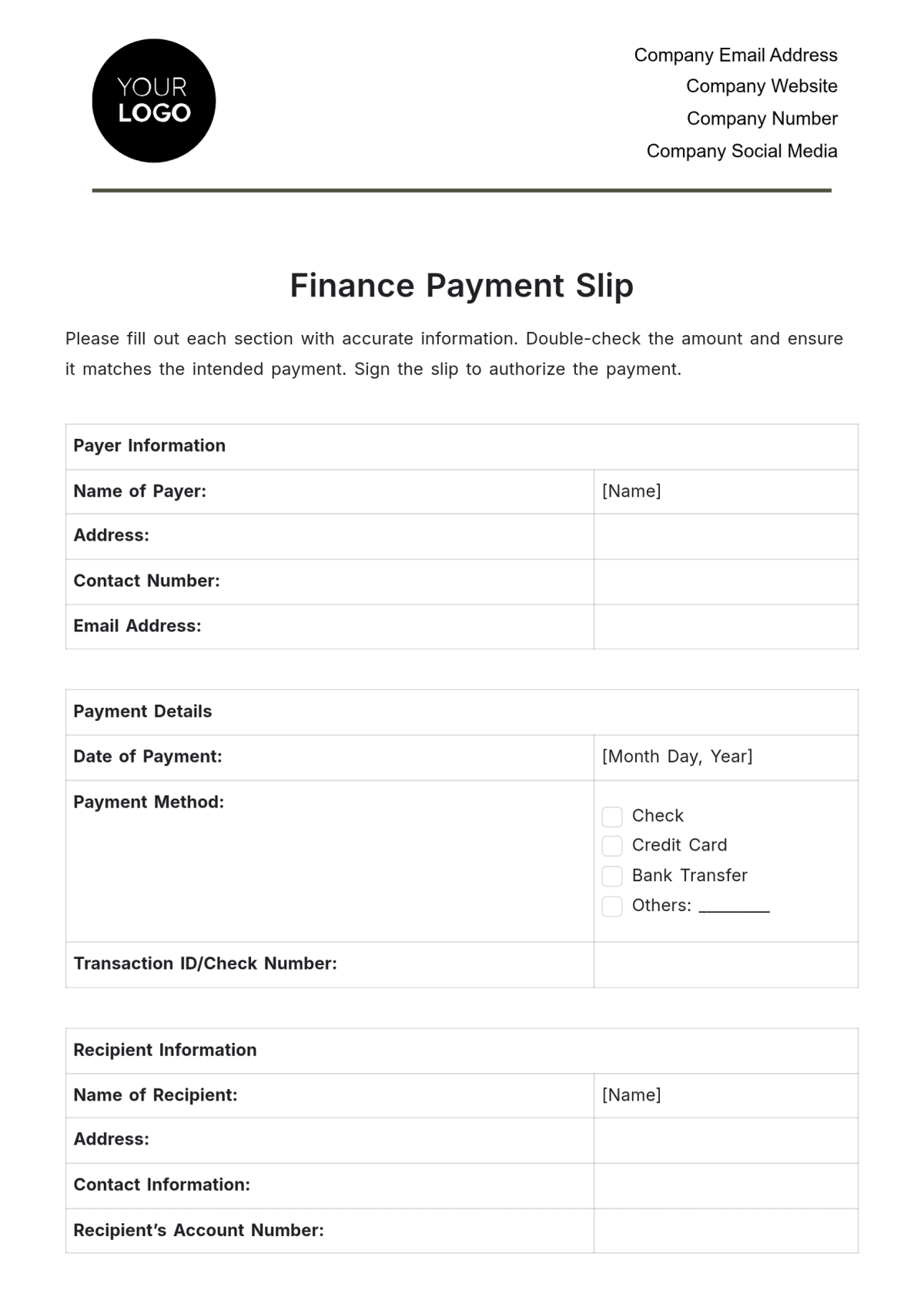
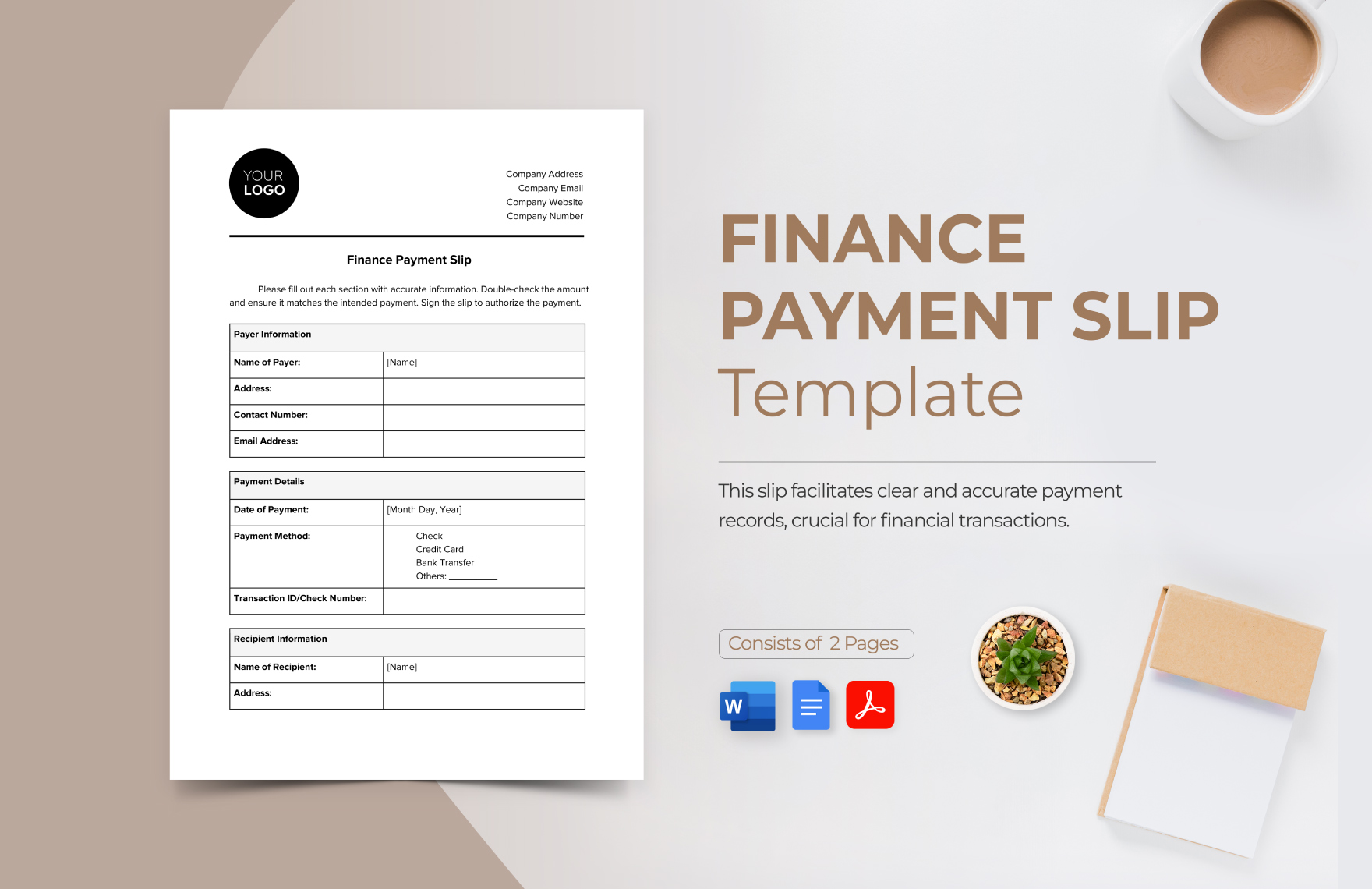
A payment slip serves as a formal document that outlines the details of a transaction. This includes the payer’s information, payment amount, date, and purpose of the payment. With a customizable printable payment slip, small business owners can tailor the document to meet their specific needs.
The clean layout is particularly advantageous. It ensures that all necessary information is presented clearly and concisely, reducing the risk of errors. You’ll find that a well-structured payment slip can enhance communication with clients and vendors alike.
Choosing the Right Template
Selecting the right template is your first step. Look for a payment slip that matches your business’s branding and style. Many printable resources offer various designs, allowing you to choose one that aligns with your company image.
- Design Elements: Ensure the template includes essential fields like:
- Payer’s name and contact information
- Payment amount
- Payment method (cash, check, credit card)
- Date of transaction
- Description of the goods or services
- Customization Options: Opt for a template that allows you to modify colors, fonts, and logos. This personalization can help reinforce your brand’s identity.
- Format: Check the file format of the template. PDF is often preferred for printing because it preserves the design and layout across different devices.
Downloading and Printing the Payment Slip
Once you’ve selected your template, downloading it is straightforward. Most sites offer a simple click-and-download option. After downloading, follow these steps for printing:
- Open the File: Use a PDF viewer to ensure the layout appears as intended.
- Print Settings: Adjust your printer settings to match the paper size (commonly A4 or Letter size). Portrait orientation typically works best for payment slips.
- Paper Choice: Choose a heavier paper stock for a more professional look, especially if you plan to hand them out regularly or file them for records.
Setting Up Your Payment Slip for Use
With your printed payment slips ready, it’s time to integrate them into your payment process. Here’s how to effectively use them:
- Fill in the Details: When receiving a payment, fill out the slip with all necessary details. Make sure the information is legible and accurate to avoid any confusion.
- Provide Copies: Consider keeping a copy for your records. This can be done by making photocopies of the filled-out slips or by using a carbon copy paper.
- Organize Your Records: Store completed payment slips in a dedicated file. This helps maintain a clear record of all transactions, making it easier to track payments and resolve any discrepancies later.
Best Practices for Using Payment Slips
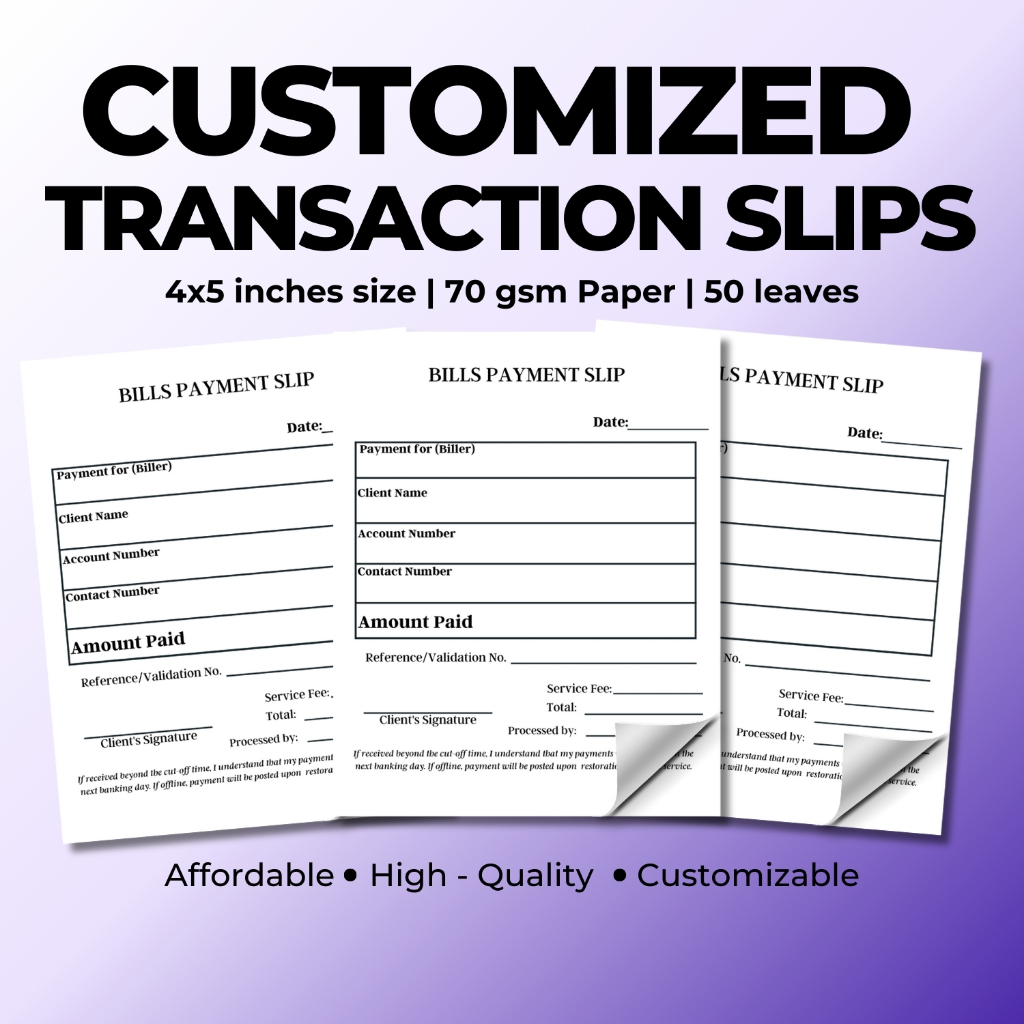
To ensure you’re maximizing the benefits of your customizable printable payment slip, follow these best practices:
- Regularly Update Your Template: As your business evolves, so might the information on your payment slips. Regularly review and update your template to reflect any changes in branding or business practices.
- Train Staff: If you have employees handling payments, ensure they understand how to fill out and manage the slips properly. This can help maintain consistency and professionalism.
- Track Payments: Use a spreadsheet or accounting software alongside your payment slips to keep a digital record of transactions. This provides an additional layer of organization and can simplify tax season.
Implementing a customizable printable payment slip with clean layout into your business operations can streamline your payment process and improve overall organization. By following these steps, you can enhance your professionalism and ensure smooth transactions. Don’t forget to print a few extras to have on hand for unexpected payments or client requests!