Keeping accurate accounting records is essential for any small business. One effective tool in managing those records is a customizable printable payment slip for accounting records. This resource allows you to create and maintain organized payment documentation that can simplify your accounting processes. This guide will take you through the steps to choose, download, print, set up, and effectively use your payment slip.
Understanding the Customizable Printable Payment Slip
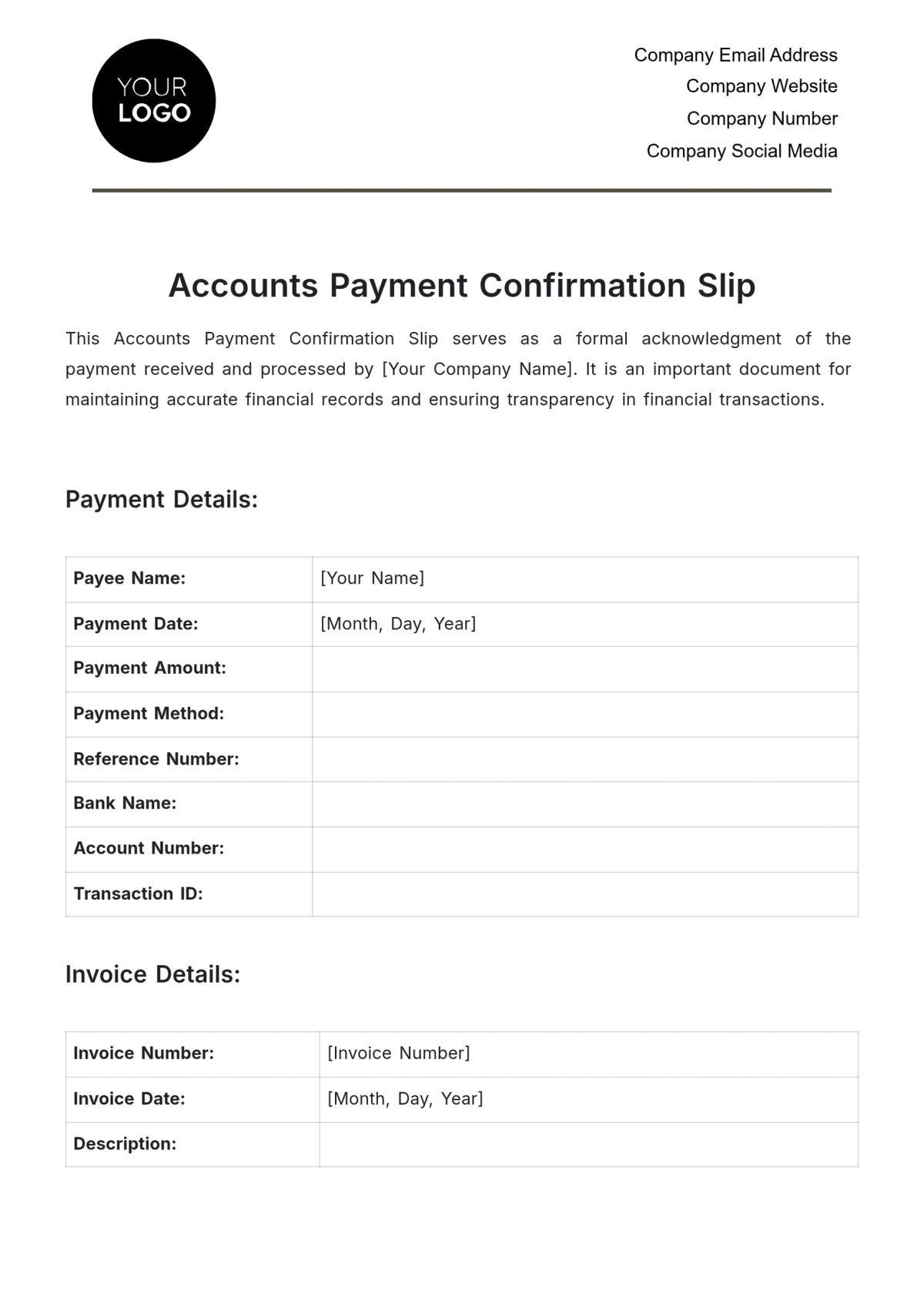
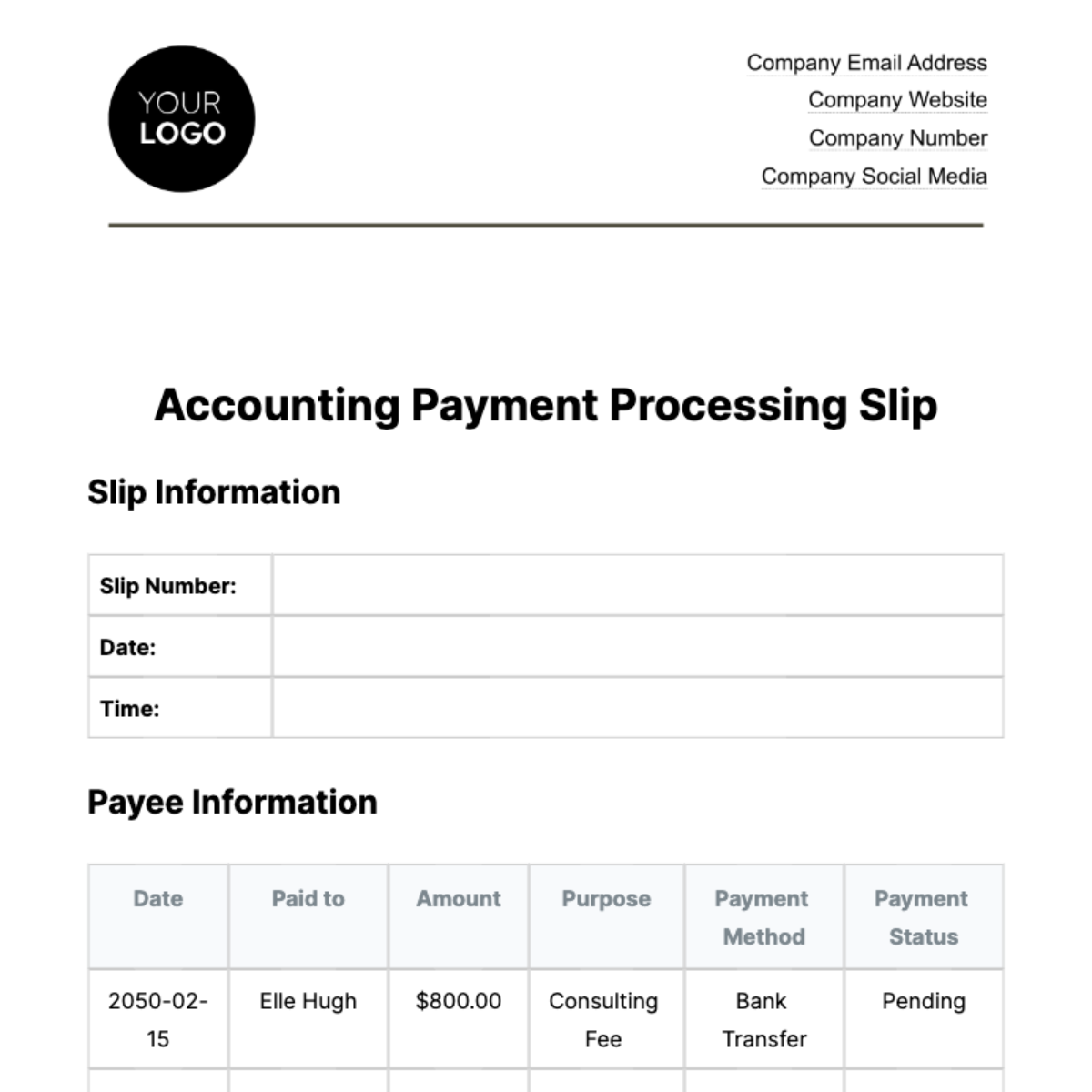
A customizable printable payment slip serves as a formal record of transactions between your business and clients. These slips typically include essential information such as the date, amount paid, payment method, and a space for both parties to sign. The adaptability of these slips means you can tailor them to fit your specific business needs, whether you are in retail, services, or another industry.
When selecting a payment slip template, look for features that suit your business model. For example, a slip designed for retail might include sections for product details, while a service-oriented slip may focus more on service descriptions and hours worked.
Choosing the Right Template
Finding the ideal template typically involves browsing a website that offers printable resources. Look for a template that allows you to customize fields according to your requirements. A suitable template might offer:
- Editable fields for client names and addresses
- Customizable payment details
- A professional design that aligns with your branding
It’s also beneficial to choose a template compatible with common file formats, such as PDF or Word, to ensure ease of use. A PDF format is recommended because it maintains formatting consistency across different devices and printers.
Downloading Your Payment Slip
Once you’ve selected a template, the next step is to download it. Most printable resource websites provide a straightforward download process. Here’s how to do it:
- Click on the download button associated with your chosen template.
- Save the file to a location on your computer that’s easy to access.
- Ensure that you have the necessary software to open the file, such as Adobe Reader for PDFs or Microsoft Word for document formats.
By saving the file in an organized manner, you can easily find it later for future transactions.
Printing Your Payment Slip
Printing your customizable printable payment slip is a simple task, but there are a few considerations to keep in mind to ensure the best results:
- Paper Type: Using a heavier paper stock can enhance the professionalism of your payment slips. Cardstock is a great option if you plan to laminate them for durability.
- Printer Settings: Most home or office printers handle standard letter size (8.5 x 11 inches) well. For best results, select the portrait layout in your printer settings.
- Test Print: Before printing multiple copies, do a test print to check for alignment and clarity. This step can save you time and resources by preventing mistakes in the final version.
Setting Up Your Payment Slip
Customizing your payment slip is where you can make it truly yours. Here are some steps to personalize it effectively:
- Add Your Business Logo: Including your logo at the top of the slip reinforces your brand identity.
- Fill in Your Business Information: Ensure that your business name, address, and contact details are clearly presented.
- Customize Payment Fields: Edit the fields to include any specific information relevant to your transactions, such as invoice numbers, service descriptions, or payment terms.
Taking the time to set up your payment slip properly will not only keep your records organized but also project a professional image to your clients.
Utilizing the Payment Slip Effectively
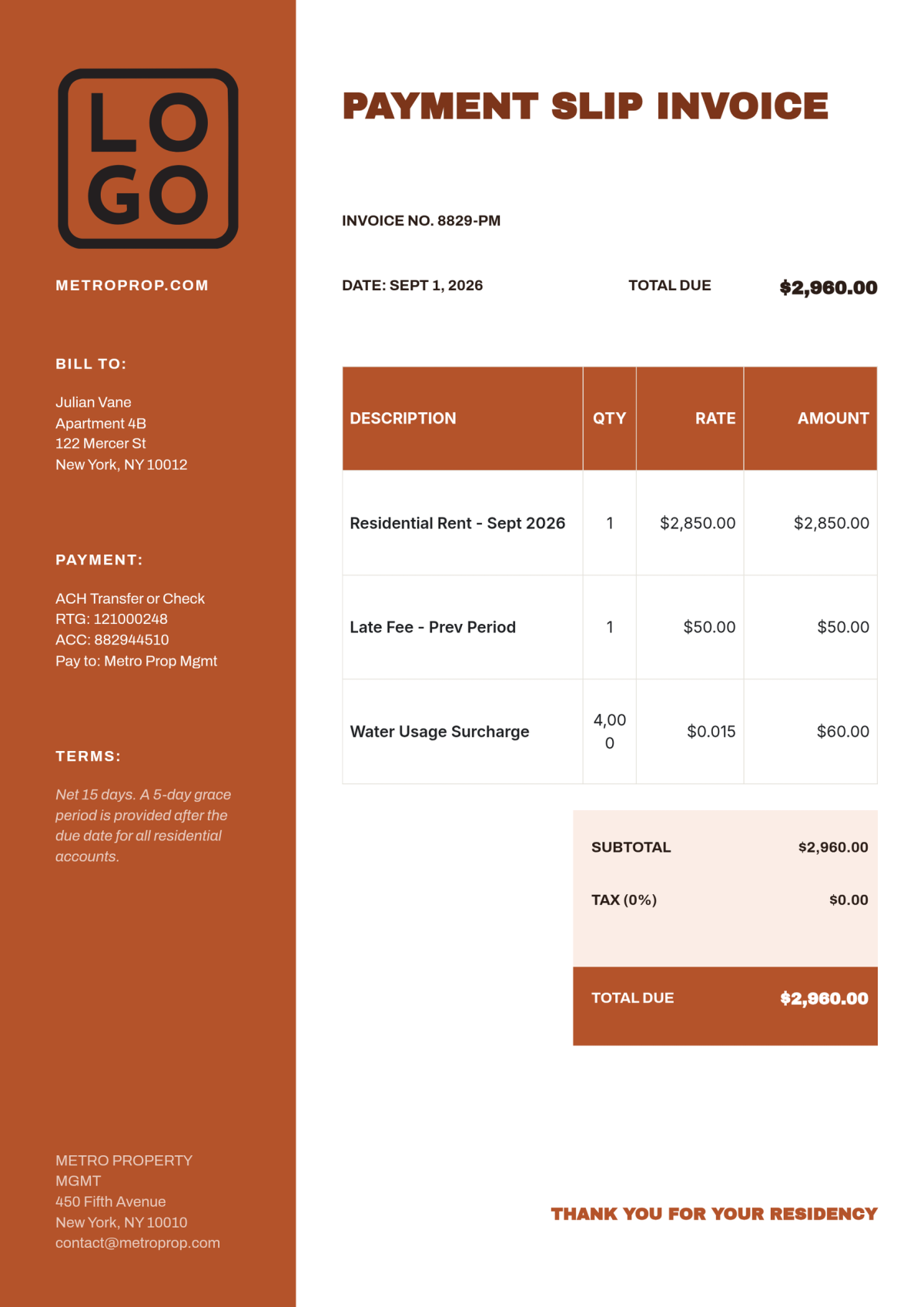
After customizing and printing your payment slips, it’s time to put them to use. Make it a standard practice to issue a payment slip each time a transaction occurs. This habit provides your clients with a tangible record of their payments, which can help avoid disputes or confusion later.
Additionally, keep a filed copy of each payment slip for your accounting records. Using a filing system—whether digital or physical—can help you stay on top of your bookkeeping tasks. Not only does this streamline your accounting process, but it also prepares you for any potential audits.
A final detail to consider is the inclusion of payment methods on the slip. Clearly indicating whether payment was made via cash, check, or credit card can further simplify your record-keeping.