A Fillable Printable Payment Slip Form is typically formatted on standard letter-size paper (8.5 x 11 inches) and serves as a practical tool for managing transactions. It’s designed to be easily filled out, printed, and submitted, making it ideal for personal and business financial needs. By understanding its layout and intended use, you can streamline your payment processes efficiently.
Understanding the Layout of the Payment Slip Form
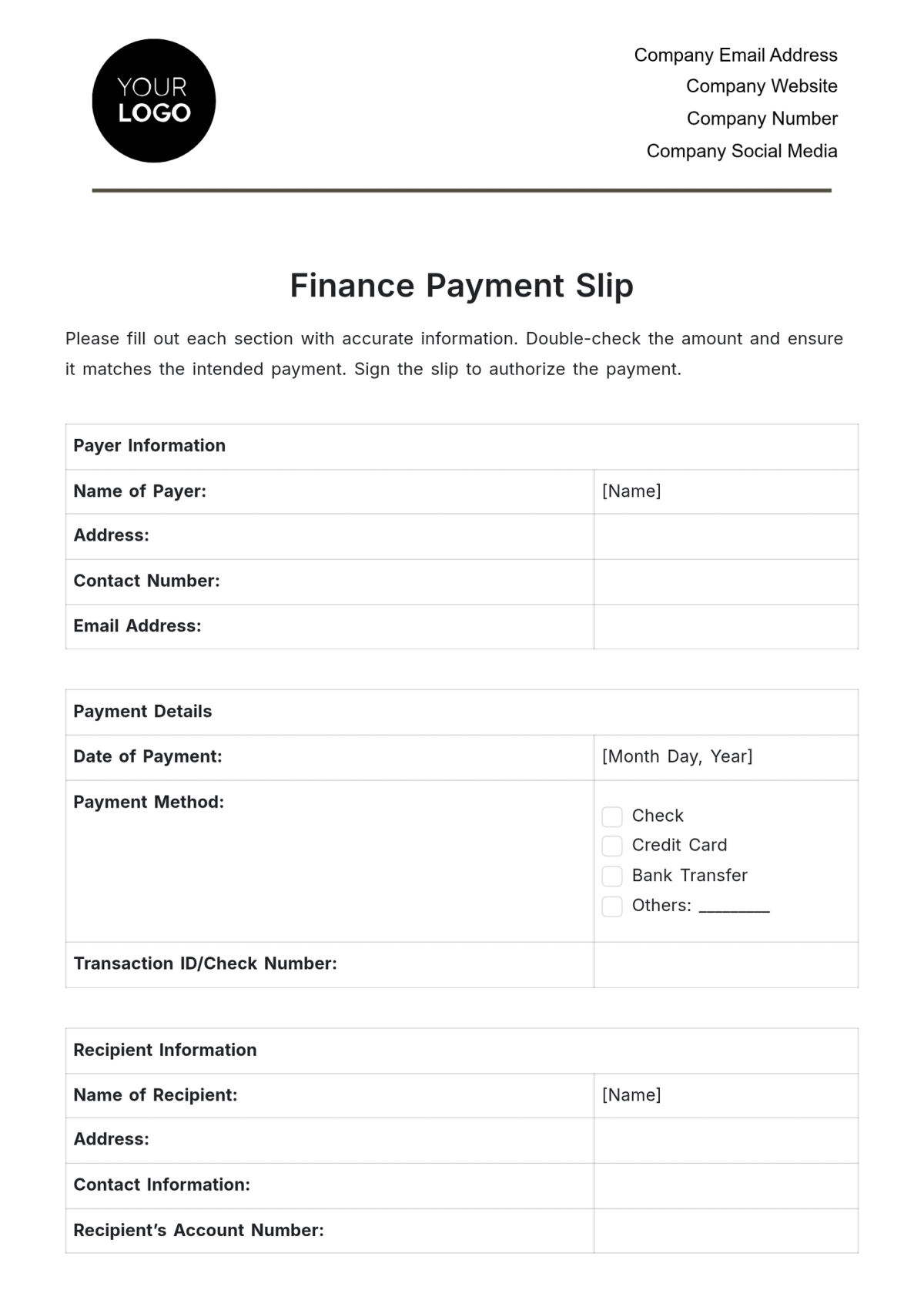
The format of a payment slip is straightforward, which is its biggest advantage. Generally, you’ll find sections clearly labeled for easy navigation. Key components often include:
- Payee Information: This section usually requires the name and address of the person or business receiving the payment.
- Payer Information: Here, you’ll enter your details, ensuring that the transaction is traceable.
- Payment Details: This is where you specify the amount being paid, the payment method (cash, check, etc.), and any relevant invoice or reference numbers.
- Date and Signature Lines: Most forms will have designated spaces for the date of the transaction and a signature line to confirm the payment.
These sections are strategically placed to facilitate quick and easy filling, helping you avoid errors that can delay processing.
Filling Out the Payment Slip Form
When you’re ready to fill out your Fillable Printable Payment Slip Form, start by reviewing the fields carefully. Ensure you have all the necessary information at hand:
- Gather Required Information: Before starting, collect the payee’s name, address, and any specific payment details like invoice numbers.
- Use Clear, Legible Writing: If you’re filling the form out by hand, print your information clearly. If it’s a digital form, make sure to save your changes after filling it out.
- Double-Check Your Entries: Accuracy is crucial. Incorrect details can lead to rejections or delays in payment processing.
- Keep a Copy: Always print a copy of your filled form for your records before submission. This helps if any discrepancies arise later.
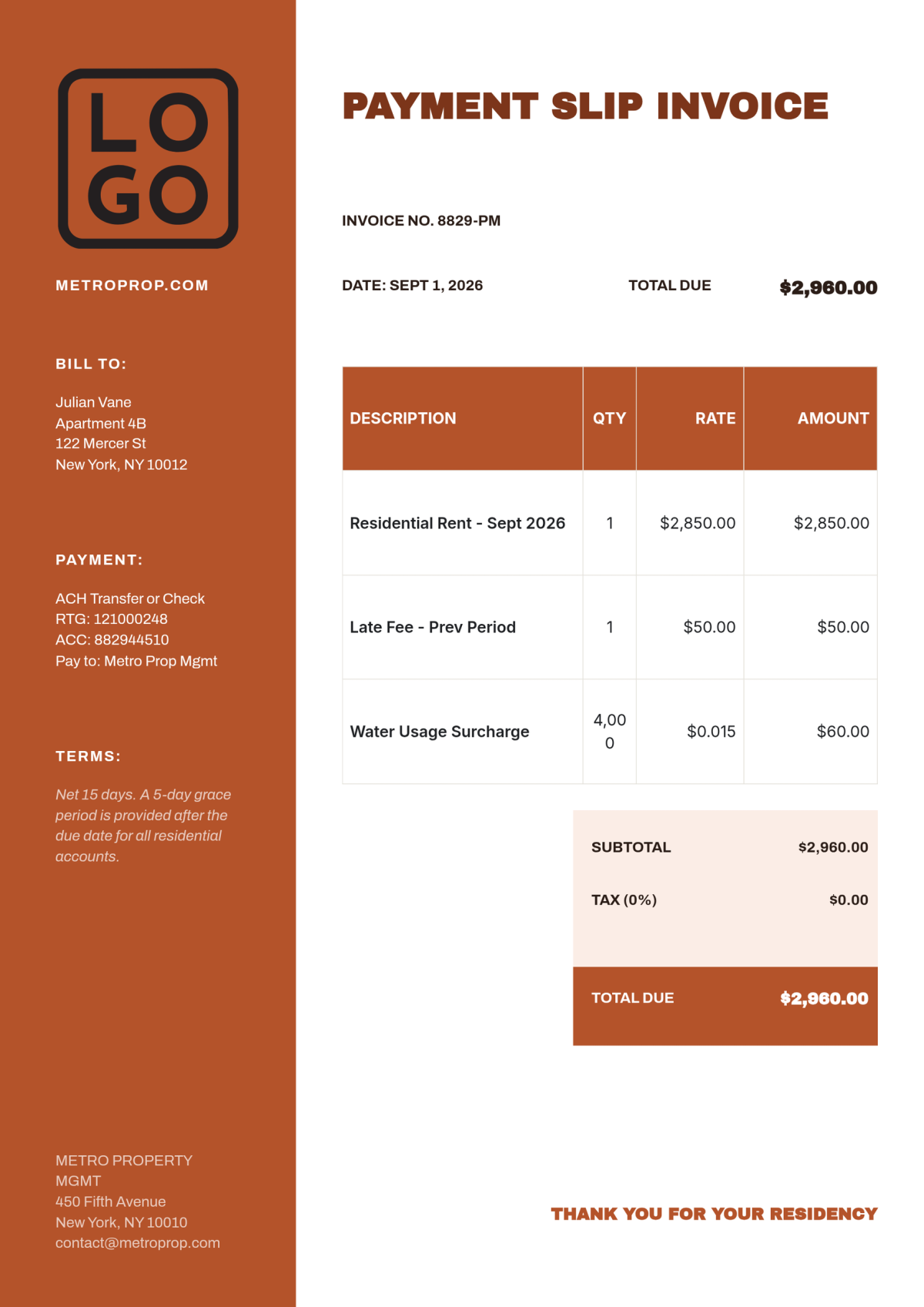
Submission Process and Common Mistakes
After completing the Fillable Printable Payment Slip Form, it’s time to submit it. Here’s how to ensure your submission goes smoothly:
- Determine Submission Method: Depending on the organization, you may need to mail the slip, submit it electronically, or hand it over in person. Always check what’s required.
- Avoid Common Mistakes: One frequent error is forgetting to sign the form, which can invalidate your submission. Another mistake is failing to provide the correct payment method details.
- Follow Up: If you haven’t received confirmation of your payment within a few days, don’t hesitate to follow up with the payee.
Tips for Effective Use
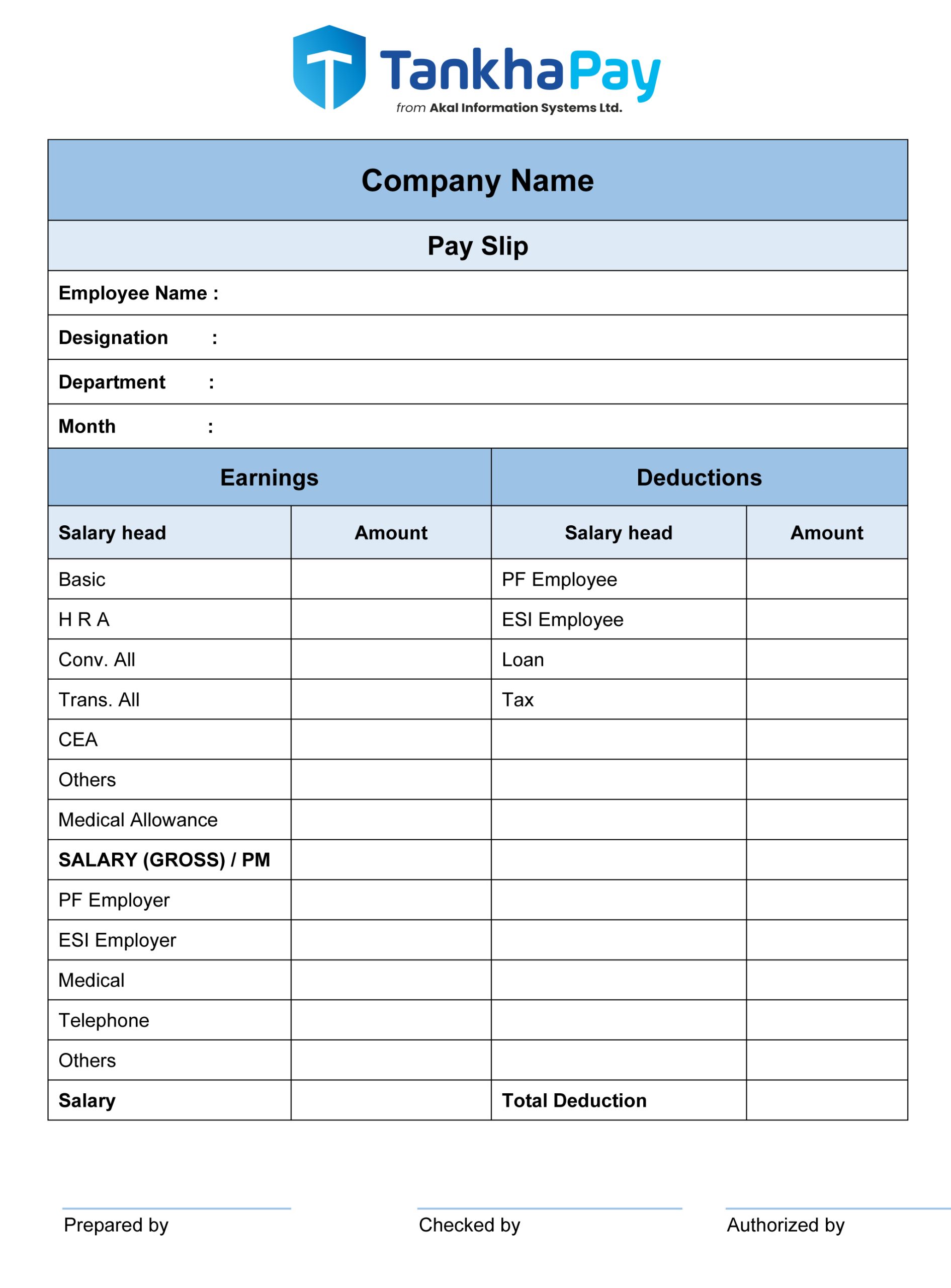
To maximize the utility of your payment slip, consider these additional tips:
- Use Quality Paper: If you’re printing the slip, opt for a heavier paper stock. This not only gives a professional feel but also ensures the form can withstand handling.
- Consider Digital Versions: If the organization allows, try to use a fillable PDF version of the form. This can prevent formatting issues and make it easier to edit.
- Save Templates: If you find yourself using the payment slip often, save a blank template on your computer for quick access. This can save you time in the future.
By following these guidelines, you can effectively utilize a Fillable Printable Payment Slip Form. You’ll find that having a structured approach to filling out and submitting your payment slips reduces errors and enhances your financial management. Remember, the key to smooth transactions lies in clarity and accuracy in your documentation.