Managing payments can often become chaotic, especially when you’re handling multiple transactions. A Fillable Printable Payment Slip Document can serve as a practical solution to streamline your payment processes. This resource enables you to create organized records, ensuring that you never lose track of your payments. Let’s walk through the steps of selecting, downloading, and using this resource effectively.
Understanding the Fillable Printable Payment Slip Document
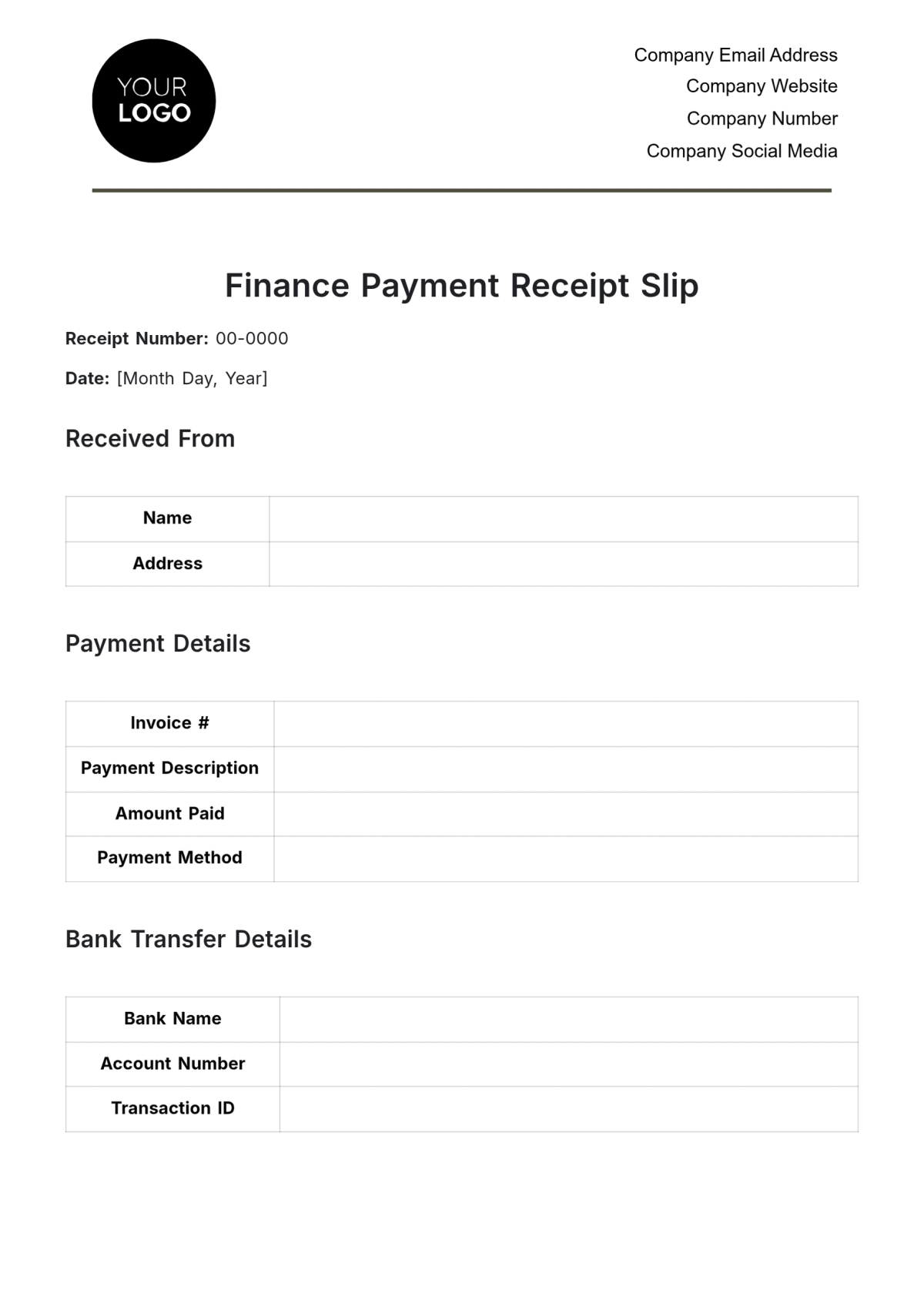
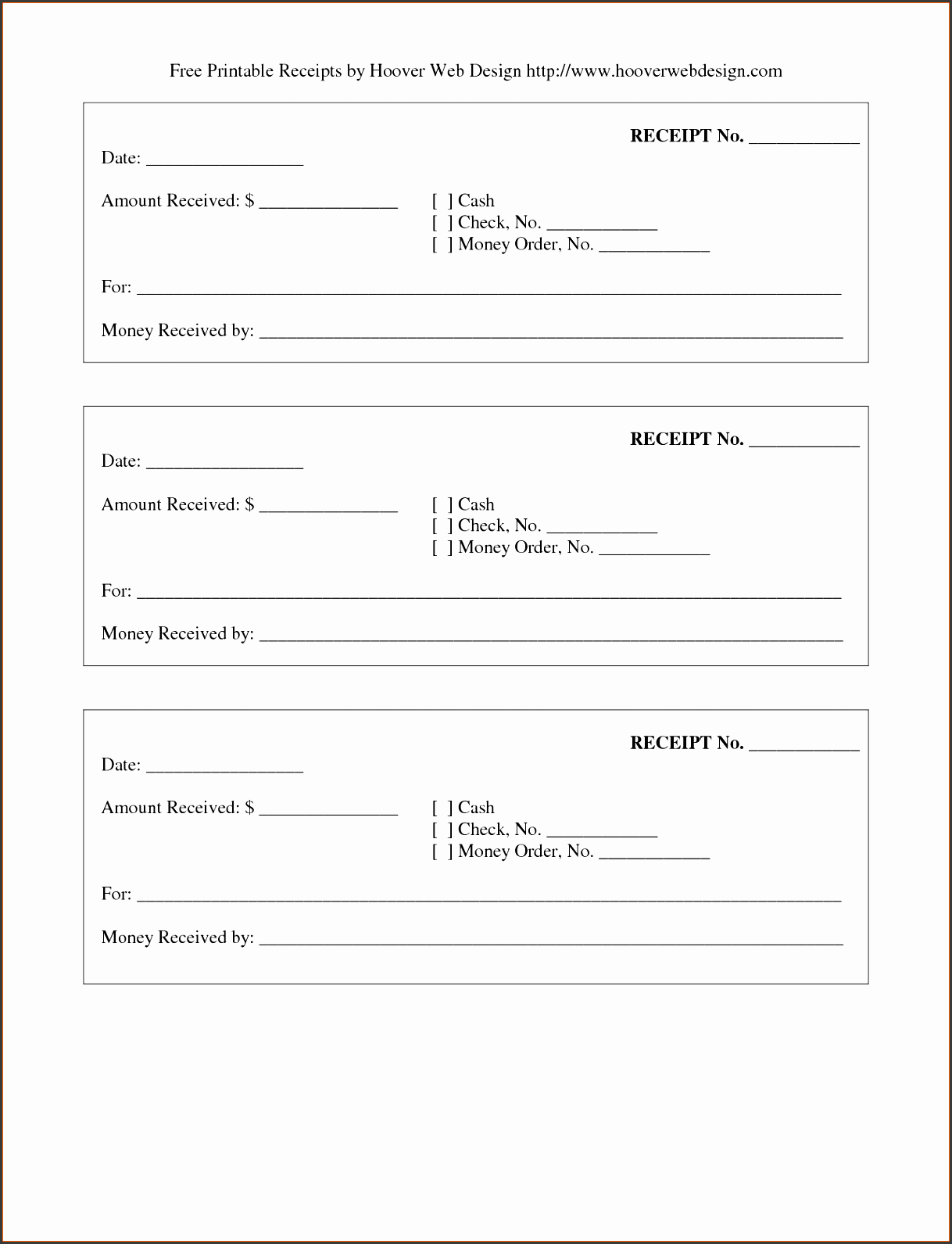
A Fillable Printable Payment Slip Document is designed to help you keep track of payments made and received. This document typically includes fields for the date, amount, payer or payee details, and purpose of the payment. By using this template, you not only simplify your record-keeping but also enhance accountability in your transactions.
If you’re managing personal finances or running a small business, this document can become an integral part of your financial toolkit. It’s especially useful for anyone who prefers to maintain paper records or needs to provide printed evidence of payments.
How to Choose the Right Payment Slip Document
When looking for a Fillable Printable Payment Slip Document, keep these factors in mind:
- Format: Ensure the document is in a compatible format, such as PDF or Word. PDF files are great for preserving formatting, while Word documents allow for easy editing.
- Design: Choose a layout that fits your needs. Some documents may include additional features like itemized lists or checkboxes for clarity.
- Customization Options: Look for a template that allows you to add your logo or specific details relevant to your business or personal style.
Once you’ve identified what you need, you can easily find a downloadable template online.
Steps to Download and Print the Document
- Locate a Trusted Source: Search for a reputable website that offers the Fillable Printable Payment Slip Document. Ensure the site is secure and user-friendly.
- Download the Document: Click on the download link, and save the document to your computer. Make sure you note the file type (PDF or Word) for later use.
- Open and Fill the Document: If you download a PDF, use a PDF reader that supports fillable forms. For Word documents, open them in Microsoft Word or any compatible word processor. Fill in the necessary information such as date, amount, and purpose.
- Print the Document: After filling out the form, print it on standard A4 or letter-sized paper. For best results, use a high-quality printer. If you plan to laminate the payment slips for durability, use cardstock for printing.
Setting Up a Payment Tracking System
Using the Fillable Printable Payment Slip Document effectively means integrating it into a broader payment tracking system. Here’s how you can do this:
- Organize Your Documents: Keep a dedicated folder for your payment slips. This could be a physical folder or a digital one on your computer.
- Regular Updates: Make it a habit to fill out the payment slip immediately after making or receiving a payment. This ensures that your records are always up-to-date.
- Review Monthly: At the end of each month, review your payment slips. This will help you spot any discrepancies and keep your finances in check.
Tips for Effective Use
To maximize the utility of your Fillable Printable Payment Slip Document, consider the following tips:
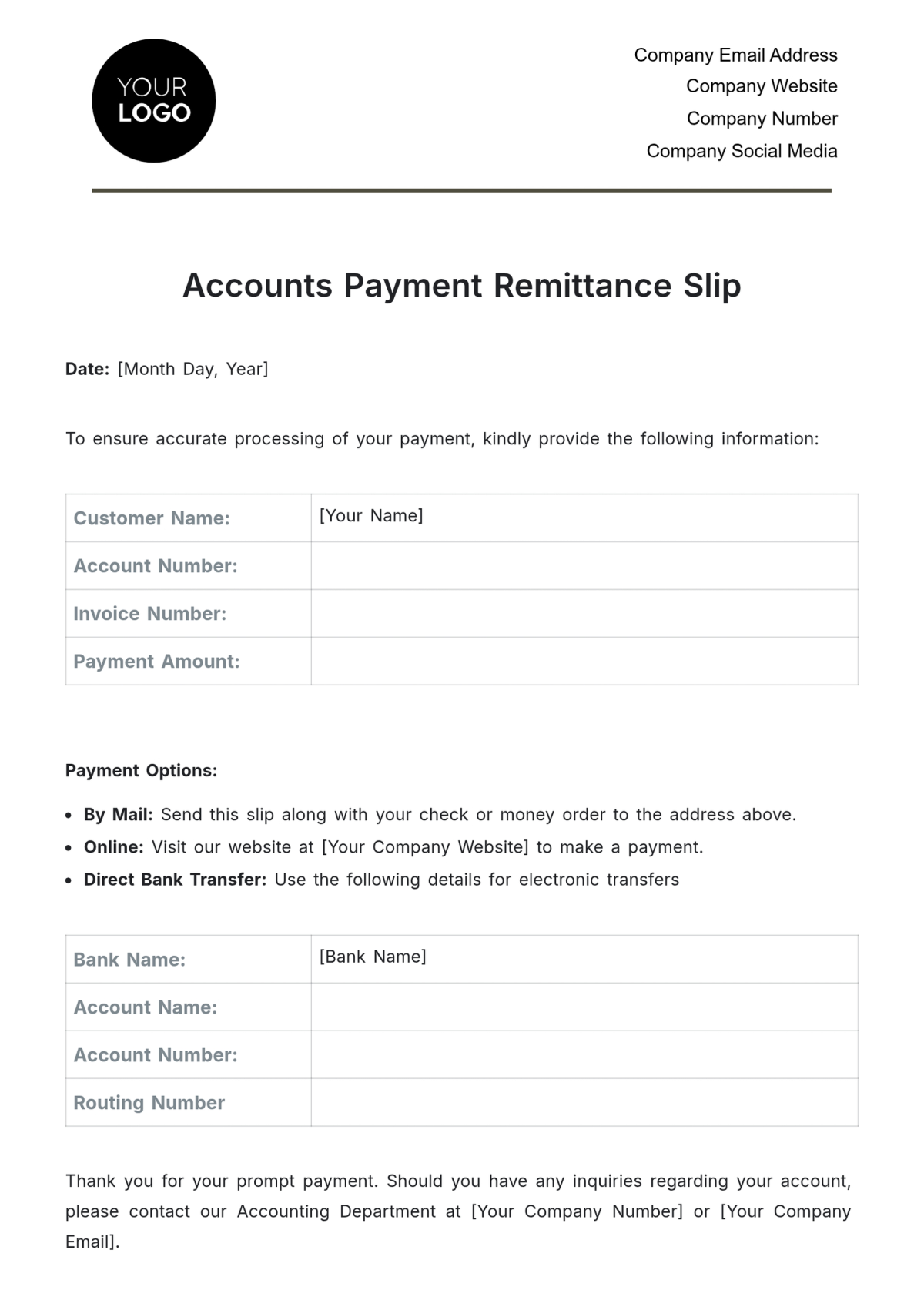
- Use Clear Labels: Clearly label each payment slip with the type of transaction. This could be “Rent Payment,” “Invoice Payment,” or “Loan Repayment.”
- Consider Digital Alternatives: If you find that paper records aren’t working for you, consider transitioning to digital payment tracking software. However, having a printout as a backup can be beneficial.
- Keep a Backup: Always save a copy of your filled payment slip electronically. This will serve as a backup in case the physical copy gets lost.
The Fillable Printable Payment Slip Document is a powerful tool to help you maintain control over your finances. By following these steps, you can create a reliable payment tracking system that enhances your organization and accountability. Start using this resource today to simplify your payment processes and stay on top of your financial commitments.