Managing payments can be a challenge for small business owners. Without a clear payment structure, tracking finances becomes cumbersome and error-prone. A Fillable Printable Payment Slip With Payment Details is an effective resource to simplify this process. It allows you to document transactions neatly, ensuring both you and your clients have a clear record of payments made.
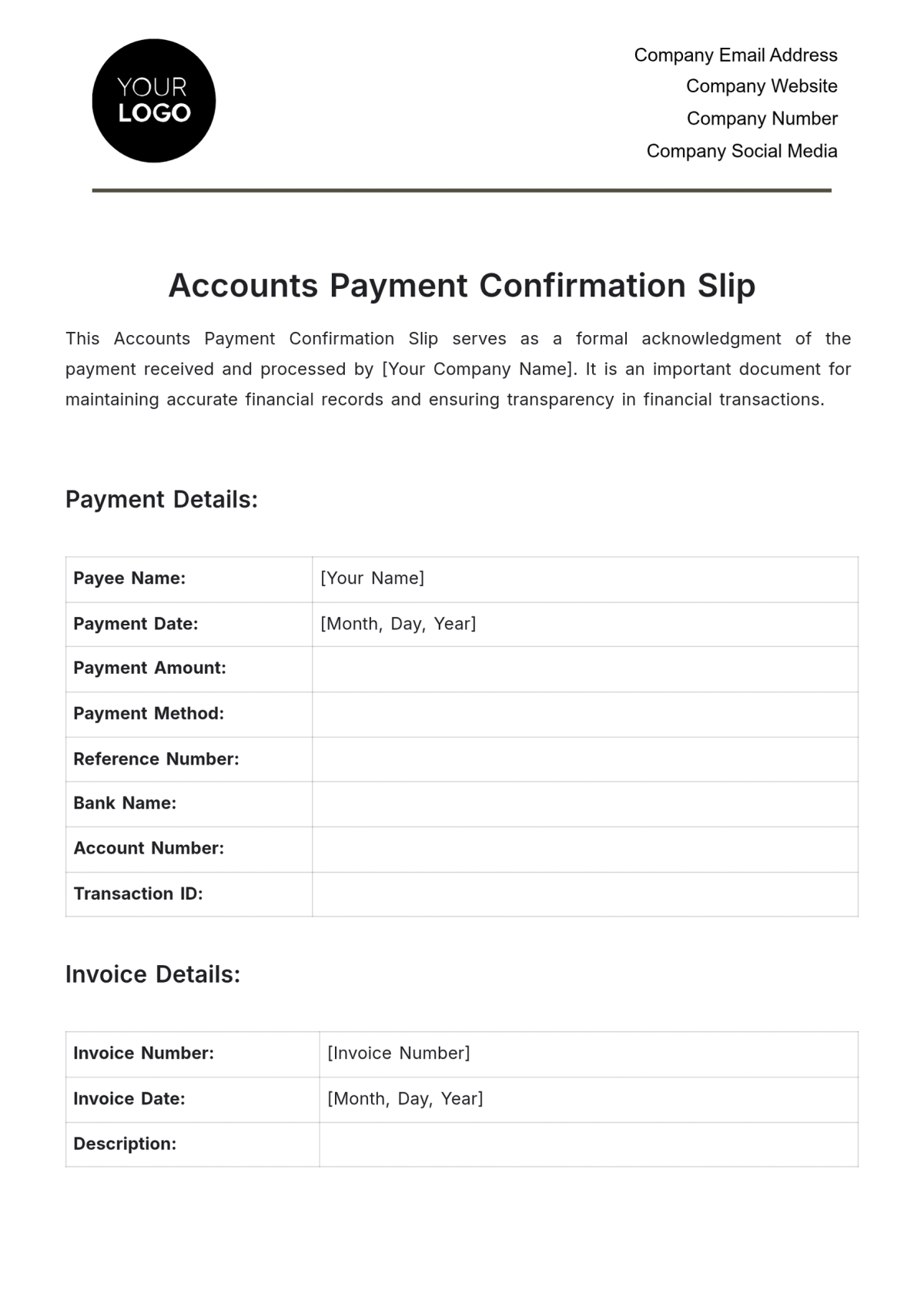
Understanding the Fillable Printable Payment Slip
A fillable payment slip is designed to capture essential payment details in a structured format. This template typically includes spaces for the payer’s name, payment amount, date, and any additional notes. The fillable nature means that users can enter information directly into the document before printing, saving time and minimizing mistakes.
Using a fillable payment slip helps maintain professionalism. Clients appreciate having a clear record of transactions, which helps build trust and encourages timely payments.
How to Choose the Right Payment Slip Template
When selecting a fillable printable payment slip, consider the following factors:
- Format: Ensure the slip is compatible with your preferred software. PDF formats are common, as they retain formatting across devices.
- Customization Options: Look for templates that allow you to add your business logo or specific payment categories relevant to your services.
- Layout: Choose a layout that suits your business needs. Portrait orientation is often easier for printing and filling out by hand.
- Ease of Use: The slip should be user-friendly, with clear fields for input. This ensures that both you and your clients can understand the document quickly.
A well-designed slip can enhance your payment collection process, making it easier for clients to submit payments accurately.
Downloading and Printing Your Payment Slip
Once you’ve chosen the right fillable printable payment slip, the next steps are straightforward. Here’s how to download, print, and set it up:
- Download the Template: Initiate the download from a trusted printable resource website. Ensure you have the correct file format (PDF is preferred).
- Open the Document: Use a PDF reader to open the file. This prevents any formatting issues that may arise when using word processors.
- Fill in the Details: Enter relevant payment details in the provided fields. If you have multiple payment categories, it may help to create a few versions tailored to each service.
- Print the Slip: Use standard A4 or letter-sized paper for printing. If you plan to distribute these slips regularly, consider using heavier cardstock for durability.
- Provide Copies: Give the completed slip to the payer for their records and keep a copy for your files.
Having a printed slip not only reinforces your professionalism but also serves as a tangible reminder for clients about upcoming payments.
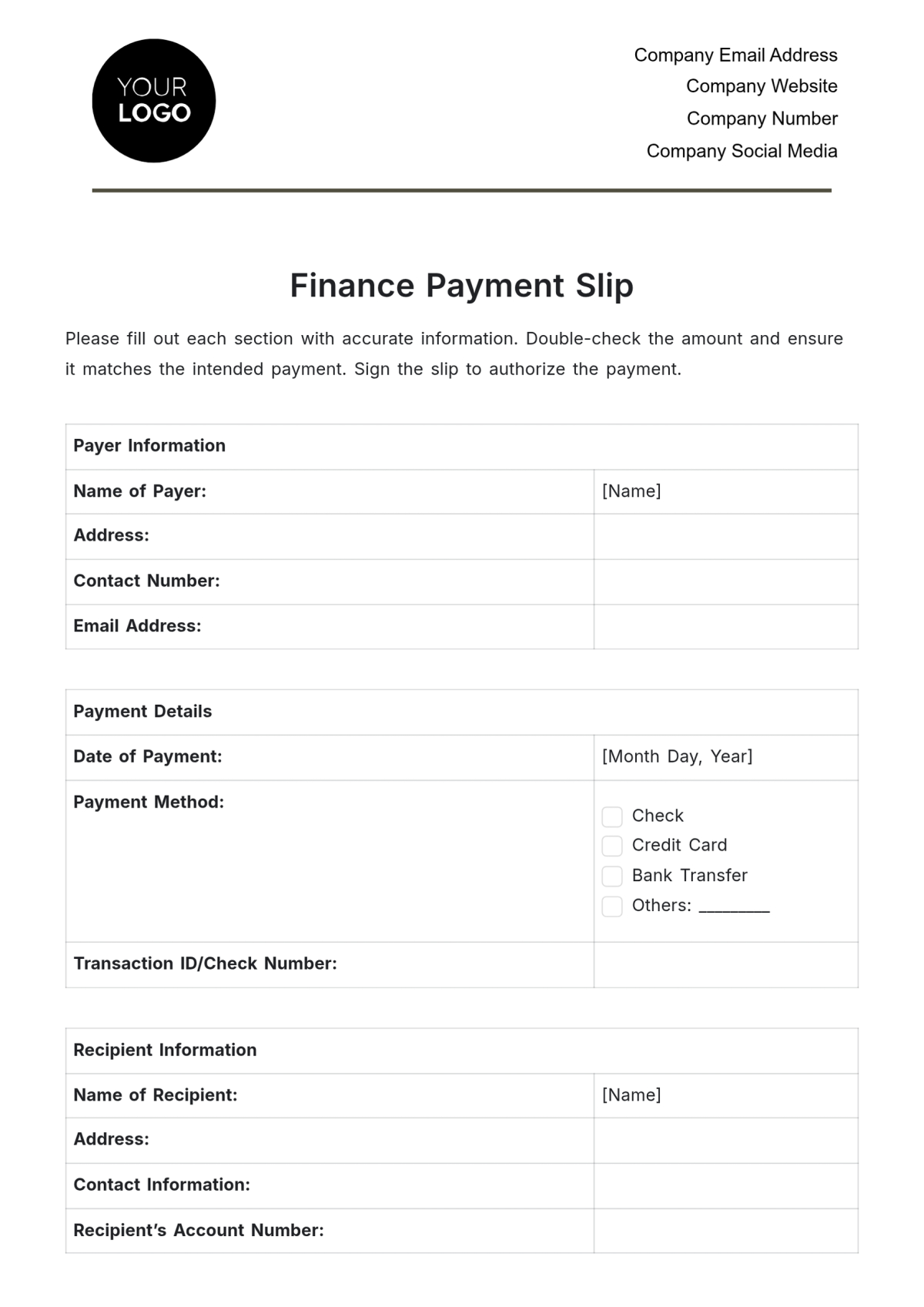
Best Practices for Using Payment Slips
To maximize the effectiveness of your fillable printable payment slip, keep these best practices in mind:
- Keep Records: Store copies of all payment slips in a dedicated folder or digital storage. This will help in tracking payments and managing disputes.
- Communicate Clearly: If you’re sending the slip electronically, include a brief explanation or instructions on how to fill it out. This ensures clients know what to expect.
- Regular Updates: Update the template as needed, especially if there are changes in payment terms or business branding. Consistency helps maintain a professional image.
By following these practices, you can ensure that your payment slips enhance your business operations rather than complicate them.
Immediate Action Tip
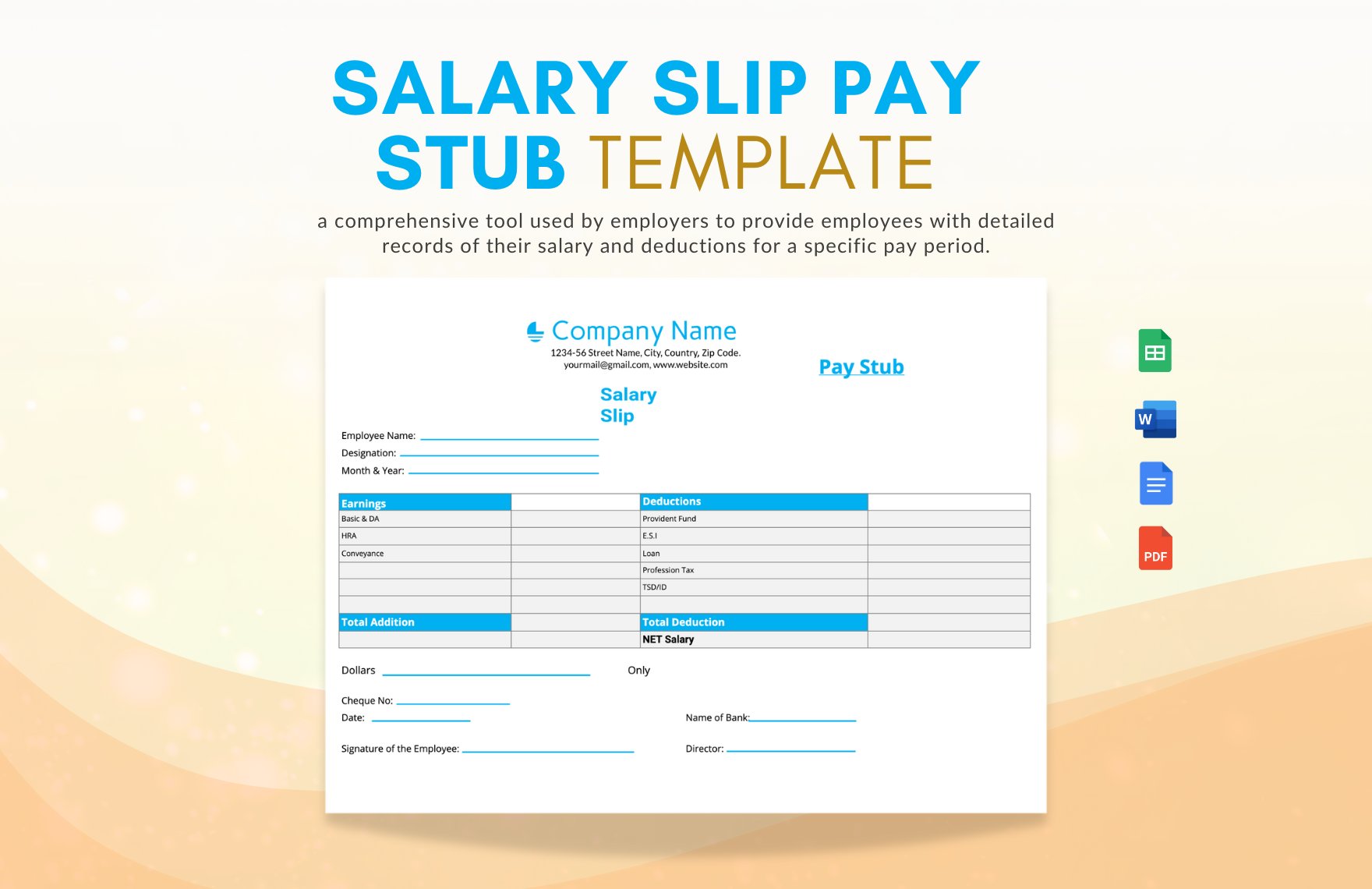
To get started, download a fillable printable payment slip today and customize it with your business details. Set up a dedicated folder for all payment-related documents to streamline your financial processes immediately. This simple step can significantly improve how you manage payments and engage with clients.