Creating a Fillable Printable Payment Slip With Editable Fields is an effective way to manage transactions for any small business. This resource allows you to customize payment slips according to your needs, making it easier to track payments and maintain records. Here’s how you can effectively utilize this resource in your business operations.
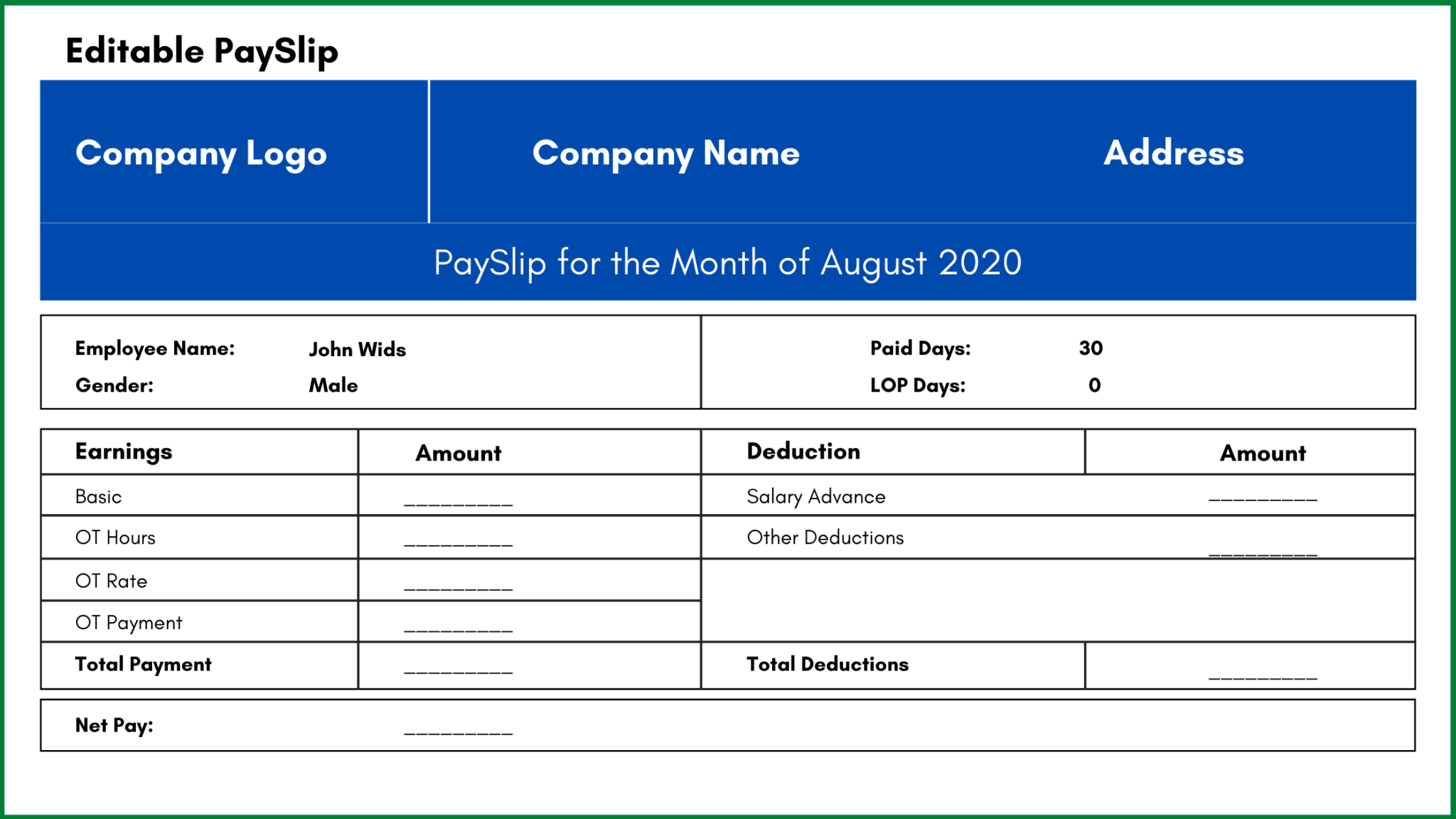
Understanding the Fillable Printable Payment Slip
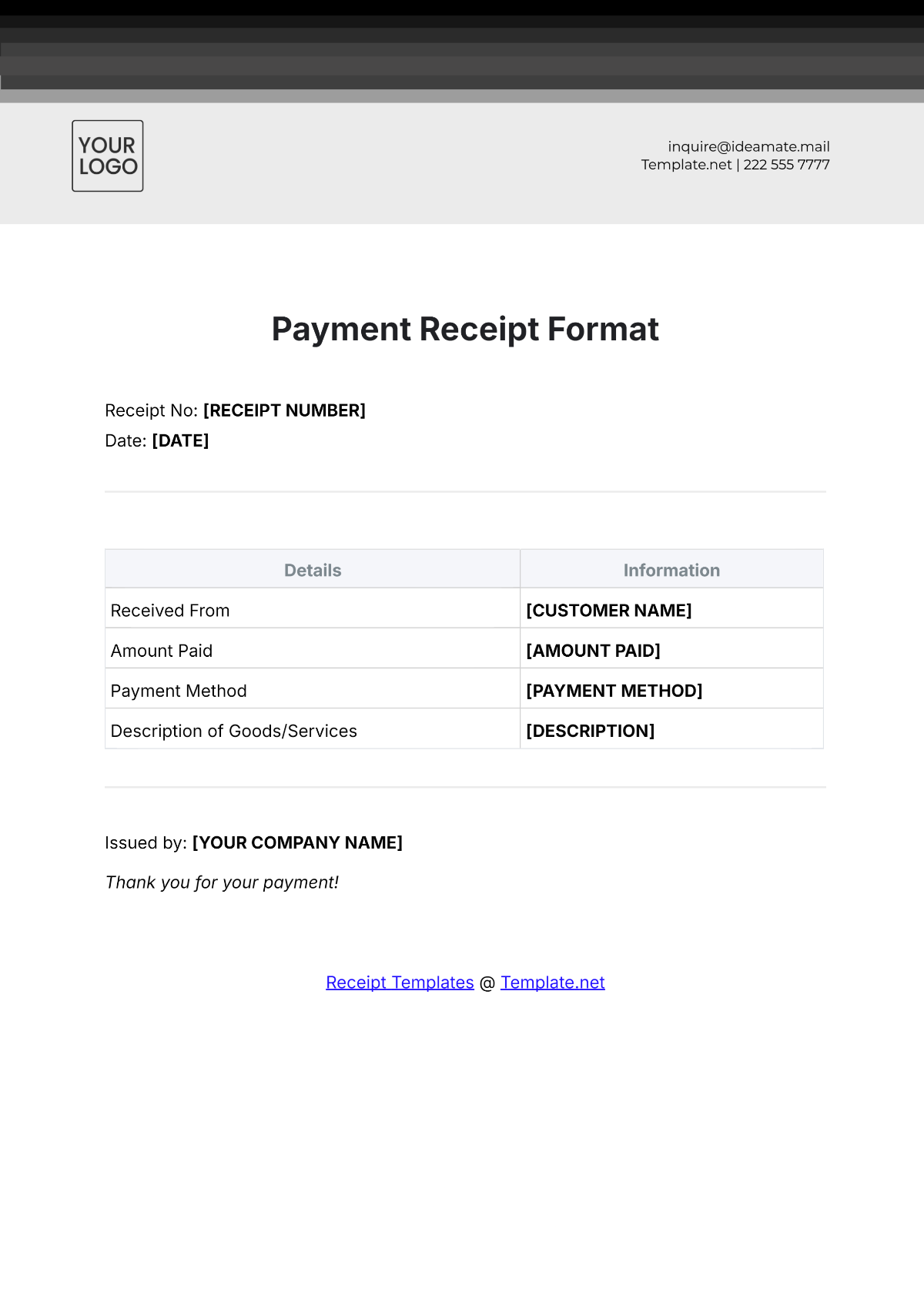
A fillable printable payment slip is a document designed to facilitate payment processing. It features editable fields where you can input necessary information such as the payer’s name, payment amount, date, and any additional notes. This flexibility is essential for small business owners, as it allows for quick adjustments without needing to create a new slip from scratch.
When utilizing a fillable payment slip, ensure that you provide clear instructions for your customers. They should know exactly where to fill in their details, which helps prevent errors and speeds up the payment process.
Benefits of Using Editable Fields
One of the significant advantages of a fillable printable payment slip is the ability to edit fields directly on your computer. This means you can customize the slip for different transactions without needing to print multiple versions. Here are some benefits:
- Time Efficiency: Quickly generate slips for various transactions without starting from a blank template each time.
- Accuracy: Reduces the chance of errors as the fields can be filled electronically before printing.
- Professional Appearance: Customizing each slip gives a more professional look, enhancing your business image.
To create a fillable slip, use software that allows PDF editing or word processing with form capabilities. Programs like Adobe Acrobat or Google Docs can help you set up your document effectively.
Downloading and Printing the Payment Slip
When you’re ready to download the fillable printable payment slip, look for a reliable source that offers templates compatible with your editing software. Ensure that the template is available in PDF format, as this will preserve the layout when printed.
Once downloaded, follow these steps to print:
- Open the Document: Use a PDF reader to access the downloaded payment slip.
- Fill in the Fields: Enter the required information directly into the editable fields.
- Print Settings: Check your printer settings. For best results, select ‘fit to page’ to ensure the slip maintains its formatting.
- Paper Choice: Use standard letter-size paper (8.5 x 11 inches) for easy handling.
If you plan to distribute these slips regularly, consider printing them on heavier cardstock. This provides durability and a professional feel, especially if customers will handle them frequently.
Incorporating Payment Slips Into Your Business Routine
Integrating fillable printable payment slips into your business routine can streamline your payment processing. Here’s how to incorporate them effectively:
- Organize Payment Collections: Use these slips for both in-person and online transactions. They can be especially useful during events or sales.
- Record Keeping: Keep a copy of each slip for your records. This helps in tracking payments and managing accounts.
- Customer Communication: Provide clear instructions on how to fill out the slip. This can be included in the slip itself or communicated verbally during transactions.
Using a fillable payment slip simplifies the payment collection process and enhances your overall business efficiency.
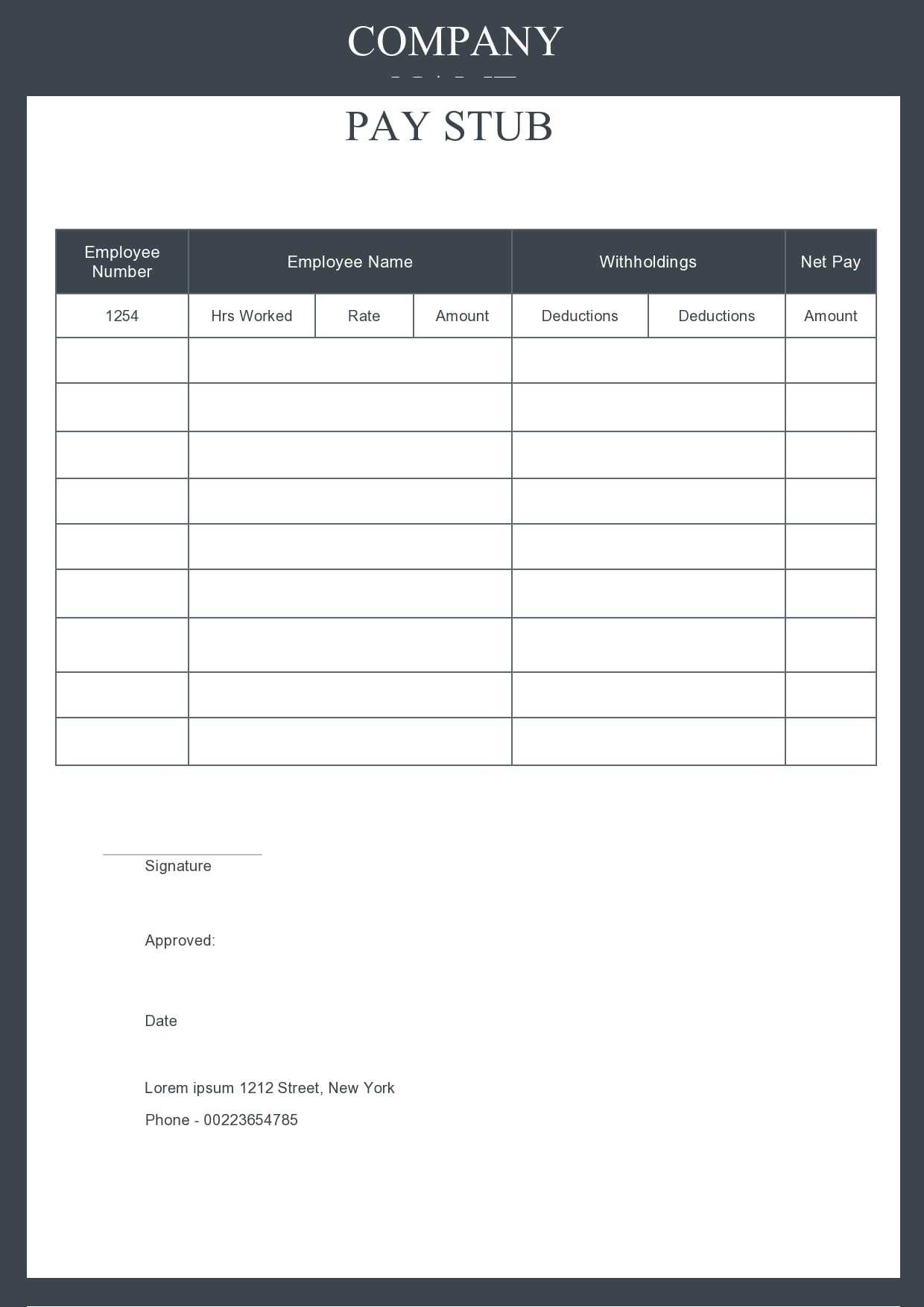
Tips for Optimal Use
To maximize the benefits of a fillable printable payment slip with editable fields, consider these tips:
- Regular Updates: Review and update the slip periodically to ensure it meets your current business needs. If your payment terms or information changes, reflect that on the slip.
- Feedback from Users: Ask customers for feedback on the payment slip’s usability. This can highlight areas needing improvement.
- Secure Storage: Keep both digital and physical copies of the payment slips in a secure location to safeguard sensitive information.
By implementing these strategies, small business owners can ensure that their payment collection process is smooth and efficient. Using a fillable printable payment slip with editable fields not only saves time but also enhances the professionalism of your transactions, making it a valuable resource for any business.