When managing finances, having the right forms at your fingertips is crucial. A Withdrawal Slip Printable Form For Employees is a handy tool that allows employees to request the withdrawal of funds from their accounts efficiently. This printable form simplifies the process, ensuring that transactions are clear and documented for both staff and employers. In this guide, I’ll take you through the steps of obtaining, filling out, and using this form effectively.
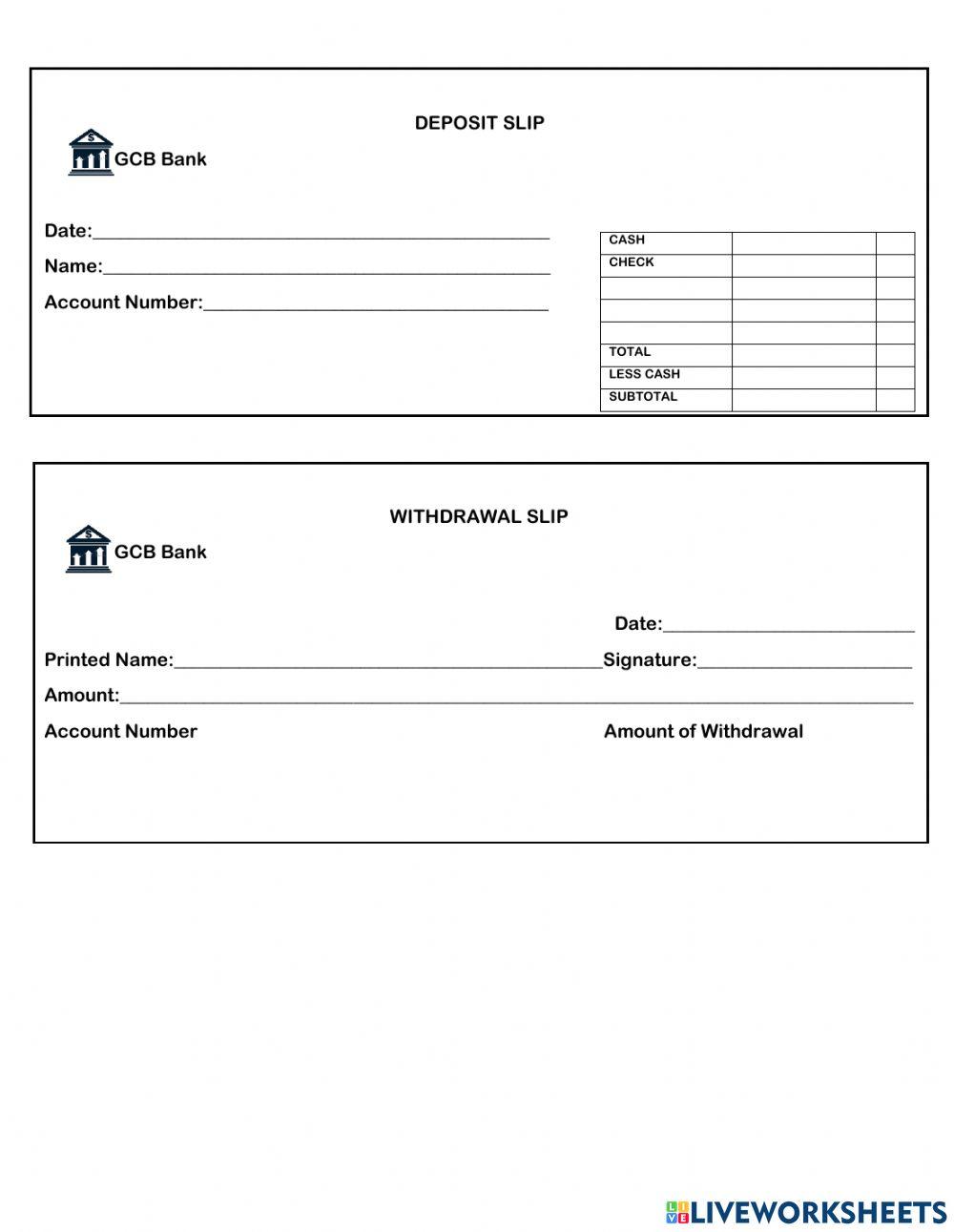
Understanding the Withdrawal Slip Printable Form
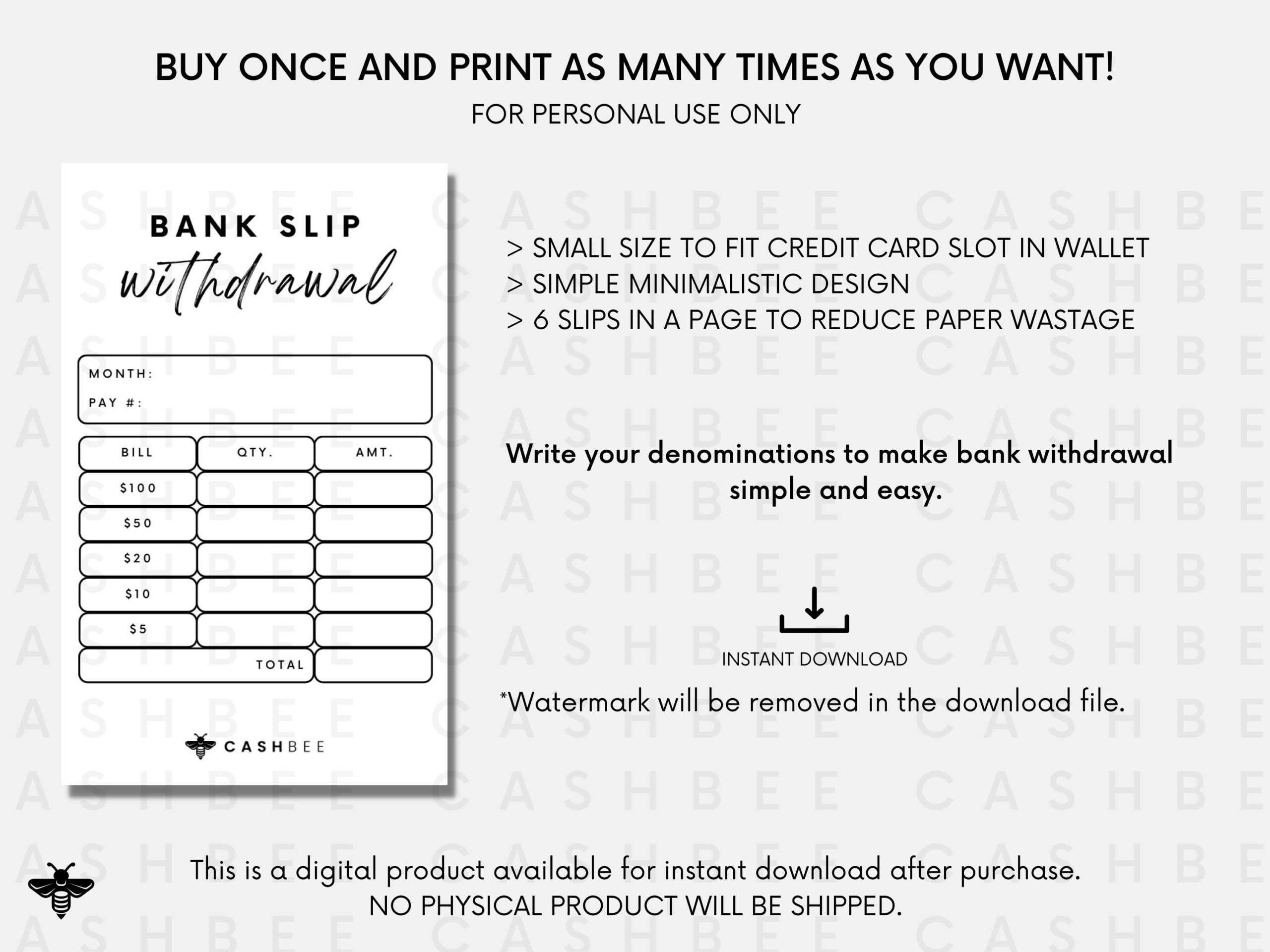
A withdrawal slip is a document that employees use to request the withdrawal of cash or funds from their accounts. This form typically includes essential fields such as the employee’s name, account number, amount to withdraw, and a signature. Having a printable version means you can easily access it whenever needed, avoiding delays and ensuring a smooth transaction process.
When you opt for a printable version, it allows for easy customization and reuse. You can print multiple copies to keep on hand or use a fillable PDF version if you prefer to complete it digitally. Choosing the right format depends on your workflow and personal preferences.
How to Download the Form
- Find a Reliable Source: Look for a reputable website that offers the Withdrawal Slip Printable Form For Employees. Ensure the site is known for providing quality printable resources.
- Choose the Correct Format: Most websites offer this form in PDF format, which is ideal for printing. PDFs maintain formatting and layout, ensuring that the printed version looks professional.
- Download the Form: Click the download button to save the file to your device. Make sure to note where it’s saved, as you’ll need to access it for printing.
- Check for Updates: Occasionally, forms may be updated to reflect new policies or regulations. It’s wise to check back regularly to ensure you have the most current version.
Printing the Withdrawal Slip
Once you have downloaded the Withdrawal Slip Printable Form For Employees, it’s time to print. Here are the steps to ensure a quality print:
- Select the Right Paper: Standard printer paper works fine, but if you want something more durable, consider using heavier cardstock. This option holds up better, especially if the form will be used frequently or filed for records.
- Check Printer Settings: Before printing, check your printer settings. Ensure that the layout is set to portrait, as this is the standard orientation for most forms.
- Print a Test Page: If you’re using a new printer or paper type, print a test page first. This ensures that everything aligns correctly and that there are no formatting issues.
- Print Copies: Depending on your needs, print multiple copies of the form. Having extras can be helpful for future transactions, especially in a busy workplace.
Completing the Form
Filling out the Withdrawal Slip is straightforward, but attention to detail is essential. Here’s how to do it effectively:
- Begin with Your Information: Start by entering your name and account number. This information identifies you as the account holder and is crucial for processing the withdrawal.
- Specify the Amount: Clearly write the amount of money you wish to withdraw. Make sure the figures are legible to avoid any confusion.
- Sign the Form: Your signature validates the request. This step is essential, as it confirms that you authorize the withdrawal.
- Review for Accuracy: Before submitting the form, take a moment to double-check your entries. Ensuring that all details are correct helps prevent any delays in processing your request.
Submitting the Withdrawal Slip
After completing the form, it’s time to submit it. Here are some common submission methods:
- Hand it to Your Supervisor: In many workplaces, you might need to submit the form directly to your supervisor or the HR department.
- Submit via Email: If your workplace allows for digital submissions, scan the completed form and email it to the designated person. Ensure that you save a copy for your records.
- Drop it Off at the Designated Location: Some companies may have a specific drop-off location for financial documents. Make sure to know where this is to avoid delays.
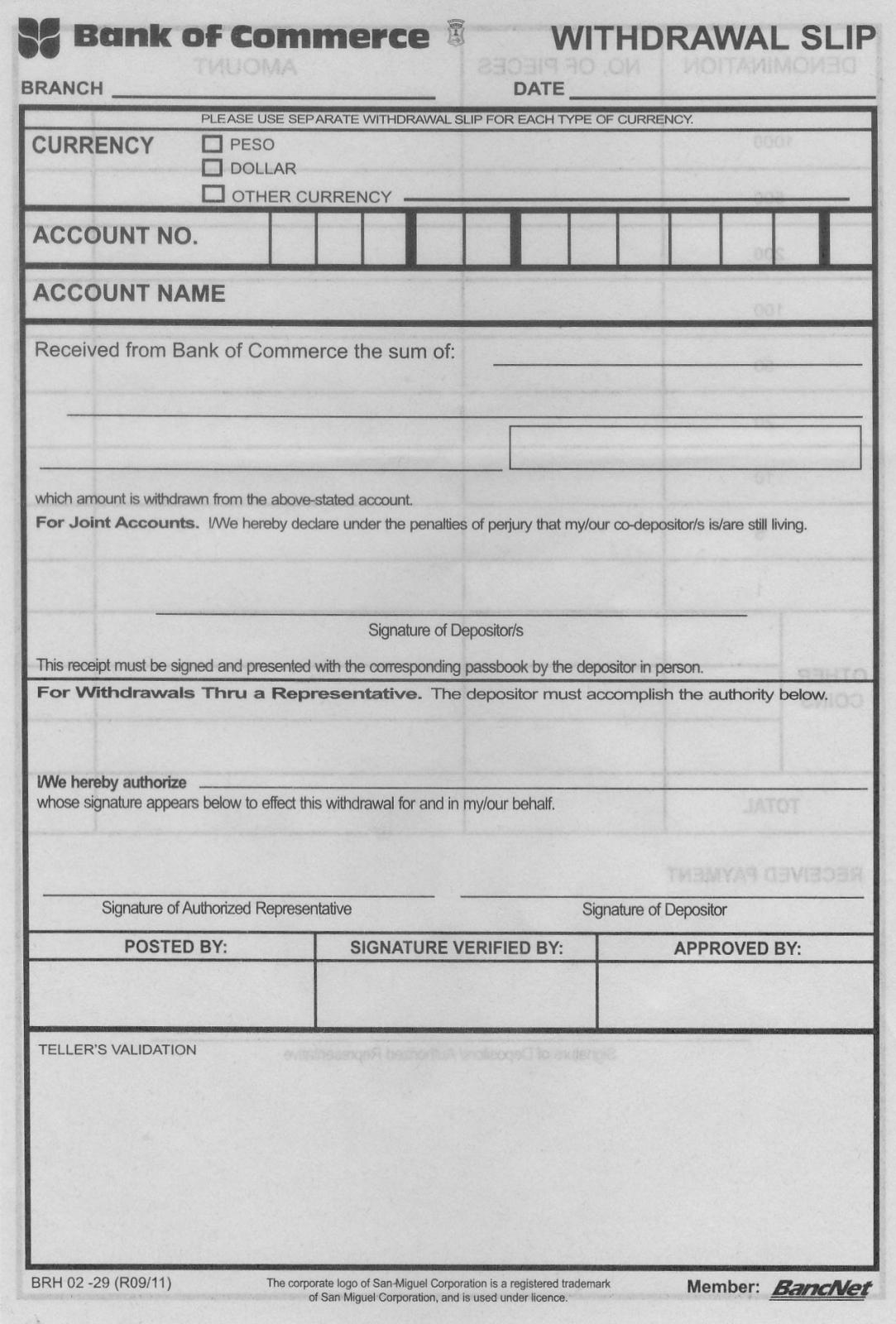
Tips for Effective Use of the Withdrawal Slip
- Keep a Digital Copy: If you frequently need to make withdrawals, consider keeping a digital copy of the form on your device. This makes it easier to access and fill out whenever necessary.
- Use Clear Handwriting: Whether filling out the form by hand or digitally, clarity is key. Use a pen with dark ink to ensure your entries are readable.
- Stay Organized: If you’re managing multiple forms, consider using a binder or folder to keep them organized. This helps you quickly find what you need when it’s time to submit a withdrawal.
- Understand Company Policies: Familiarize yourself with your company’s policies regarding withdrawals. Knowing the limits and requirements can save you time and ensure compliance.
The Withdrawal Slip Printable Form For Employees is a simple yet vital tool for managing your financial transactions within the workplace. By following these steps, you can efficiently download, print, and complete the form, making your withdrawal requests straightforward and hassle-free.