Creating efficient financial processes is crucial for small business owners. A Fillable Printable Payment Slip For Microsoft Word is an essential tool that can help streamline the way payments are received and recorded. This resource typically comes in a standard letter size (8.5 x 11 inches), making it easy to print and use, whether in the office or at home.
Understanding the Layout of the Payment Slip
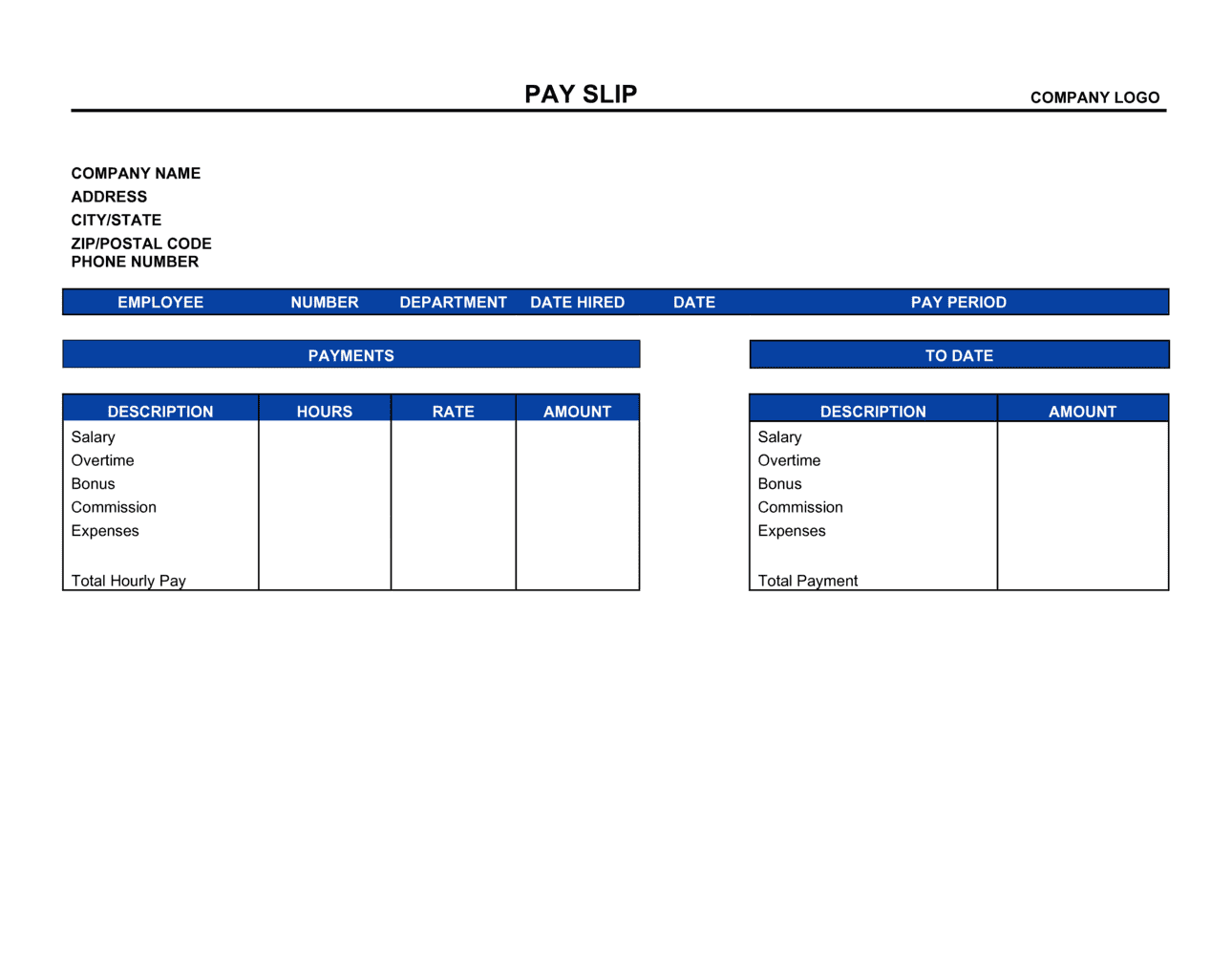
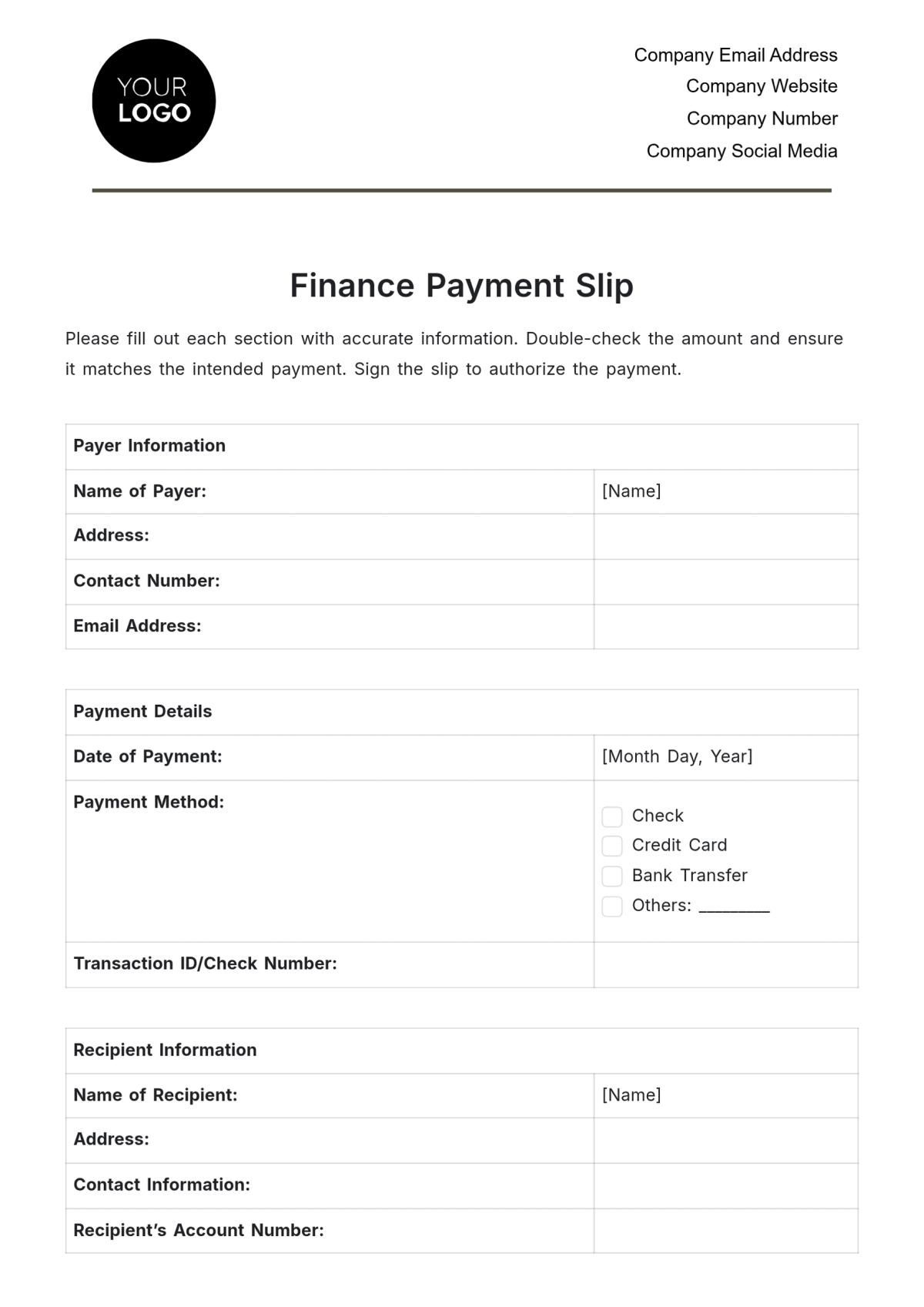
The layout of a fillable payment slip is designed for clarity and functionality. Most slips include essential fields such as:
- Payer’s Information: Name, address, and contact number.
- Payment Details: Amount, payment method, and date.
- Recipient’s Information: Name and address of the business or individual receiving the payment.
- Signature Line: For the payer to confirm the transaction.
Each section is clearly labeled, ensuring that users can fill in their information quickly without confusion. The fillable format allows for easy editing and customization, suitable for various payment types, whether it be for services rendered or product purchases.
Customizing Your Payment Slip
One of the key advantages of a fillable printable payment slip is its customizability. Users can modify the template to include their business logo, specific payment terms, or additional fields relevant to their operations. For example, if your business frequently deals with deposits, adding a field for deposit amounts can enhance clarity.
To customize effectively, consider the following:
- Font Choices: Use readable fonts that reflect your brand’s image.
- Color Schemes: Align colors with your business branding for a professional appearance.
- Field Sizes: Ensure that fields are adequately sized to accommodate various handwriting styles.
A well-customized payment slip not only looks professional but also reinforces your brand identity.
Best Practices for Using Payment Slips
Implementing best practices when using a fillable payment slip can help ensure that the payment process is efficient and error-free. Here are some practical tips:
- Keep Copies: Always retain a copy of the filled payment slip for your records. This can be done by scanning or photographing the signed document.
- Verify Information: Double-check the entered information for accuracy before finalizing the slip. This step can prevent payment processing errors.
- Use Quality Paper: When printing the slips, use a heavier paper stock for durability, especially if they need to be filed or stored for future reference.
Utilizing these best practices can help maintain a smooth transaction process and improve record-keeping.
Accessing and Downloading the Template
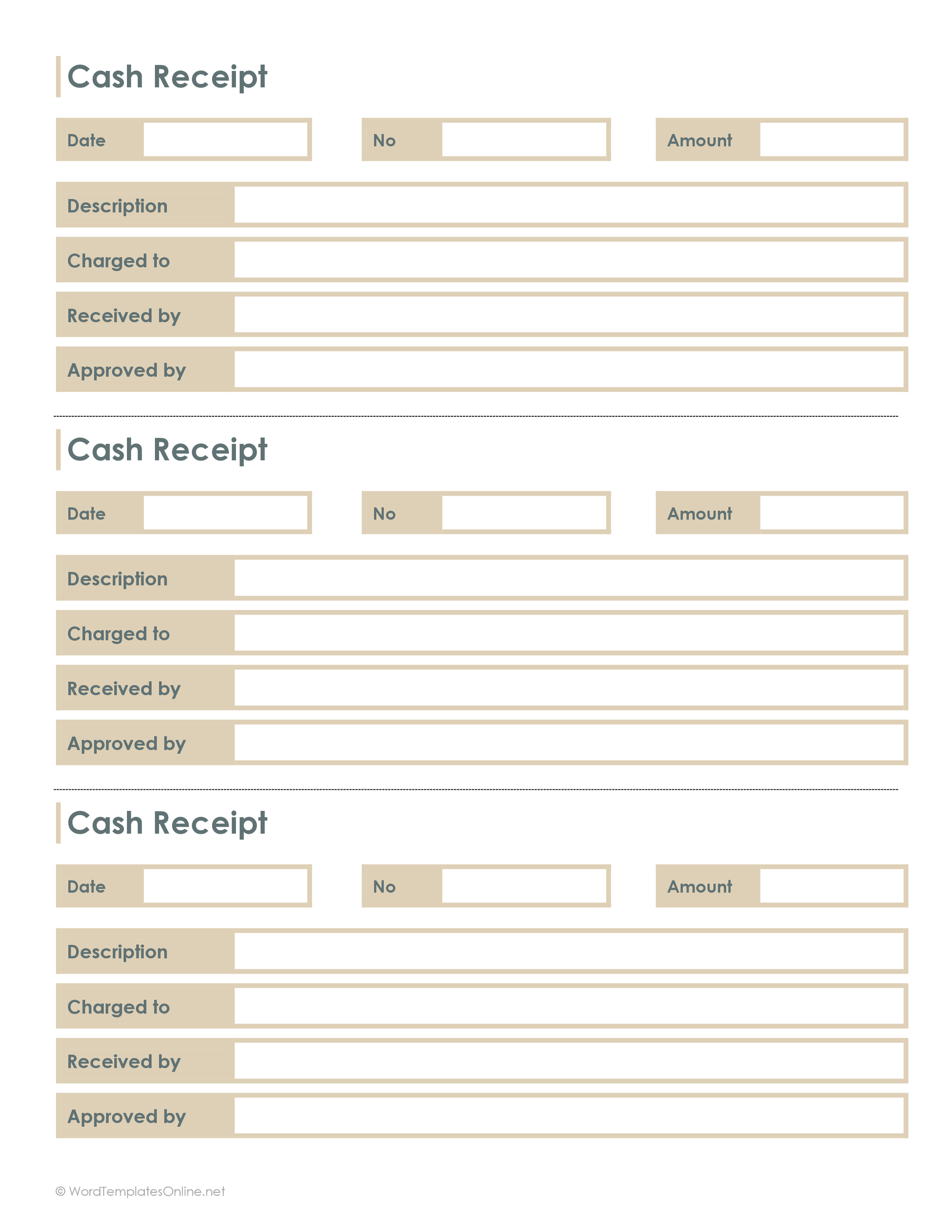
Finding a fillable printable payment slip template for Microsoft Word is straightforward. Many online resources offer free or paid versions that can be downloaded directly. When searching, look for templates that allow easy editing and are compatible with various versions of Microsoft Word.
- File Formats: Ensure the downloaded template is in .docx or .dotx format for maximum compatibility.
- Version Compatibility: Check that the template works with the version of Microsoft Word you have, as some older versions may not support newer features.
After downloading, open the template, make necessary edits, and save it to your computer for easy access when needed.