Managing personal finances can often feel overwhelming, especially when it comes to tracking payments and receipts. A Fillable Printable Payment Slip For Microsoft Excel can be a valuable tool in simplifying this process. With this resource, you can create a clear record of your transactions, making it easier to manage your budget and keep track of important payments.
Understanding the Payment Slip Format
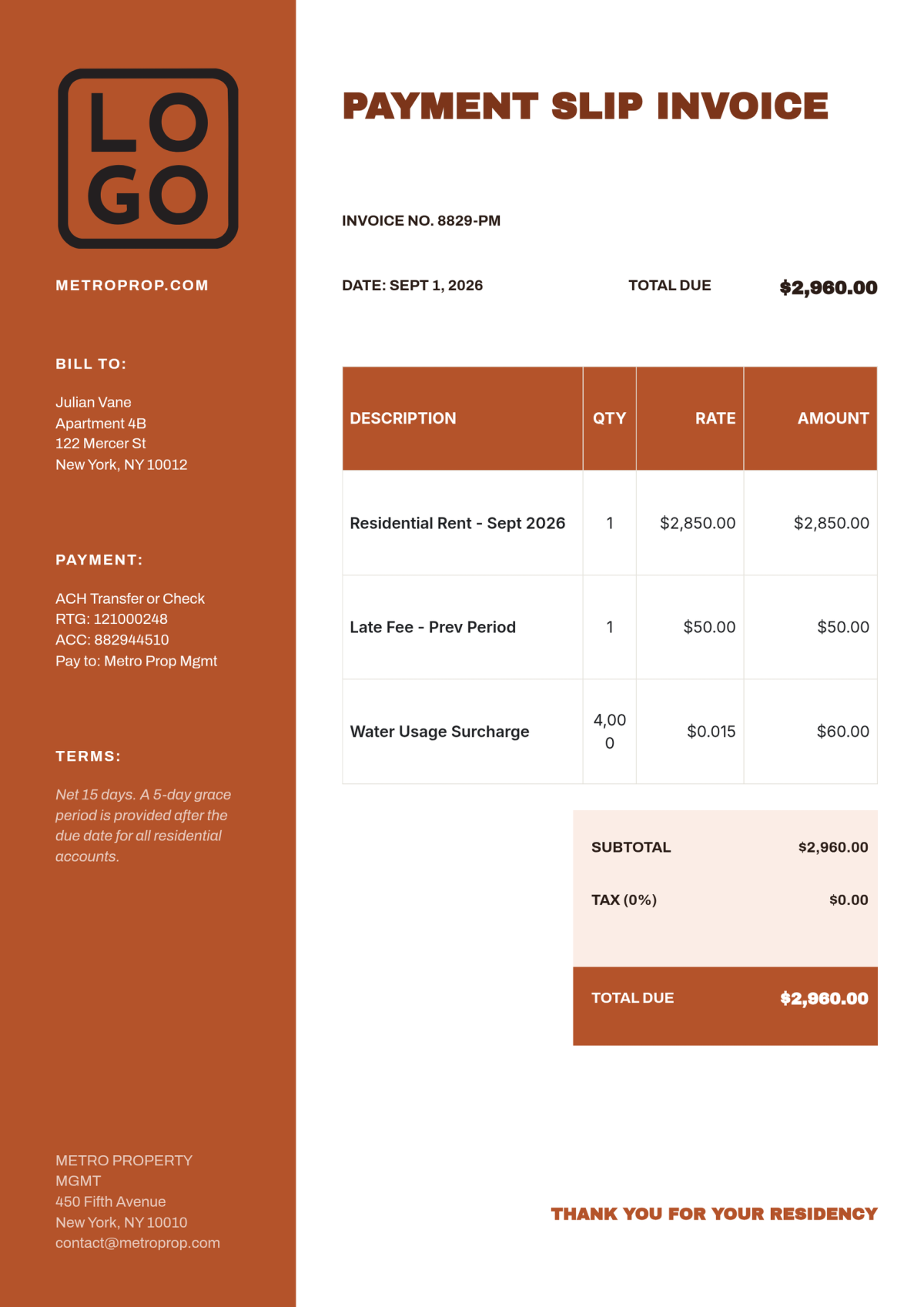
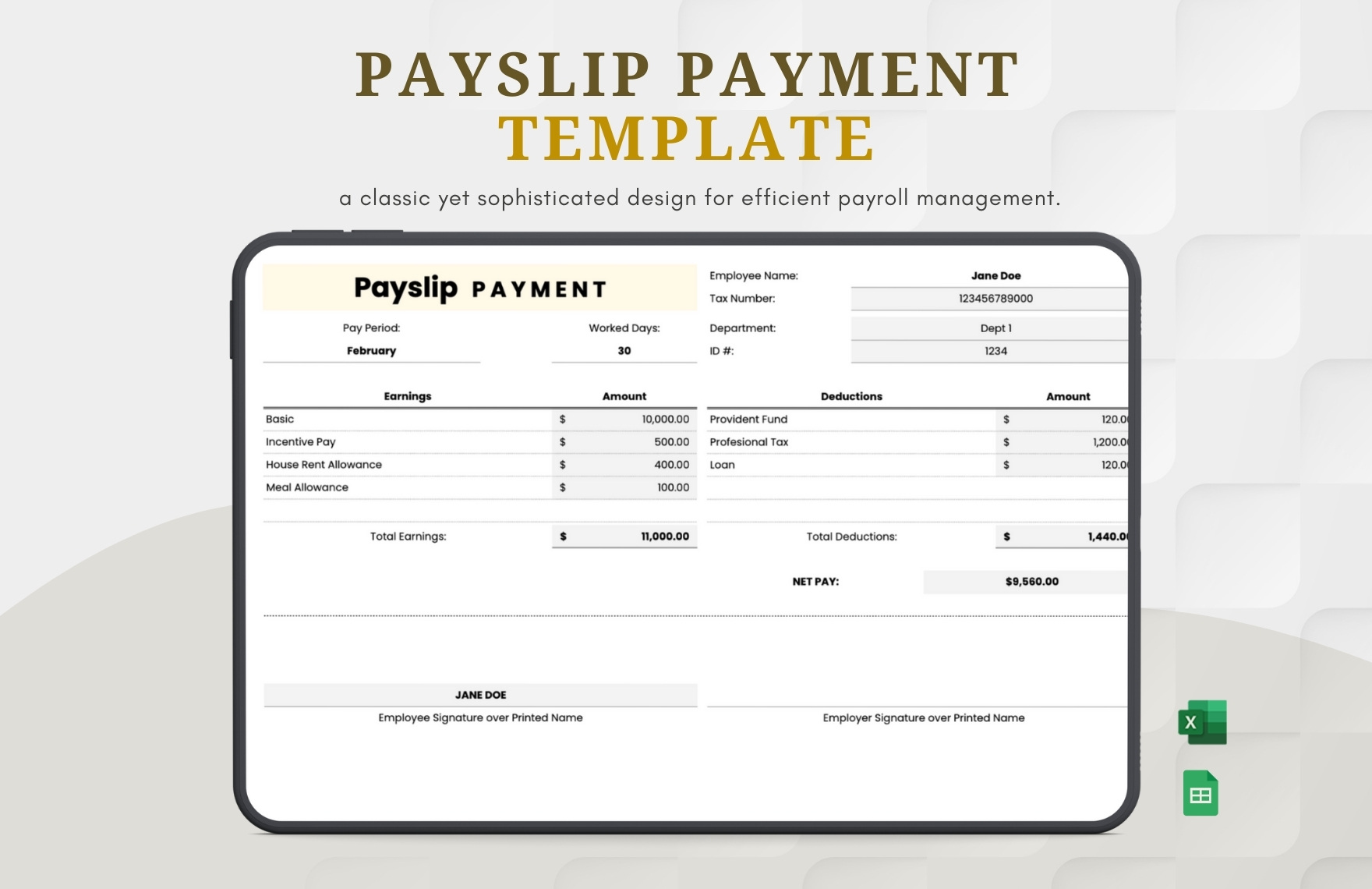
Before you look at using your fillable payment slip, it’s essential to understand its layout and components. Typically, a payment slip includes fields for the date, payee, payment amount, and a brief description of the transaction. Depending on your needs, additional fields may also be included for categorizing expenses or noting payment methods.
This format is especially useful for individuals who frequently handle transactions, such as freelancers, small business owners, or anyone managing personal finances. With Excel, you can customize the slip to fit your specific requirements, ensuring you capture all the necessary information.
Downloading the Payment Slip Template
To get started, you’ll first need to download the Fillable Printable Payment Slip For Microsoft Excel. Here’s a simple workflow to follow:
- Find a Reliable Source: Look for a trusted website that offers free or paid templates. Ensure the site has a good reputation for providing quality resources.
- Check Compatibility: Make sure the template is compatible with your version of Excel. Most templates should work with recent versions, but it’s good to verify.
- Download the File: Click the download link, and save the file to a location on your computer where you can easily find it, such as your desktop or a dedicated folder for financial documents.
Once downloaded, open the file in Microsoft Excel. This step is crucial because you want to ensure everything looks correct and is functional before you start entering data.
Setting Up Your Payment Slip
Now that you have your payment slip open in Excel, it’s time to set it up for your needs. Here’s how to do it effectively:
- Customize the Fields: Review the existing fields and customize them if necessary. For example, if you need to track different payment methods, consider adding a drop-down list for easy selection.
- Format for Clarity: Adjust font sizes, colors, and borders to make the slip easy to read. A clean, organized format helps you quickly locate information at a glance.
- Test the Fillable Features: If the slip is designed to be fillable, try entering sample data to ensure everything works correctly. This includes testing any formulas that may automatically calculate totals or balances.
By taking these steps, you create a personalized tool that fits seamlessly into your financial routine.
Using the Payment Slip for Transactions
With your payment slip ready, you can begin using it to track your transactions. Here are some practical tips for effective use:
- Be Consistent: Make it a habit to fill out the payment slip immediately after making a transaction. This practice ensures that you won’t forget any details later.
- Categorize Your Payments: If your payment slip allows for categorization, use it to group similar expenses. This can help you analyze spending patterns and identify areas for savings.
- Save and Back Up Your Work: Regularly save your file and consider backing it up in a cloud service or external drive. This ensures you have access to your financial records even if something happens to your computer.
Printing Your Payment Slip
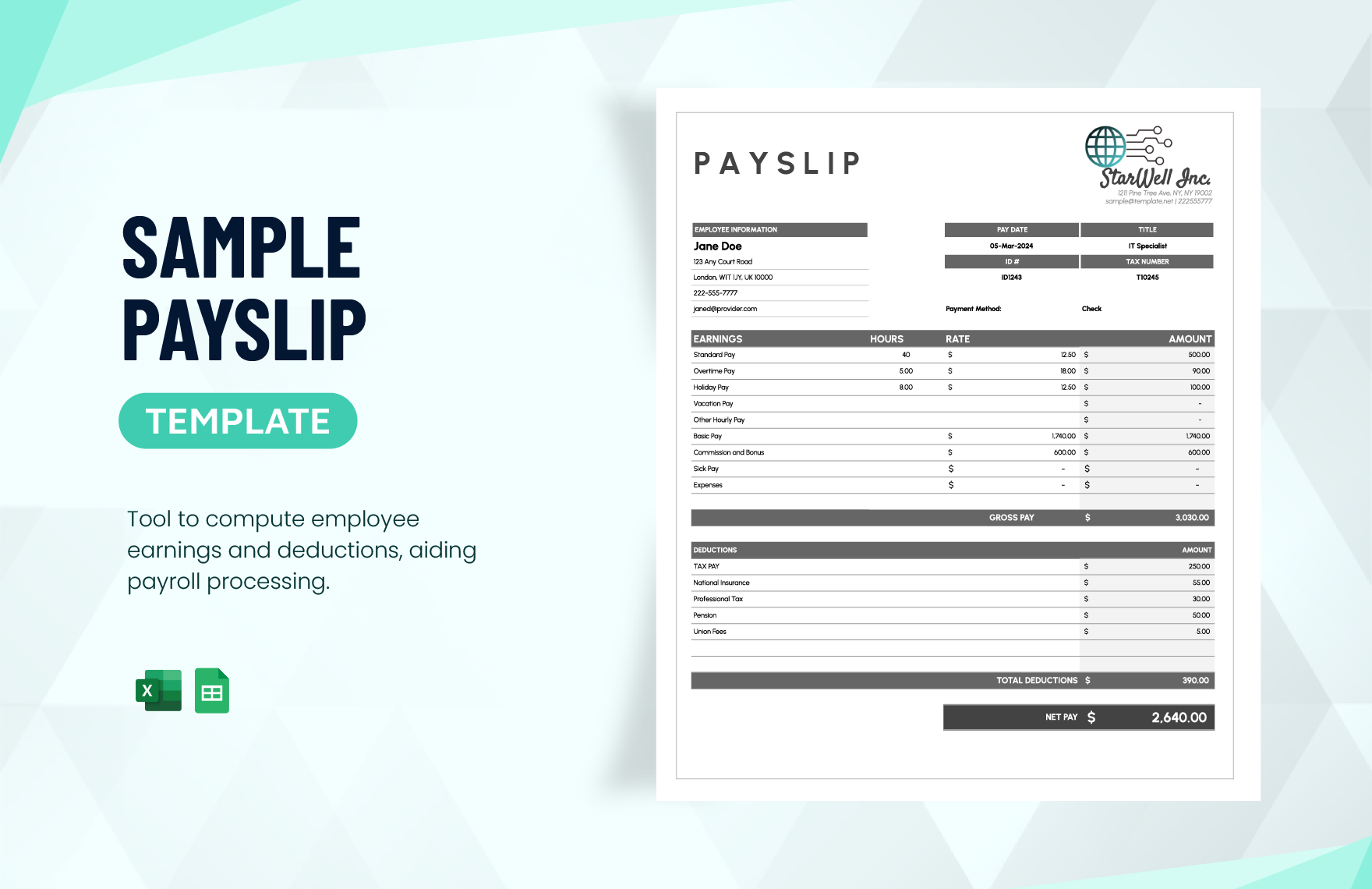
While the slip is designed to be used digitally, you might want a physical copy for your records. Here’s how to print it effectively:
- Choose the Right Paper: For best results, use standard A4 or letter-sized paper. If you plan to keep the slips for long-term use, consider printing on heavier cardstock for durability.
- Adjust Print Settings: Before printing, check your print settings. Ensure the layout is set to portrait mode for the best fit, and select high-quality printing options for clarity.
- Print a Test Page: It’s always a good idea to print a test page to check how everything looks. This step can help you avoid wasting paper on misprints.
By following these steps, you can effectively manage your finances using the Fillable Printable Payment Slip For Microsoft Excel.
One immediate tip: Set a weekly reminder to review your payment slips. This simple practice can keep you informed about your financial situation and help you stay on track with your budgeting goals.