Managing payments can often feel overwhelming, especially when you need to keep track of multiple transactions. A Fillable Printable Payment Slip To Print At Home can simplify this process, providing a clear and organized way to document payments. If you are paying bills, managing personal finances, or handling business transactions, this resource allows you to create and utilize payment slips with ease. Here, I’ll guide you through the steps to download, print, and effectively use these payment slips to enhance your financial organization.
Understanding the Payment Slip
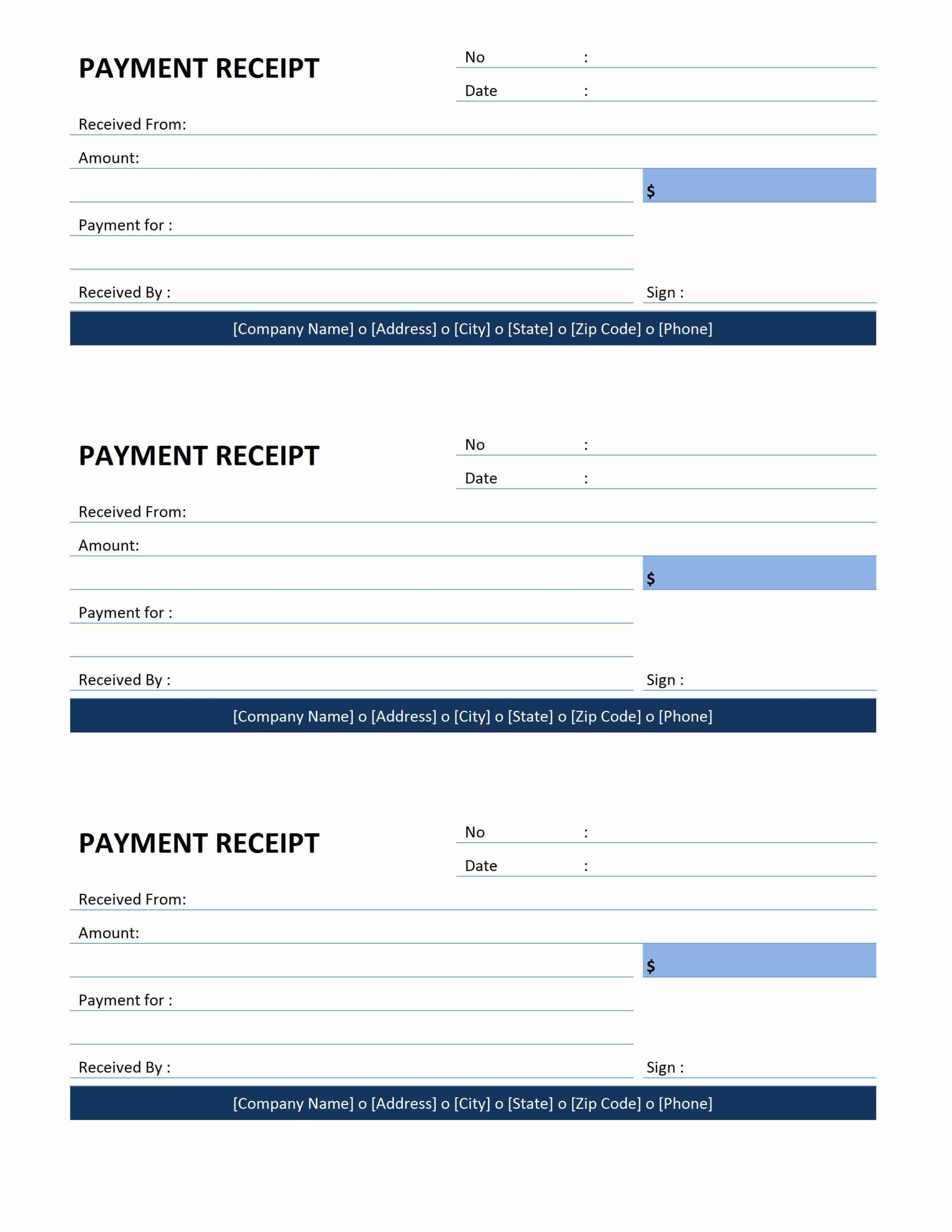
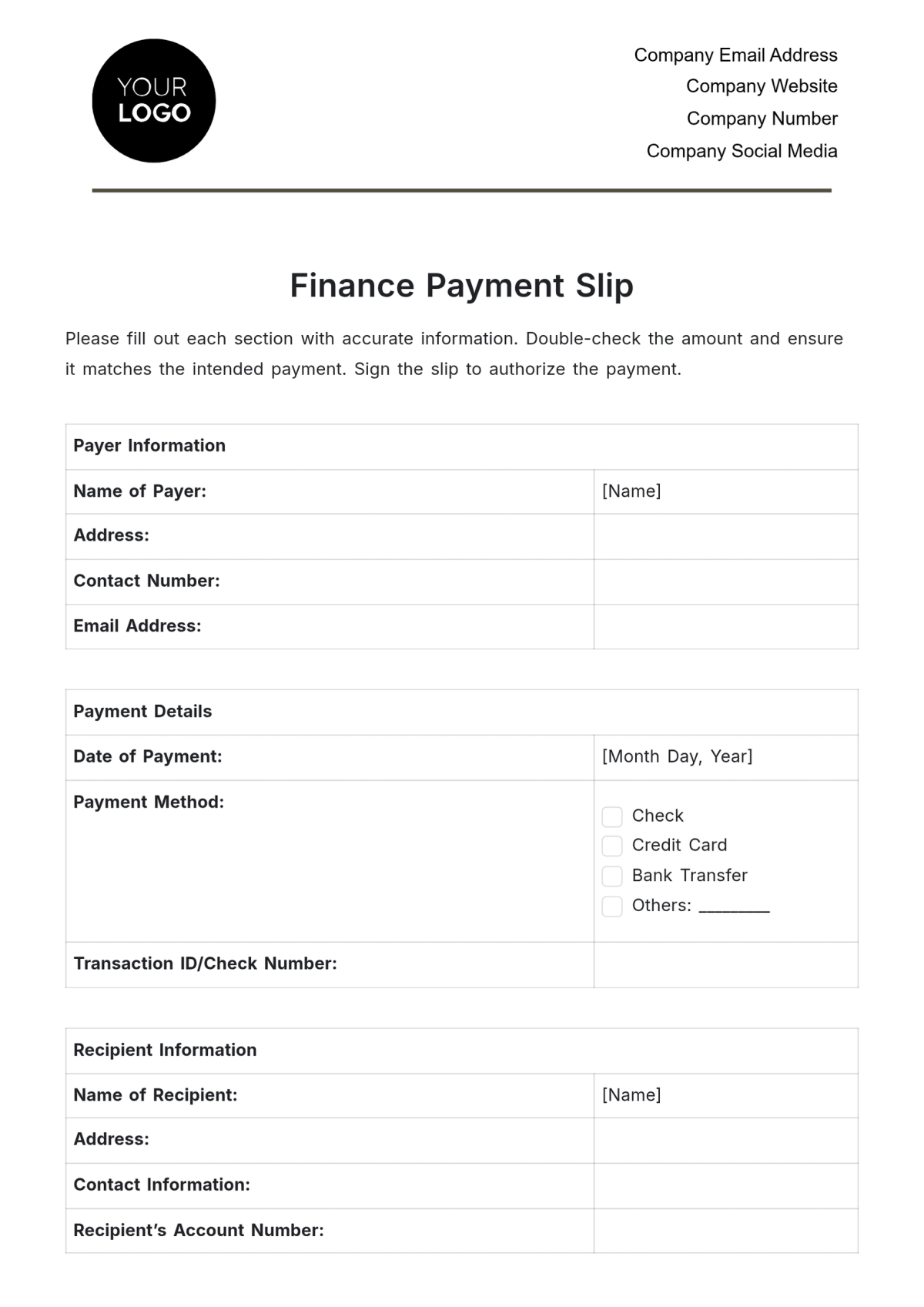
Before jumping into the process, let’s discuss what a payment slip is. Essentially, a payment slip is a document that outlines the details of a transaction. This includes the payer’s name, the amount paid, the date of payment, and the purpose of the transaction. Using a fillable format allows you to enter this information digitally before printing, ensuring clarity and professionalism.
How to Download the Payment Slip
- Find a Reliable Source: Look for a reputable website that offers fillable printable payment slips. Ensure that the site provides resources in PDF format for easy filling and printing.
- Select the Right Template: Once on the site, browse through the available templates. Choose one that suits your needs—some templates may be designed for business transactions, while others are more suited for personal use.
- Download the Slip: Click the download button to save the payment slip template to your computer. It’s helpful to save it in a folder where you can easily find it later.
Filling Out the Payment Slip
After downloading, the next step is to fill out the payment slip:
- Open the PDF: Use a PDF reader like Adobe Acrobat Reader. This software allows you to fill in the fields directly on your computer.
- Enter Your Information: Click on each field to enter the required information. Be sure to include:
- Your name or your business name
- The recipient’s name or business
- The date of the payment
- The amount being paid
- A brief description of the payment purpose
- Double-Check Your Entries: Accuracy is crucial. Ensure that all information is correct, as this slip may serve as a record for both you and the recipient.
Printing the Payment Slip
Once you’ve filled out the slip, it’s time to print it:
- Select Print Settings: Go to the print menu. For best results, choose “Actual Size” to ensure the slip prints correctly without any scaling issues.
- Choose Your Paper: Standard letter size (8.5 x 11 inches) works well for most payment slips. If you plan to keep the slips for a long time, consider using heavier paper stock for durability.
- Print the Slip: Click print and wait for the document to finish printing. If you have a color printer, you may want to print in color for a more professional appearance, but black and white works just fine for most situations.
Using the Payment Slip Effectively
With your payment slip printed, it’s time to put it to use:
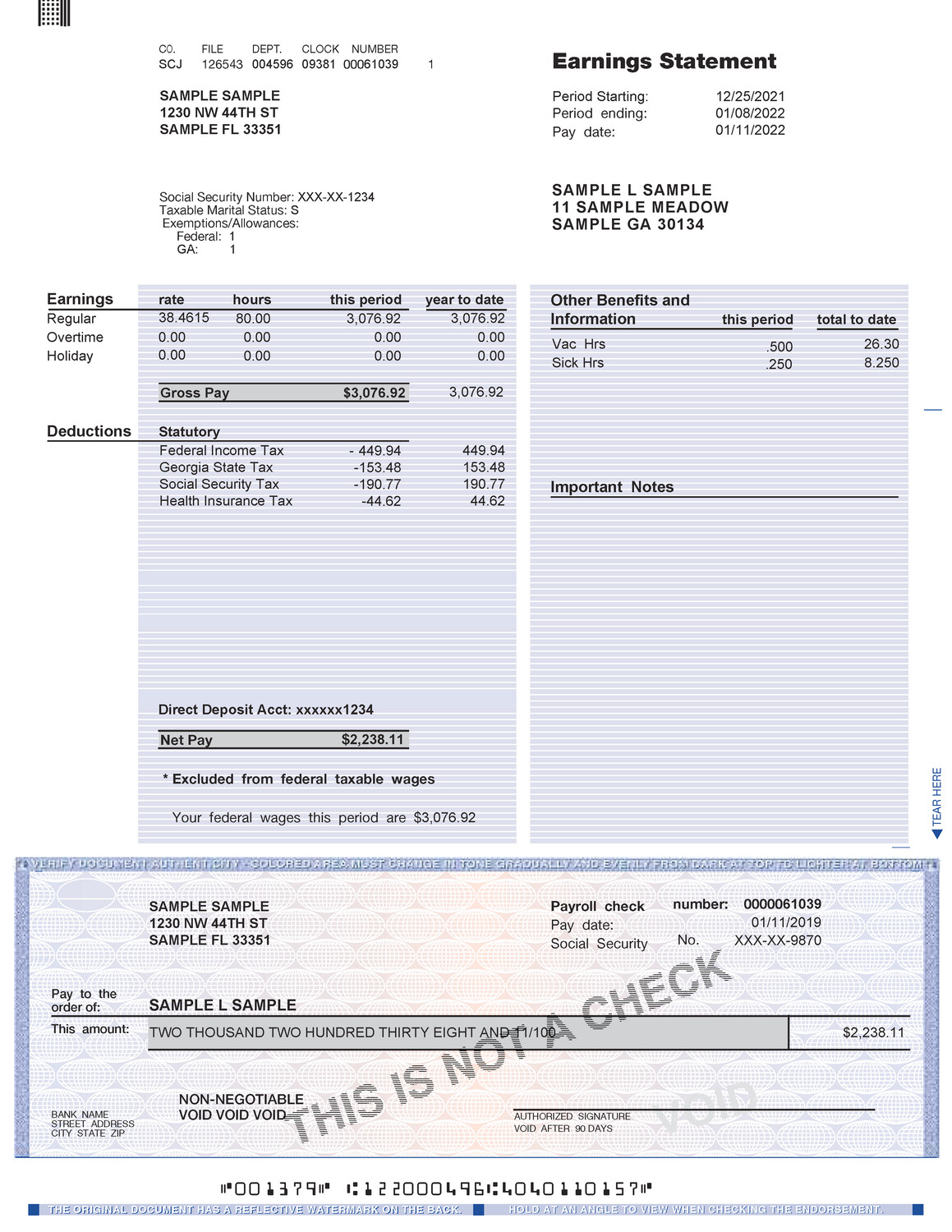
- Attach It to Payments: When making a payment, attach the slip to your check or payment method. This provides the recipient with clear documentation of the transaction.
- Keep Records: Maintain a copy of each payment slip for your records. This practice will help you track your payments and resolve any disputes that may arise later.
- Organize Your Slips: Consider using a binder or folder to organize your payment slips. You can sort them by month, purpose, or recipient for easy access.
By following these steps, you can efficiently utilize a Fillable Printable Payment Slip To Print At Home. This resource not only streamlines your payment process but also helps you maintain clarity and organization in your financial dealings.
And remember, being organized is key to managing your personal finances effectively. For immediate action, explore a reliable resource today and download your first payment slip template!