To manage employee payroll effectively, having the right tools is essential. A Fillable Printable Payment Slip For Employee Records is a practical resource that helps small business owners keep track of payments made to employees. This slip not only ensures accurate documentation but also simplifies the payroll process. This guide will explain how to utilize this resource, its benefits, and tips for best practices.
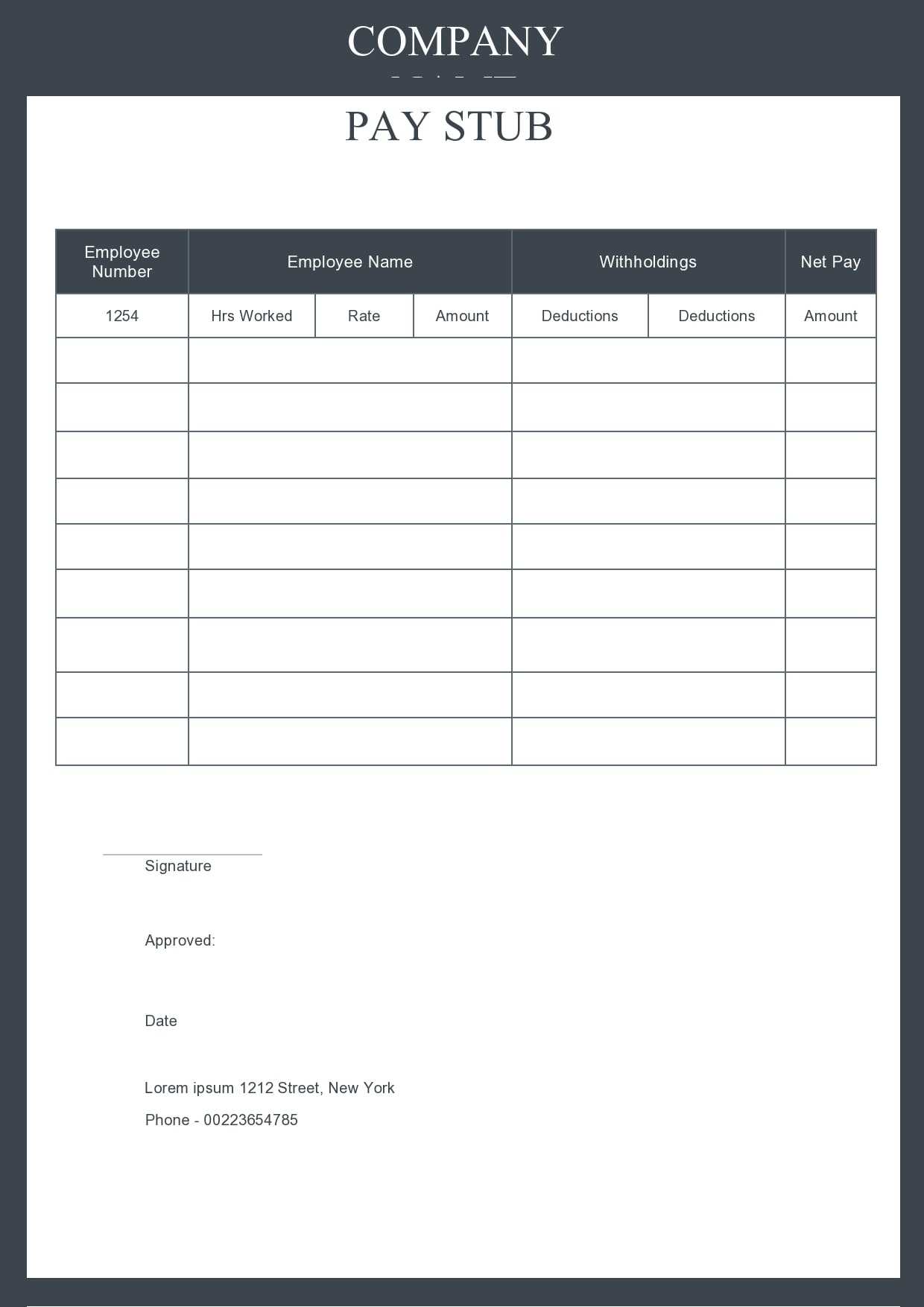
Understanding the Fillable Printable Payment Slip
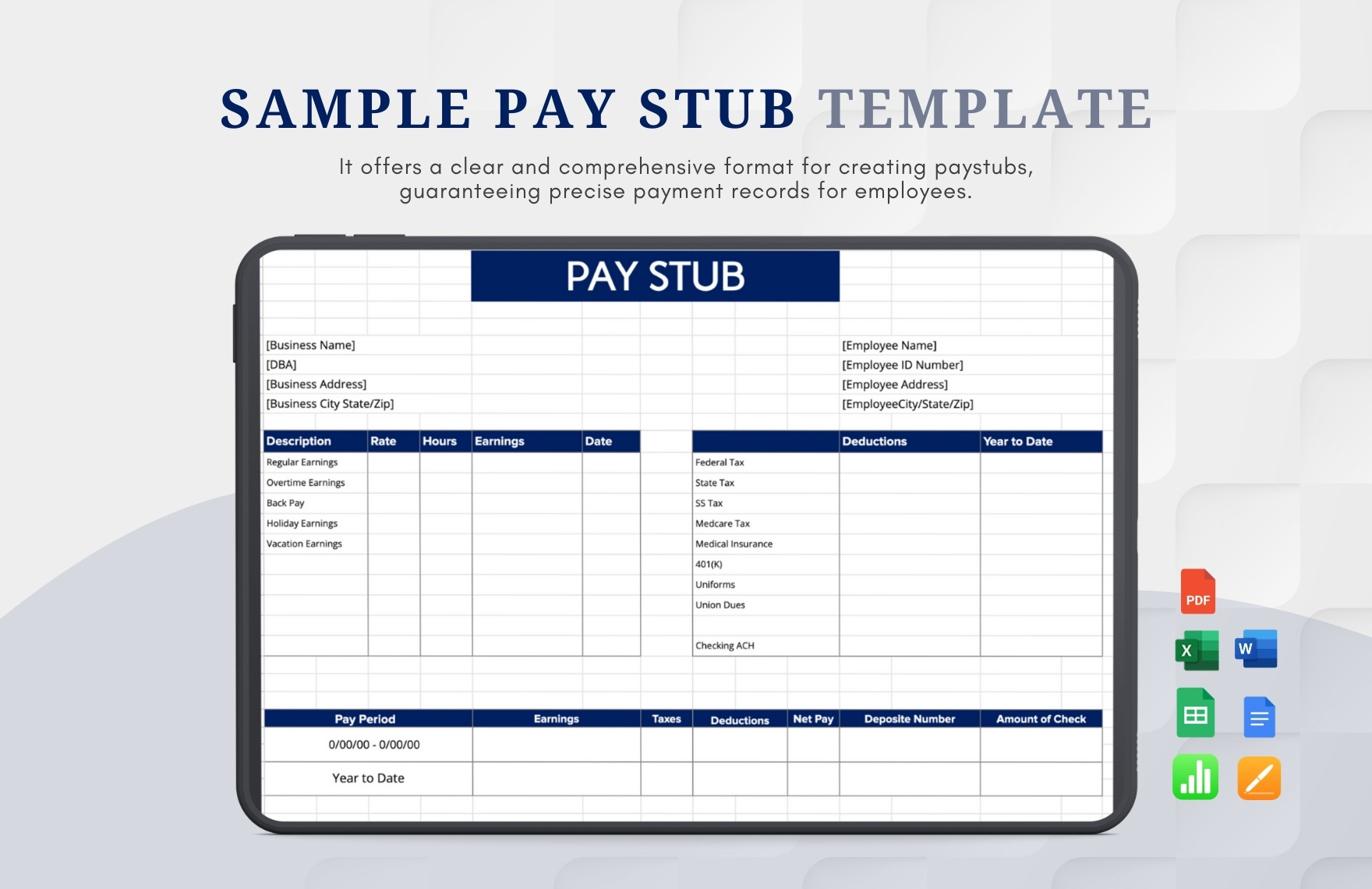
A Fillable Printable Payment Slip is a customizable document designed for recording payment details for employees. Typically, it includes fields for the employee’s name, payment date, amount, and method of payment. This slip can be easily filled out digitally and printed for physical records, making it a versatile option for small businesses.
The primary purpose of this slip is to provide a clear, organized way to track employee payments. For small businesses, especially those without advanced payroll systems, this resource can streamline record-keeping and ensure compliance with tax regulations.
How to Use the Payment Slip Effectively
Using a Fillable Printable Payment Slip is straightforward, but there are key steps to ensure it serves its purpose effectively:
- Download the Template: Start by downloading the fillable template from a reliable printable resource website. Ensure that the file format is compatible with your device; PDF is generally the best option for easy printing and filling.
- Fill in Employee Information: Enter the necessary details for each payment. This typically includes:
- Employee Name
- Payment Date
- Payment Amount
- Payment Method (e.g., cash, check, direct deposit)
- Review for Accuracy: Before printing, double-check all entered information. Mistakes can lead to misunderstandings or issues during audits.
- Print and Distribute: Once verified, print the slip and provide a copy to the employee. Retain a copy for your records to maintain a complete payroll history.
- Store Safely: Keep the printed slips organized, either in a physical filing system or scanned and saved digitally. This ensures easy access during tax season or payroll audits.
Benefits of Using Fillable Printable Payment Slips
Implementing a Fillable Printable Payment Slip for Employee Records can offer numerous advantages:
- Organization: Keeps all payment records in one place, making it easier to track and manage employee payments.
- Clarity: Clearly outlines payment details, reducing confusion for both employer and employee.
- Compliance: Helps ensure that all required payment information is documented, which is crucial for tax compliance and audits.
- Customization: Being fillable allows customization to suit specific business needs, such as adding company logos or additional fields.
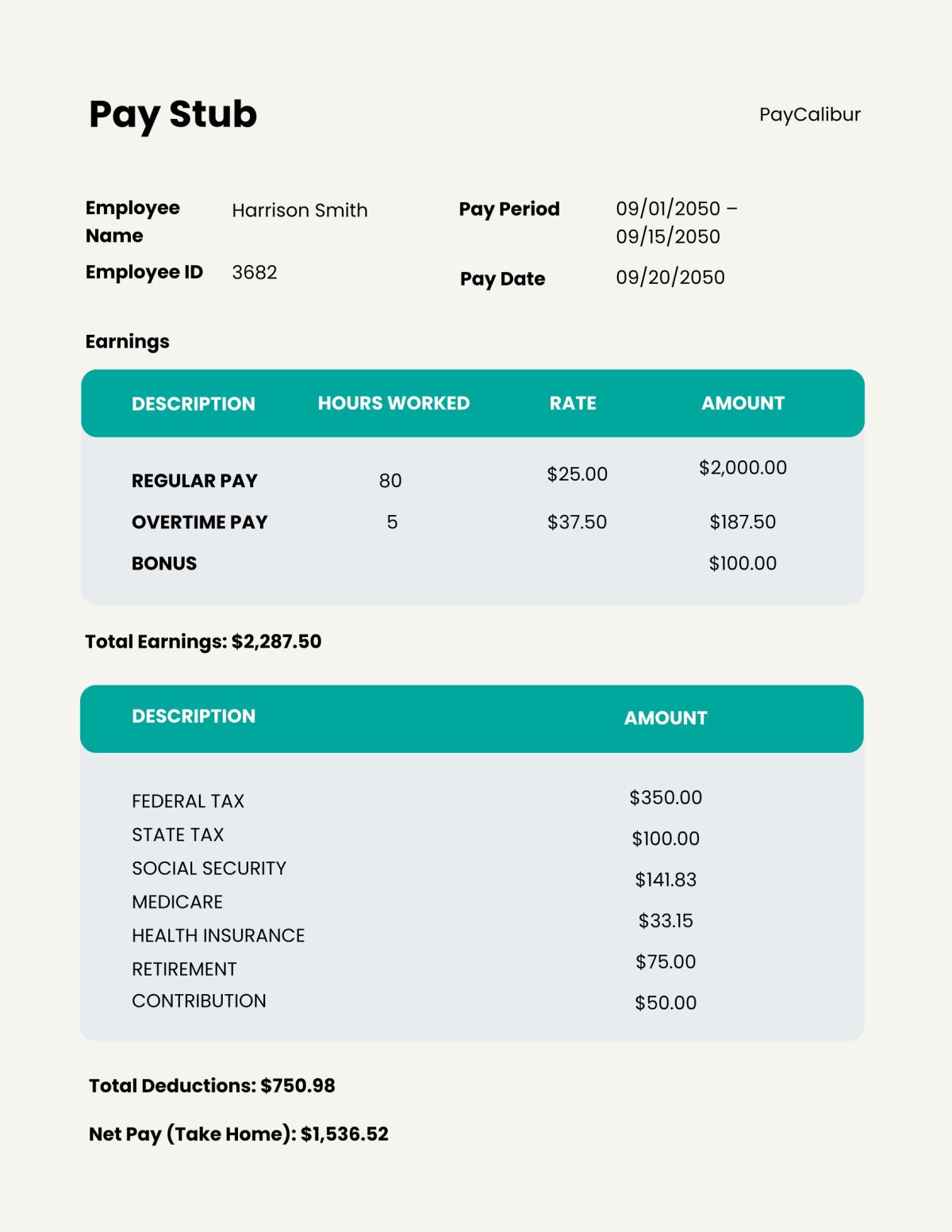
Best Practices for Maintaining Employee Payment Records
To maximize the benefits of your Fillable Printable Payment Slip, consider adopting these best practices:
- Regular Updates: Update payment slips promptly after each pay period. This prevents backlogs and ensures that records are always current.
- Digital Backups: In addition to physical copies, maintain digital backups. This protects against loss or damage to paper records.
- Consistent Format: Use the same format for all payment slips to maintain consistency. This practice aids in organization and simplifies record retrieval.
- Employee Communication: Regularly communicate with employees about their payment slips, ensuring they understand the information documented and can raise any concerns.
By following these steps and practices, small business owners can effectively manage their payroll documentation using a Fillable Printable Payment Slip For Employee Records. This resource not only simplifies the payroll process but also enhances accuracy and compliance, ultimately supporting better business operations.