When managing finances in a small business, having a reliable system for tracking payments is crucial. A Downloadable Printable Payment Slip Template provides a straightforward solution for recording transactions efficiently. This template is typically available in PDF format, ensuring that it maintains its layout and design across different devices and printers.
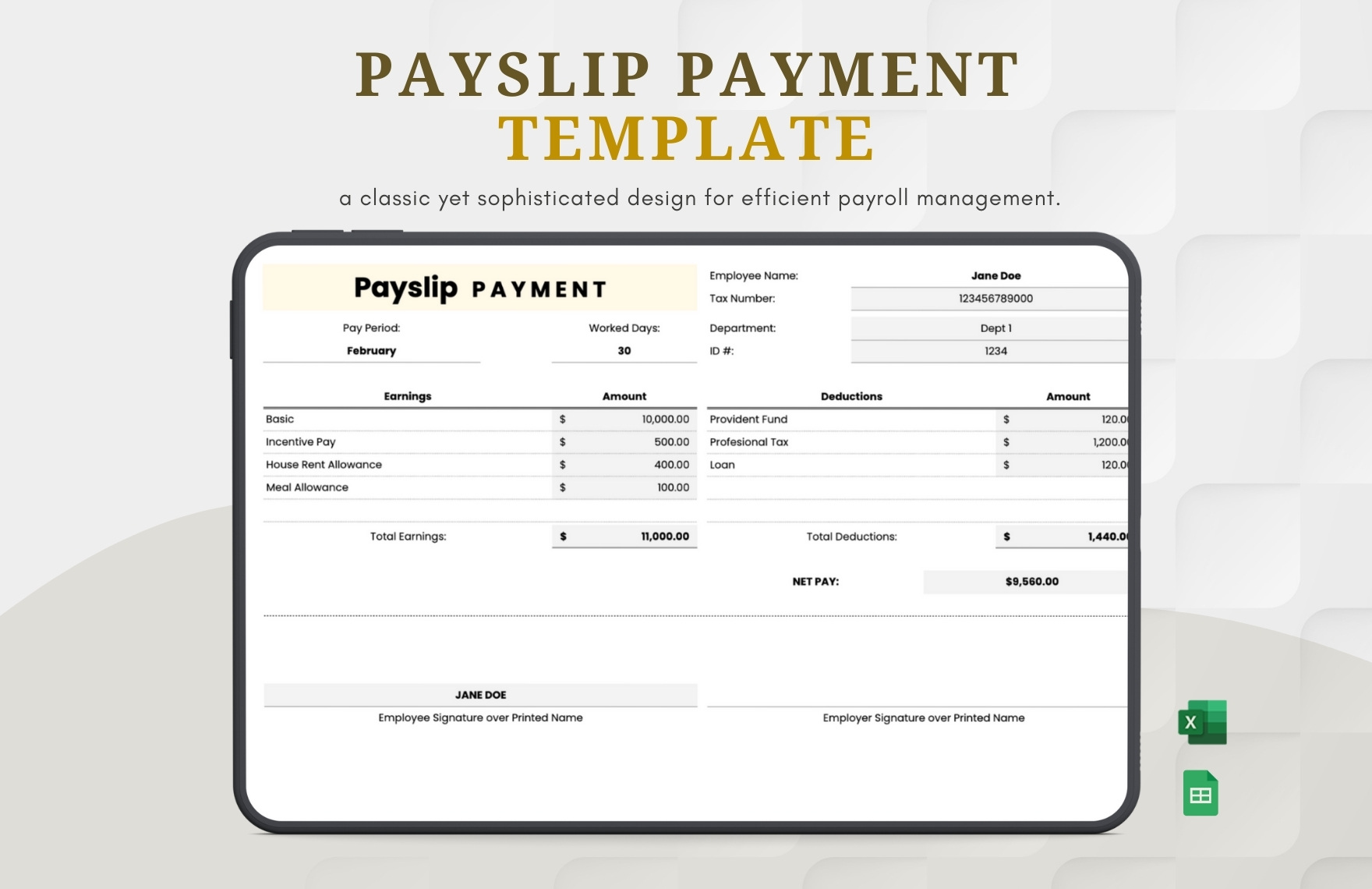
Understanding the Payment Slip Template
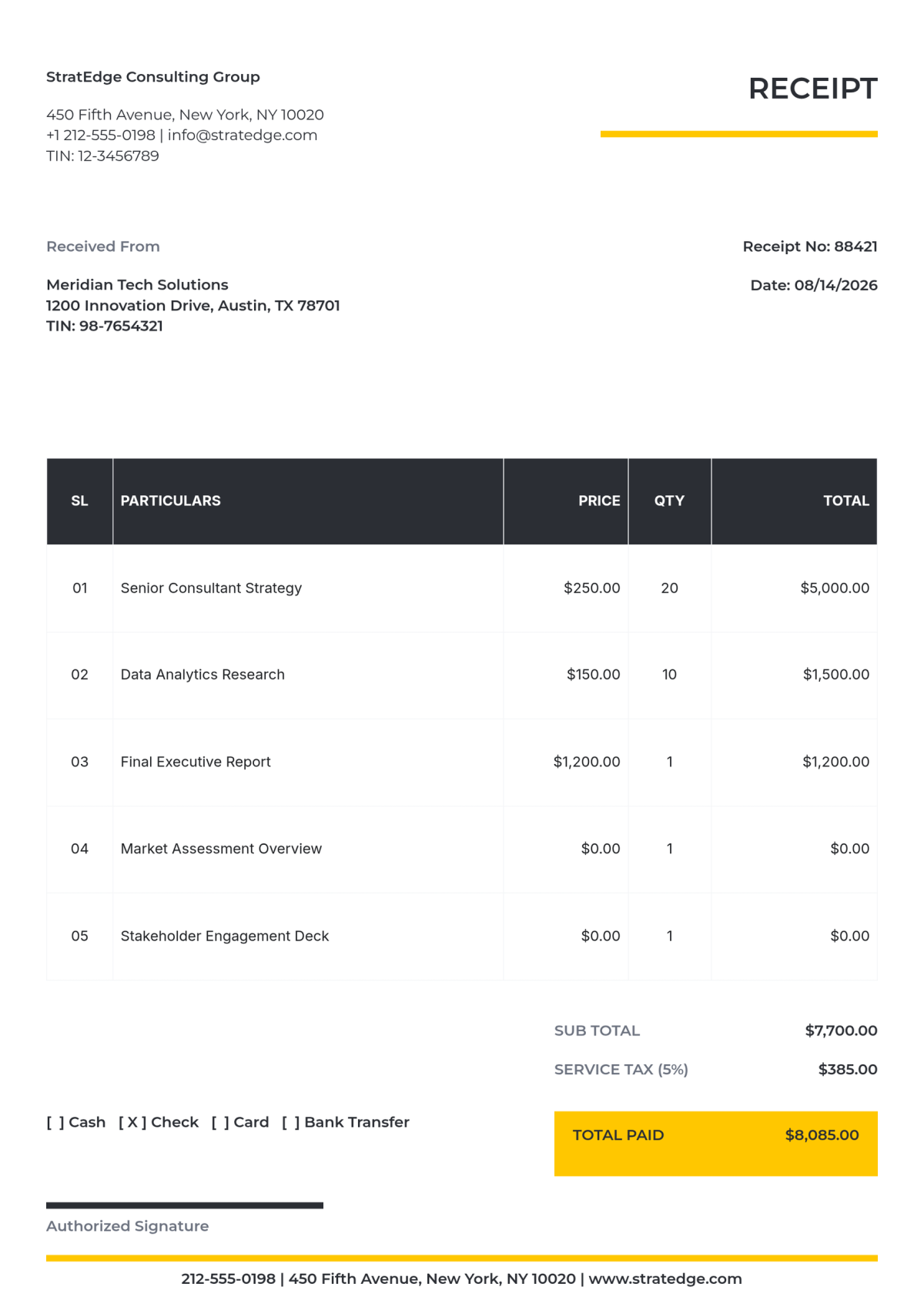
A payment slip template is a document used to record payments received from clients or customers. It usually includes essential fields such as the payer’s name, payment amount, date, item description, and a space for signatures. This template serves as a formal acknowledgment of payment, which can help avoid disputes and keep both parties organized.
Customizing the payment slip template is easy. Most templates allow you to adjust the business name, logo, and contact information to fit your branding. This personal touch not only enhances professionalism but also makes it easier for clients to recognize your business.
Format and Download Options
The most common format for a Downloadable Printable Payment Slip Template is PDF. This format is widely compatible with various devices and maintains the document’s integrity during printing. Some templates may also be available in Word or Excel formats, allowing for easier editing and customization.
When downloading, ensure that your device has the necessary software to open these files. For example, PDFs require a PDF reader, while Word documents need a compatible word processor. Most computers come equipped with these applications, but it’s always good to double-check.
Printer Setup and Paper Choices
Printing the payment slip correctly is just as important as designing it. Most small businesses use standard letter-sized paper (8.5 x 11 inches) for their payment slips. However, if you prefer a more professional look, consider using heavier paper or cardstock. This not only enhances durability but also provides a more substantial feel for clients.
Before printing, adjust your printer settings to ensure the best quality. Here are a few tips:
- Print in Portrait Layout: This orientation typically fits the payment slip design better.
- Use High-Quality Settings: Select the highest print quality option available to ensure that all text and graphics are sharp and clear.
- Test Print: Always do a test print on plain paper first. This helps catch any formatting issues before using your chosen paper.
Practical Uses for Payment Slips
Payment slips are not just for recording payments; they can also serve multiple purposes in a small business. Here are some practical uses:
- Payment Records: Keep a file of all payment slips to track income over time.
- Invoicing: Include a payment slip with invoices to simplify the payment process for clients.
- Customer Communication: Use payment slips as a follow-up to confirm that a payment has been received, enhancing customer trust.
By integrating payment slips into your business processes, you streamline operations and improve financial management.
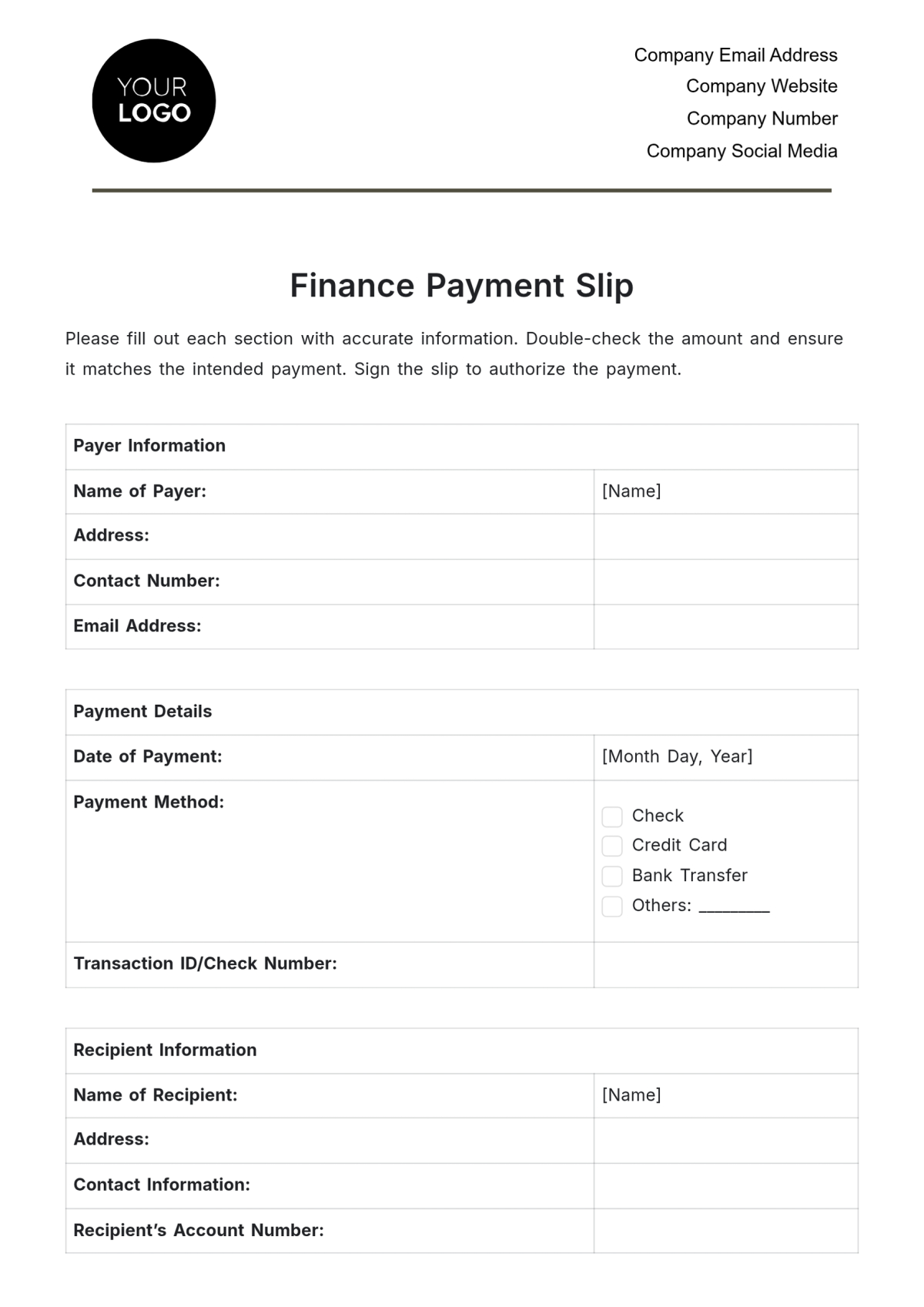
Things to Watch Out For
While using a Downloadable Printable Payment Slip Template can simplify financial tracking, there are a few caveats to keep in mind. Make sure to regularly back up your payment records, whether digitally or in physical form. This protects against data loss and ensures you have a reliable reference in case of disputes.
Additionally, ensure that the template you choose meets your specific business needs. Some templates might lack essential fields or have unnecessary information that could clutter your records. Always review the template thoroughly before implementing it in your business processes.