Managing your finances often requires clear and effective documentation. A Downloadable Printable Payment Slip With Company Details is an excellent resource for keeping your transactions organized. This slip not only helps track payments but also enhances professionalism when dealing with clients or vendors. In this guide, I’ll walk you through the benefits, features, and practical steps to download and use this payment slip effectively.
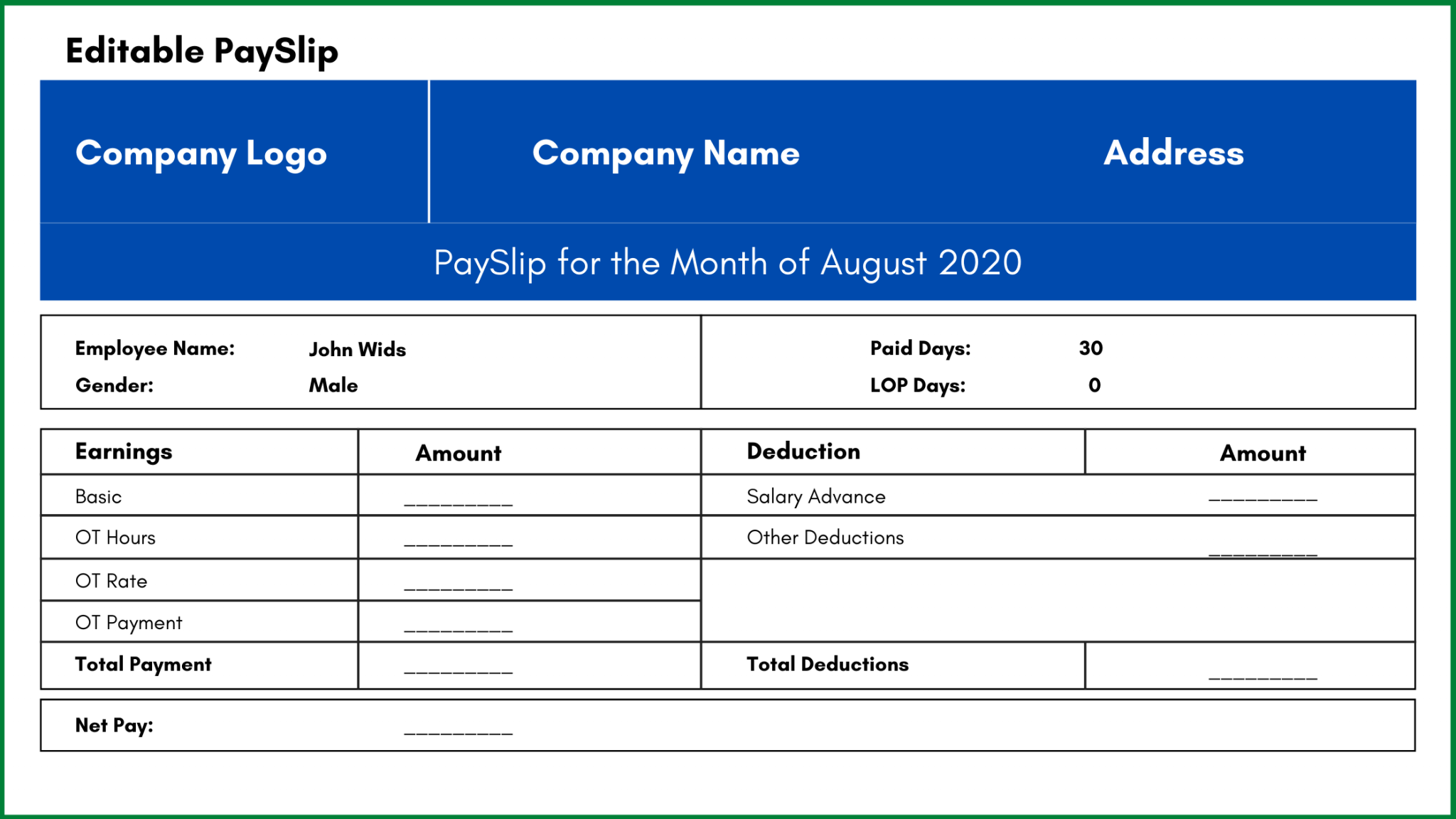
Understanding the Payment Slip
A payment slip is a simple document that outlines the details of a transaction. It typically includes information such as the payer’s name, the payee’s name (your company), the amount paid, and the date of the transaction. By using a printable payment slip with company details, you can ensure that all necessary information is recorded and easily accessible for both parties involved.
Key Features of a Printable Payment Slip
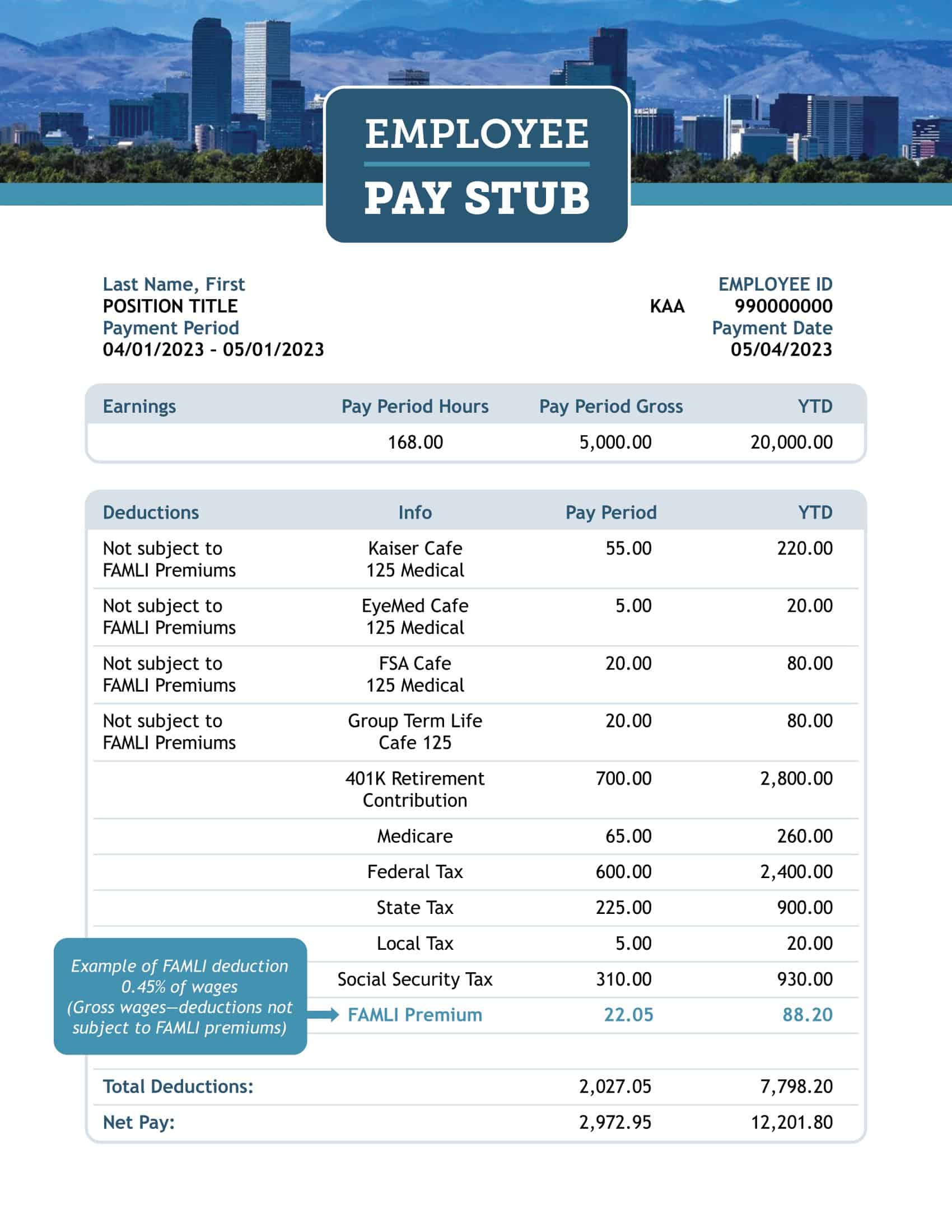
When looking for a downloadable printable payment slip, consider these essential features:
- Company Branding: The slip should include your company’s logo and contact information, reinforcing your brand identity.
- Clear Layout: A well-structured format that clearly presents the details will make the slip easy to read and understand.
- Customization Options: Look for a template that allows you to personalize fields according to your business needs.
How to Download the Payment Slip
Downloading a payment slip is a straightforward process. Here’s how you can do it efficiently:
- Find a Reliable Source: Search for websites that offer downloadable printable payment slips with company details. Ensure the website is trustworthy and has positive reviews.
- Select Your Template: Choose a template that meets your specific needs. Many sites offer variations based on style and layout, so pick one that you find visually appealing and functional.
- Download the File: Most templates are available in PDF or Word format. PDF files are preferred for their consistency across devices, while Word files may allow for easier editing.
- Save Locally: After downloading, save the file in a designated folder on your computer for easy access in the future.
Printing Your Payment Slip
Once you have your payment slip downloaded, the next step is to print it. Here are some practical tips for optimal printing:
- Use Quality Paper: For a professional look, print your payment slips on heavier paper or cardstock. This adds durability and a sense of quality.
- Check Print Settings: Ensure your printer settings are adjusted for the paper size you are using. Most payment slips are formatted for standard letter size (8.5 x 11 inches).
- Test Print: Before printing multiple copies, do a test print to check for formatting issues and ensure everything appears as expected.
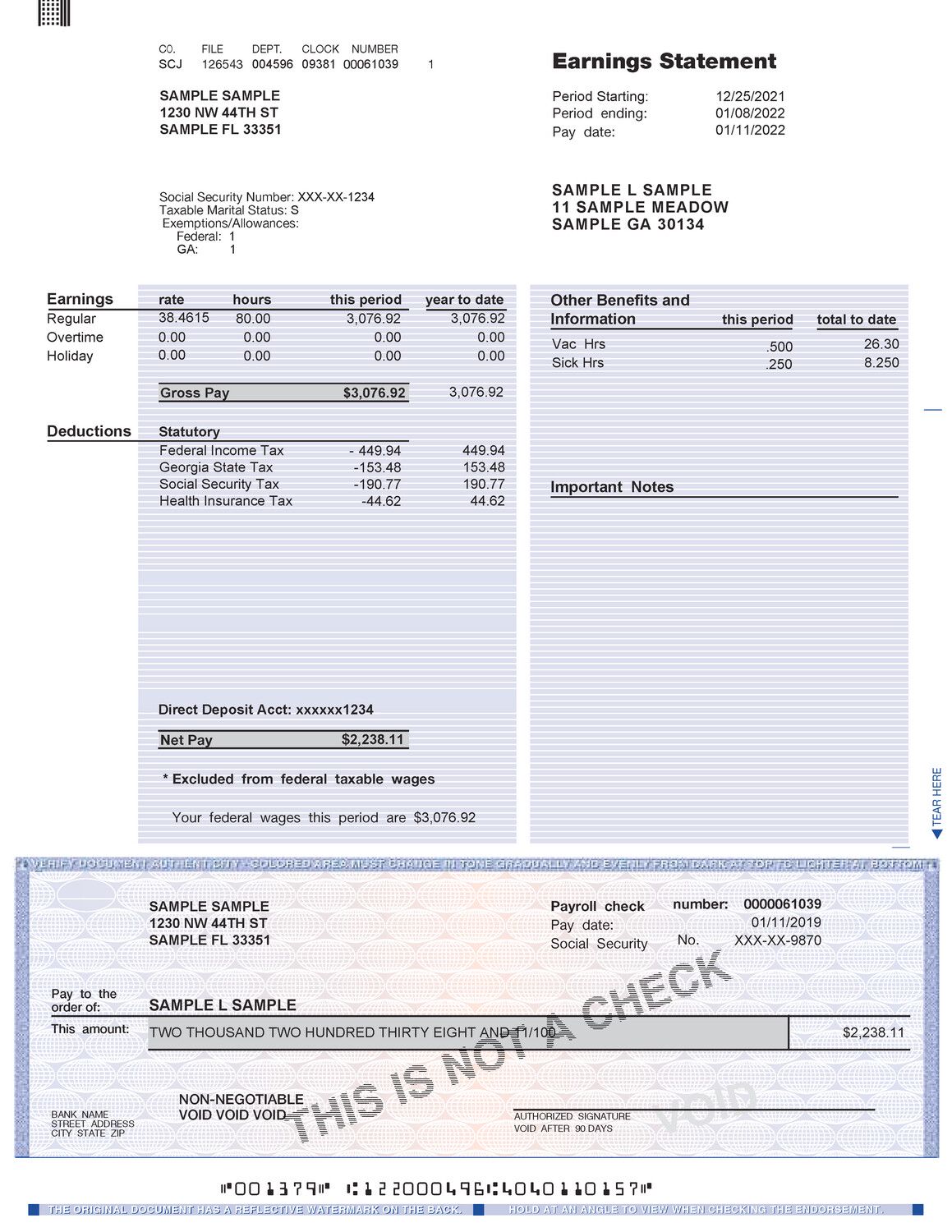
Utilizing the Payment Slip Effectively
After printing your payment slip, it’s time to use it effectively in your transactions. Here’s how:
- Complete All Fields: Fill in all necessary information, including the date, amount, and any other relevant notes. This ensures clarity for both you and the recipient.
- Keep Copies: Always retain a copy of each payment slip for your records. This practice helps in tracking payments and managing your finances efficiently.
- Consider Digital Alternatives: If you prefer a more modern approach, consider saving the filled slip as a PDF. This allows for easy emailing or digital storage.
Using a downloadable printable payment slip with company details can streamline your financial transactions and enhance your professional image. By following these steps, you can easily manage payments and maintain accurate records while projecting a polished appearance to your clients or vendors.