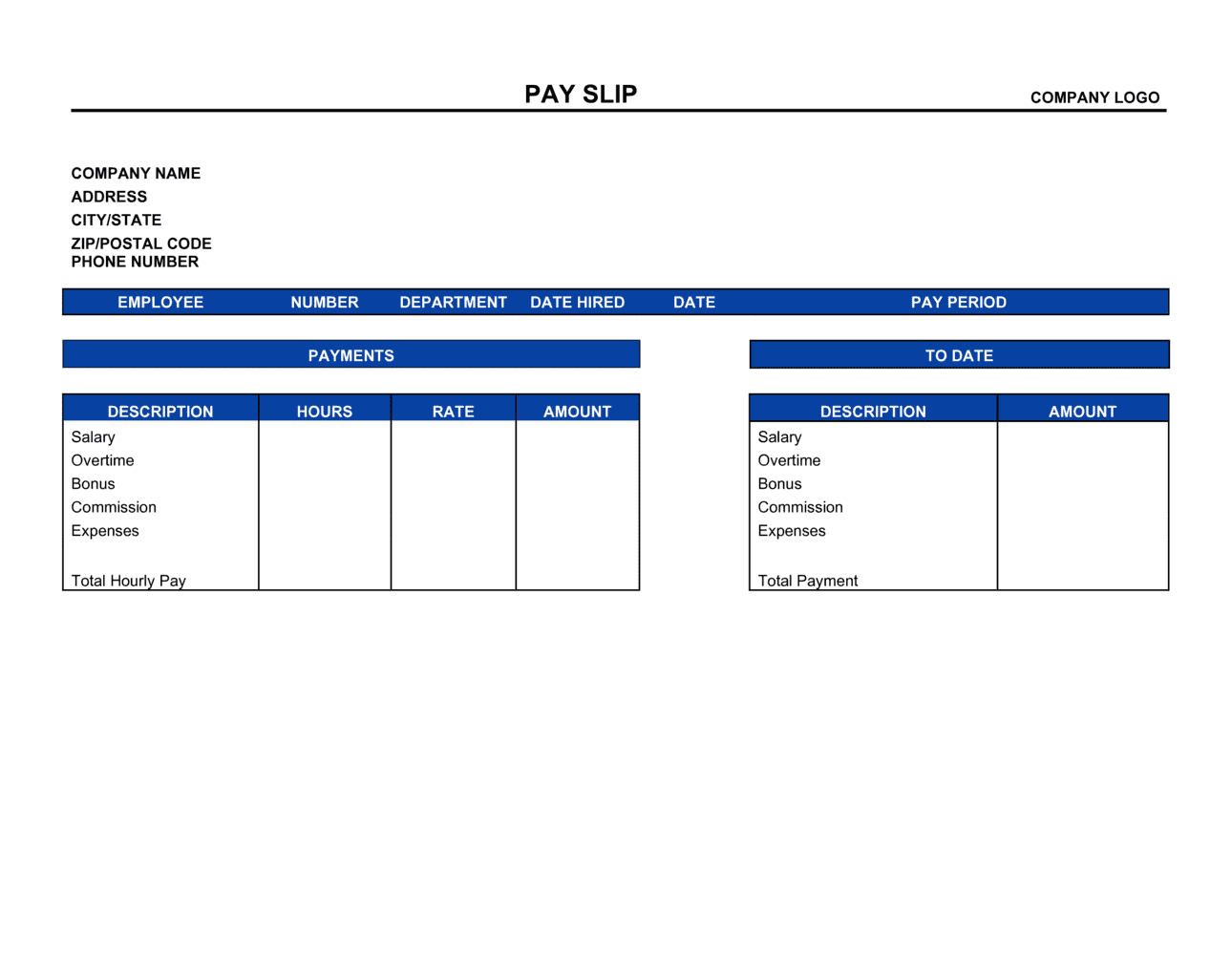
Managing payments can often be a hassle for small business owners. Ensuring that each transaction is documented properly is crucial for maintaining financial records. A Downloadable Printable Payment Slip For Microsoft Word can simplify this process, providing a clear, organized format for recording payments. This guide will help you understand how to choose, download, print, set up, and effectively use this resource.
Understanding the Benefits of Payment Slips
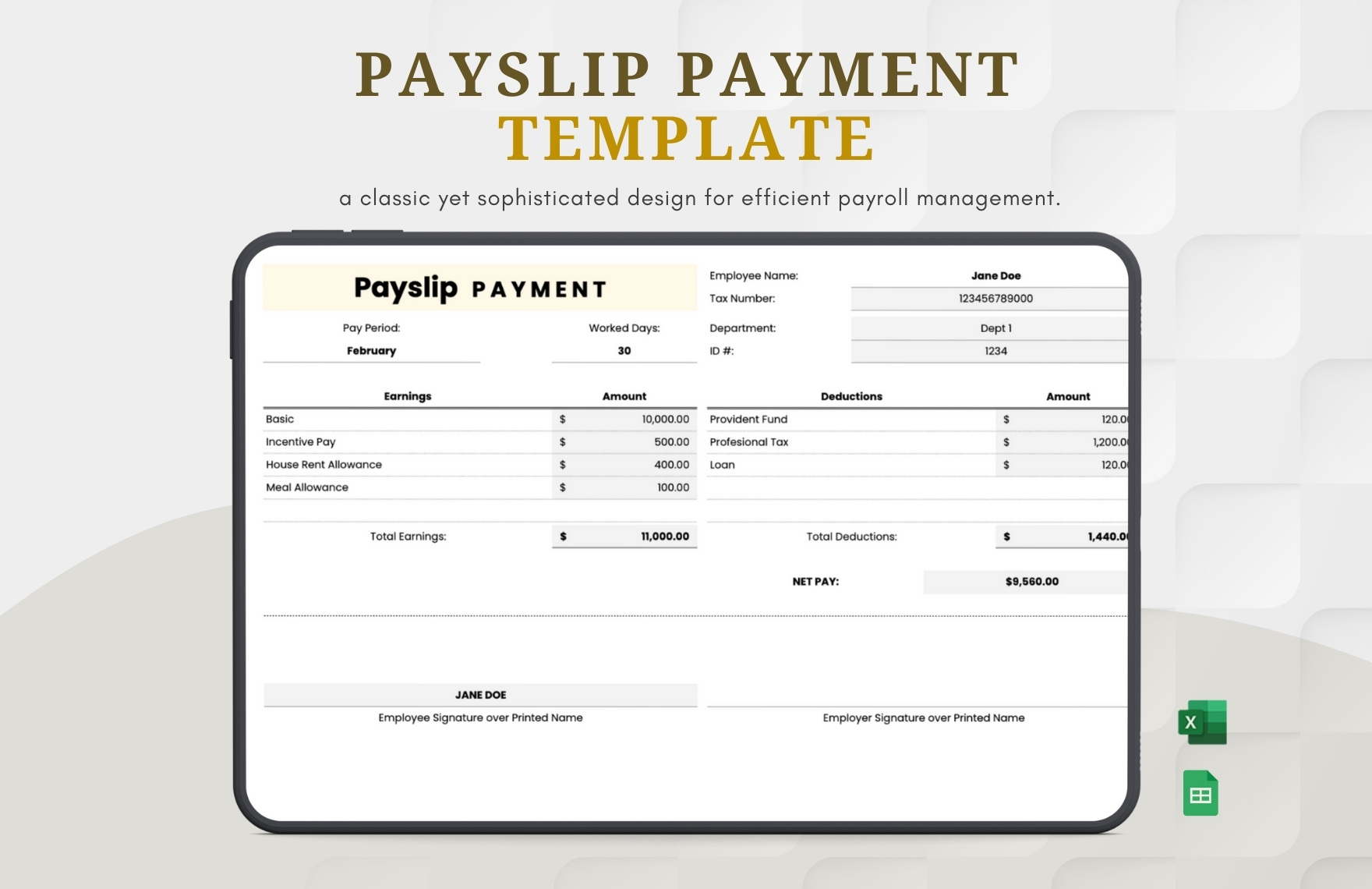
Payment slips are essential tools for businesses of all sizes. They serve several purposes:
- Record Keeping: They help maintain accurate financial records by documenting each transaction.
- Professionalism: A well-designed payment slip adds a level of professionalism to your business dealings.
- Clarity: They provide clear information about the payments made, including date, amount, and purpose.
Using a downloadable printable payment slip ensures that you have a consistent format for every transaction, which can greatly reduce errors and confusion.
Choosing the Right Payment Slip Template
When looking for a Downloadable Printable Payment Slip For Microsoft Word, it’s important to consider a few factors:
- Format and Design: Look for a template that is visually appealing and easy to read. A professional design can enhance your brand image.
- Customization Options: Choose a template that allows you to customize fields such as your business name, logo, and payment details.
- Accessibility: Ensure the template is compatible with Microsoft Word, making it easy to edit and print.
By selecting the right template, you can make the payment slip a valuable asset for your business operations.
Downloading and Printing Your Payment Slip
Once you have chosen the right template, the next steps are straightforward:
- Download the Template: Click the download link provided on the resource website. It should be in a compatible format for Microsoft Word, typically .docx or .dotx.
- Open in Microsoft Word: Locate the downloaded file and open it in Microsoft Word. This allows you to make any necessary edits.
- Customize Your Slip: Fill in your business details and adjust any settings. You might want to include specific payment terms or instructions.
- Set Up for Printing: Before printing, check your printer settings. Most home printers handle standard letter-size paper (8.5 x 11 inches) well. If you prefer a different size, adjust the template accordingly.
- Print: Once you are satisfied with the setup, print a test slip to ensure everything appears as intended.
Printing on quality paper can also enhance the overall look of your payment slips. Consider using heavier paper or cardstock for a more professional feel.
Using Your Payment Slip Effectively
After printing, it’s time to implement your payment slips into your business routine. Here are some practical tips:
- Distribute During Transactions: Hand over the payment slip to clients upon receiving payment. This reinforces professionalism and provides them with a record.
- Keep Copies: Maintain a copy of each payment slip for your records. This is vital for accounting and tax purposes.
- Review Regularly: Periodically audit your payment slips and records to ensure accuracy. This helps in identifying any discrepancies early on.
By integrating these slips into your payment process, you can streamline your financial transactions significantly.
Final Tips for Success
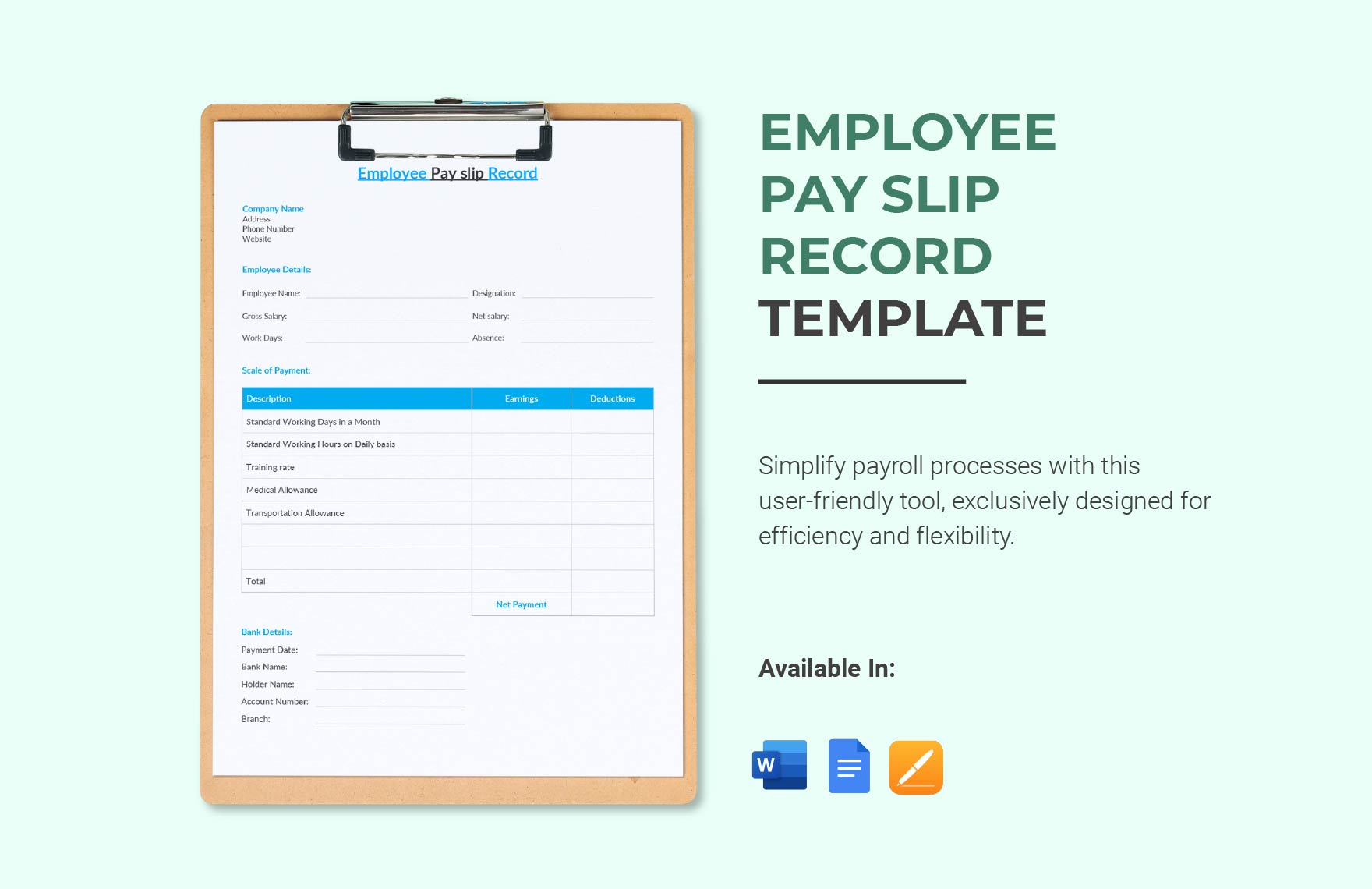
To maximize the benefits of using a Downloadable Printable Payment Slip For Microsoft Word, always keep your templates updated. Regularly review your design and content to reflect any changes in your business or payment processes. Additionally, consider creating a digital backup of your slips. This ensures that you can quickly recover them in case of loss or damage.
For immediate use, download a template today and start enhancing your payment documentation process.