Managing payments efficiently is crucial for personal and business finances. If you’re looking for an easy way to keep track of transactions, a downloadable printable payment slip for Microsoft Excel is an excellent tool. This resource allows you to create clear records of payments received or made, making financial tracking much simpler.
What is a Payment Slip?
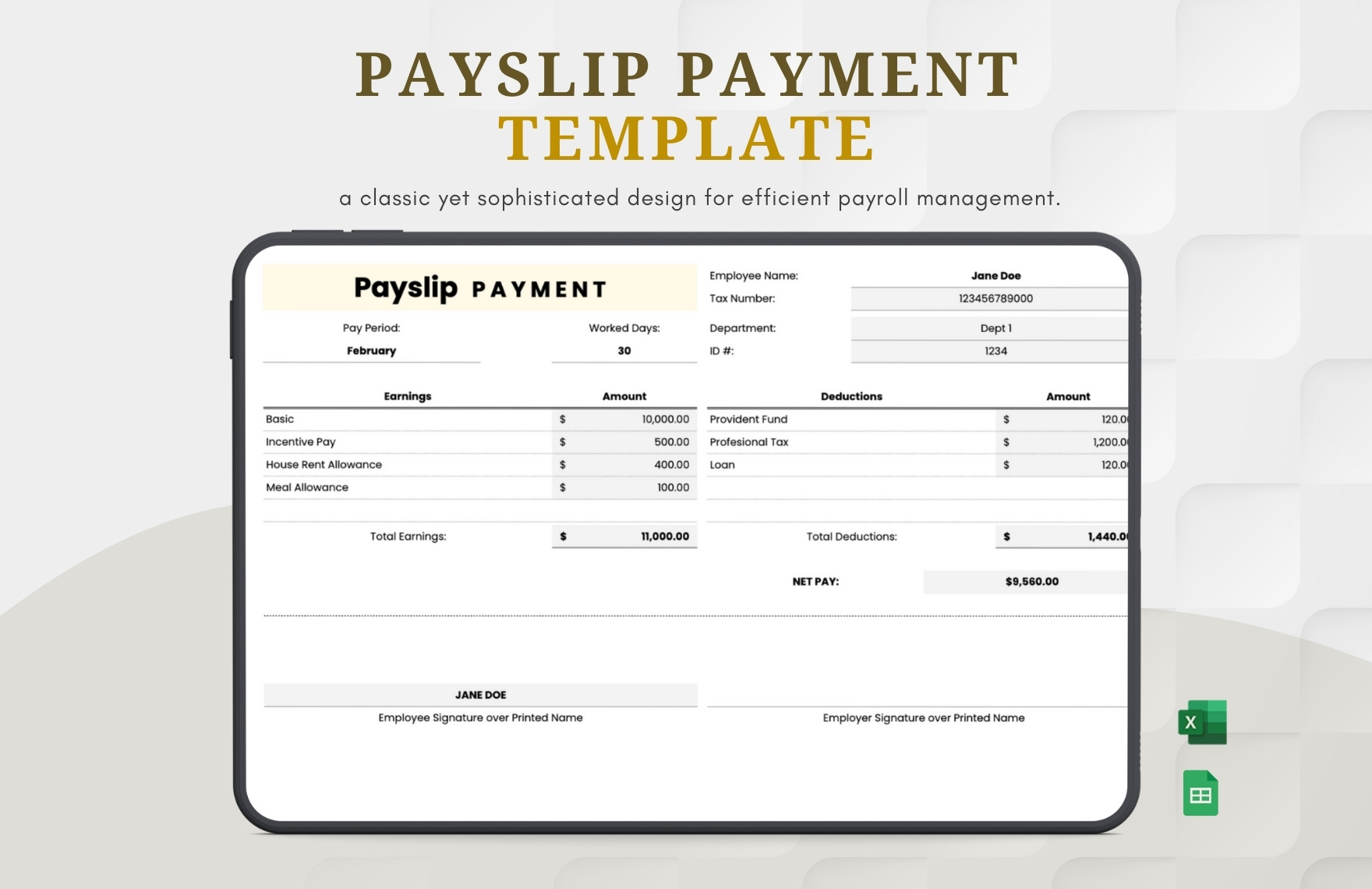
A payment slip is a document that records the details of a payment transaction. It’s used to provide proof of payment, making it essential for both personal use and business transactions. The downloadable printable payment slip for Microsoft Excel can help streamline your financial processes. With this template, you can easily input payment amounts, dates, and other relevant details.
Who Can Use a Payment Slip?
This resource is perfect for various users, including:
- Small Business Owners: If you’re managing a small business, this payment slip helps you keep track of customer payments.
- Freelancers: Document your payments from clients to ensure you have clear records for tax purposes.
- Individuals: Use it for personal finances, such as tracking payments for shared expenses or gifts.
- Organizations: Non-profits or community organizations can use it to manage donations or contributions.
How to Download and Use the Payment Slip Template
Getting started with the downloadable printable payment slip for Microsoft Excel is straightforward. Here’s how to access and utilize this resource effectively:
- Download the Template: Visit a trusted printable-resource website that offers the downloadable payment slip. Look for the Excel version to ensure compatibility with your software.
- Open in Excel: After downloading, open the file in Microsoft Excel. This program allows for easy editing and formatting.
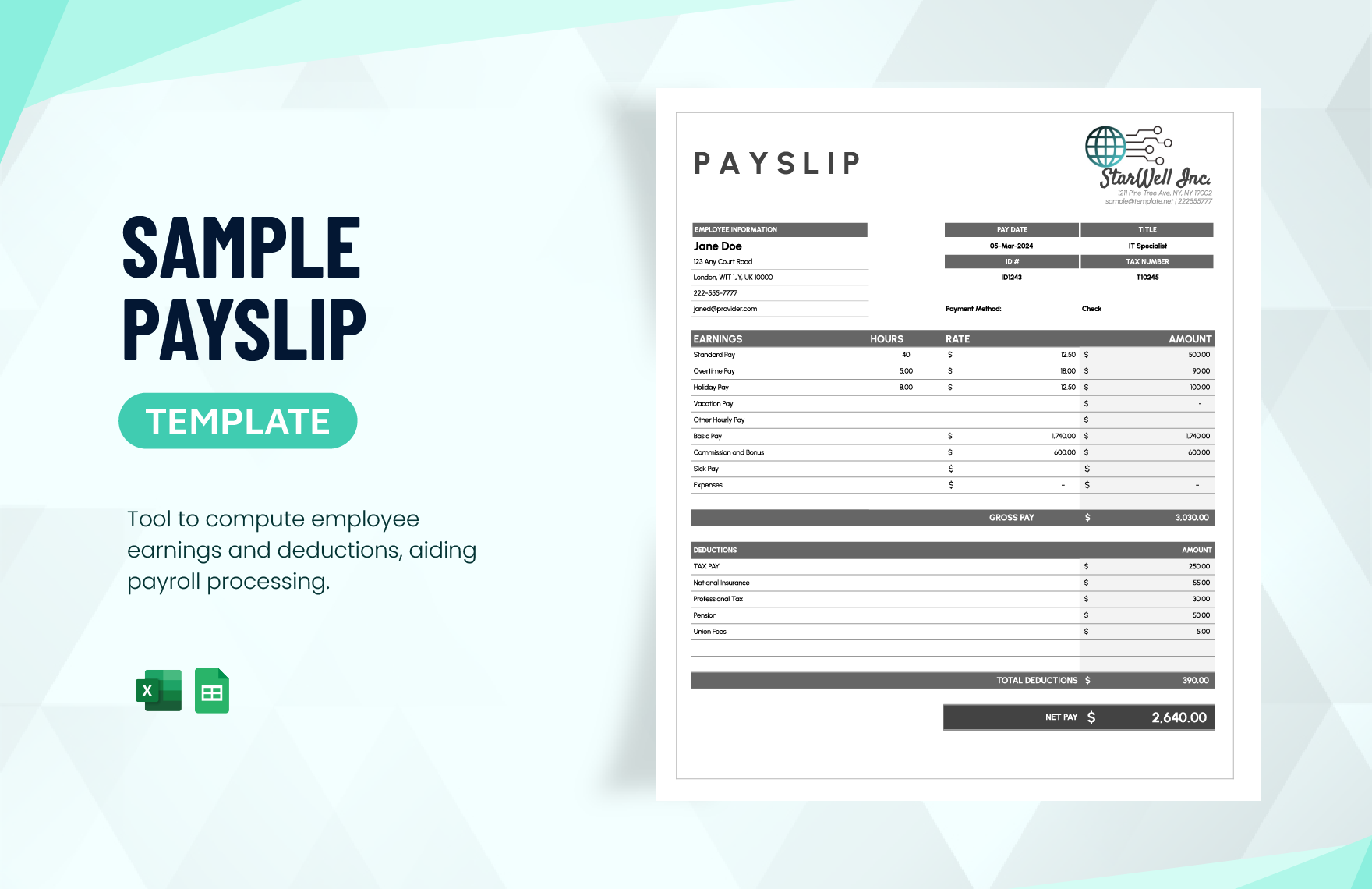
- Customize the Slip: Input your specific information, such as:
- The name of the payer or payee
- Payment amounts
- Payment method (cash, check, bank transfer)
- Date of transaction
- Any relevant notes
- Print the Slip: Once you’ve filled in the necessary information, print the slip. It’s best to use a clean, white sheet of paper for clarity. If you plan to keep records, consider printing on heavier paper stock for durability.
- File and Organize: Keep a physical or digital file of all payment slips. This organization will help you refer back to previous transactions when needed.
Benefits of Using a Payment Slip
Utilizing a downloadable printable payment slip for Microsoft Excel offers several advantages:
- Clarity and Organization: Having a structured format helps ensure all payment details are clear and easy to understand.
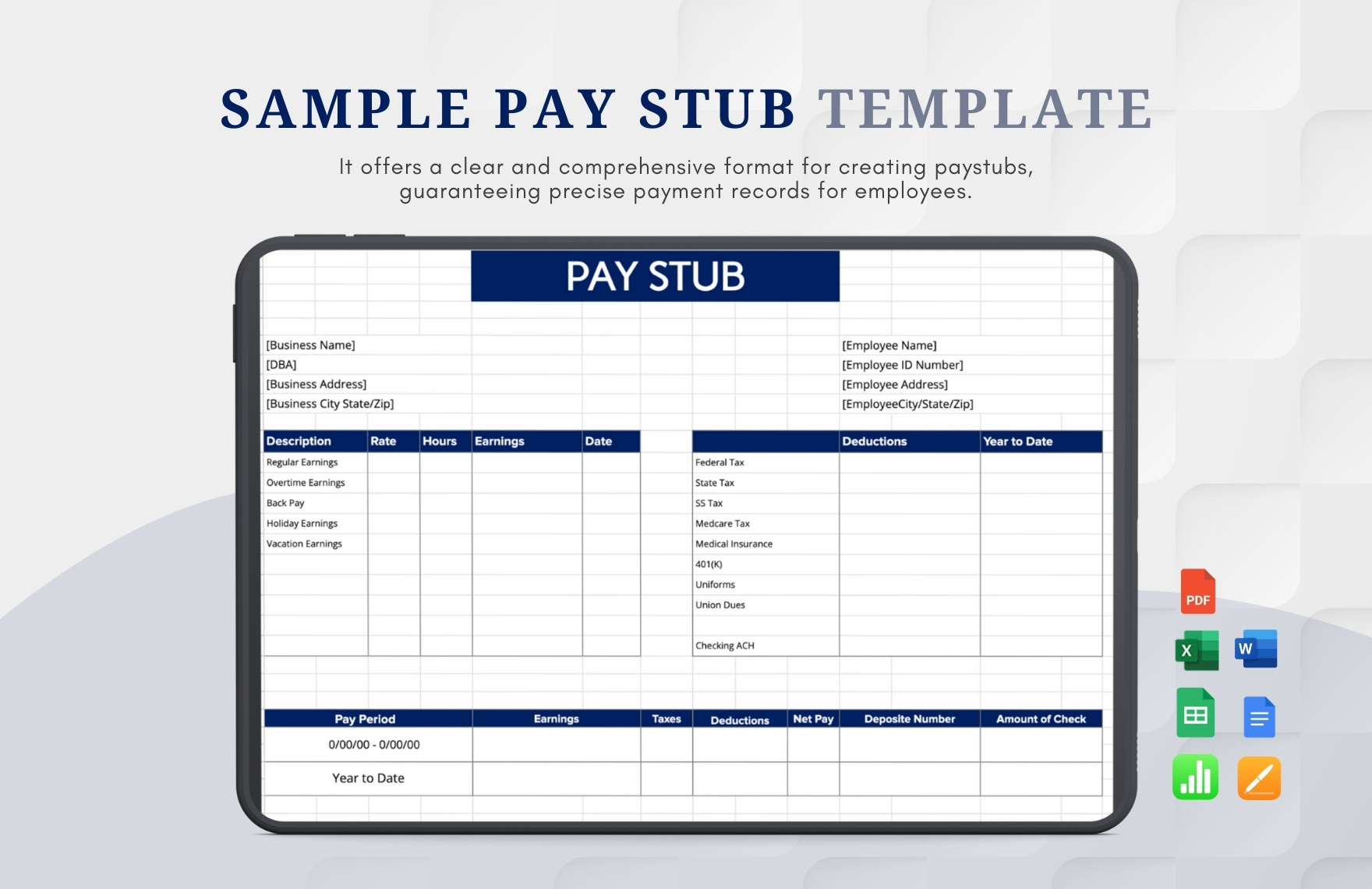
- Record Keeping: It provides a physical or digital record of transactions, which is crucial for financial audits or tax preparation.
- Customization: You can tailor the slip to suit your needs, adding or removing fields as necessary.
- Time-Saving: Instead of creating payment records from scratch, you can quickly input data into an existing template.
Best Practices for Payment Slip Usage
To maximize the effectiveness of your payment slips, consider these best practices:
- Regular Updates: Make a habit of filling out your payment slips immediately after transactions. This habit reduces the chance of forgetting important details.
- Consistent Formatting: Keep your formatting consistent to avoid confusion. Use the same layout and font style for all entries.
- Backup Your Data: If you save your payment slips digitally, ensure you back them up regularly. Use cloud storage or external hard drives to prevent data loss.