Managing transaction records is crucial for any small business, yet the task can often become overwhelming. A Downloadable Printable Payment Slip For Transaction Records provides a straightforward solution, enabling you to keep track of payments received and ensure accurate financial documentation. This guide will walk you through the process of selecting, downloading, printing, setting up, and using this valuable resource effectively.
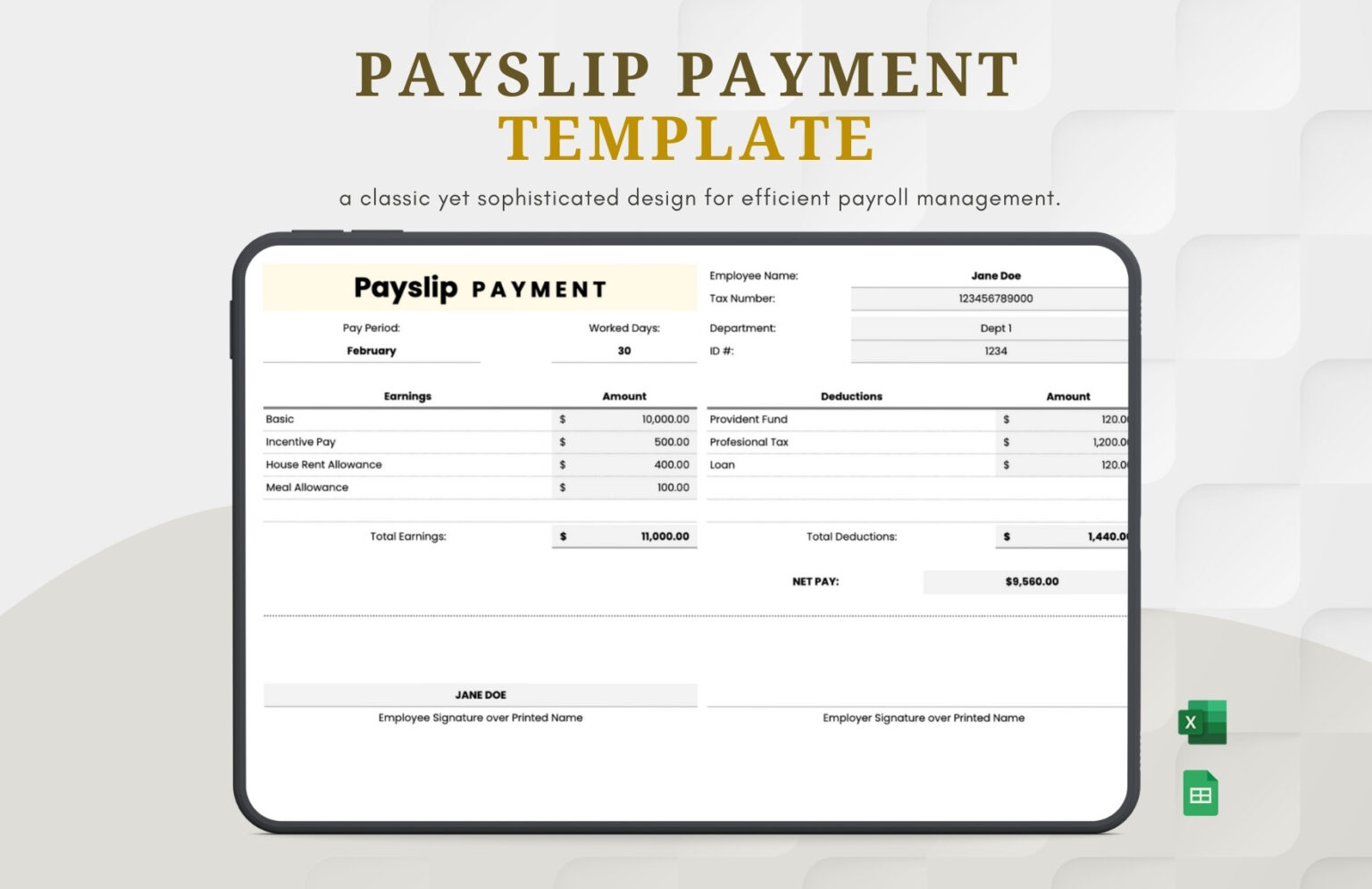
Why Use a Payment Slip?
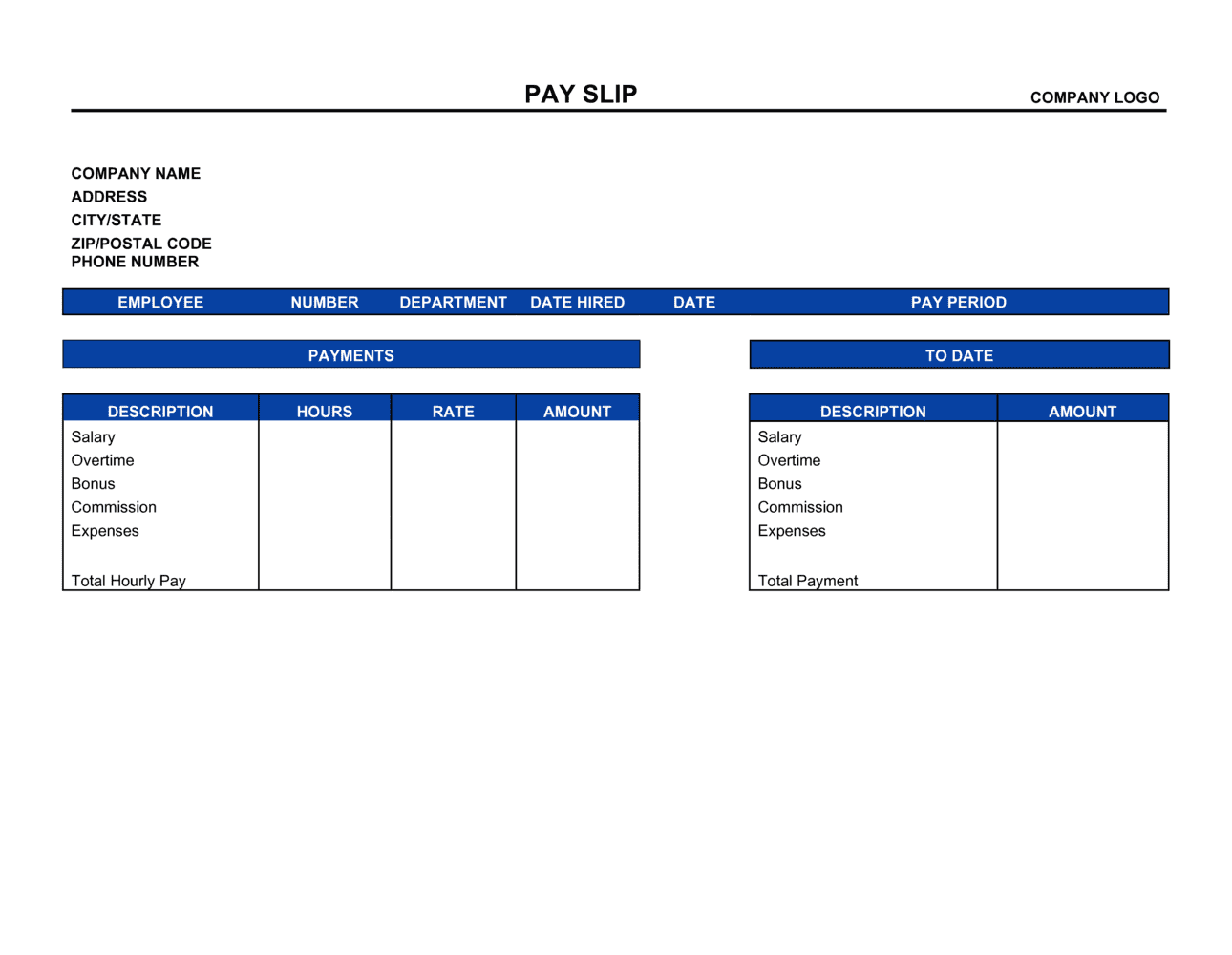
Utilizing a payment slip helps maintain organized financial records. It serves as an official document that confirms a transaction took place. This not only helps in tracking payments but also simplifies bookkeeping. When you have a structured format for recording transactions, it reduces errors and provides clarity during audits or financial reviews.
Moreover, having printed payment slips readily available ensures that every transaction is documented immediately, minimizing the risk of forgetting details later.
How to Download Your Payment Slip
- Choose the Right Template: Start by selecting a payment slip template that suits your business needs. Look for options that allow for customization, such as adding your business logo or adjusting fields for specific transaction details.
- Download the File: Once you’ve chosen a template, download it. Look for formats like PDF or Word, as these are generally easy to print and fill out. Ensure the file is compatible with your device for a seamless experience.
- Check for Updates: Before printing, verify that the template is the most recent version. Some websites may offer updated templates with improved features or layouts.
Preparing to Print
Before printing the payment slip, consider the following:
- Paper Type: Use standard A4 or letter-sized paper for easy handling and filing. Cardstock is a good choice if you want more durable slips.
- Printer Settings: Set your printer to the correct paper size and quality. Portrait orientation often works best for most payment slip templates. Ensure that your printer has enough ink to avoid fading on important details.
- Test Print: Run a test print to check for alignment and clarity. This step can save you from wasting paper on incorrectly formatted prints.
Filling Out the Payment Slip
When it’s time to fill out the payment slip, follow these steps:
- Date: Always start with the date of the transaction. This helps in keeping a chronological record of payments.
- Payer Information: Include the name and contact information of the individual or organization making the payment. This is crucial for future reference and communication.
- Payment Details: Clearly specify the amount received, the method of payment (cash, check, credit card), and any relevant transaction IDs or references.
- Purpose of Payment: Mention what the payment is for, whether it’s a service rendered, product sold, or any other reason. This context is valuable for your records.
- Signatures: Having a signature from both the payer and the recipient can add a level of authenticity to the transaction slip.
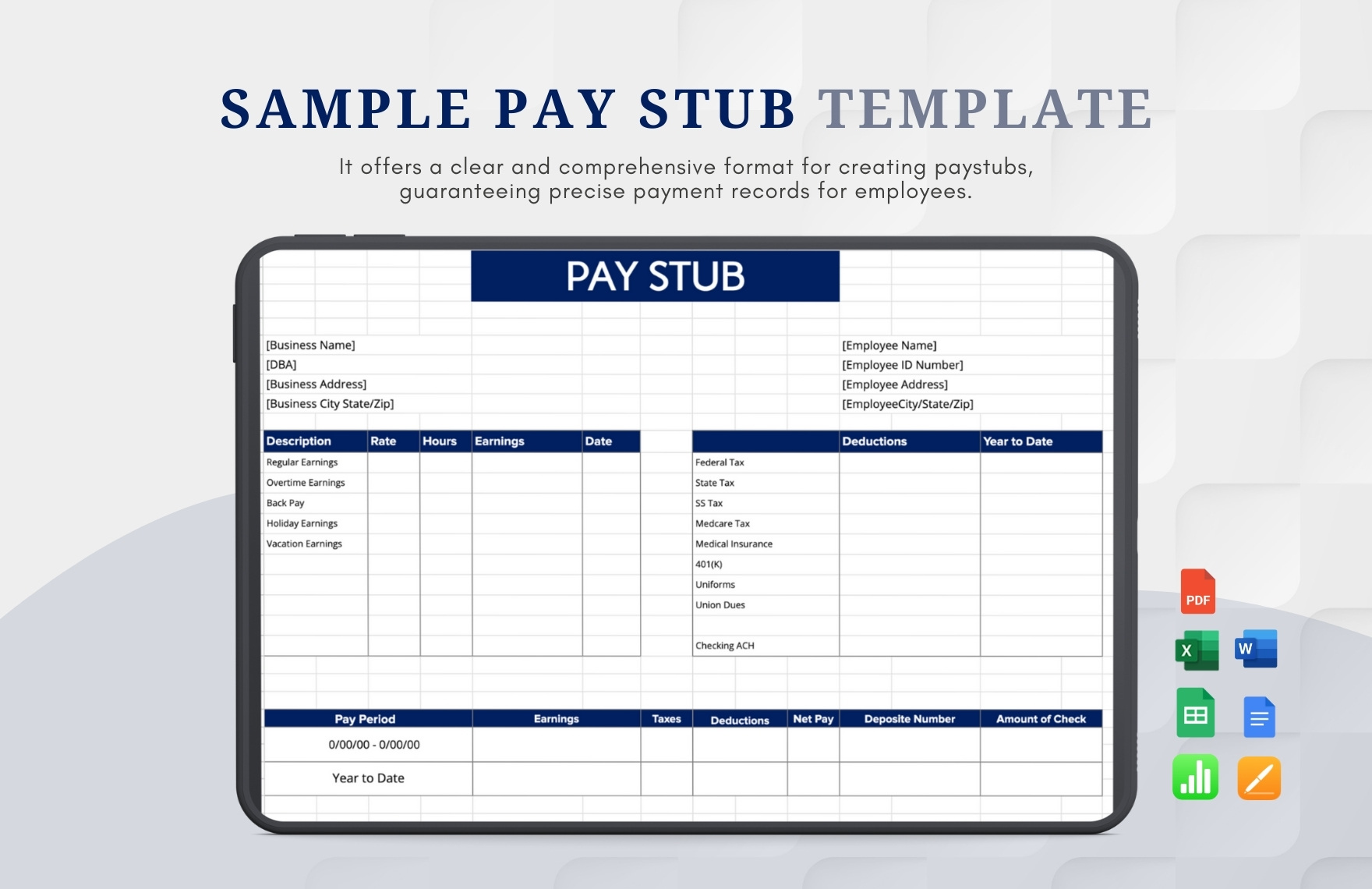
Organizing Your Payment Slips
Once you’ve filled out your payment slips, proper organization is key:
- File System: Create a dedicated folder for your payment slips, either digitally or in physical form. Use labels to categorize slips by month, client, or project for easy retrieval.
- Backup Digital Copies: If possible, scan your filled payment slips and save them in a secure location. This provides an additional layer of security and ensures that records are preserved even if physical copies are lost.
- Regular Review: Set a schedule to review your payment slips regularly. This helps in spotting any discrepancies and keeps your financial records up to date.
By following these practical steps, small business owners can efficiently utilize a Downloadable Printable Payment Slip For Transaction Records to enhance their transaction management. Start by downloading your template today and take control of your financial documentation.