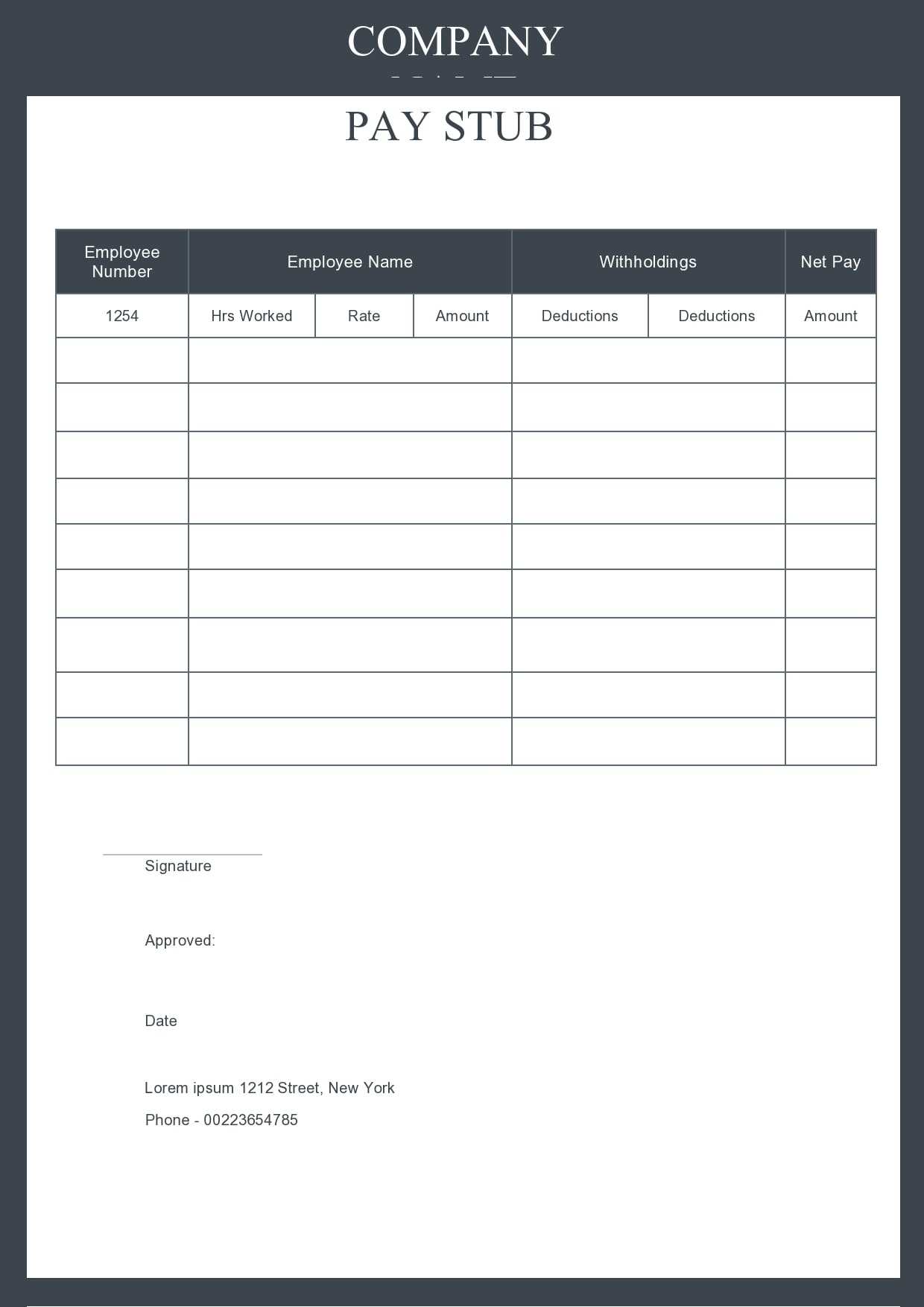
A salary slip printable template is an essential tool for small businesses looking to maintain organized payroll records. This type of template typically comes in a standard format, allowing employers to provide clear, concise salary information to their employees. By utilizing a salary slip printable template for record keeping, you can ensure that your payroll documentation is both professional and accessible.
Understanding Salary Slips
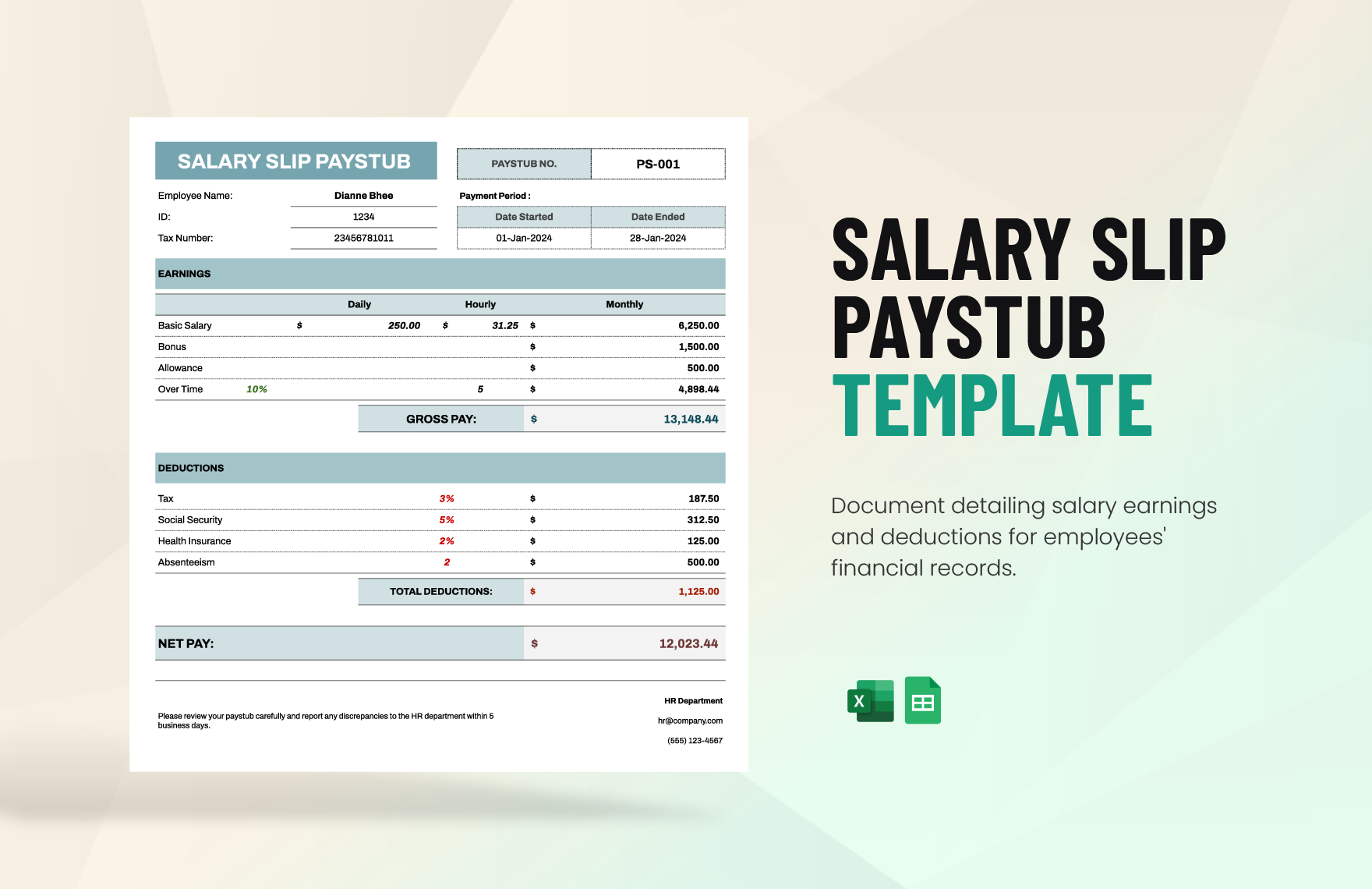
Salary slips, also known as pay stubs, serve multiple purposes. They provide a detailed account of an employee’s earnings for a specific pay period, including gross pay, deductions, and net pay. For small business owners, issuing salary slips is crucial for maintaining transparency with employees and complying with labor laws. Using a printable template simplifies this process, ensuring that all necessary information is included and correctly formatted.
Key Components of a Salary Slip
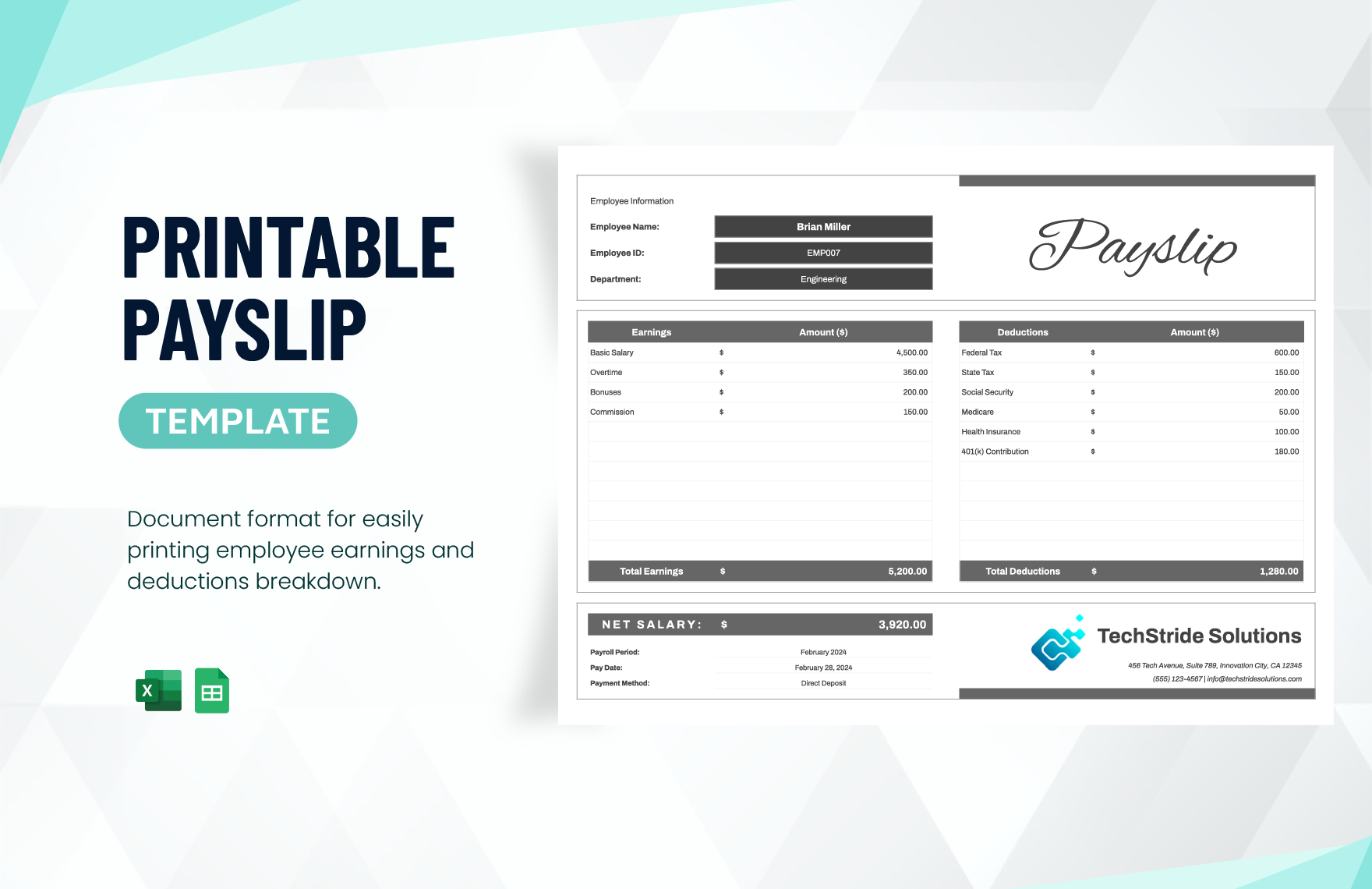
When creating or utilizing a salary slip printable template for record keeping, it is important to understand the key components that should be included:
- Employee Information: Name, employee ID, and designation.
- Company Details: Name, address, and contact information of the business.
- Pay Period: The start and end dates of the pay cycle.
- Earnings: Breakdown of gross pay, including basic salary, bonuses, and overtime.
- Deductions: Any taxes, insurance, and retirement contributions deducted from the gross pay.
- Net Pay: The final amount the employee takes home after deductions.
Having these components clearly laid out helps both employers and employees keep track of earnings and deductions effectively.
Choosing the Right Format
Salary slip templates can come in various formats, including Word, PDF, and Excel. Each format has its advantages, depending on your specific needs:
- PDF: Ideal for maintaining the original layout across different devices. It prevents any formatting issues that can arise when sharing documents.
- Word: Offers flexibility for customization. You can easily edit text and adjust the layout as needed.
- Excel: Useful for businesses that want to automatically calculate totals and deductions. It can be particularly beneficial for larger teams where payroll calculations are frequent.
Selecting the right format depends on how you plan to use the template. PDF is best for distribution, while Word and Excel are suited for customization and record-keeping.
Downloading and Printing Your Template
Once you’ve chosen your preferred template format, the next step is to download and prepare it for printing. Here are some practical tips:
- Download the Template: Ensure that you are downloading from a reputable source to avoid any malware or formatting issues. Look for templates that are specifically designed for salary slips.
- Printer Setup: Depending on the template design, you may want to choose either portrait or landscape orientation. Portrait is often preferred, but some templates may be designed for landscape layout. Make sure your printer settings match the template size.
- Paper Choice: Standard letter-sized paper (8.5″ x 11″) works well for most salary slips. If you want a more professional look, consider using heavier paper or cardstock. This choice is especially important if you plan to laminate the slips for durability.
- Test Print: Before printing multiple copies, do a test print to ensure everything appears as intended. Check for alignment, legibility, and any necessary adjustments in formatting.
Customizing the Template
One of the significant advantages of using a salary slip printable template for record keeping is the ability to customize it to fit your business needs. Here are some ways to personalize your template:
- Branding: Add your company logo at the top of the slip to reinforce branding.
- Color Scheme: Use colors that match your company’s branding for a cohesive look.
- Additional Information: If necessary, you can add fields for specific bonuses or deductions unique to your business.
Customizing your salary slip not only personalizes it for your employees but also demonstrates professionalism and attention to detail.
Regular Maintenance and Storage
After issuing salary slips, it is important to maintain accurate records for future reference. This can be crucial for audits, tax purposes, and employee inquiries. Here’s how to manage this effectively:
- Digital Storage: Save a copy of each salary slip in a secure digital format. Cloud storage options like Google Drive or Dropbox can be beneficial for easy access and backup.
- Physical Copies: If you provide printed slips, ensure they are stored securely. A filing system organized by employee or month can help you retrieve slips quickly when needed.
- Review Regularly: Regularly review your records to ensure accuracy and completeness. This will help you catch any discrepancies early on.
Using a salary slip printable template for record keeping can streamline your payroll process and enhance your business’s professionalism. By following these steps, you can effectively manage payroll documentation, ensuring both compliance and clarity for your employees. Now, download your chosen template, customize it to fit your needs, and start maintaining organized payroll records with ease.