Managing your finances can often feel overwhelming, especially when it comes to keeping accurate records of payments. That’s where a Downloadable Printable Payment Slip For Accounting Records comes in. This simple yet effective tool is designed to help you track your payments, ensuring that you always have a clear overview of your financial transactions.
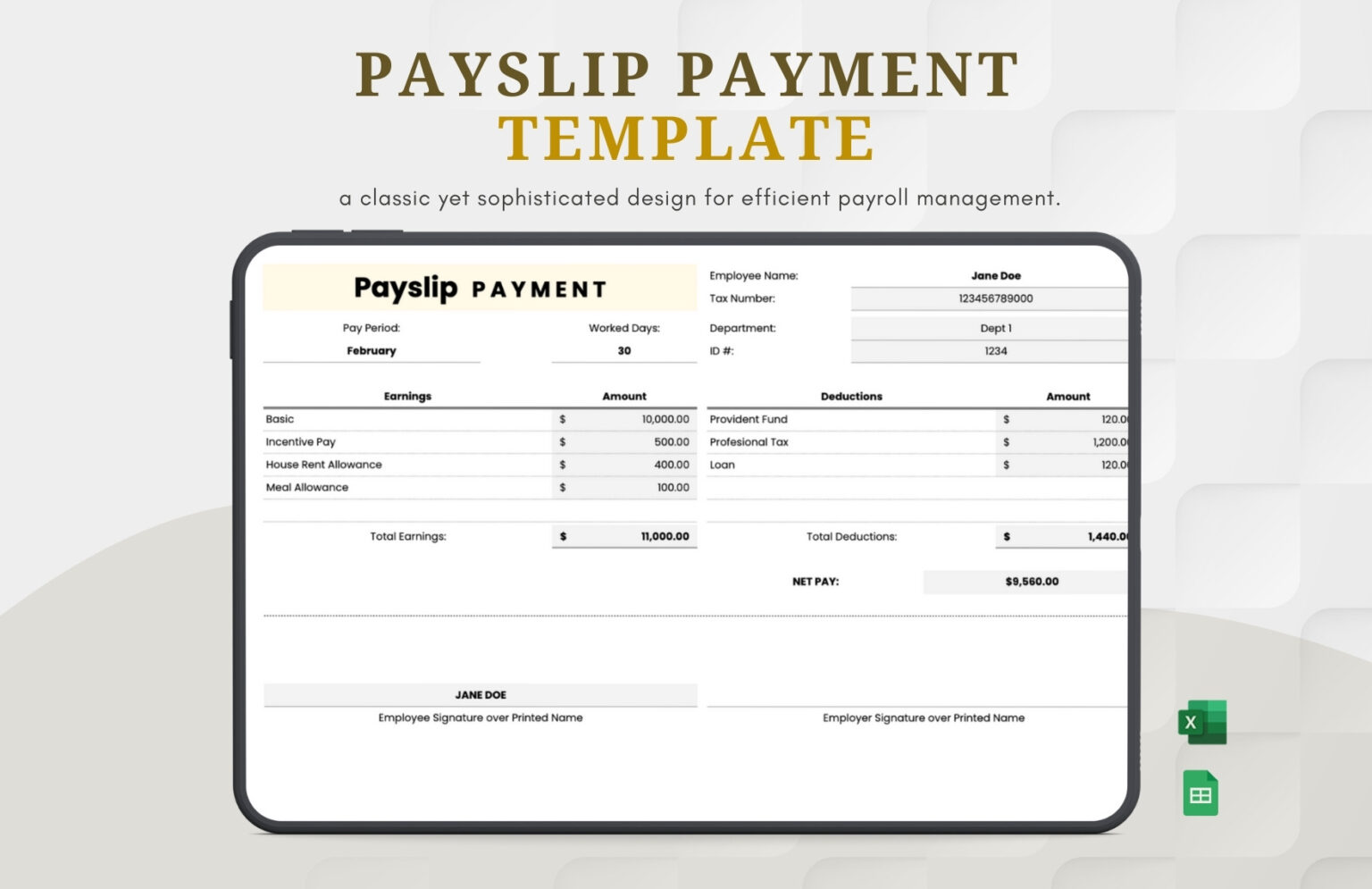
Understanding the Layout of the Payment Slip
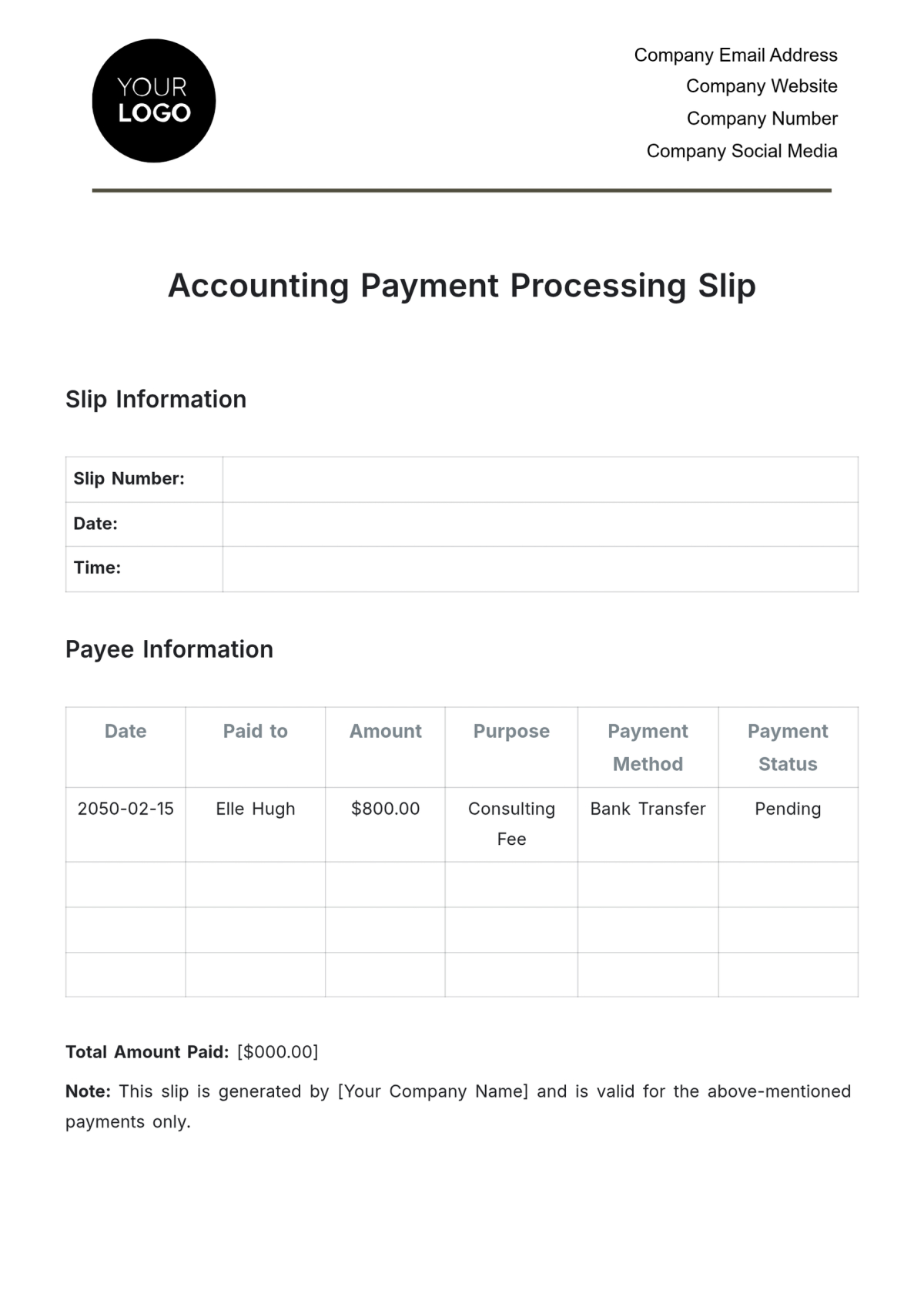
The layout of the payment slip is intuitive and user-friendly. Typically, it features distinct sections that guide you through the process of documenting each transaction. You’ll find fields for the date, payee, amount, and purpose of the payment, which makes it easy to fill out.
One of the key advantages of this format is its clarity. Each section is labeled clearly, so you won’t waste time figuring out where to input your information. The structured layout allows you to quickly glance over your records, making it easier to spot any discrepancies that may arise.
The standard size for these slips is usually A4 or letter size, which fits well on most printers. This means you can print multiple slips on a single page, reducing waste and making it economical.
How to Use the Payment Slip
Using the payment slip is straightforward. Start by downloading the printable version from a reputable source. Once you have the slip printed, follow these steps:
- Fill in the Date: Always begin by entering the date of the transaction. This is crucial for maintaining chronological order in your records.
- Enter the Payee Information: Clearly write down the name of the person or company you are paying. This helps when you need to reference the slip later.
- Specify the Amount: Be precise with the amount paid. Use numerals for clarity, and consider writing it out in words as well to avoid any confusion.
- Detail the Purpose: This section can be particularly helpful for personal or business records. A brief note about why the payment was made can save you time later when you’re reviewing your expenses.
Once completed, keep your payment slip in a designated folder or binder. This will help you easily access them during tax season or when reviewing your financial records.
Benefits of Using a Printable Payment Slip
There are several benefits to incorporating a Downloadable Printable Payment Slip For Accounting Records into your financial management routine.
- Organization: Keeping all your payment slips in one place helps you maintain a neat and organized record system. This is especially important if you’re managing multiple transactions.
- Accuracy: By using a standardized slip, you reduce the chances of errors that can occur when jotting down information on random pieces of paper.
- Ease of Use: The printable format allows you to quickly print as many slips as you need. Whether you’re handling personal finances or business transactions, you can easily adjust the number of slips based on your requirements.
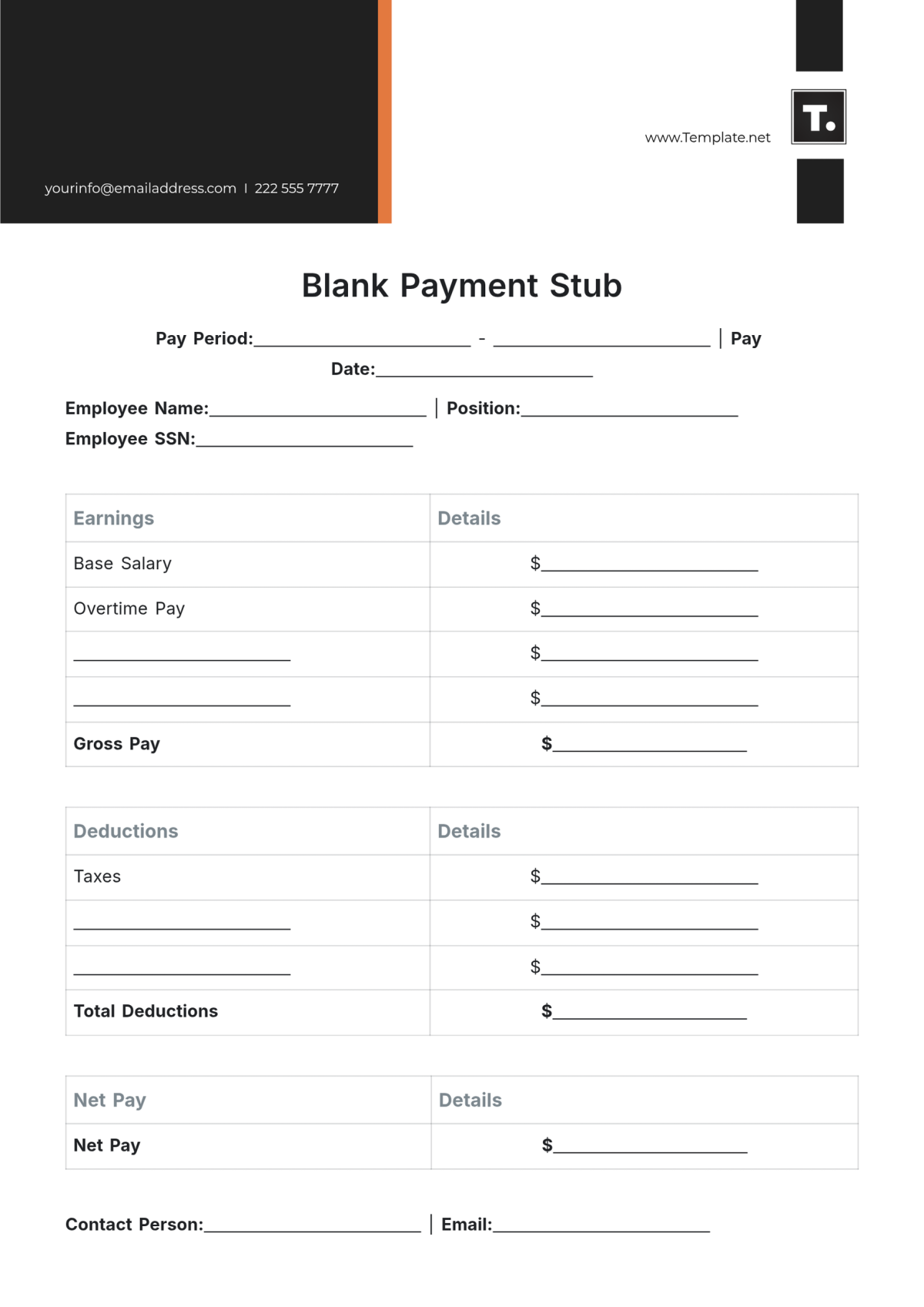
Tips for Printing and Storing Your Payment Slips
To get the most out of your payment slips, consider these practical tips:
- Paper Quality: Using heavier paper, such as cardstock, can yield better durability, especially if you plan to store these slips for an extended period. They hold up better against wear and tear compared to standard printer paper.
- Printer Settings: When printing, ensure your printer settings are adjusted for high-quality output. This will ensure that all the details are clear and legible.
- Digital Backup: After filling out your payment slips, consider scanning them or taking a photo for a digital backup. This is particularly useful in case the physical copies get lost or damaged.