A salary slip printable form typically measures 8.5 x 11 inches, making it easy to print on standard letter-sized paper. This resource serves a crucial role in business record-keeping, providing a structured way to document employee earnings, deductions, and other relevant financial information. Utilizing a Salary Slip Printable Form For Business Records not only helps in maintaining transparency with employees but also aids in compliance during audits.
Understanding the Layout of a Salary Slip Printable Form
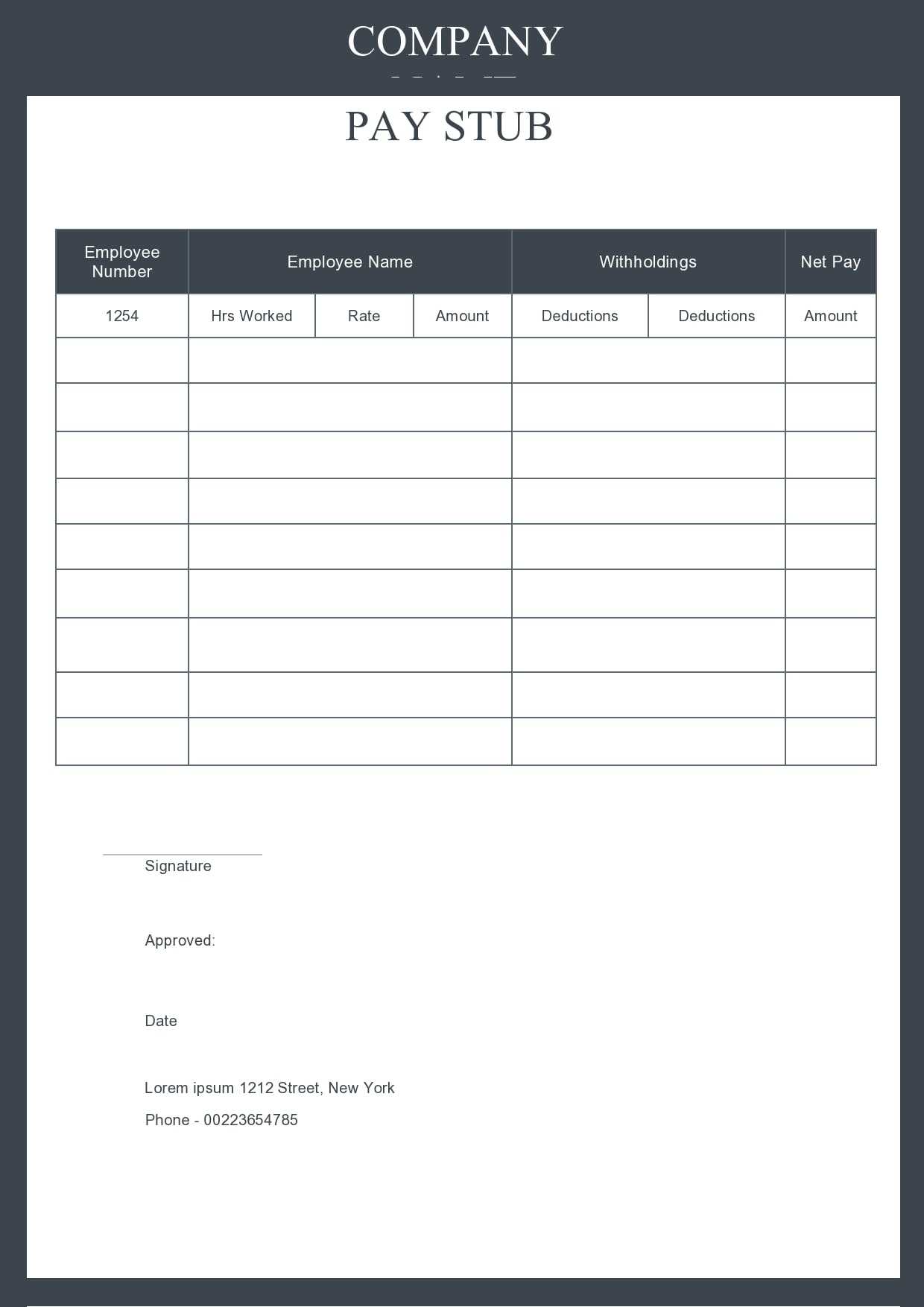
The layout of a salary slip is designed to present information clearly and concisely. Key sections include:
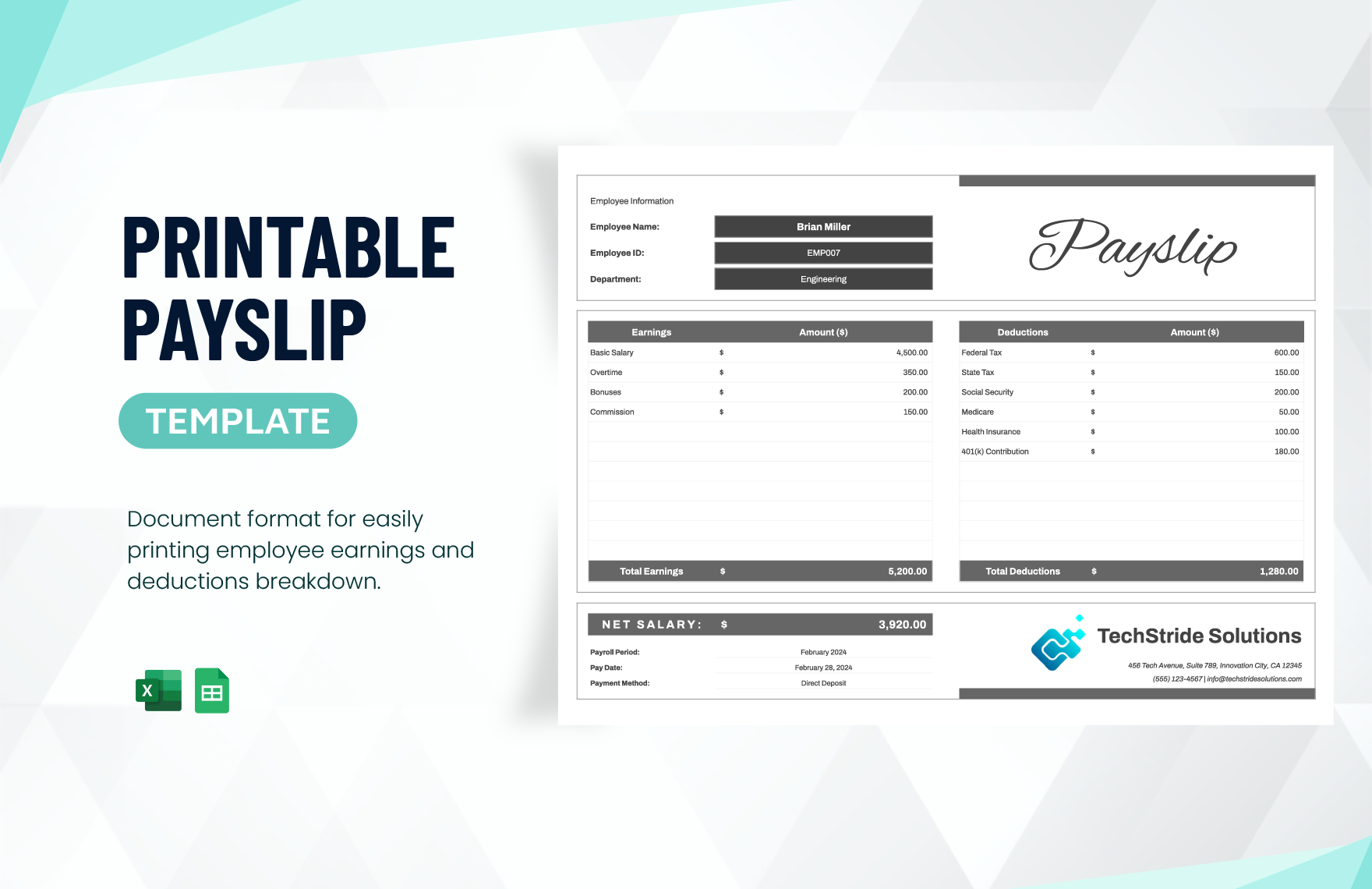
- Company Details: This section usually appears at the top and includes the company name, logo, and contact information. Proper branding enhances professionalism.
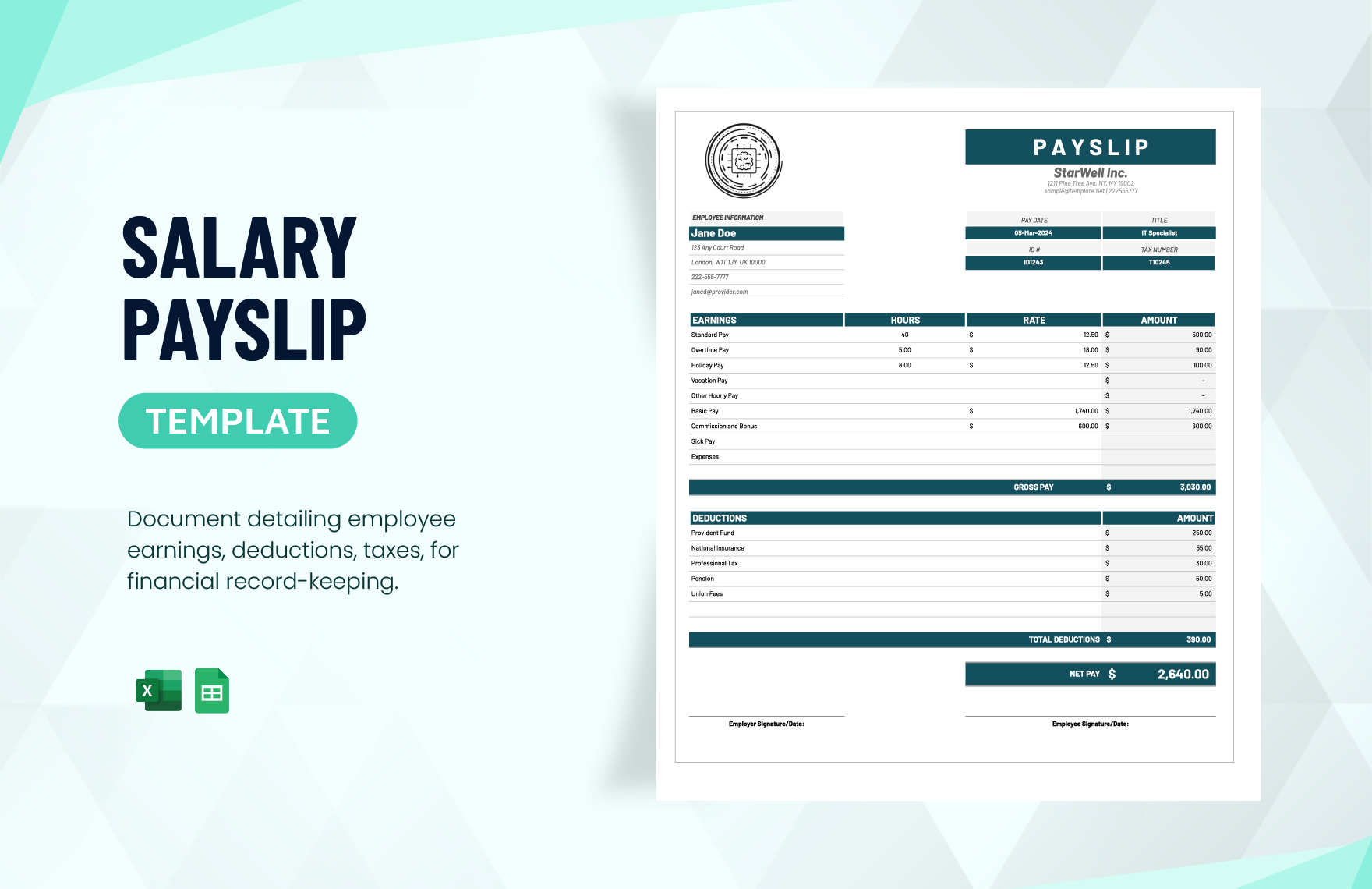
- Employee Information: Here, you’ll find fields for the employee’s name, designation, employee ID, and department. This helps in identifying the recipient of the salary slip easily.
- Salary Breakdown: This is one of the most critical parts of the form. It typically includes gross salary, various allowances, deductions (like taxes and insurance), and the net pay. Each component should be clearly labeled to avoid confusion.
- Pay Period: The dates for which the salary is applicable are essential for record-keeping. This section helps in tracking payments over time.
- Signature Section: A line for the authorized signature adds authenticity to the document. This may include a digital signature option in printable versions.
Preparing the Salary Slip for Use
When preparing to use a salary slip printable form, consider the following steps:
- Select the Right Format: Choose between PDF and Word formats. PDF is generally preferred for printing, as it maintains layout integrity across different devices.
- Fill in the Fields: Input all necessary information accurately. Double-check employee details to prevent errors that could lead to mistrust or confusion.
- Customize as Needed: Depending on your business needs, you may want to customize sections of the slip. For example, adding specific allowances or deductions relevant to your organization can enhance clarity.
- Print Settings: For best results, use a high-quality printer. Set the paper type to standard or premium quality for a professional finish. Portrait layout is often the most suitable for this type of document.
Common Mistakes to Avoid
Even with a well-structured salary slip printable form, mistakes can occur. Here are some common pitfalls to watch out for:
- Incorrect Employee Information: Always double-check names and IDs. Mistakes here can lead to payroll disputes.
- Incomplete Salary Breakdown: Ensure all components of the salary are included. Omitting an allowance or deduction can create confusion and distrust.
- Improper Formatting: Maintain a consistent format throughout the document. This includes font size, type, and spacing. A cluttered or inconsistent layout can detract from professionalism.
- Neglecting Signatures: Always ensure the appropriate signatures are included. A lack of signature can raise questions about the authenticity of the document.
Filing and Storing Salary Slips
Once the salary slips are printed and distributed, proper filing is essential. Here’s how to manage them effectively:
- Digital Storage: If opting for digital versions, consider storing them in a secure cloud service. This allows for easy access and backup.
- Physical Filing: For paper copies, keep them organized in a secure file cabinet. Sort them by employee name or date to streamline retrieval.
- Retention Period: Familiarize yourself with local regulations regarding how long to keep these records. Generally, maintaining them for several years is prudent.
Maintaining accurate records using a Salary Slip Printable Form For Business Records can significantly enhance your financial management processes. By diligently preparing, checking for common mistakes, and implementing effective storage solutions, small-business owners can ensure their payroll practices remain both efficient and compliant. Whether opting for digital or physical formats, the key lies in the details.