Managing payments can be challenging, especially when you need to keep track of multiple transactions. A Business Printable Payment Slip With Editable Fields is an invaluable resource that simplifies this process. It allows you to record payments efficiently while ensuring that the necessary details are easily accessible and editable.
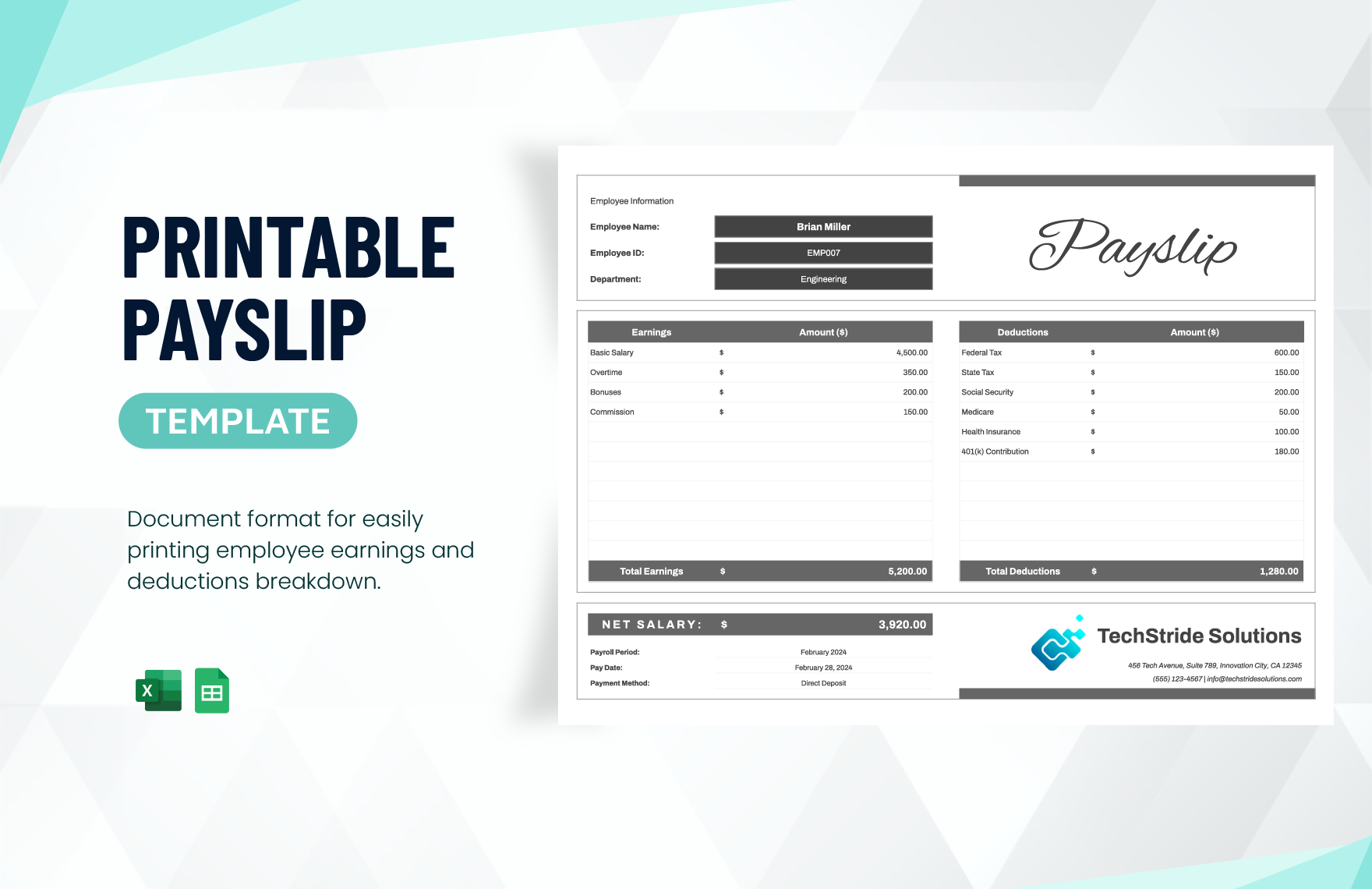
What is a Business Printable Payment Slip?
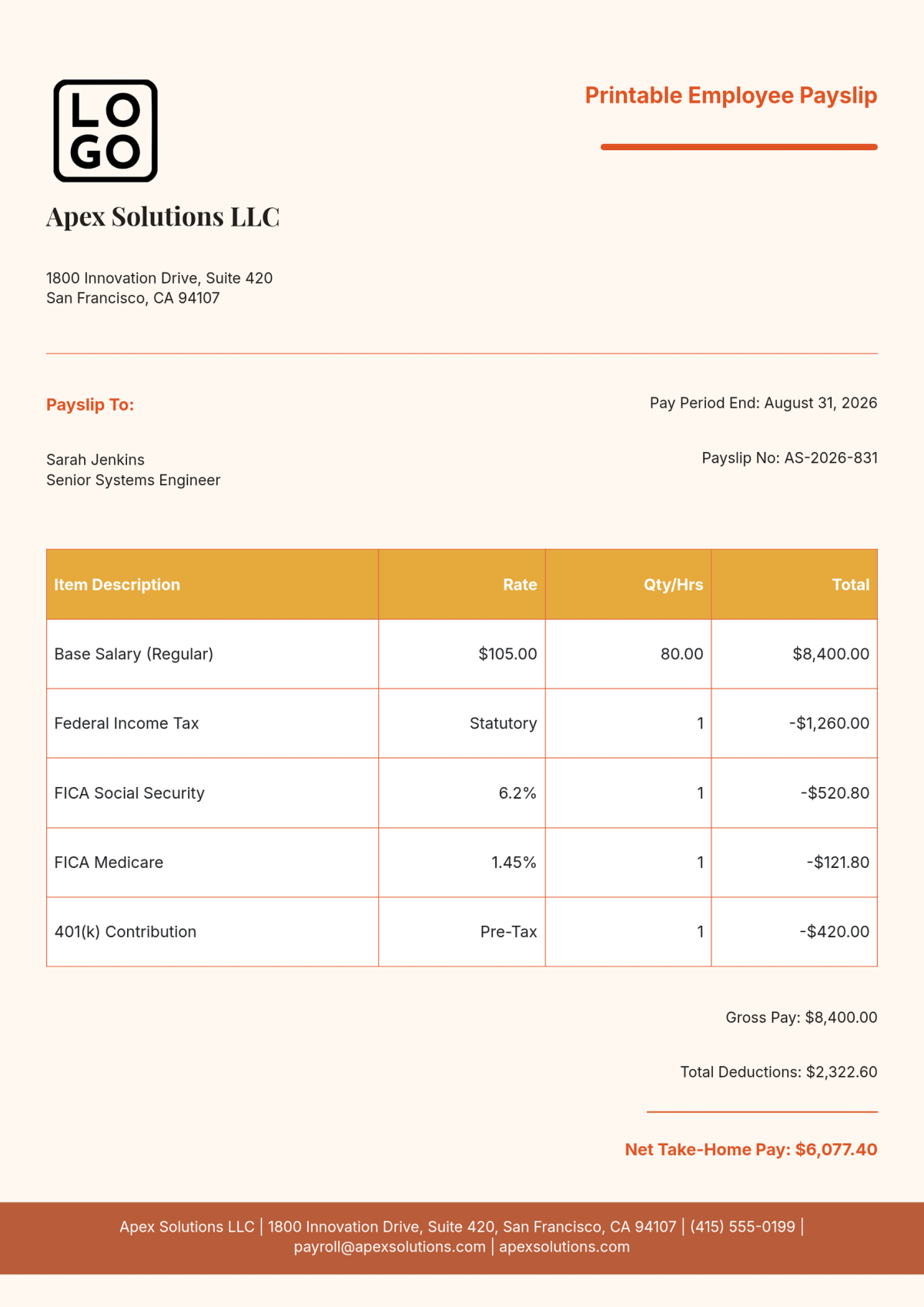
A Business Printable Payment Slip is a document used to acknowledge the receipt of payment from a customer or client. This slip typically includes essential information such as the payer’s name, the amount paid, payment method, date, and a description of the transaction. With editable fields, you can customize this slip to meet your specific needs, making it a versatile tool for businesses of all sizes.
Who Can Benefit From Using This Slip?
This resource is perfect for a variety of users:
- Small Business Owners: If you run a small business, this slip helps you maintain clear records of payments received. It’s especially useful for cash transactions where you need a physical receipt.
- Freelancers: As a freelancer, keeping track of payments from multiple clients can be cumbersome. This slip allows you to quickly document payments, ensuring both you and your clients have a record.
- Event Planners: For those in the event planning business, using a payment slip helps manage deposits and final payments effectively.
- Nonprofit Organizations: Acknowledging donations is crucial for nonprofits. This slip can be adapted to document contributions and provide receipts for donors.
How to Use the Business Printable Payment Slip
Using the slip is straightforward. Here’s a step-by-step guide:
- Download the Template: Start by downloading the Business Printable Payment Slip With Editable Fields. Ensure you have a PDF reader or editing software that allows you to fill in the fields.
- Fill in the Details: Open the template and input the required information. This typically includes:
- Payer’s Name
- Payment Amount
- Date of Payment
- Payment Method (cash, check, credit card, etc.)
- Description of Goods/Services
- Print the Slip: After filling out the details, print the slip. If you’re using a business printer, consider using a heavier weight paper for a more professional look.
- Provide a Copy: Give a signed copy of the payment slip to the payer. This serves as their proof of payment.
- File for Your Records: Keep a copy for your records. This will help you track payments and resolve any discrepancies in the future.
Advantages of Using an Editable Payment Slip
Using a Business Printable Payment Slip with editable fields offers several advantages:
- Customization: You can modify the slip to suit your specific business needs. Add your logo, change colors, or adjust the layout to align with your branding.
- Time-Saving: Instead of manually writing each slip, you can fill it out quickly on your computer, saving you time and ensuring accuracy.
- Professional Appearance: A well-designed slip adds a level of professionalism to your transactions, making a positive impression on clients.
- Record-Keeping: These slips serve as legal documents that can help in case of disputes, providing clear evidence of payments received.
Where to Find and Download
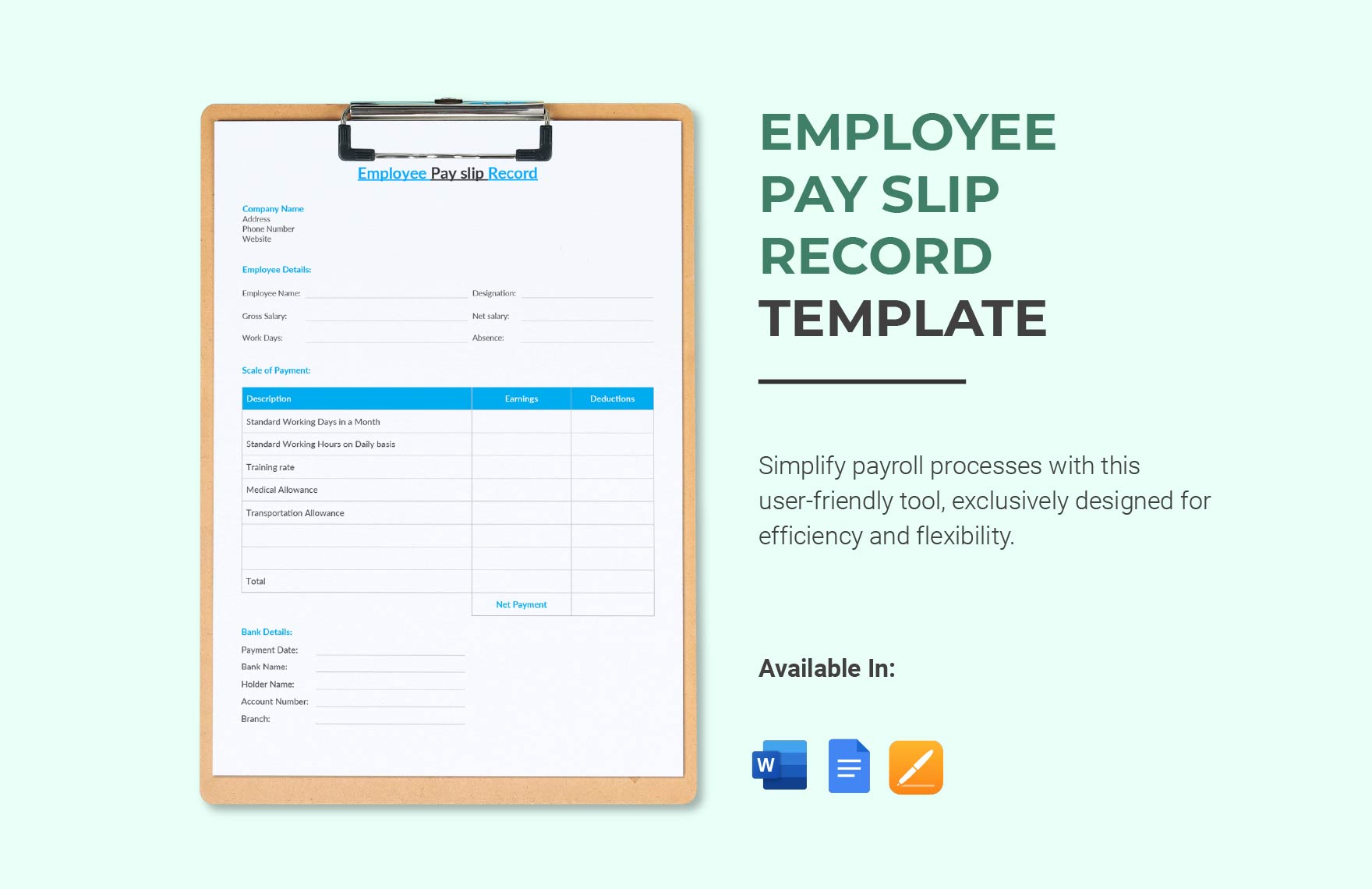
You can find the Business Printable Payment Slip With Editable Fields on various printable resource websites. Many sites offer free or low-cost templates that you can customize and download in PDF format. Look for sites that provide user-friendly designs and easy editing options.
When searching, consider using phrases like “editable payment slip template” or “printable payment receipt” to find resources tailored to your needs.
Using a Business Printable Payment Slip With Editable Fields can streamline your payment processes, enhance your record-keeping, and ensure a professional approach to transactions. These slips are easy to use, customize, and essential for anyone managing payments in a business environment.