Creating a reliable payment slip is essential for any small business, especially when dealing with customer transactions. The Business Printable Payment Slip For Microsoft Word is designed to simplify this process. This resource allows you to easily manage payments, track transactions, and maintain accurate records. Let’s explore how to effectively use this resource, from downloading it to putting it into practice.
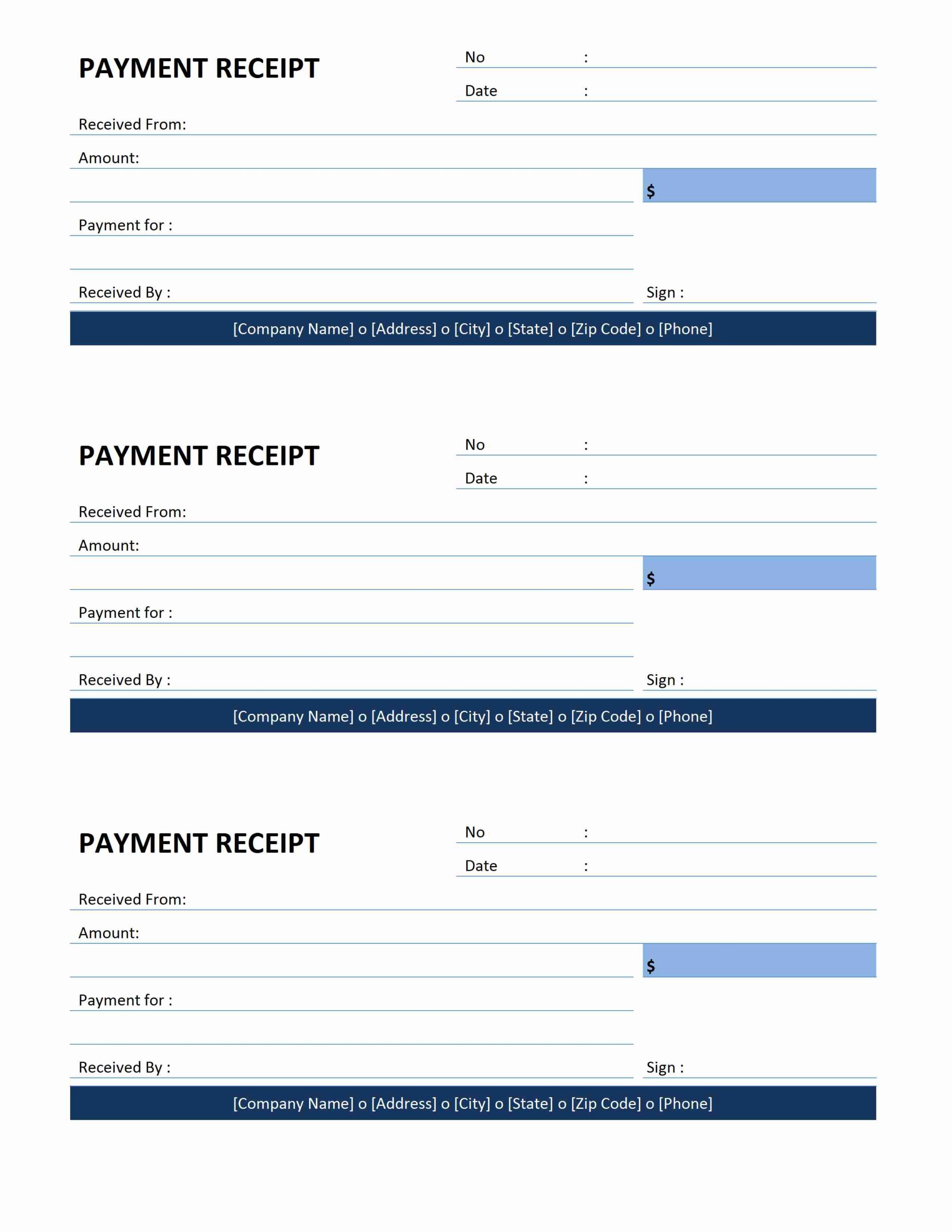
Downloading the Payment Slip Template
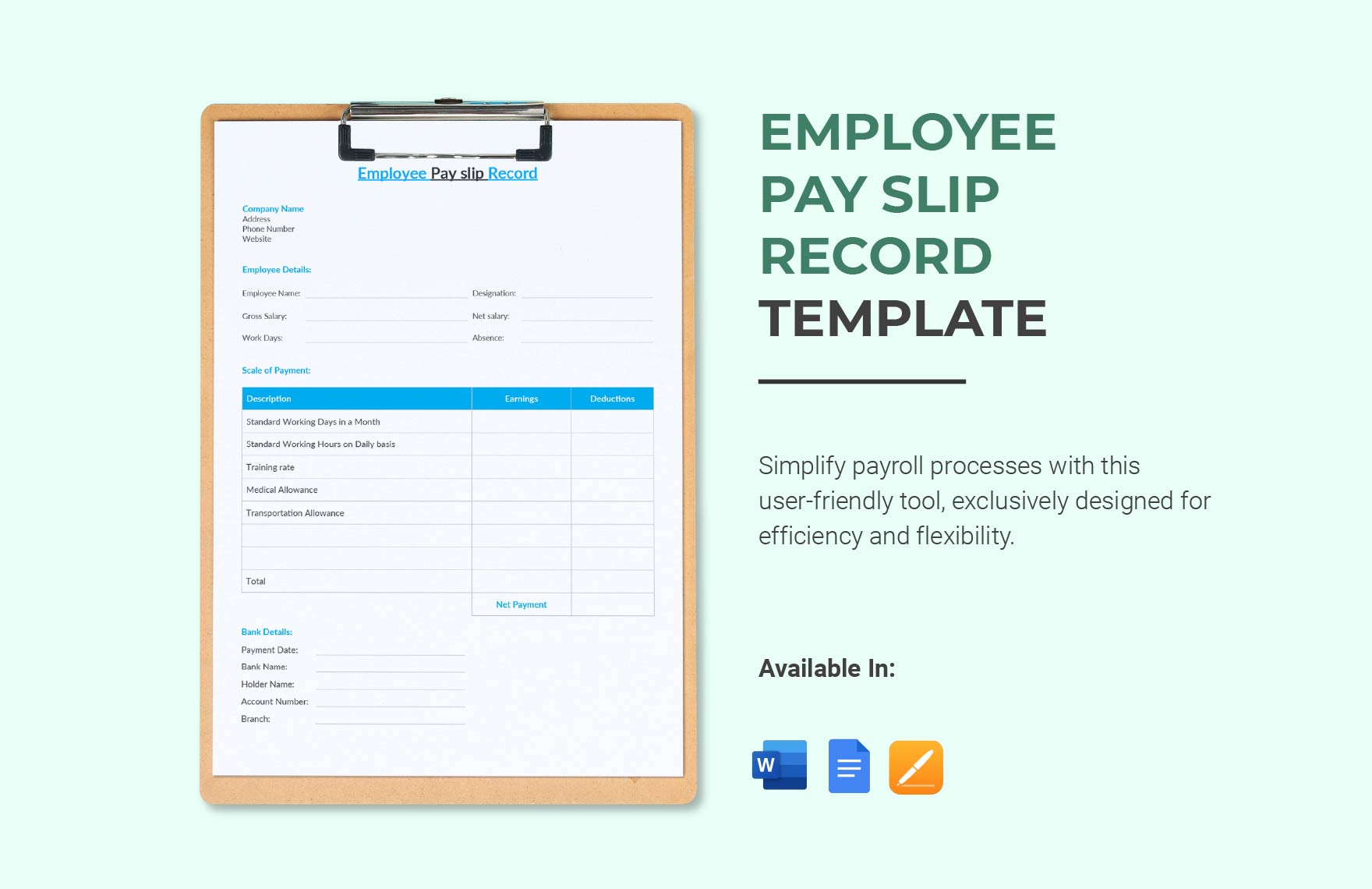
To get started, find a reputable printable-resource website that offers the Business Printable Payment Slip For Microsoft Word. Most sites will have a straightforward download process. Ensure you select the appropriate file type—Microsoft Word documents are typically in .docx format.
Once you’ve located the template, click the download link. It’s advisable to save the file in a designated folder on your computer to keep your resources organized. This will make it easier to find and access the slip whenever you need it.
Printing the Payment Slip
After downloading, open the payment slip template in Microsoft Word. Before printing, it’s crucial to adjust your print settings. Here are some tips to ensure your slips come out perfectly:
- Paper Size: Standard letter size (8.5 x 11 inches) is commonly used, but check if your template specifies a different size.
- Print Quality: Set your printer to high quality to ensure all text is clear and legible. This is especially important for professional presentation.
- Orientation: The layout of the slip may require portrait or landscape orientation. Make sure to select the correct one based on the template design.
Print a few test copies first to check for alignment and clarity. This helps avoid wasting paper and ensures that all necessary elements are visible.
Customizing Your Payment Slip
One of the key advantages of the Business Printable Payment Slip For Microsoft Word is its customizable nature. Tailoring the slip to your business needs can enhance professionalism and clarity. Here’s how to do it:
- Business Information: Replace placeholder text with your business name, address, and contact details. This personalizes the document and gives it a professional touch.
- Payment Details: Fill in fields for the date, payment amount, and payment method. You can also add a line for customer signatures if necessary.
- Additional Features: Consider adding your company logo or branding colors to the slip. This not only improves aesthetics but also reinforces brand recognition.
- Save Changes: After making your customizations, save the document as a new file. This preserves the original template for future use.
Using the Payment Slip in Transactions
With the payment slip printed and customized, you’re ready to implement it in your business transactions. Here are practical steps to follow:
- Distribute During Transactions: Hand the payment slip to customers when they make a payment. This provides them with a tangible receipt of their transaction.
- Record Keeping: Keep a copy of each payment slip for your records. This will help you track payments and manage finances effectively.
- Follow-Up: If applicable, use the payment slip to follow up with customers regarding their transactions. This can enhance customer service and ensure transparency in your business dealings.
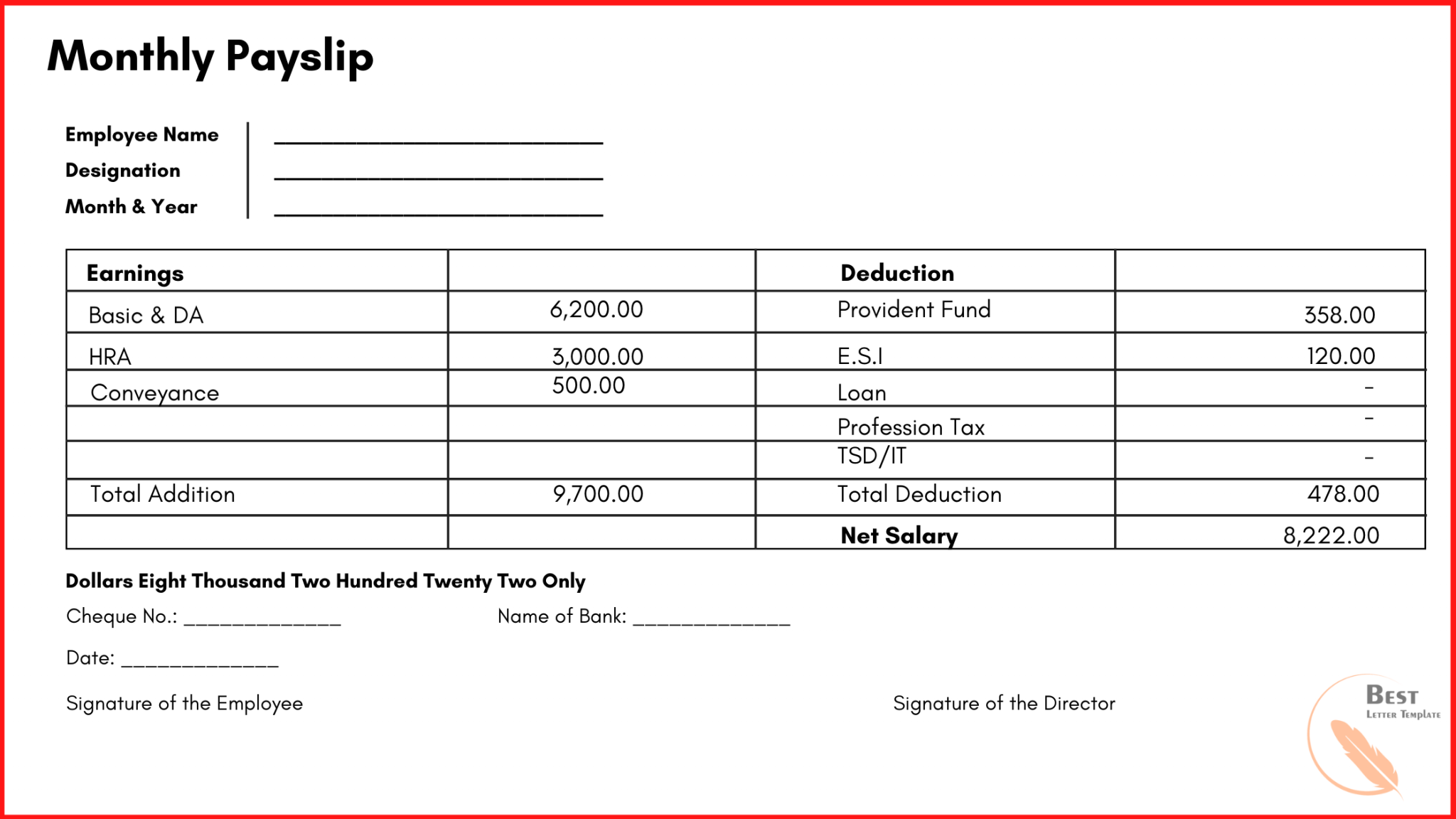
Best Practices for Payment Slip Management
To maximize the effectiveness of the Business Printable Payment Slip For Microsoft Word, consider implementing these best practices:
- Regular Updates: Periodically review and update the slip template to reflect any changes in your business information or payment processes.
- Digital Copies: Store digital copies of completed payment slips in a secure location. This provides an additional layer of record-keeping and can be useful for audits or financial reviews.
- Training Staff: If you have employees, ensure they understand how to use the payment slip correctly. Consistency in its use can enhance the professional image of your business.
Utilizing the Business Printable Payment Slip For Microsoft Word effectively can streamline your payment processes and enhance your business operations. By following the steps outlined above, you can ensure that your transactions are well-documented and professionally handled, creating a better experience for both you and your customers. This resource is not just a tool; it’s a step toward more organized financial management.