A Payslip Printable Form With Blank Fields is an essential tool for small business owners looking to manage payroll effectively. This form allows you to provide employees with a detailed breakdown of their earnings and deductions, which fosters transparency and trust. Understanding when and how to utilize this resource can streamline your payroll process and ensure compliance with employment standards.
Understanding the Payslip Printable Form
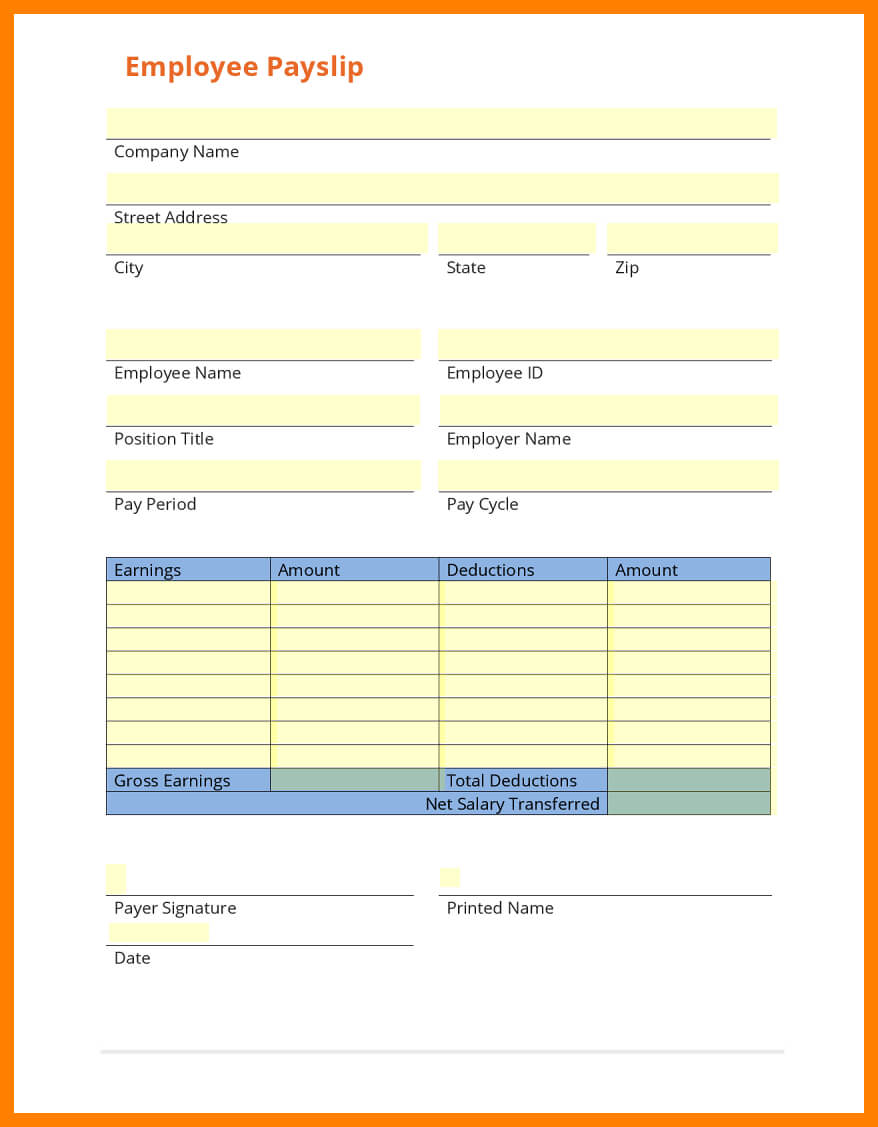
The payslip form is a record of an employee’s earnings for a specific pay period. It typically includes key elements such as gross pay, deductions (like taxes and benefits), and net pay. Having a printable version with blank fields allows you to customize the form for each employee, making it versatile for various payroll scenarios.
Key Components of the Payslip
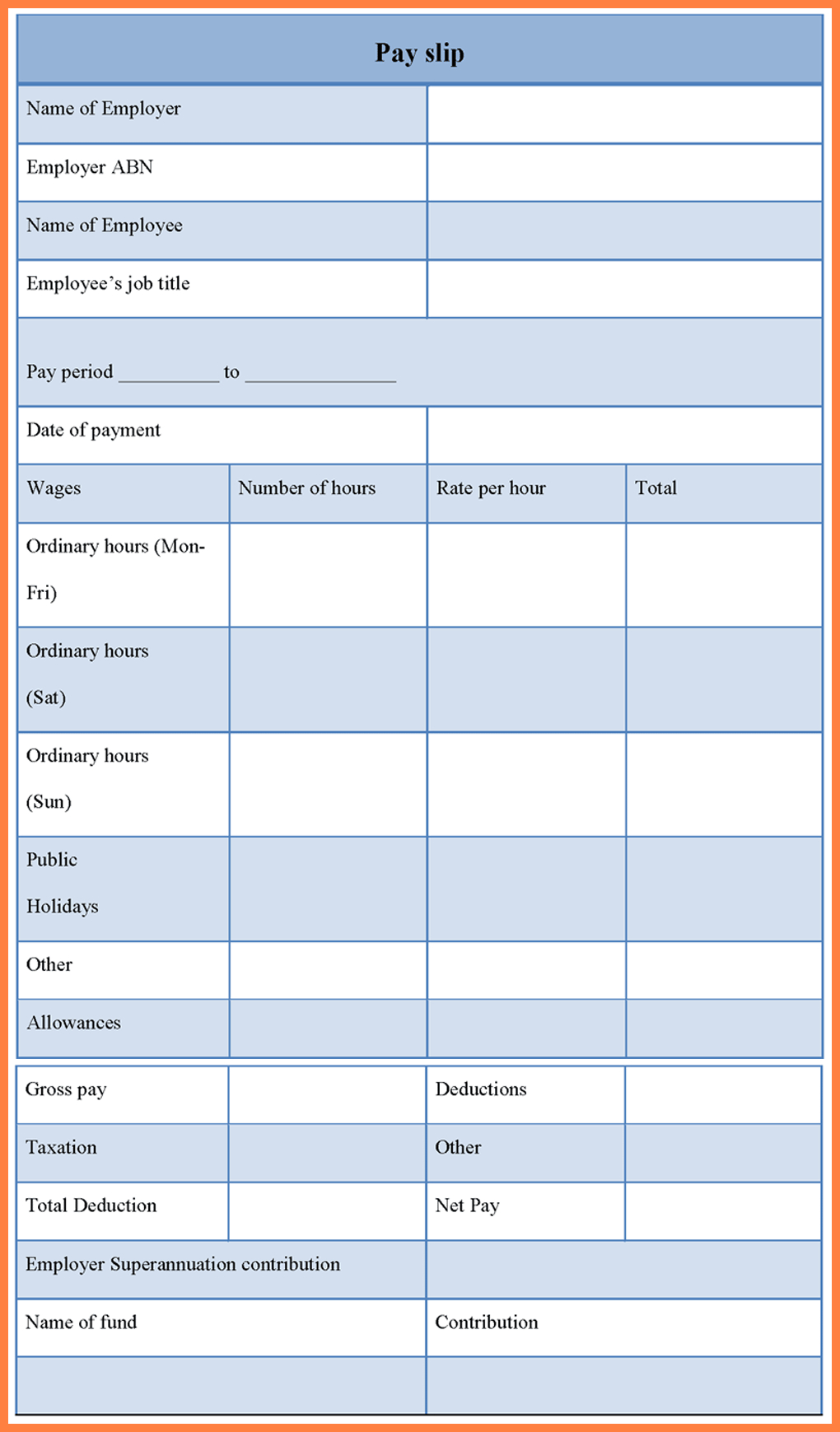
- Employee Information: This section usually includes the employee’s name, address, and employee ID.
- Pay Period: Clearly indicate the start and end dates of the pay period.
- Earnings: Document all types of earnings, including regular hours, overtime, bonuses, and commissions.
- Deductions: List all deductions such as federal and state taxes, Social Security, Medicare, and any employee benefits.
- Net Pay: This is the final amount the employee takes home after all deductions are applied.
Understanding these components is crucial when filling out the form correctly.
Downloading and Printing the Payslip Form
Finding a reliable source to download a Payslip Printable Form With Blank Fields is essential. Many websites offer free templates that can be customized to fit your business needs. Look for a PDF format, as it ensures that the layout remains consistent when printed.
When printing, consider the following:
- Paper Type: Standard printer paper is sufficient, but using heavier cardstock can provide a more professional look.
- Print Quality: Set your printer to high quality to ensure all text is legible, especially for small font sizes.
- Orientation: Portrait layout is typically the best choice, as it fits most standard paper sizes and provides ample space for information.
Filling Out the Payslip Form
Once you have printed the payslip, the next step is filling it out accurately. Here are some tips to ensure clarity and correctness:
- Double-Check Employee Details: Ensure that the employee’s name and ID are correct. A mistake here can lead to confusion.
- Accurate Earnings Calculation: Calculate total hours worked for the pay period and ensure that the correct hourly rate is applied.
- Deductions: Carefully apply all deductions. If your business offers benefits, make sure these are accounted for accurately.
- Proofread: Before handing out the payslip, double-check all entries for typos or errors. Even minor mistakes can lead to misunderstandings.
Best Practices for Distributing Payslips
Distributing payslips can be done in various ways, depending on your business size and structure. Here are some effective methods:
- Hand Delivery: This personal touch can enhance employee relationships, allowing for immediate questions or clarifications.
- Email: If your team is comfortable with digital formats, sending the payslip as a PDF attachment can streamline the process. Ensure that the file is password-protected for security.
- Employee Portal: For businesses with a larger workforce, setting up an employee portal where payslips can be accessed securely is beneficial.
Maintaining Payroll Records
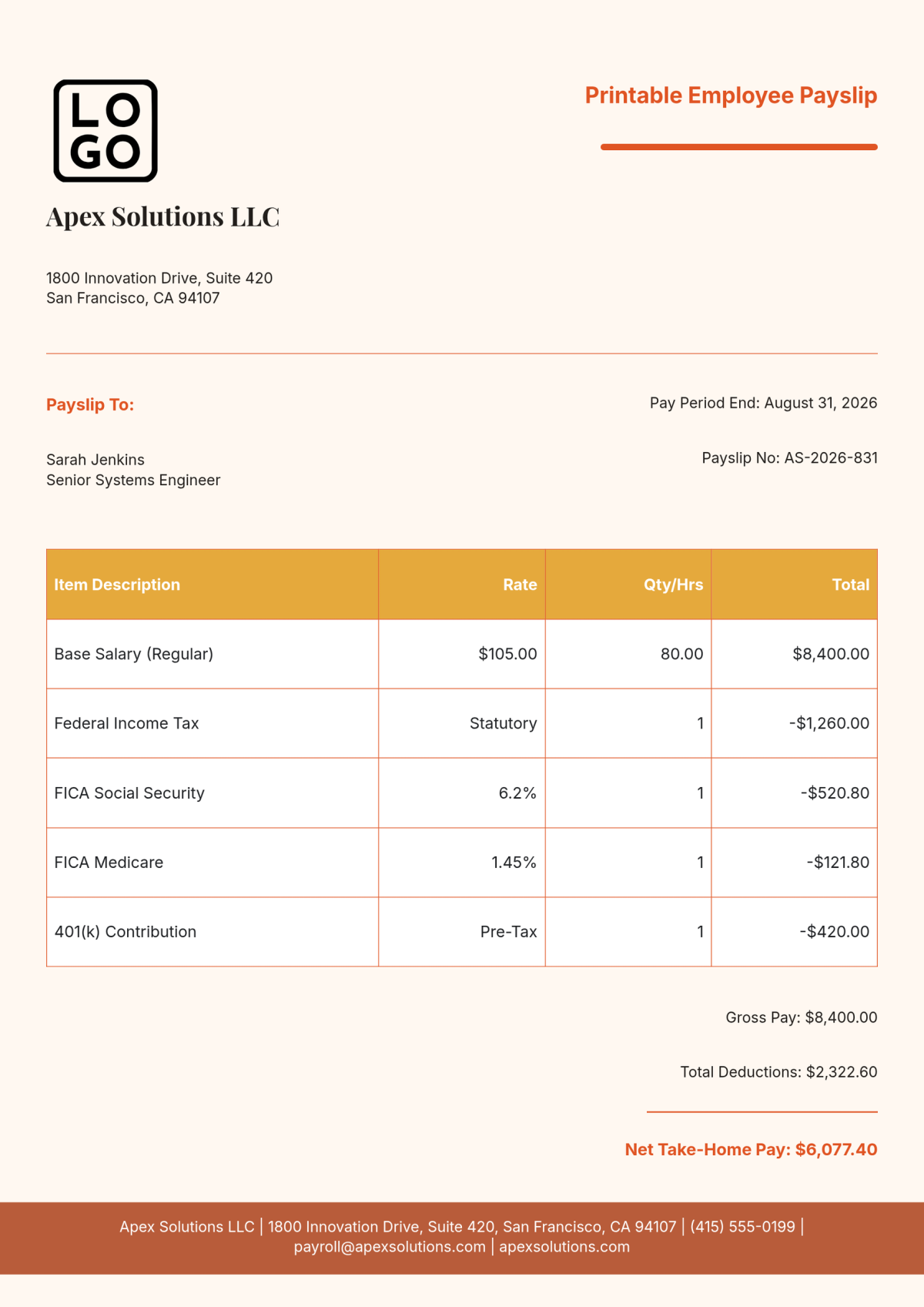
Maintaining accurate payroll records is not just good practice; it’s often required by law. Here’s how to keep your records organized:
- Store Copies: Keep a digital and physical copy of all payslips issued. This can help in case of disputes or audits.
- Organize by Year: Create folders for each year and categorize them by employee. This makes retrieval easier when needed.
- Backup Data: Regularly back up your payroll data to avoid loss. Using cloud storage can provide an added layer of security.
By following these best practices, small business owners can effectively manage their payroll process, ensuring accuracy and compliance.