When managing finances, clarity and efficiency are crucial. A Business Printable Payment Slip For Digital Filling can simplify transaction documentation, ensuring that both you and your clients keep accurate records. These slips are designed to be printed and filled out digitally, making them user-friendly for anyone looking to streamline their payment processes.
Understanding the Layout of the Payment Slip
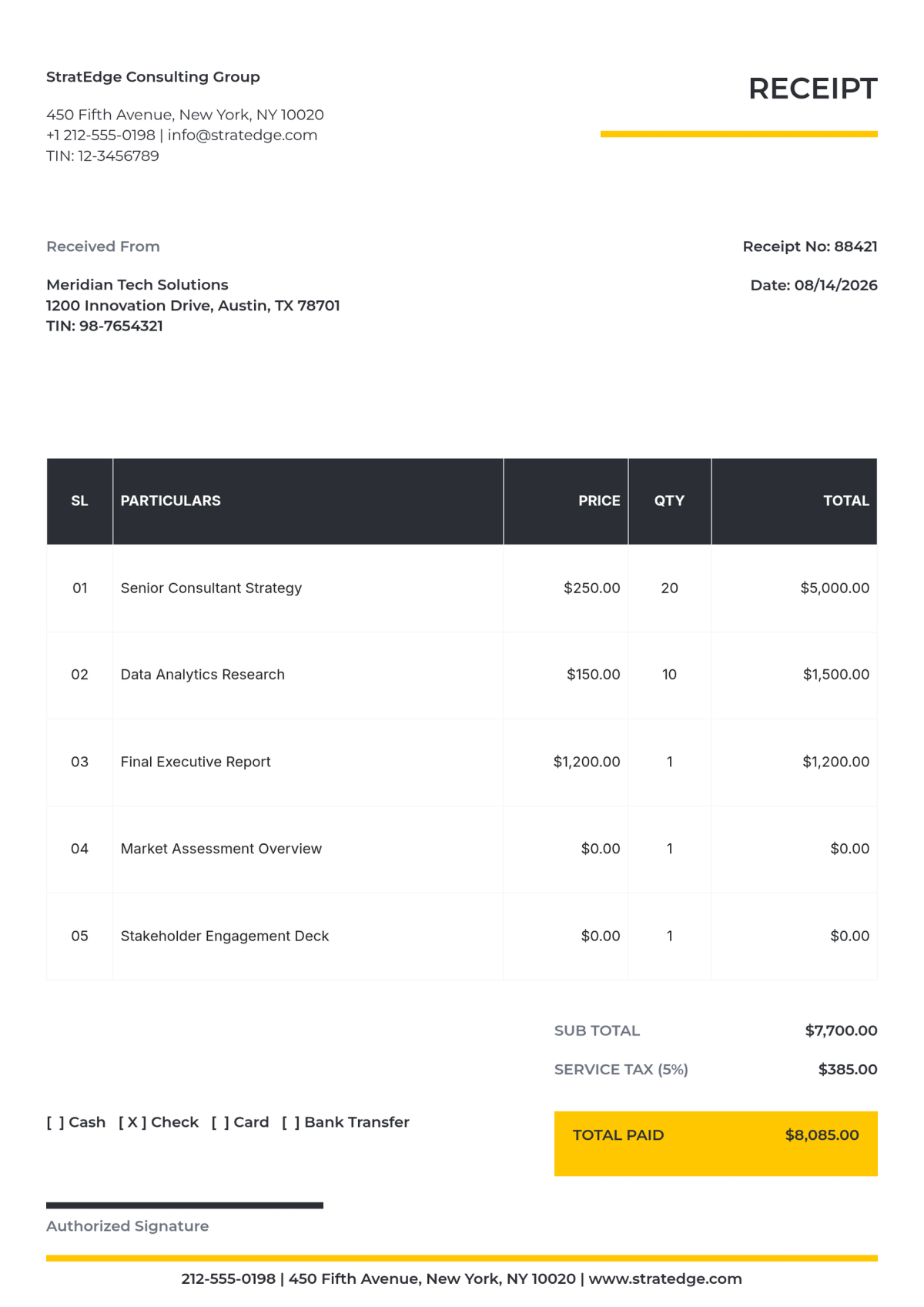
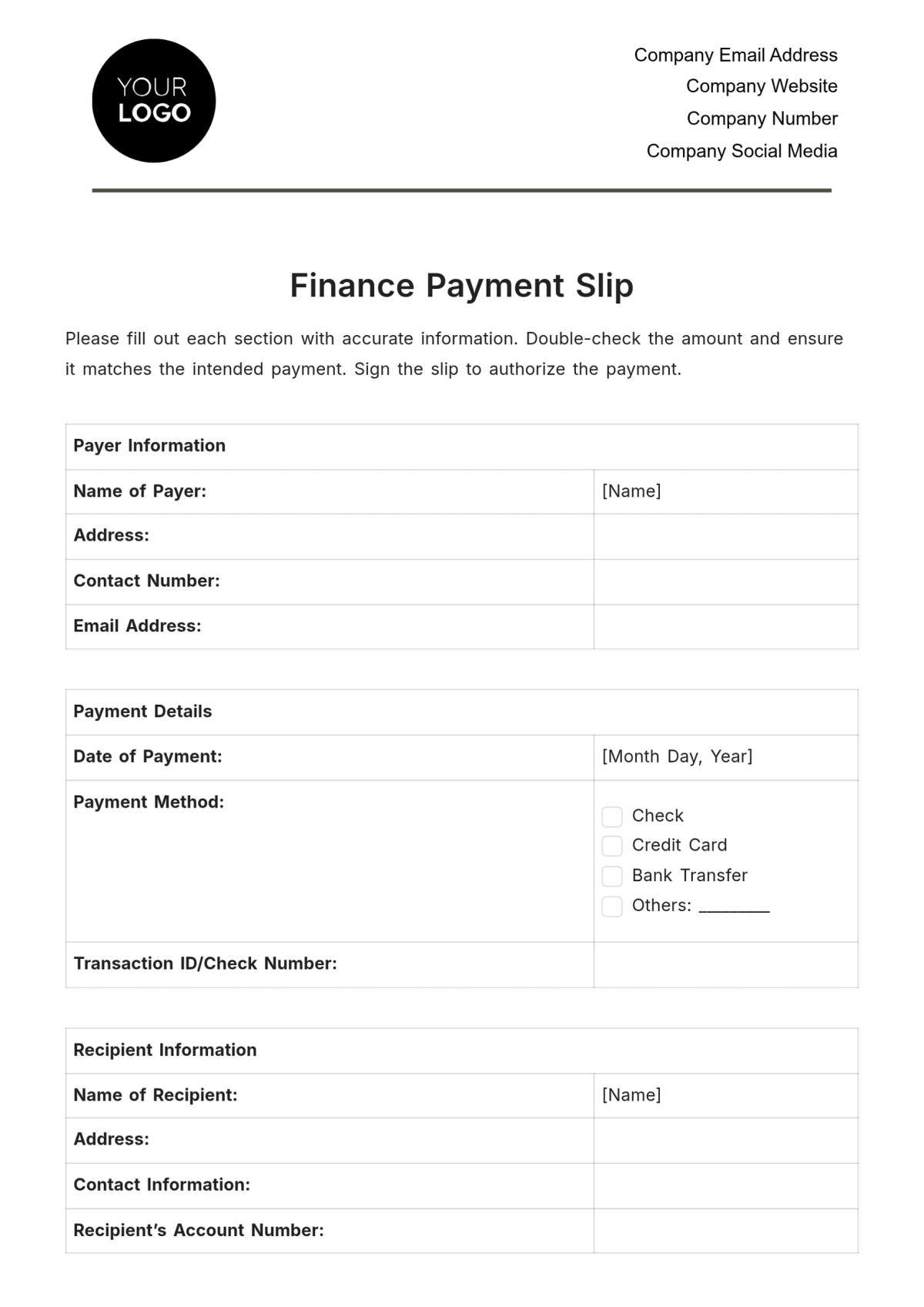
The layout of a business payment slip is essential for ease of use. Typically, these slips are formatted to fit standard paper sizes, such as A4 or letter size (8.5 x 11 inches). You’ll notice designated areas for critical information such as the payer’s name, payment amount, date, and purpose of payment. This organization not only helps in maintaining clarity but also ensures that no vital details are overlooked during transactions.
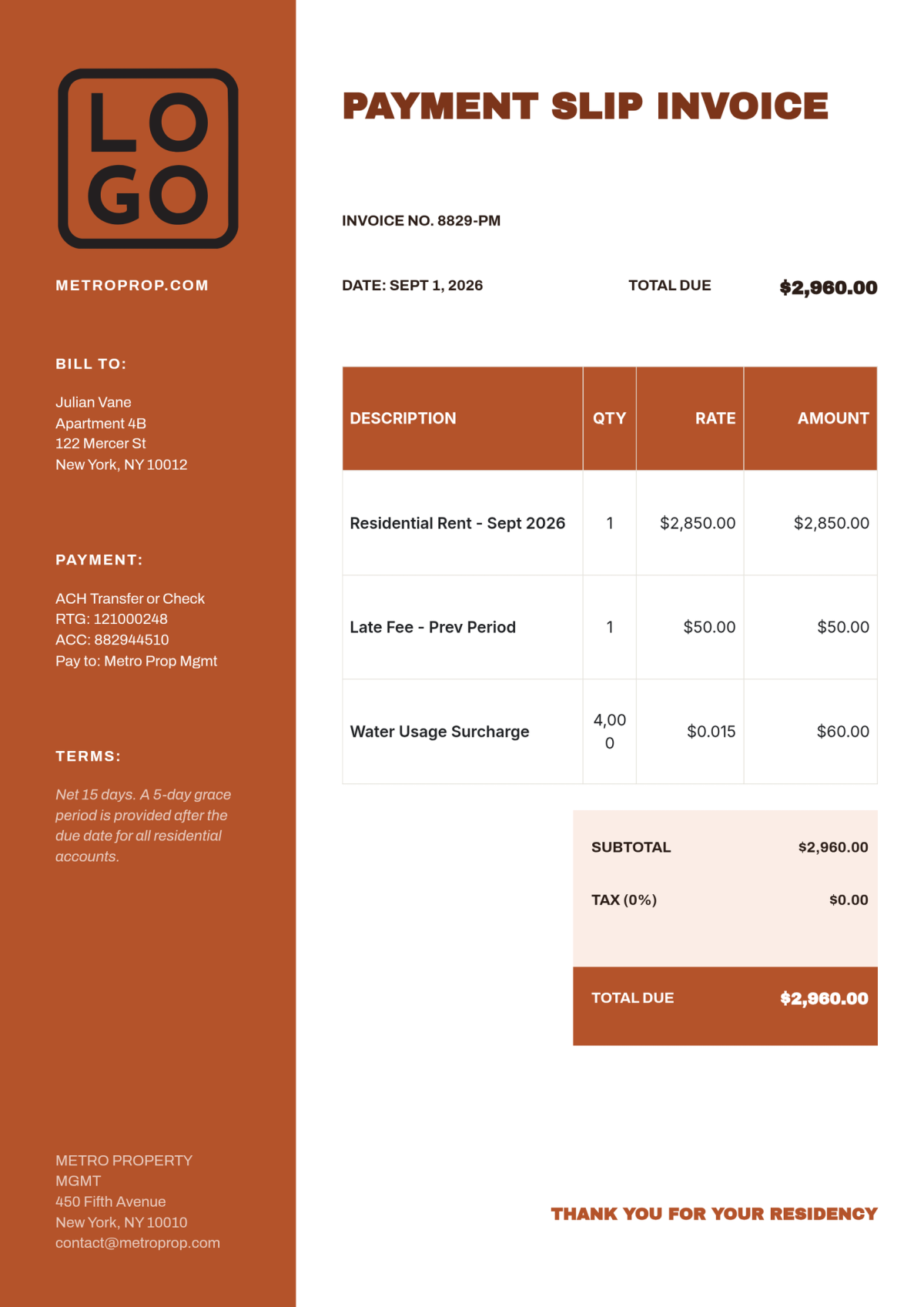
Most printable templates include sections for both the payer and the payee, making it clear who is involved in the transaction. Additionally, there is often a space for a signature, which adds a level of authenticity to the form. This is particularly useful when dealing with larger amounts or formal transactions.
Fields and Sections Explained
Each field on the payment slip serves a specific purpose. Here’s a breakdown of what you can expect:
- Payer Information: This includes the name, address, and contact details of the individual or business making the payment. Having this information readily available helps in case there are any follow-up questions or issues.
- Payment Amount: Clearly stating the amount being paid is crucial. It’s advisable to include both numeric and written forms (e.g., $100.00 / One Hundred Dollars) to avoid misunderstandings.
- Date of Payment: Including the date ensures that both parties are aware of when the transaction took place, which is vital for record-keeping and financial audits.
- Purpose of Payment: This section allows the payer to specify what the payment is for, helping in categorizing expenses later on.
- Signature Line: A space for signatures adds a layer of accountability, confirming that the payer has authorized the payment.
These fields are designed to be straightforward, allowing for quick filling and easy understanding.
Digital Filling Advantages
One of the standout features of a Business Printable Payment Slip For Digital Filling is the ability to fill it out digitally. This means you can complete the slip on your computer or mobile device, saving time and reducing the chances of errors that can occur with handwritten forms.
Using a PDF format often ensures that the layout remains intact, regardless of the device or software used for viewing. Plus, digital filling allows for easy corrections—if you make a mistake, simply delete and re-enter the information without the need for a new printout.
Practical Uses for Your Payment Slip
Now that you understand the layout and fields, consider how you can use the payment slip in various situations:
- Business Transactions: Use these slips to document payments between businesses, whether for services rendered or goods purchased. This creates a clear record for both parties.
- Freelance Work: If you’re a freelancer, providing clients with a payment slip upon receipt of payment can enhance professionalism and ensure that both of you have a record of the transaction.
- Event Registrations: For events that require payment—such as workshops or classes—these slips can serve as receipts for attendees, confirming their registration and payment.
- Personal Use: You can even adapt these slips for personal transactions, like paying a contractor or settling debts with friends.
Each of these scenarios emphasizes the importance of maintaining accurate financial records, which is made easier through the use of a structured payment slip.
Downloading and Printing Your Slip
When you’re ready to use your Business Printable Payment Slip For Digital Filling, ensure you have access to a reliable printer. Most home printers handle standard paper sizes well, but it’s best to check your printer settings to ensure the layout remains as intended.
Choosing the right paper is also important. For a more durable slip, consider using cardstock, which holds up better if you plan to keep a record or need to laminate the slip for future reference.
Finally, after filling out the slip digitally, remember to save a copy for your records before printing it out. This way, you always have a backup of your transactions.
Using a Business Printable Payment Slip For Digital Filling can significantly enhance your financial organization. With its clear layout and designated fields, keeping track of payments becomes a straightforward task. Plus, the ability to fill it out digitally adds convenience, making this resource a must-have for anyone managing their finances.