A payslip is an essential document for any small business, providing employees with a clear breakdown of their earnings and deductions. A Payslip Printable Form With Simple Layout is designed to streamline this process, making it easy for small-business owners to generate and distribute payslips quickly. guide you through the practical aspects of using this form, including its intended use, how to fill it out correctly, and tips for ensuring a professional presentation.
Understanding the Payslip Printable Form
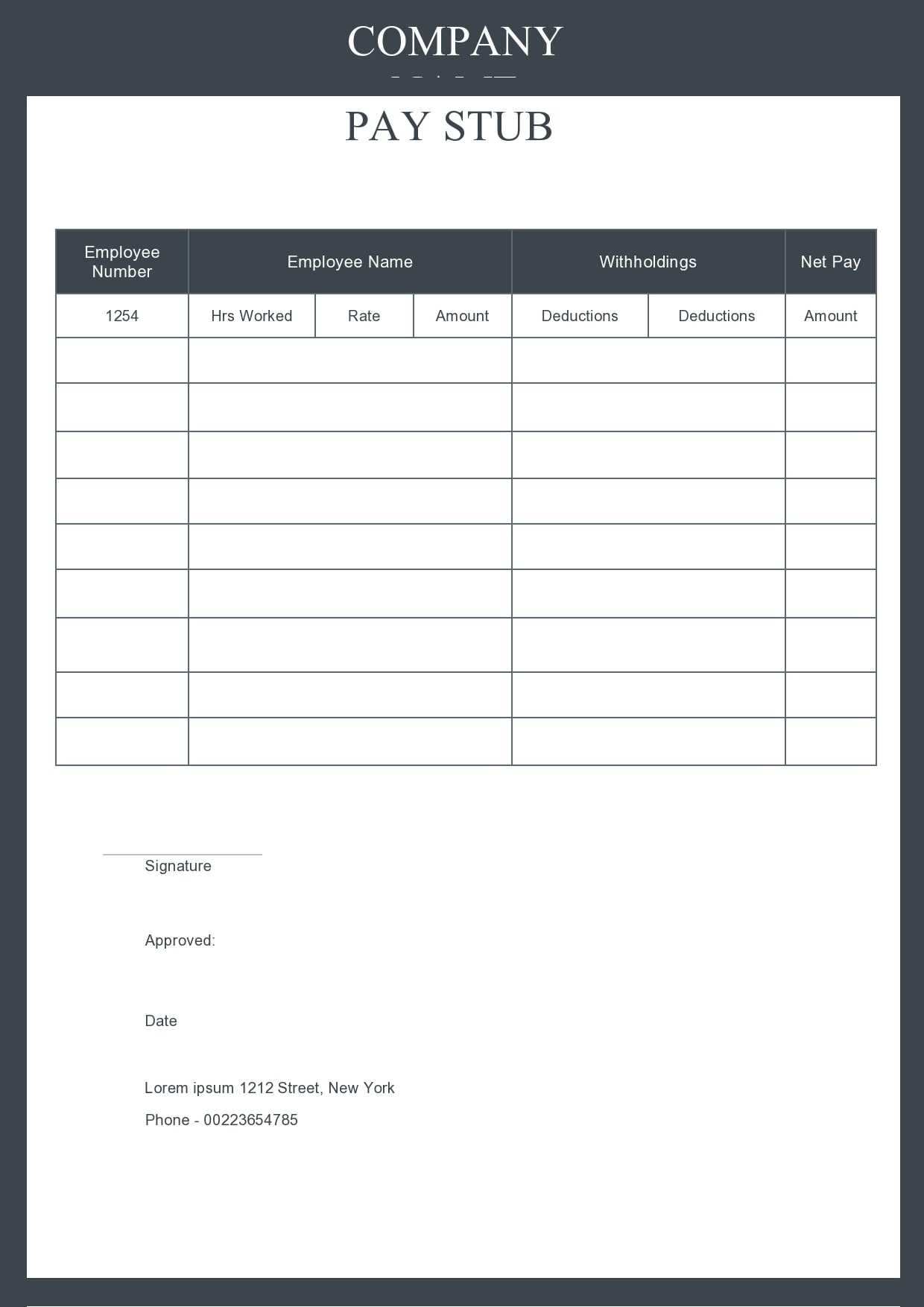
The Payslip Printable Form is a straightforward template that displays important payroll information. It typically includes sections for the employee’s name, position, pay period, gross pay, deductions, and net pay. This simple layout allows for easy reading and comprehension, ensuring that employees understand their earnings and any deductions made.
This form is ideal for small-business owners who need a quick and efficient way to provide payslips to their employees. By using this printable form, businesses can maintain transparency in payroll processing, which is crucial for employee satisfaction and trust.
Preparing the Payslip Printable Form
Before using the Payslip Printable Form, ensure that you have all necessary information at hand. This includes:
- Employee details: Name, position, employee ID, and contact information.
- Payment details: Pay period dates, hours worked, overtime hours, and gross pay.
- Deductions: Taxes, insurance, retirement contributions, and any other deductions.
- Net pay: The final amount the employee will receive after deductions.
Once you have gathered this information, you can either fill out the form manually or use a digital version that allows for easy input.
Filling Out the Form
When completing the Payslip Printable Form, follow these steps:
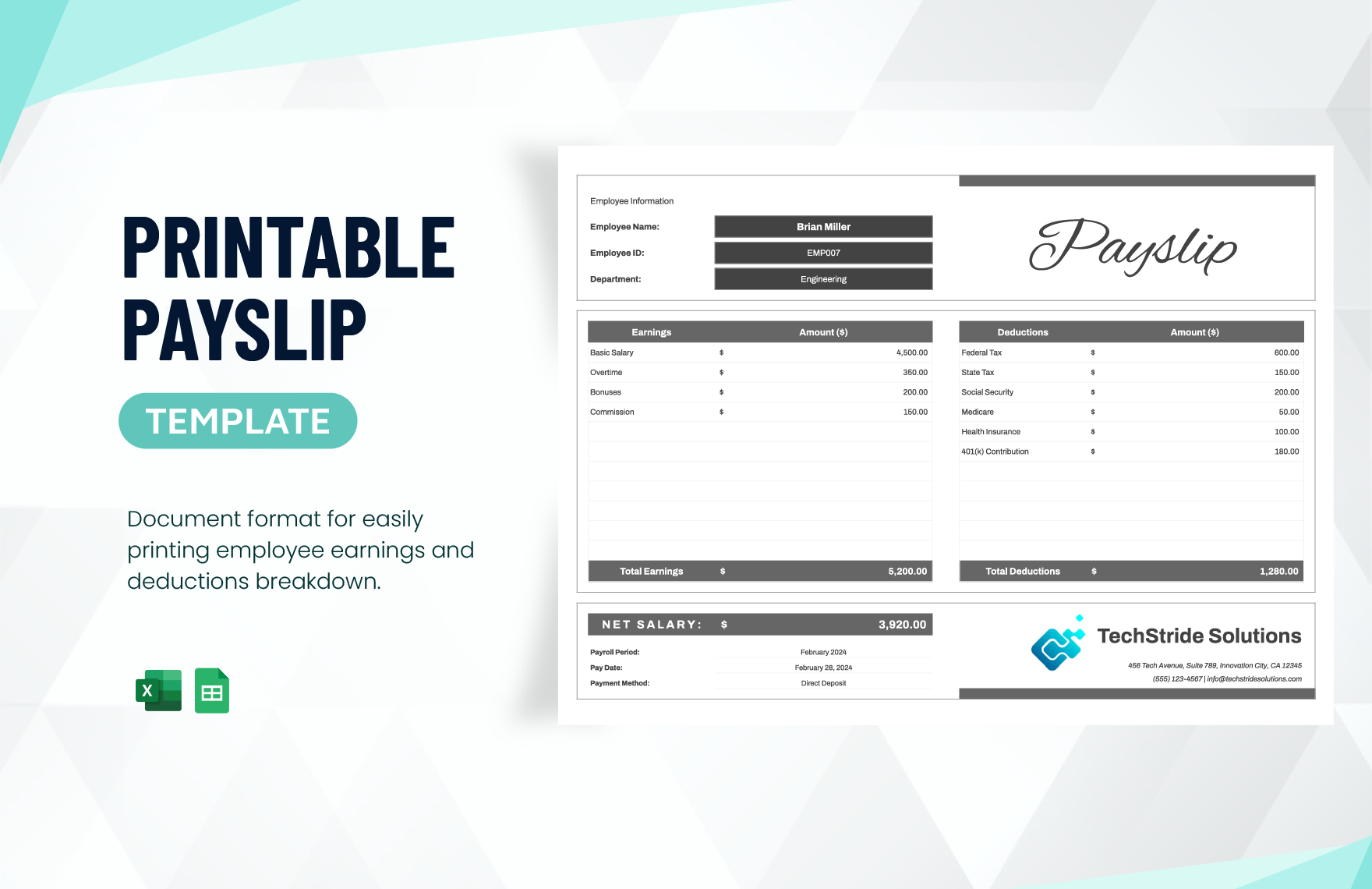
- Employee Information: Start by entering the employee’s name and position at the top of the payslip. This helps quickly identify who the payslip belongs to.
- Pay Period: Clearly state the start and end dates of the pay period. This is crucial for record-keeping and provides context for the earnings.
- Gross Pay: Calculate the total earnings before any deductions. This should include regular pay, overtime, bonuses, and any other types of compensation.
- Deductions: List all deductions from gross pay. This includes federal and state taxes, Social Security, Medicare, health insurance, and retirement contributions. Be transparent about these deductions to foster trust among employees.
- Net Pay: Finally, calculate the net pay by subtracting the total deductions from gross pay. This is the amount the employee will receive.
- Signature: If applicable, include a space for a signature, either from the employer or payroll administrator, to validate the payslip.
Choosing the Right Format and Presentation
For optimal use, the Payslip Printable Form should be printed on high-quality paper. Here are some tips for presentation:
- Paper Size: Standard letter size (8.5 x 11 inches) is commonly used, as it fits most printers and is easy to file.
- Print Quality: Use a laser printer for crisp text and clear graphics. This ensures that all details are legible and professional-looking.
- Orientation: A portrait layout is typically more suitable for payslips, as it allows for a straightforward flow of information.
- Color vs. Black and White: While color printing can make payslips visually appealing, black and white printing is often sufficient and cost-effective for internal documents.
Distributing the Payslip Printable Form
Once the payslips are completed and printed, distribution is the next step. Consider these methods:
- In-Person: Handing out payslips personally during a staff meeting can foster communication and trust.
- Email: If your business operates remotely or has a scattered workforce, consider sending a digital version of the payslip as a PDF attachment. This ensures that employees receive their payslips promptly.
- Payroll Software: If using payroll software, ensure it integrates with your printable form to automate the process. This can save time and reduce errors.
What to Do Next With the Payslip Printable Form
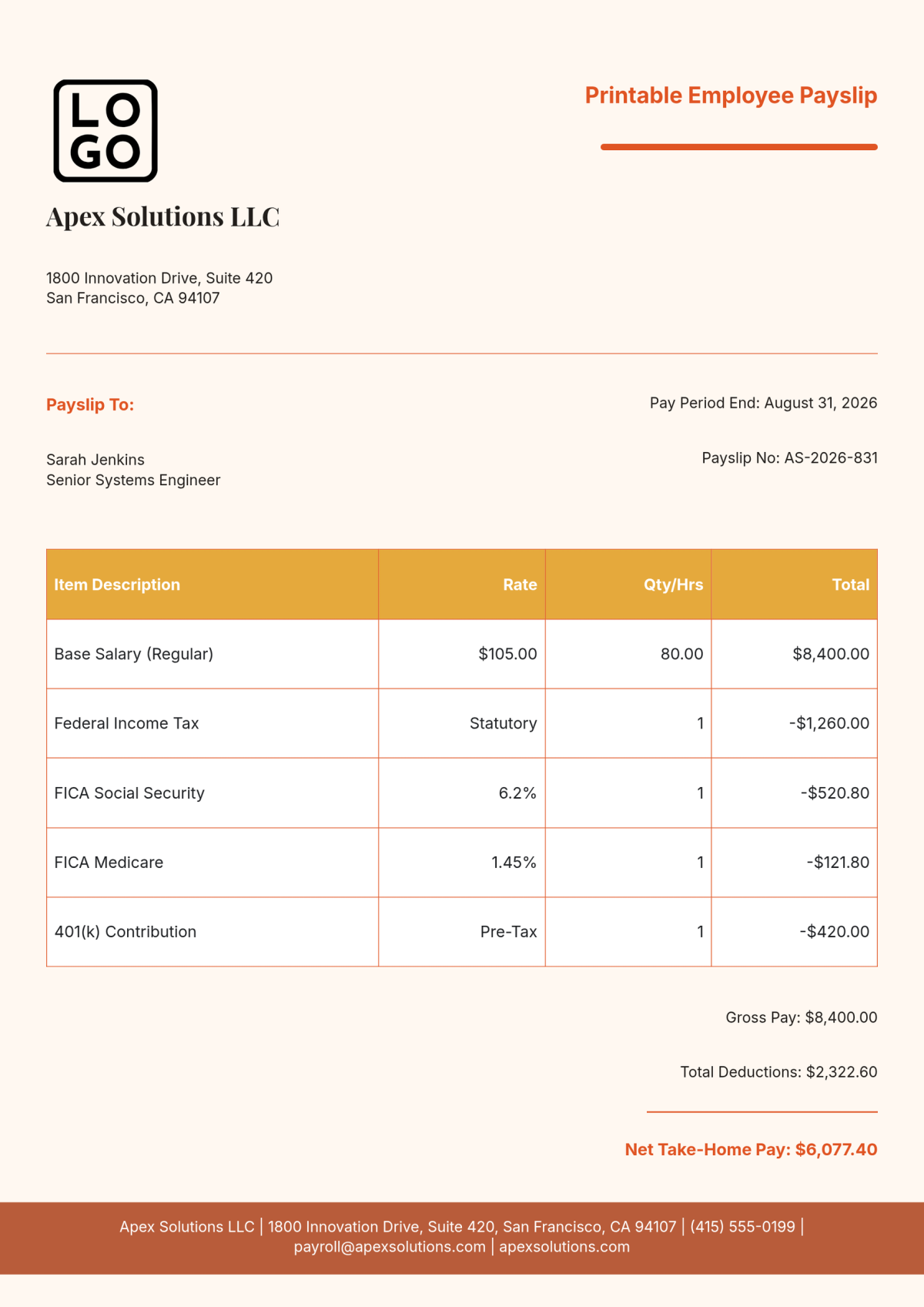
After distributing the Payslip Printable Form, keep a copy for your records. Maintaining accurate payroll records is essential for compliance and can be helpful in case of any disputes or inquiries from employees.
Additionally, review the payslip process regularly for any improvements. Consider gathering employee feedback on the clarity and usefulness of the payslips. This can inform future updates to the layout or content of the payslip.
Using a Payslip Printable Form With Simple Layout not only simplifies payroll management but also enhances communication with employees. By following these guidelines, small-business owners can ensure that their payroll processes are efficient, transparent, and professional.