Managing finances can be overwhelming, especially when it comes to keeping track of payments. A Business Printable Payment Slip With Simple Design can simplify this task, providing a clear and professional way to document transactions. This resource is especially useful for small business owners, freelancers, or anyone who frequently handles payments. In this article, we’ll explore how to download, print, and use this payment slip effectively.
Understanding the Business Printable Payment Slip
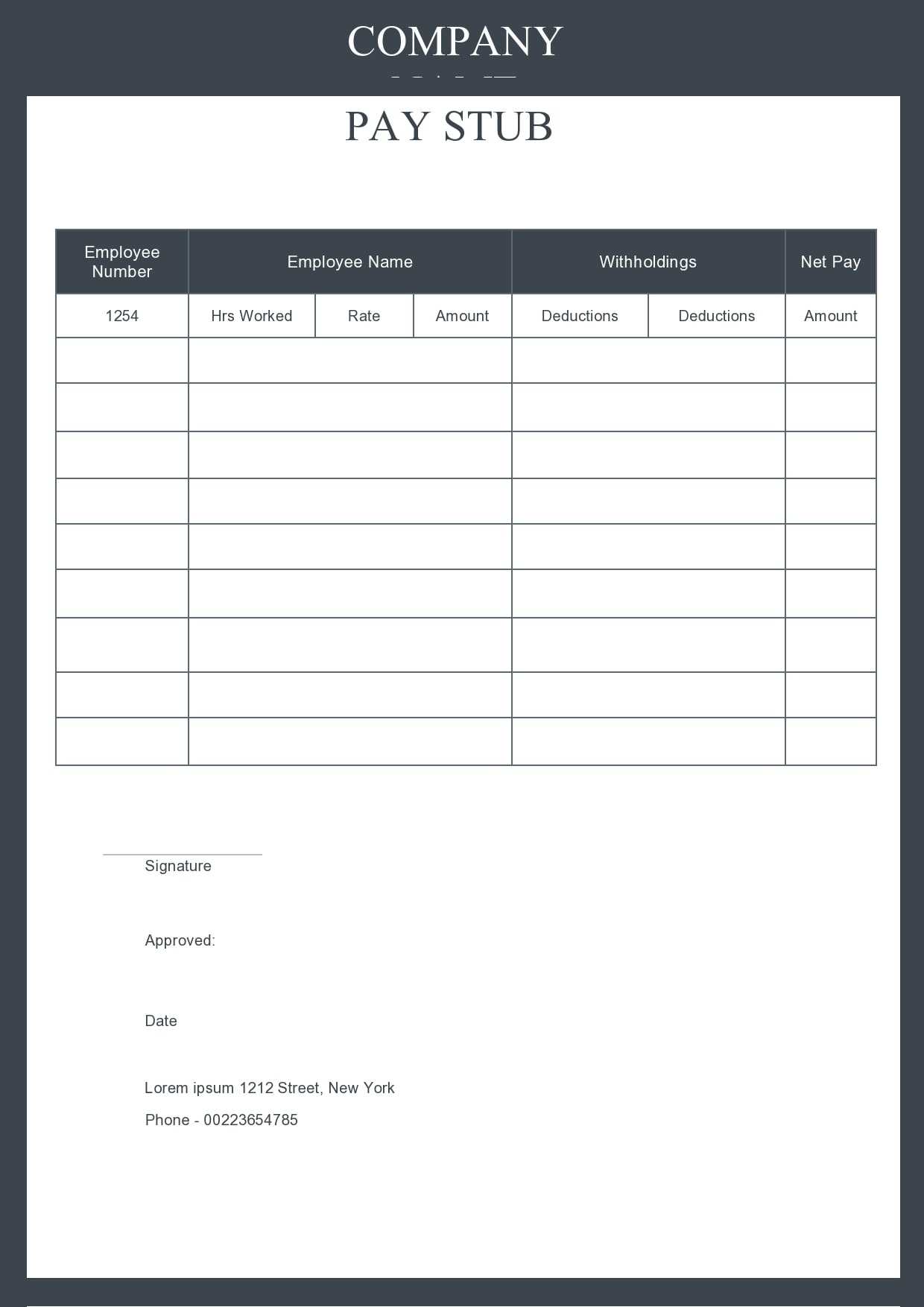
A payment slip is a simple yet essential tool for documenting payments made or received. It typically includes fields for the date, amount, payer’s information, and a brief description of the transaction. The design is straightforward, ensuring that it can be filled out quickly and clearly. When you opt for a business printable payment slip with a simple design, you benefit from a clean layout that avoids distractions, making it easier for both you and your clients to understand the transaction details.
Key Features of the Slip
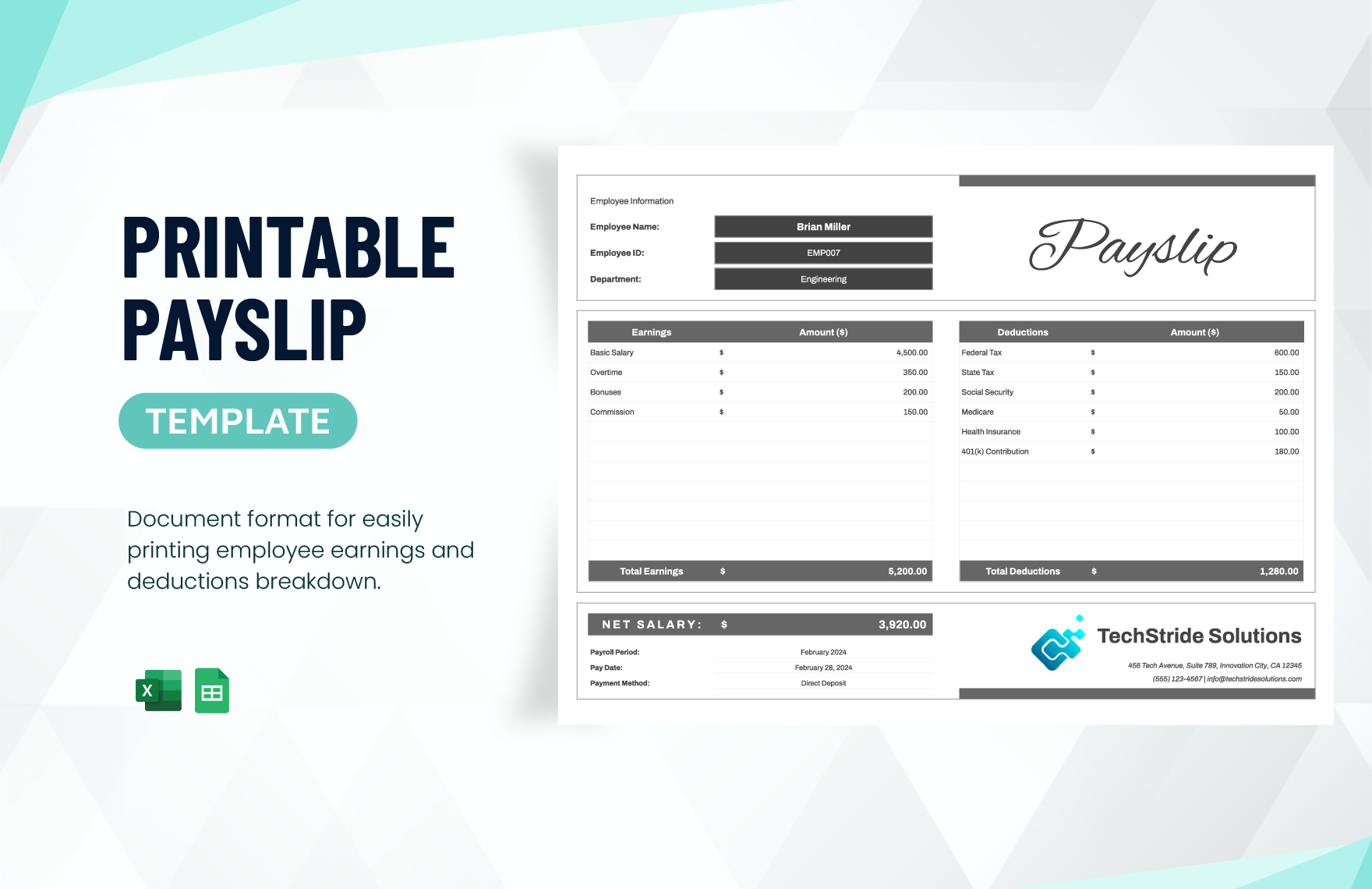
- Clear Layout: The simple design offers a straightforward approach, allowing you to focus on the essential details.
- Customizable Fields: You can modify the slip to fit your specific business needs, adding or removing fields as necessary.
- Printable Format: Designed for easy printing, the slip works well on standard A4 or letter-sized paper.
How to Download and Print the Payment Slip
Getting your business printable payment slip is a breeze. Most templates are available in PDF or Word formats, making them easy to download. Here’s how you can do it:
- Find a Reliable Source: Look for reputable websites that offer printable resources. Ensure they provide a business printable payment slip with a simple design.
- Download the Template: Click the download link and save the file to your computer. If it’s a PDF, ensure you have a PDF reader installed.
- Prepare for Printing:
- Open the file and check the layout.
- Set your printer settings to ensure it prints in the correct dimensions (A4 or letter size).
- Use good quality paper for a professional touch.
Filling Out the Payment Slip
Once you have your payment slip printed, it’s time to fill it out. Here are some tips to ensure you complete it correctly:
- Date: Always include the date of the transaction. This helps with record-keeping and provides a timeline for both parties.
- Payer Information: Include the name and contact details of the person or business making the payment. This is crucial for accountability.
- Amount: Clearly write the amount being paid. If you accept multiple forms of payment, specify the method (cash, check, credit card).
- Description: A brief description of what the payment is for can help avoid confusion later on.
Best Practices for Using Payment Slips
While a business printable payment slip with a simple design is straightforward, there are a few best practices you should follow to maximize its effectiveness:
- Keep Copies: Always retain a copy of the payment slip for your records. This can be done by either scanning the filled slip or keeping a digital version.
- Organize by Date: Store the slips in chronological order. This will help you quickly locate any transaction details when needed.
- Use Consistently: Make it a habit to use the payment slip for every transaction. This consistency helps maintain clarity in your financial records.
Additional Tips for Effective Financial Management
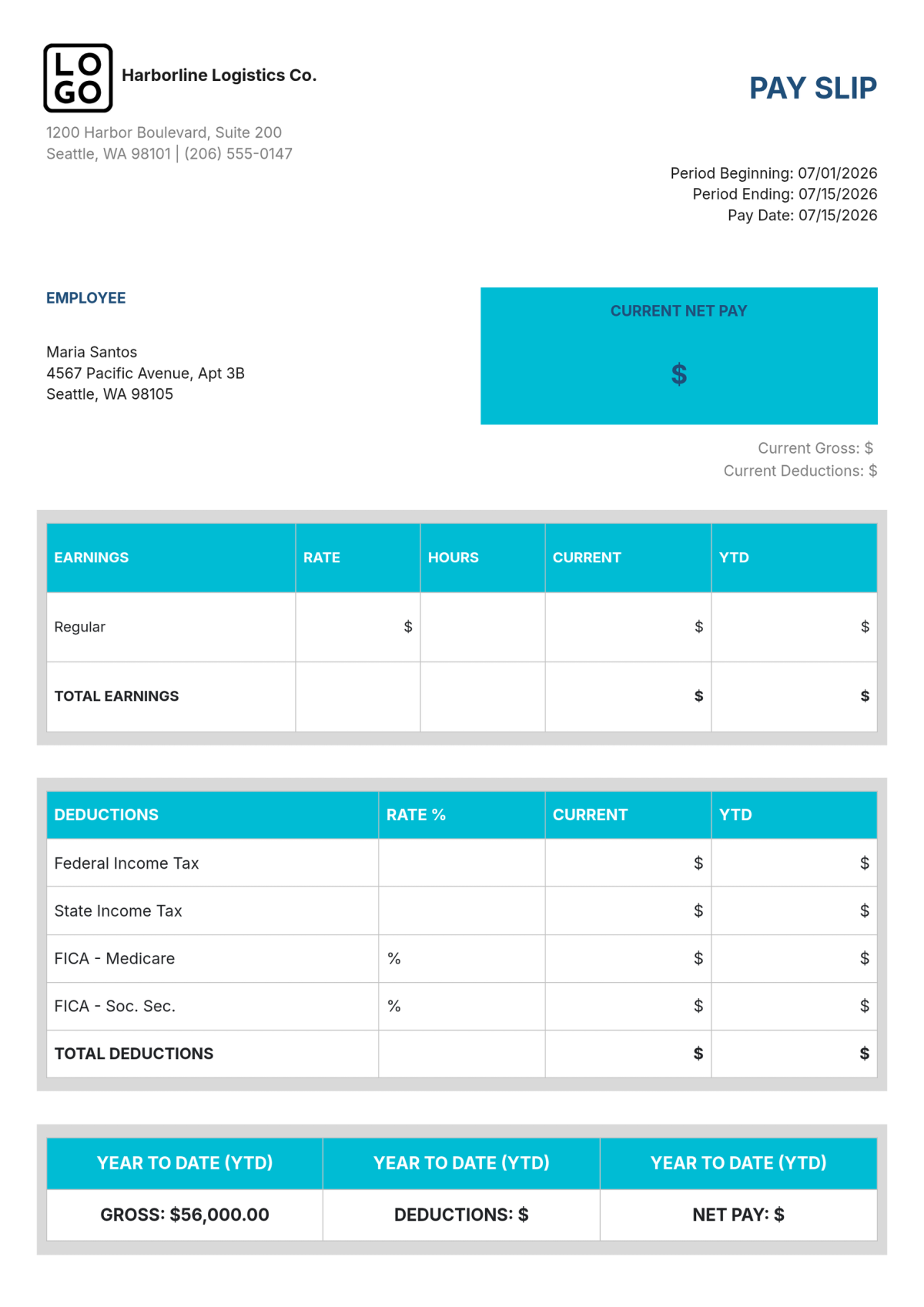
Using a business printable payment slip is just one part of managing your finances effectively. Here’s a useful tip: consider creating a digital backup of all your payment slips. You can take photos or scan them and store them in a dedicated folder on your computer or cloud storage. This way, you’ll have easy access and won’t have to worry about losing physical copies.
Incorporating a business printable payment slip with a simple design into your financial practices can enhance organization and professionalism. By downloading, printing, and using it consistently, you’ll streamline your payment processes and keep better track of your finances.