Creating an organized payment system can simplify your financial dealings, whether for personal use or small business transactions. The Professional Printable Payment Slip Sample stands out with its user-friendly layout and customizable fields, making it an ideal resource for anyone needing to manage payments effectively. In this guide, I’ll walk you through the essential elements of this payment slip, how to use it, and the design choices that enhance its functionality.
Key Features of the Payment Slip
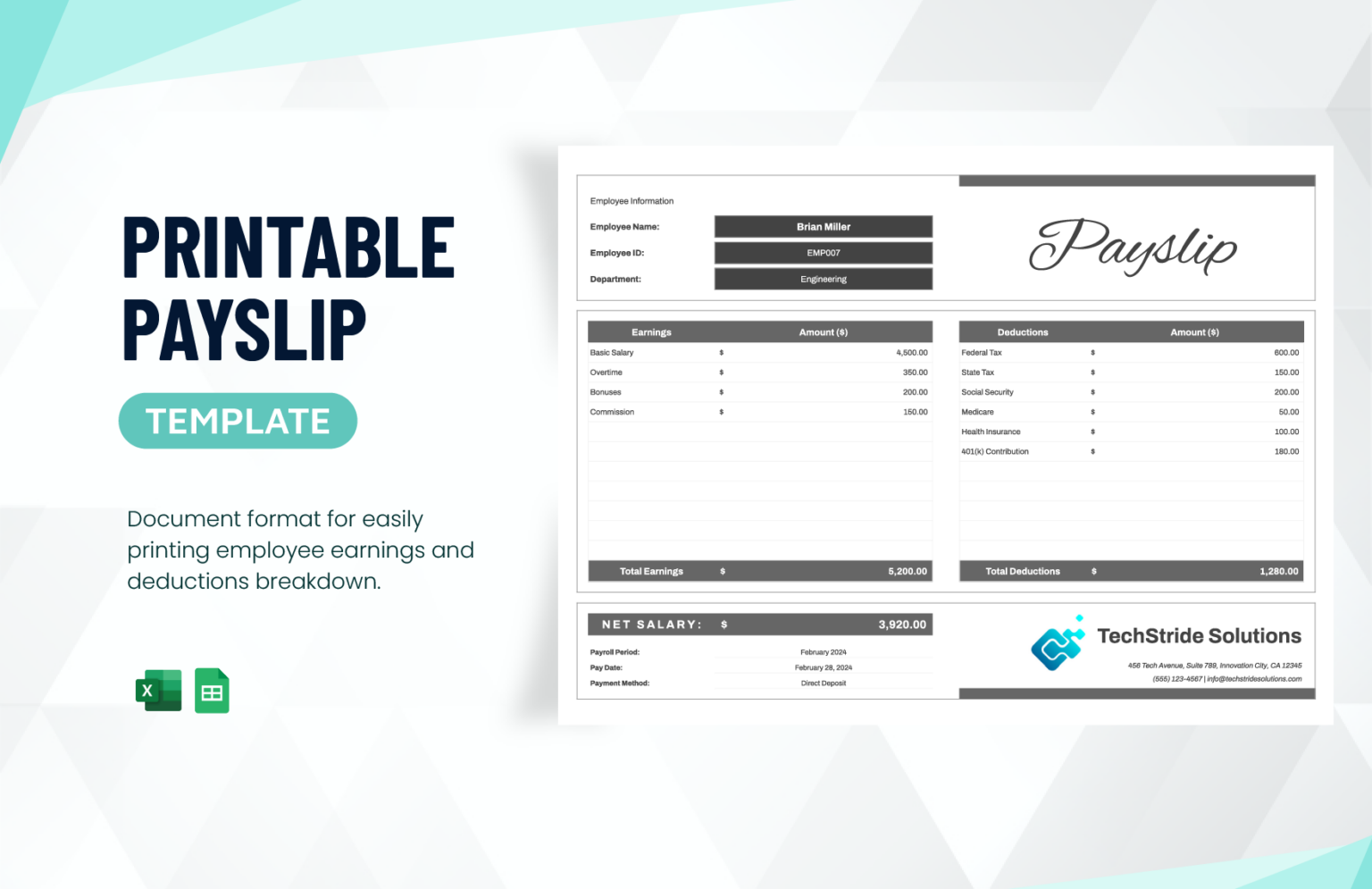
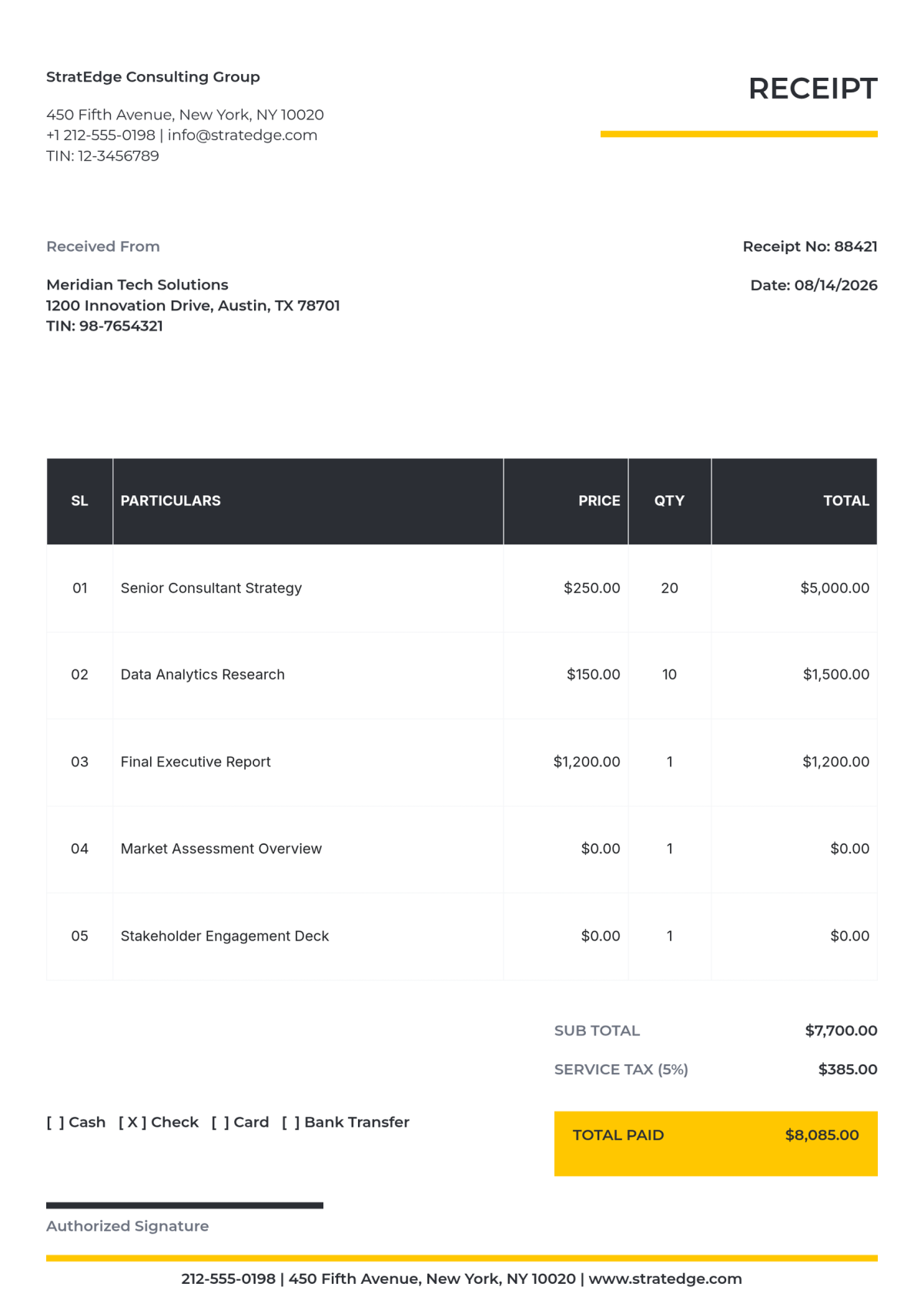
The Professional Printable Payment Slip Sample includes several important sections that ensure all necessary payment details are captured. Here’s what you can expect to find on the slip:
- Payer Information: This section allows you to fill in the name, address, and contact details of the person or organization making the payment. Including this information helps maintain a clear record of who made the payment.
- Recipient Information: Similarly, there’s a space for the payee’s details. This ensures that payments are accurately attributed and helps avoid any confusion in transactions.
- Payment Amount: This prominent section clearly states the amount being paid. Its bold design ensures that this critical information stands out.
- Payment Date: Documenting the date of payment is essential for tracking financial records. The slip includes a designated area for this, which can help when reconciling accounts later.
- Payment Method: This field allows you to specify how the payment was made (e.g., cash, check, credit card). This can be particularly useful for businesses that need to track different forms of payment.
- Notes Section: A blank space for additional notes can be very handy. You might want to specify the purpose of the payment or any other relevant details that could clarify the transaction later.
Format and Layout Considerations
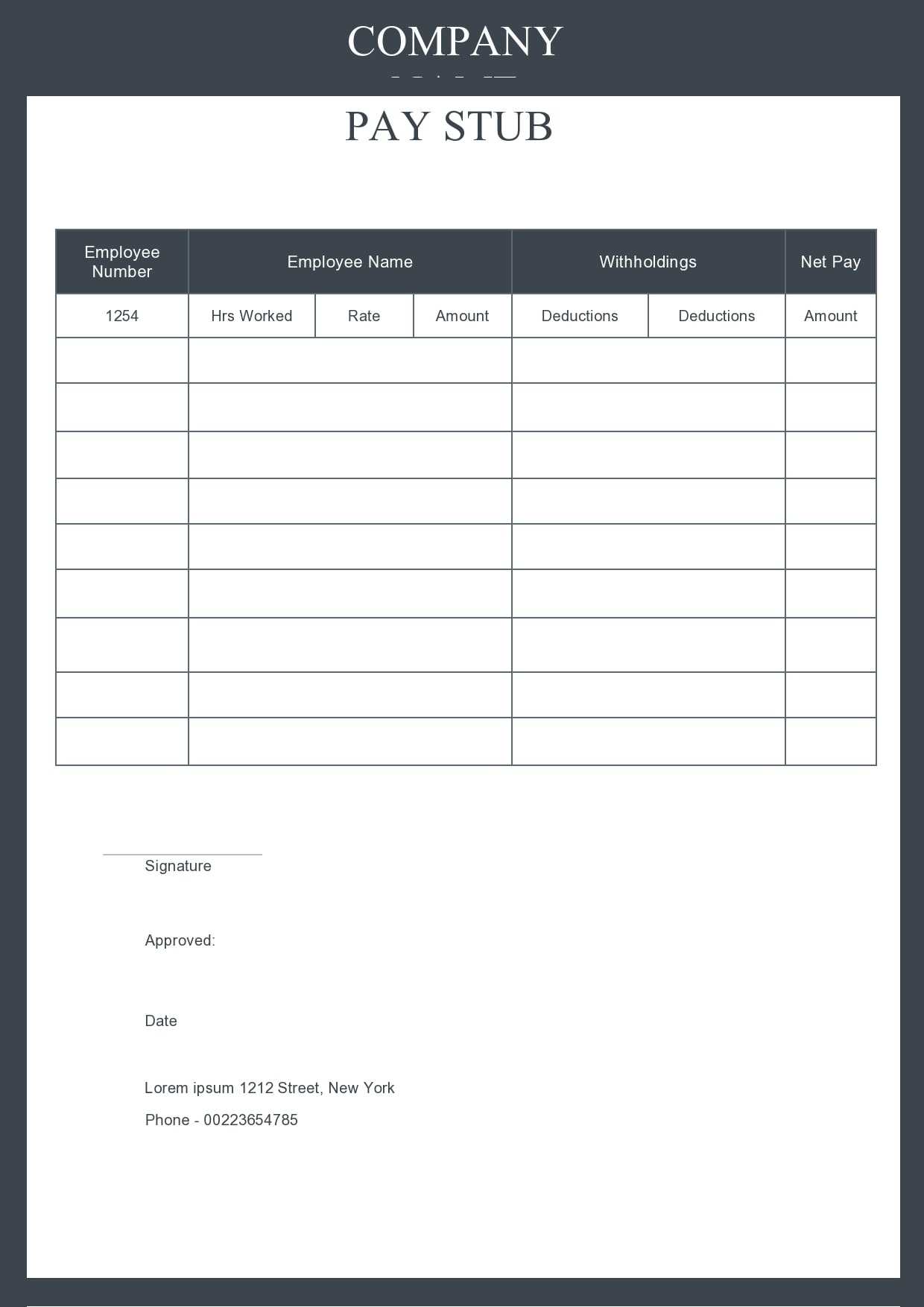
When using a printable payment slip, format and layout are crucial for ease of use. The Professional Printable Payment Slip Sample is designed in a portrait orientation, which is generally more compatible with standard home printers. If you’re printing multiple slips, this format also tends to conserve paper effectively.
The layout is clean and straightforward, ensuring that you can quickly fill it out without feeling overwhelmed. Each section is clearly delineated with borders, making it easy to navigate the slip when you’re in a hurry. I recommend using a good quality paper, such as 24 lb. or higher, for a more professional appearance. This weight holds up well and is less likely to smudge or tear compared to standard printer paper.
Customization Options
One of the best features of the Professional Printable Payment Slip Sample is its customizable nature. You can easily edit the fields in a PDF editor before printing, allowing you to add your logo or adjust any sections to better fit your needs.
For small business owners, adding your branding can enhance professionalism and make your payment slips more recognizable. Some users might also prefer to create a digital version that can be filled out and saved, reducing the need for paper altogether. If you’re considering this option, ensure your software supports PDF editing to avoid any formatting issues.
Practical Uses for the Payment Slip
The Professional Printable Payment Slip Sample isn’t just for businesses; it can be used in various scenarios. Here are a couple of practical applications:
- Personal Transactions: If you’re lending money to a friend or family member, using a payment slip can help formalize the transaction. It not only provides a record for both parties but also helps set clear expectations about repayment.
- Freelancers and Contractors: If you’re a freelancer or contractor, issuing payment slips to clients can help you maintain a professional image. It also provides documentation for tax purposes, making it easier to track income over time.
- Event Planning: If you’re organizing an event, using payment slips for vendor payments can help keep your finances organized. Each slip can detail what services were paid for, ensuring you keep a clear account of your spending.
With these practical applications in mind, you can see how the Professional Printable Payment Slip Sample can fit into various aspects of financial management.
Choosing the Right Paper and Print Settings
When it comes to printing your payment slips, the choice of paper can significantly affect the final product. Cardstock is often the best choice if you want something more durable, particularly if the slips will be kept on file for a while. For regular use, a heavier bond paper (like 24 lb.) is ideal for both presentation and longevity.
In terms of print settings, ensure you select the highest quality print option available. This will help the text remain sharp and clear, making your payment slips look more professional. Additionally, printing on the best quality settings can help prevent any ink bleeding, which is especially important for the payment amount section.
By following these guidelines and utilizing the Professional Printable Payment Slip Sample, you can streamline your payment processes and enhance your financial management efforts. Whether used for personal transactions or business dealings, this resource is designed to make your life easier and your transactions clearer.