When managing deliveries, a well-structured delivery slip can make all the difference. An Editable Printable Delivery Slip Form provides clarity and organization, ensuring that all necessary information is documented properly. This guide will walk you through the process of selecting, downloading, printing, and utilizing this resource to streamline your delivery management.
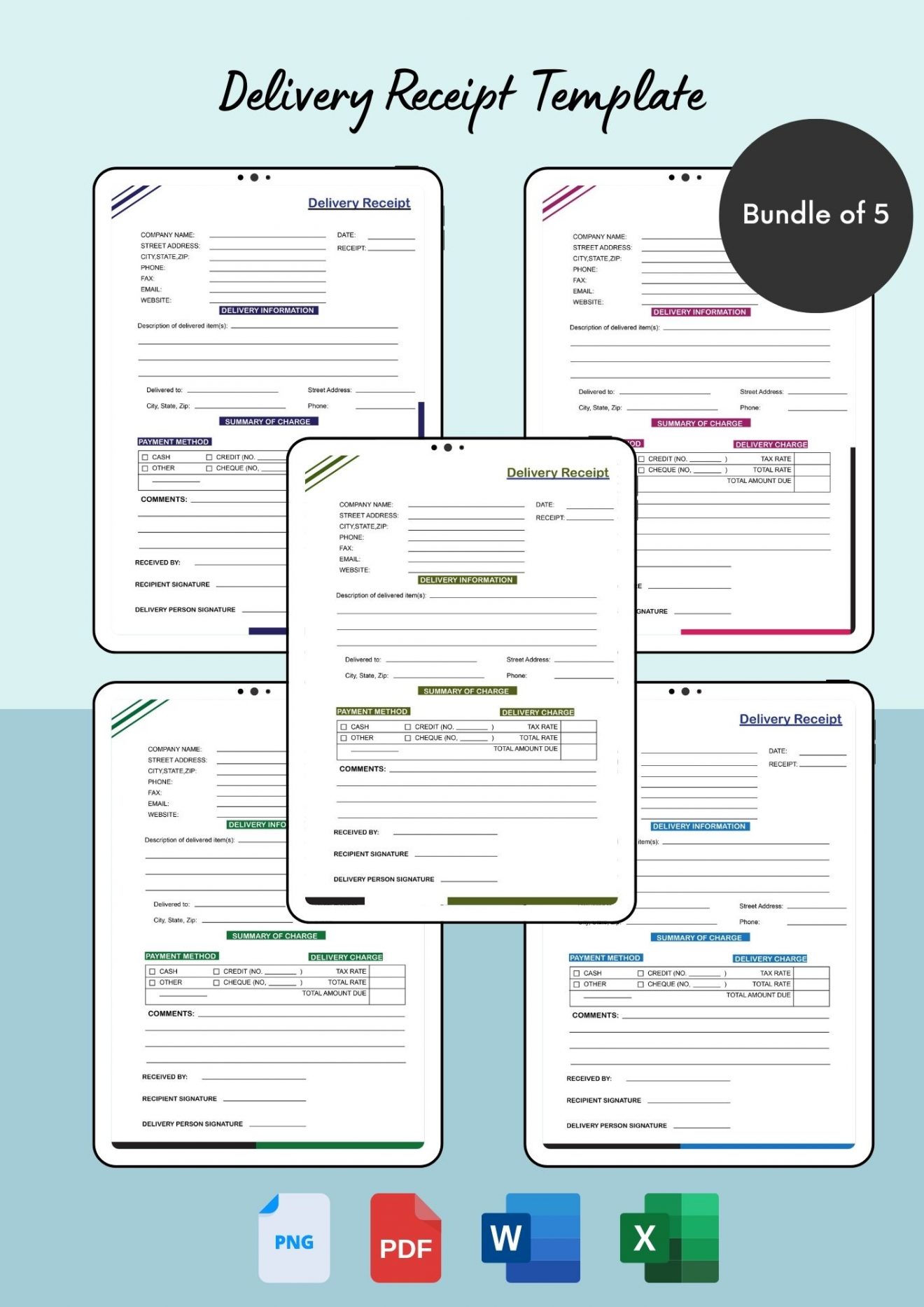
Understanding the Editable Printable Delivery Slip Form
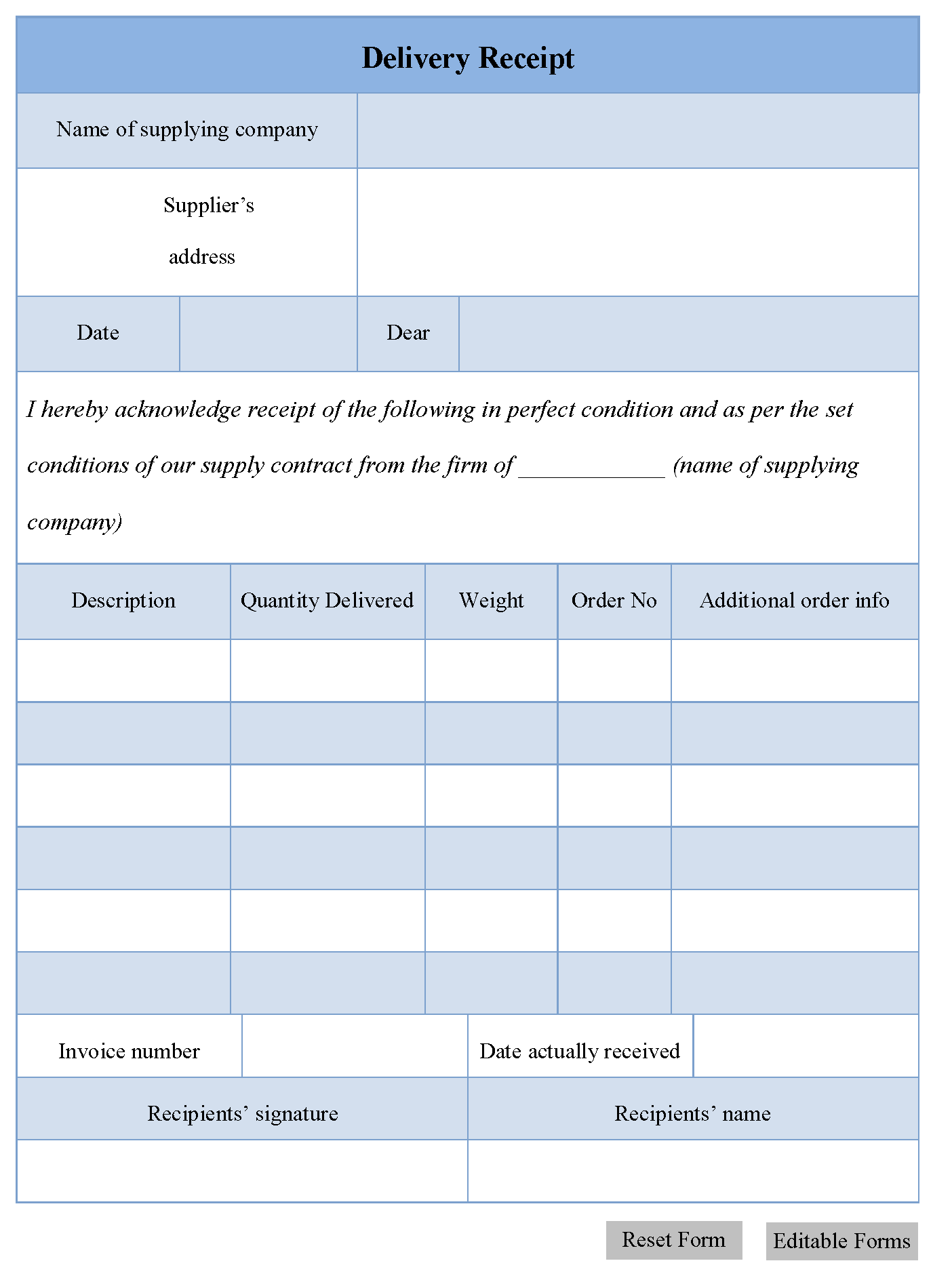
An Editable Printable Delivery Slip Form is designed to capture essential delivery details, such as sender and recipient information, item descriptions, quantities, and any relevant notes. This form is ideal for businesses, individuals, or organizations that frequently send packages and need to keep track of deliveries effectively.
You can find these forms in various formats, typically PDF or Word documents. The editable aspect allows you to fill in the required details digitally before printing, which can save time and ensure accuracy. However, some people prefer to print the form blank and fill it out by hand, especially if they’re working in a more tactile environment.
Choosing the Right Format for Your Needs
Before diving into usage, consider which format suits you best. Here are a few points to keep in mind:
- PDF Format: This is often the preferred choice for many users because it maintains formatting across different devices. It allows you to fill out the form directly on your computer, which can be more efficient for repetitive tasks.
- Word Format: If you need to customize the form further, a Word document might be more suitable. This format allows you to adjust fonts, colors, and layout to match your brand or personal preferences.
You might also encounter other formats like Excel, especially if you need to track multiple deliveries. Choose based on how you intend to use the form and what will streamline your process the most.
Downloading the Editable Printable Delivery Slip Form
Once you’ve determined the format that works for you, the next step is downloading the form. Here’s how to do it effectively:
- Visit a Reliable Resource Website: Look for websites that specialize in printable forms and templates. Ensure that the site you choose is reputable and offers high-quality downloads.
- Search for the Form: Use the search feature on the website, entering “Editable Printable Delivery Slip Form.” This will help you find exactly what you need quickly.
- Select Your Format: After locating the form, choose your preferred format (PDF, Word, etc.). Make sure to check if it’s editable before downloading.
- Download the File: Click on the download link. Your file will be saved to your device, ready for use.
Ensure that you save the file in an easily accessible location on your computer or device, as you’ll need it for the next steps.
Printing the Delivery Slip Form
After downloading the Editable Printable Delivery Slip Form, it’s time to print it. Here are some tips to ensure a quality print:
- Use Quality Paper: For a professional look, opt for heavier paper, like cardstock, especially if the slip will be used frequently or handled by multiple people.
- Print Settings: Check your printer settings to ensure the document is set to print in the correct orientation (usually portrait), and choose the best quality setting for clarity.
- Test Print: If you’re unfamiliar with your printer, consider doing a test print on plain paper first to check layout and formatting.
Printing the form correctly is essential to maintain readability and professionalism, especially if it’s being sent to clients or partners.
Filling Out the Delivery Slip Form
Now that you have your form printed or filled out digitally, it’s time to complete the details:
- Sender Information: Start by filling in your name, address, and contact information. This ensures the recipient can reach you if needed.
- Recipient Information: Clearly write the recipient’s name, address, and contact details. Double-check for accuracy to avoid delivery issues.
- Delivery Details: List the items being sent, including descriptions and quantities. If applicable, include tracking numbers or any special instructions.
- Additional Notes: Use this area for any pertinent information, such as delivery deadlines or special handling instructions.
Take your time while completing this section. Clarity and precision are key to ensuring that your delivery is successful.
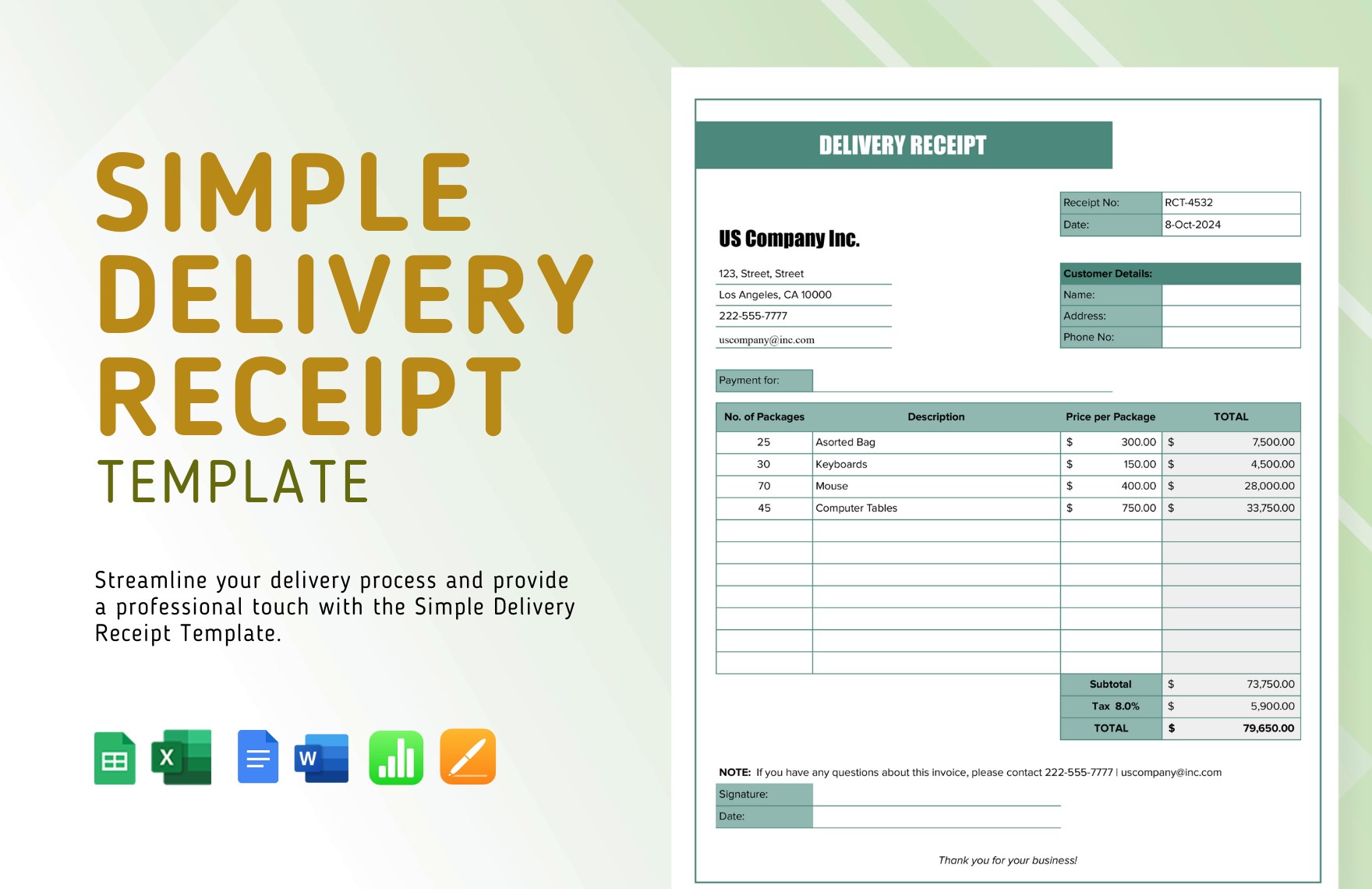
Utilizing the Delivery Slip for Effective Tracking
Once your Editable Printable Delivery Slip Form is completed and attached to your package, you can further enhance your delivery management:
- Keep Copies: Always keep a copy of the filled-out delivery slip for your records. This can be invaluable if there are any disputes or questions about the delivery.
- Digital Tracking: If you’re using the editable PDF version, consider saving a filled-out copy on your device for easy access and tracking of past deliveries.
- Follow Up: Use the contact information provided to follow up with recipients if necessary. This can help ensure that packages are received and any issues are addressed promptly.
Incorporating the delivery slip into your workflow not only helps keep your deliveries organized but also contributes to better communication with recipients.
The most practical detail often overlooked is the importance of double-checking all information before printing. This small step can save you from potential errors that could lead to delivery delays or misunderstandings.