A Basic Printable Payment Slip For Manual Entry is an essential tool for small business owners looking to maintain organized financial records. This resource allows for quick documentation of payments received, ensuring that your transactions are tracked accurately and efficiently. If you are running a retail shop, providing services, or managing a freelance business, having a reliable payment slip at your disposal can simplify your payment processing and enhance your professionalism.
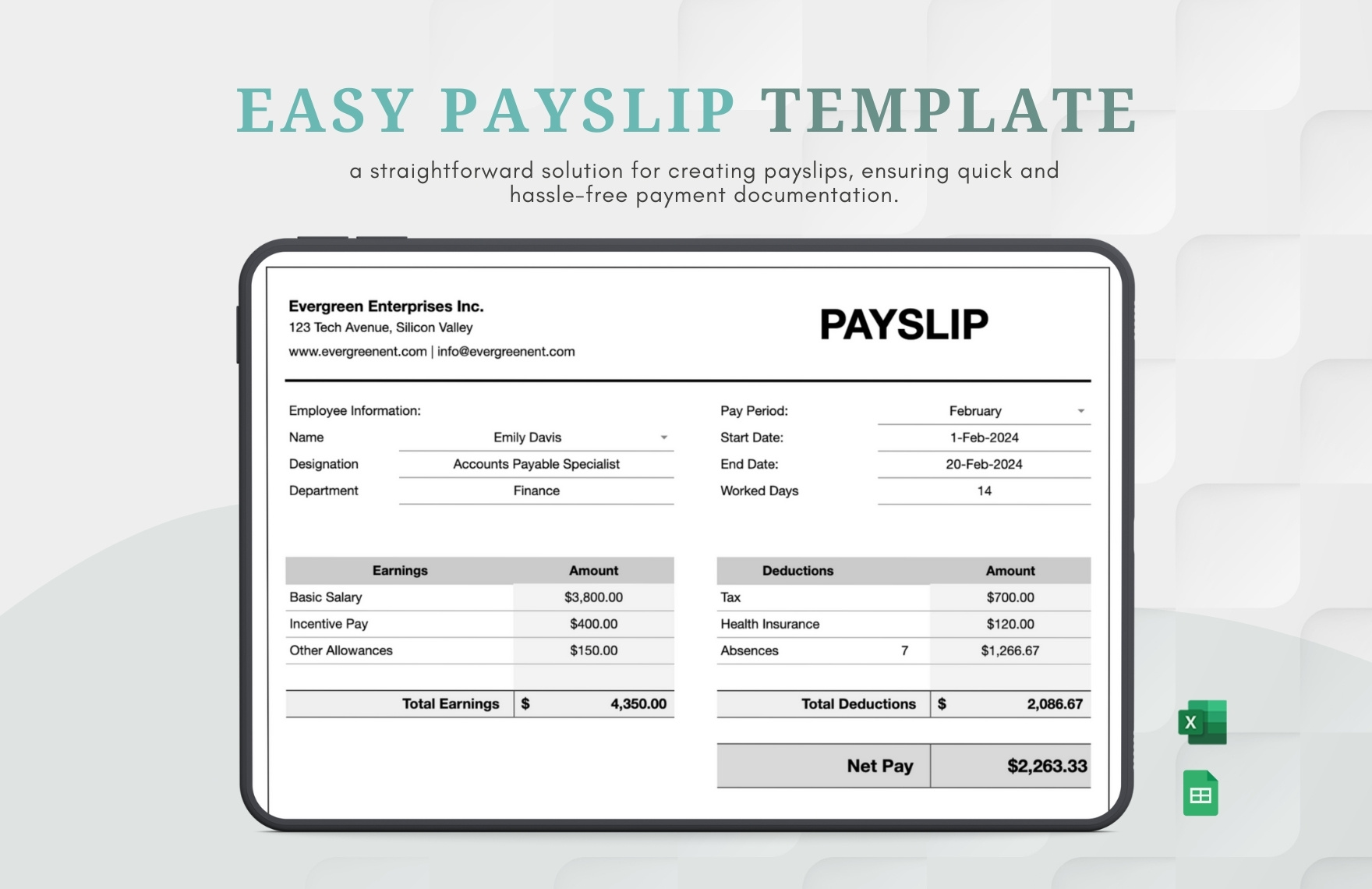
What is a Basic Printable Payment Slip?
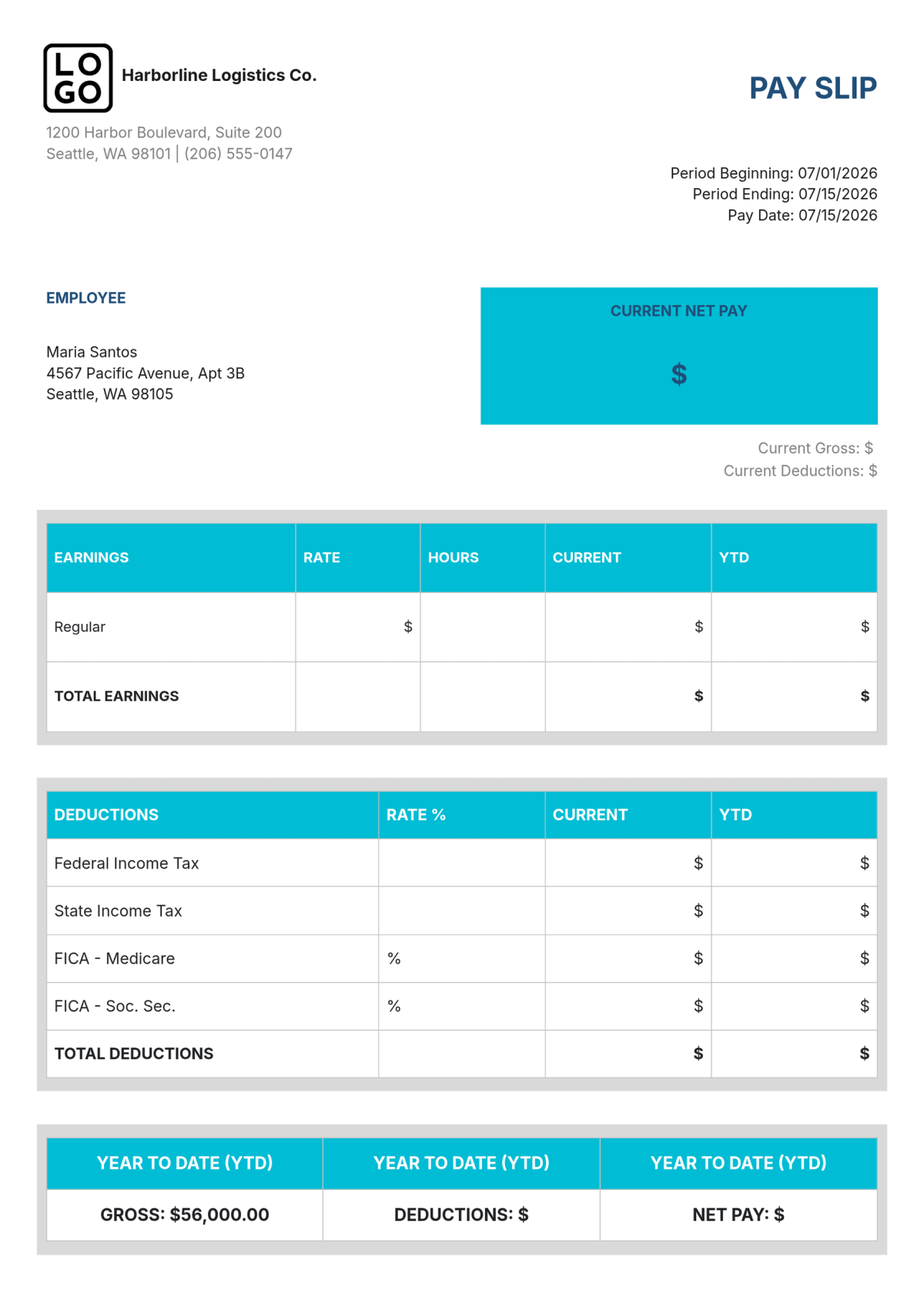
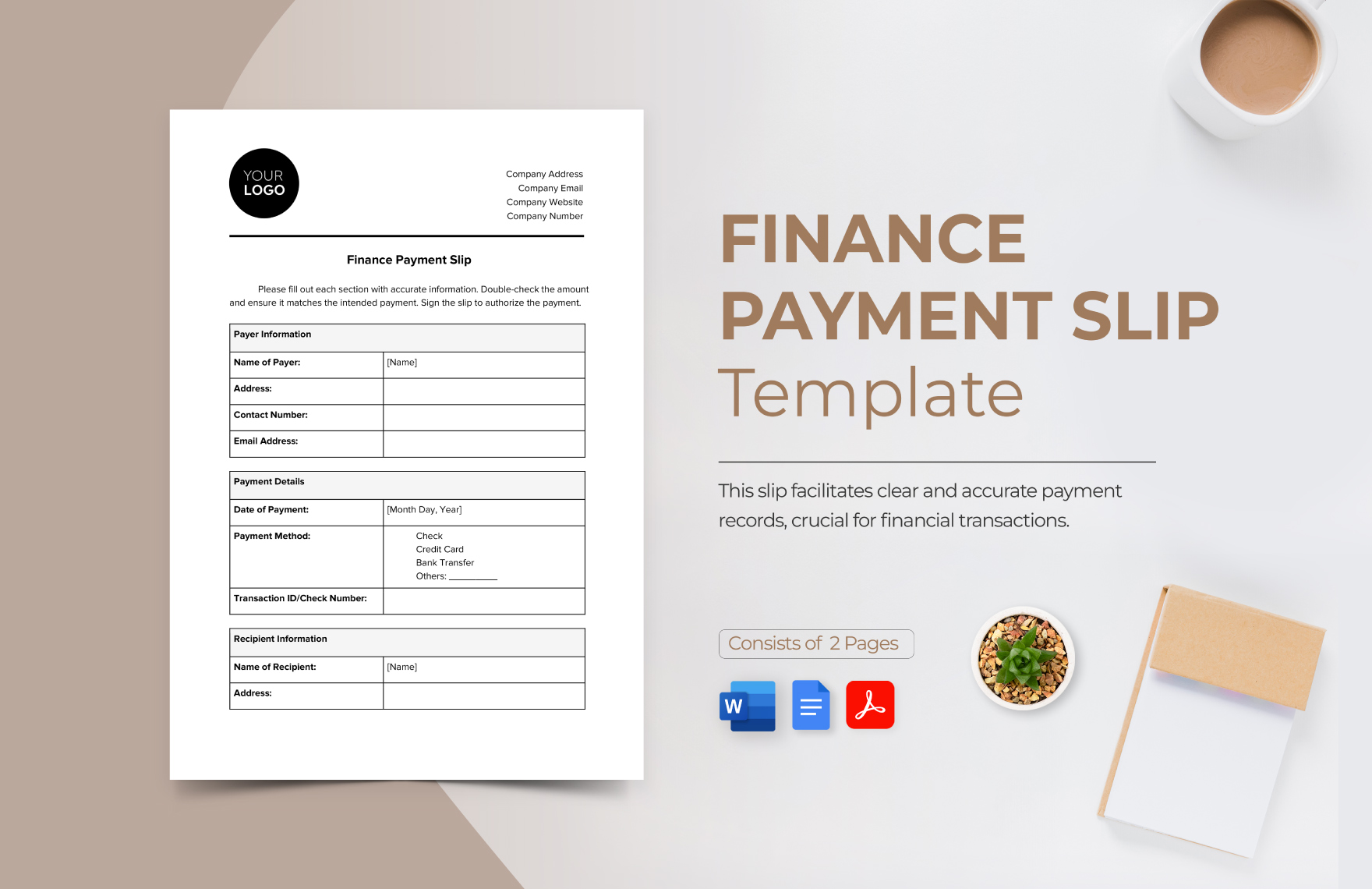
A payment slip is a document used to record the details of a payment made by a customer. The Basic Printable Payment Slip For Manual Entry typically includes fields such as the payer’s name, date, amount paid, payment method, and a brief description of the service or product rendered. This format allows for easy manual entry, making it ideal for businesses that prefer traditional record-keeping methods.
Why Use a Printable Payment Slip?
Using a printable payment slip offers several advantages:
- Record Keeping: Keeps a physical record of transactions, making it easier to track payments.
- Professionalism: Provides a standardized format for transactions, enhancing your business’s credibility.
- Ease of Use: Simple to fill out by hand, allowing for quick processing during busy periods.
- Customizable: Can be tailored to fit the specific needs of your business, such as including your logo or changing the layout.
Having this slip on hand can help you avoid confusion during payment processing and serve as proof of transactions for both you and your customers.
How to Use the Basic Printable Payment Slip
To maximize the utility of your Basic Printable Payment Slip For Manual Entry, follow these practical steps:
- Download the Slip: Find a reliable source to download your payment slip template. Ensure it is in a compatible format, such as PDF, for easy printing.
- Print the Slip: Use standard letter-sized paper (8.5 x 11 inches) for printing. If you plan to keep the slips for a long time, consider using heavier cardstock for durability.
- Fill Out the Details: When a payment is received, write the necessary details on the slip. Be clear and legible to avoid any miscommunication.
- Provide a Copy to the Customer: After filling it out, give a copy to the customer for their records. This step reinforces trust and accountability.
- File the Slip: Store the completed slips in a designated folder or binder organized by date or customer name. This practice will make it easier to reference past transactions when needed.
Tips for Customizing Your Payment Slip
Customizing your Basic Printable Payment Slip can enhance its functionality and align it with your business branding. Consider these tips:
- Add Your Logo: Incorporate your business logo at the top of the slip for a professional touch.
- Change Colors and Fonts: Use colors and fonts that match your brand identity to create a cohesive look.
- Include Additional Fields: Depending on your business needs, you might want to add extra fields for discounts, tax, or invoice numbers.
- Use High-Quality Paper: If you frequently issue payment slips, using high-quality paper will make a positive impression.
Next Steps After Downloading
Once you have downloaded and printed your Basic Printable Payment Slip For Manual Entry, integrate it into your daily operations. Ensure that all employees handling transactions are familiar with the slip’s use. Regularly review your payment processes to identify any areas for improvement. By doing so, you can streamline your financial documentation, enhance customer service, and maintain clear records that will support your business’s success.