When managing deliveries, having a reliable tool can streamline your operations. A Blank Printable Delivery Slip Template serves as an essential resource for small business owners who need a clear, organized way to document the details of shipments. This template not only helps in tracking deliveries but also ensures that you maintain a professional image in your business dealings.
Understanding the Blank Printable Delivery Slip Template
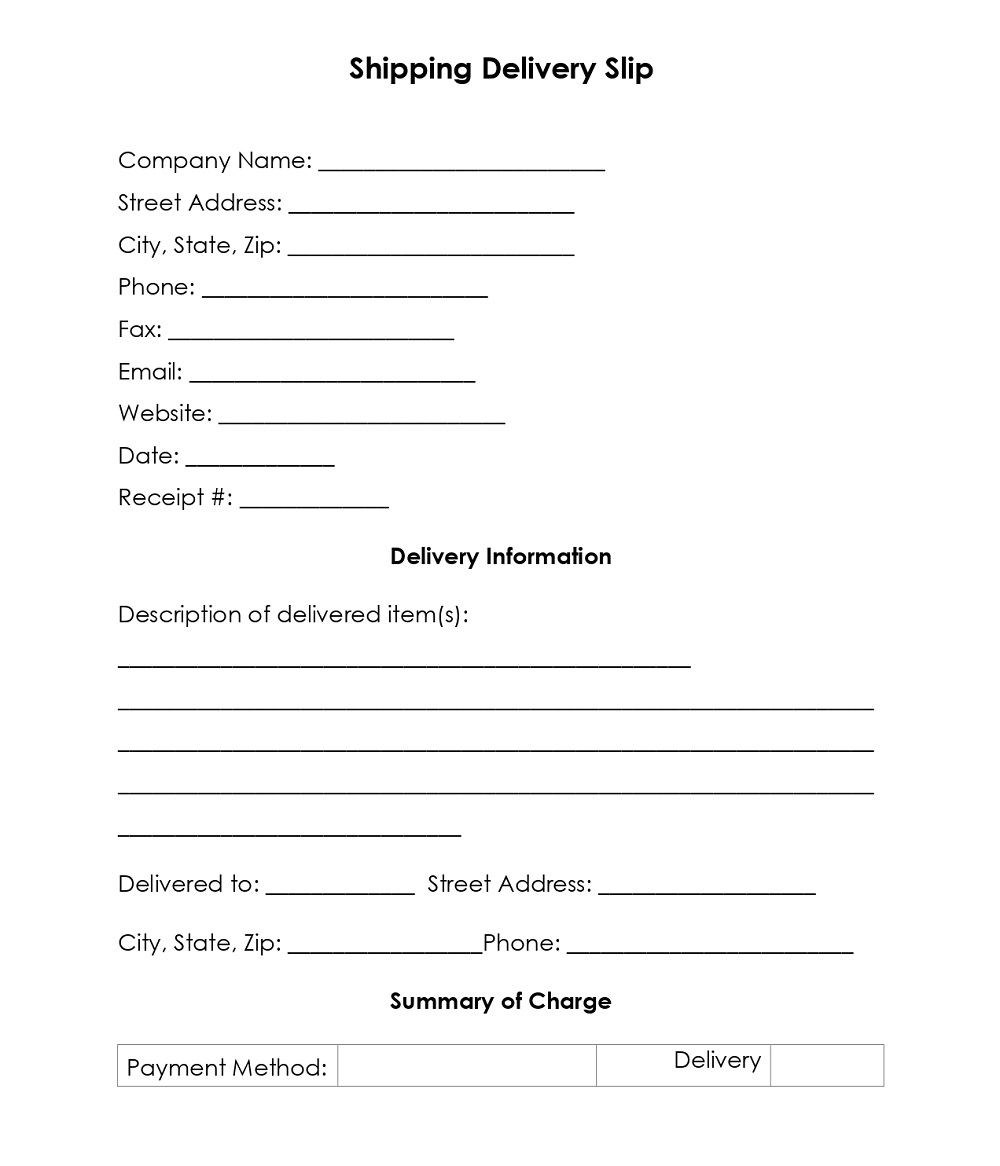
A delivery slip is a document that accompanies a shipment, detailing the contents and providing essential information for both the sender and the recipient. A Blank Printable Delivery Slip Template allows you to fill in the specifics of each delivery, such as the items shipped, quantities, and recipient details. This template can be customized to fit your business model and branding, ensuring that it meets your operational needs.
Key Features of the Template
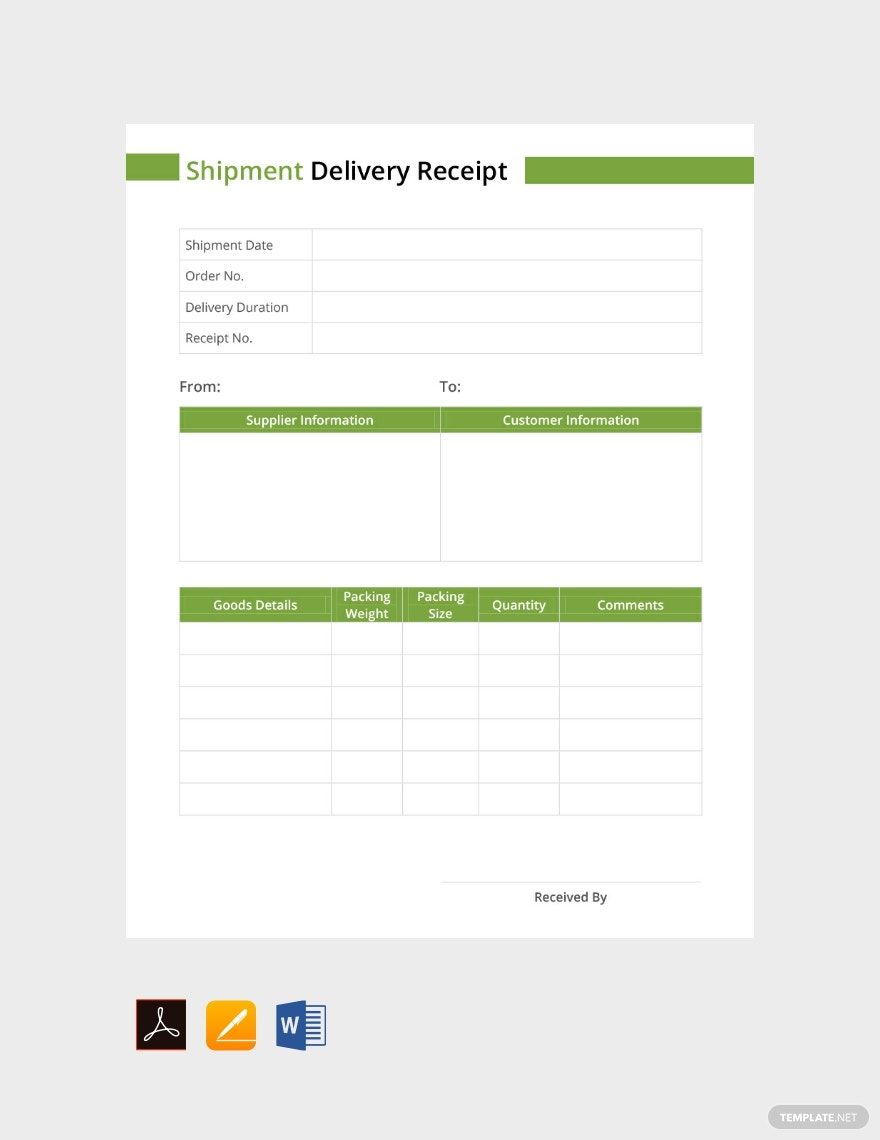
- Customizable Fields: Most templates include fields for sender and recipient names, addresses, item descriptions, quantities, and shipping dates. This flexibility allows you to tailor the slip to your specific requirements.
- Professional Layout: A well-designed delivery slip not only looks professional but also enhances the credibility of your business. Ensure that the template you choose has a clean layout that is easy to read.
- Compatibility with Different Formats: Many templates are available in PDF, Word, or Excel formats. Choose the one that best suits your printing and editing needs.
- Printable Options: These templates are designed to be printed easily on standard paper sizes, which is convenient for most businesses. Ensuring the template is compatible with your printer settings can prevent formatting issues.
How to Customize Your Delivery Slip Template
Customizing your Blank Printable Delivery Slip Template is straightforward but requires attention to detail. Here are some practical steps:
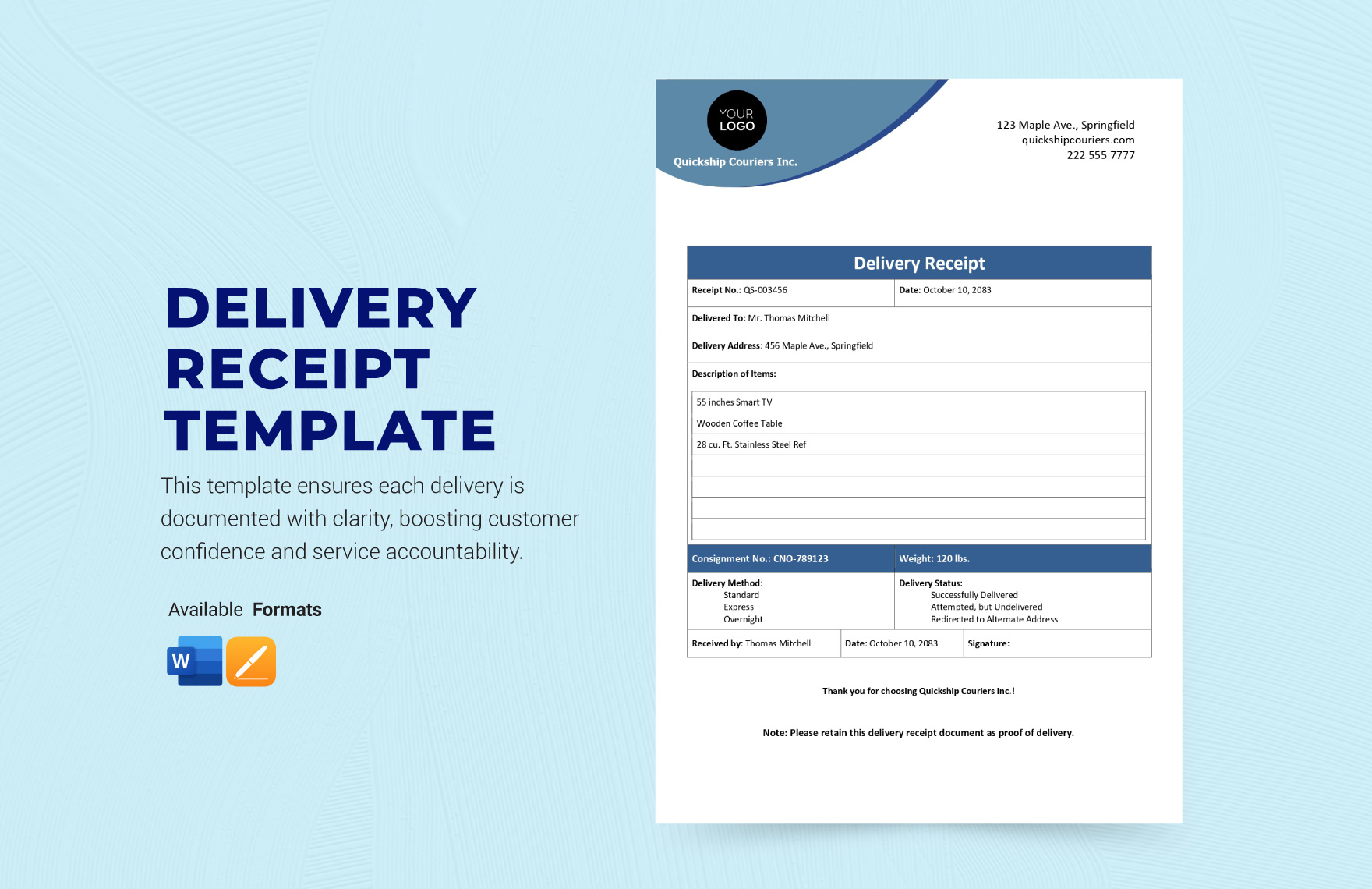
- Add Your Logo: Including your business logo at the top of the slip adds a personal touch and reinforces your brand identity. Make sure the logo is high-resolution for a professional look.
- Include Contact Information: Clearly display your contact information, including phone number and email address. This gives recipients a way to reach you if they have questions.
- Adjust the Layout: Depending on the volume of information, you may need to adjust the layout. Ensure that each field is large enough to accommodate the information without crowding.
- Use Clear Fonts: Choose fonts that are easy to read. Avoid overly decorative fonts that might confuse recipients or make the document difficult to read.
- Test Print: Before printing a batch, do a test print to check for alignment and readability. Adjust margins and spacing as needed.
Practical Uses for the Delivery Slip Template
The uses for a Blank Printable Delivery Slip Template are extensive and can vary based on your business type. Here are a few examples:
- E-commerce Businesses: For online retailers, a delivery slip provides customers with a receipt of their purchase, which is especially useful for returns or exchanges.
- Wholesale Suppliers: Suppliers can use delivery slips to keep track of inventory being sent to retailers, ensuring accurate records and easier stock management.
- Local Services: Businesses providing local delivery services, such as florists or food delivery, can benefit from using delivery slips to confirm order details with customers.
Downloading and Printing the Delivery Slip Template
Finding a suitable Blank Printable Delivery Slip Template is the first step. Numerous websites offer free and paid templates. When selecting a template, consider the following:
- Reputation of the Source: Ensure that the website you choose to download from is reputable. Look for user reviews or ratings to assess quality.
- File Format: Download the template in a format that is compatible with your software. PDF files are great for printing, while Word or Excel files allow for easier customization.
- Printing Settings: When printing, select the appropriate paper size—usually Letter or A4. Adjust your printer settings to prevent any misalignment or formatting issues.
- Check for Updates: If you need to make frequent adjustments, look for templates that allow easy editing. Some templates may have fixed fields that limit customization.
Final Considerations
Using a Blank Printable Delivery Slip Template can significantly enhance your delivery process. By providing clear documentation, you build trust with your customers and maintain organized records for your business. Whether you are sending products or providing services, having a reliable delivery slip is vital for effective communication and operational efficiency.
For small business owners looking to simplify their shipping processes, investing time in customizing and utilizing a delivery slip template can yield substantial benefits. With the right template, you’ll not only improve your workflow but also create a more professional experience for your customers.