Keeping accurate records is essential for any business, and a Business Printable Payment Slip For Customer Records can significantly simplify this process. If you are a small business owner, freelancer, or managing a side hustle, using a payment slip helps ensure that your transactions are documented properly. This guide will help you understand what a payment slip is, how to use it effectively, and why it’s a valuable resource for managing customer payments.
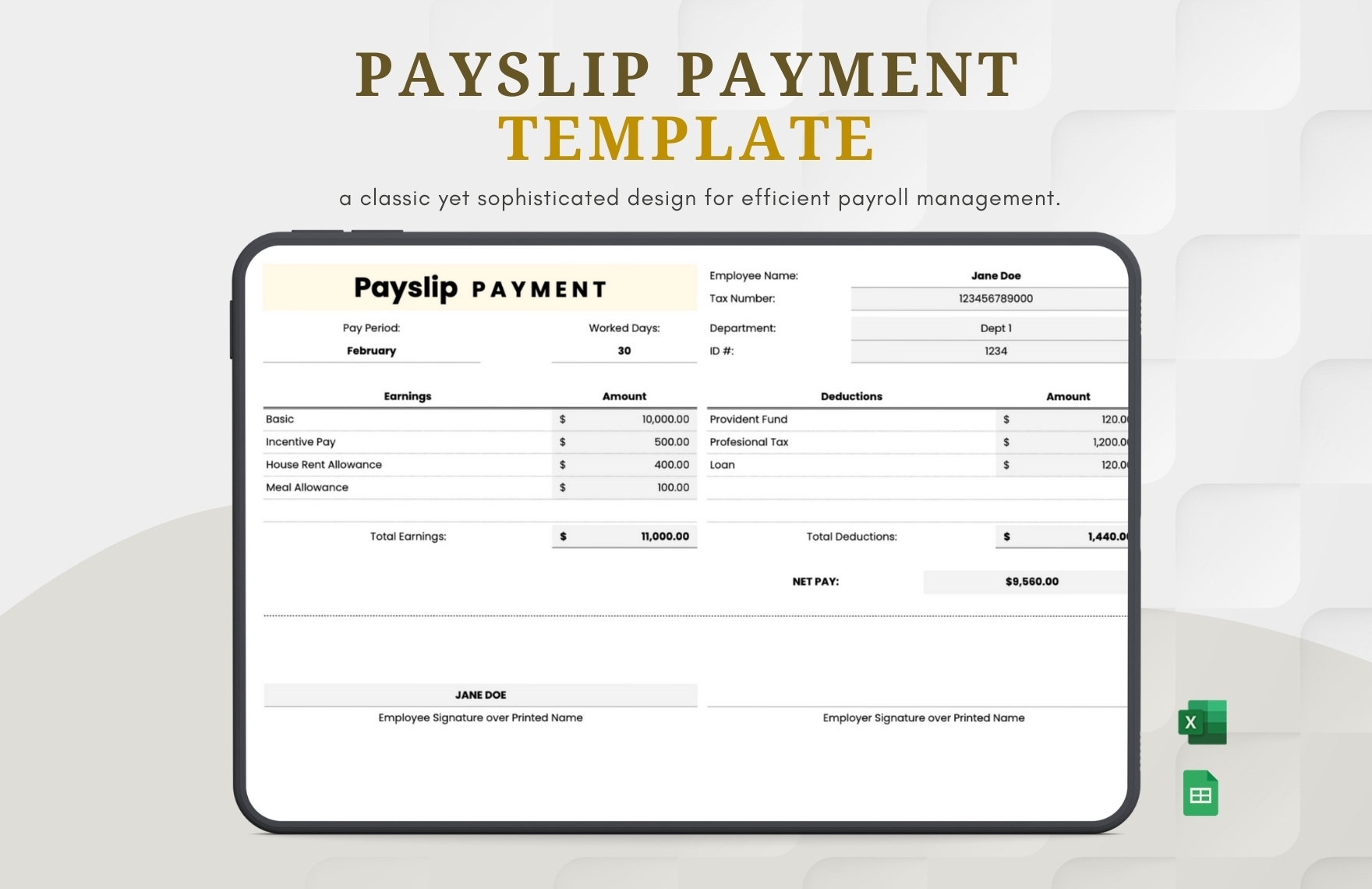
What is a Payment Slip?
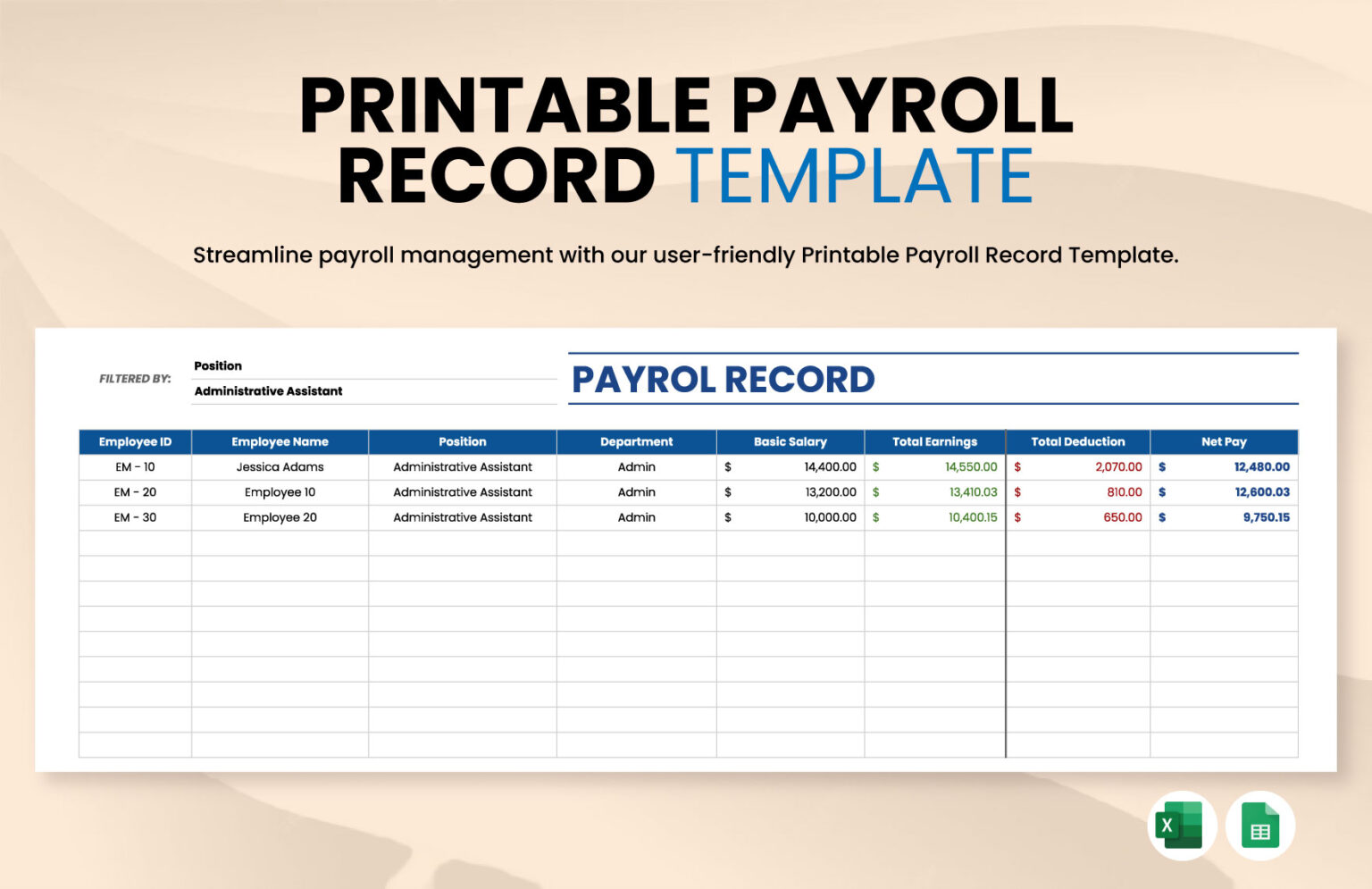
A payment slip is a document that details a transaction between a business and its customer. It typically includes important information such as the amount paid, the date of payment, the method of payment, and any relevant notes about the transaction. The primary purpose of a payment slip is to serve as a receipt for the customer while also providing a record for the business. This is particularly crucial for accounting purposes, tax filing, and maintaining accurate financial records.
Why Use a Business Printable Payment Slip?
Using a printable payment slip offers several benefits:
- Organization: By using a standardized slip for payments, you can maintain a neat and organized record of all transactions.
- Professionalism: Providing a payment slip to customers enhances your business’s professional image and assures customers that their payments are being handled correctly.
- Clarity: A payment slip clearly outlines the details of the transaction, reducing the likelihood of misunderstandings about payments.
- Ease of Use: A printable format allows you to quickly fill out and distribute slips as needed.
How to Use a Business Printable Payment Slip
Using a Business Printable Payment Slip For Customer Records is straightforward. Here’s how to get started:
- Download the Template: Look for a reliable source where you can download a printable payment slip template. Ensure that it is customizable so you can add your business logo and specific details.
- Customize It: Before using the slip, personalize it with your business name, logo, and contact information. This not only makes it look professional but also helps customers remember who they are dealing with.
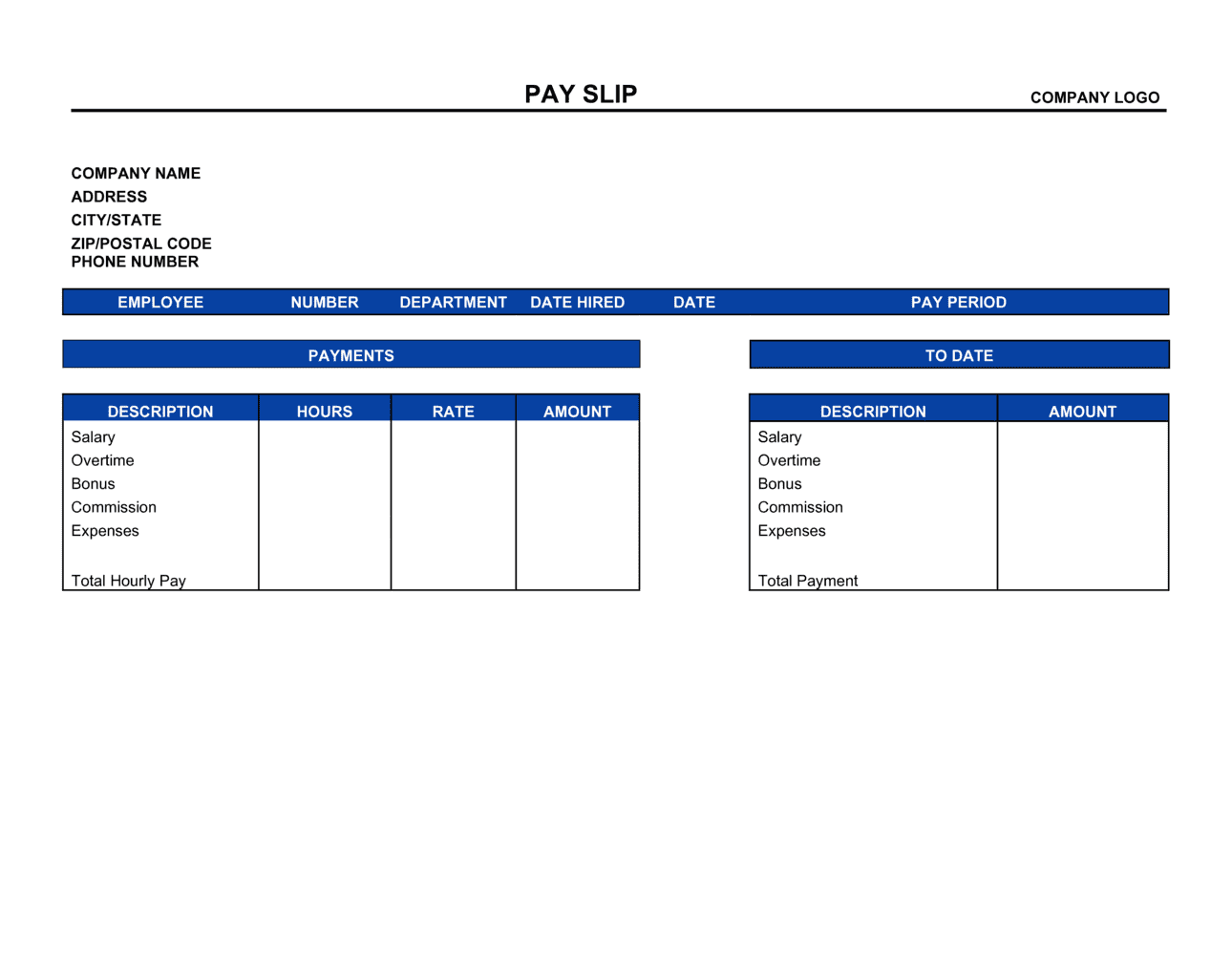
- Fill in the Details: Each time you receive a payment, fill out the slip with:
- Customer’s name
- Payment amount
- Date of payment
- Payment method (cash, credit card, check, etc.)
- Any additional notes, such as an invoice number or service description
- Provide a Copy to the Customer: After filling out the payment slip, give a copy to your customer. This serves as their receipt and proof of payment.
- Keep a Copy for Your Records: Store the other copy in your records. This ensures you have a complete history of transactions, which is vital for bookkeeping and tax preparation.
Tips for Effective Use
- Use Quality Paper: For a more professional look, print your payment slips on a heavier paper or cardstock. This also makes them more durable if stored physically.
- Consider Digital Options: While printable slips are great, consider offering a digital version for tech-savvy customers. A PDF version can be emailed directly after a payment is made.
- Regularly Review Your Records: Set aside time each month to review your payment slips. This can help you catch any discrepancies or follow up on outstanding payments.