Creating a Business Printable Payment Slip for Google Sheets is a practical solution for small businesses that need a straightforward way to manage payments. This template not only simplifies the payment process but also ensures that all financial transactions are documented clearly and efficiently. By using this resource, businesses can maintain accurate records, which is crucial for accounting purposes.
Understanding the Benefits of a Payment Slip
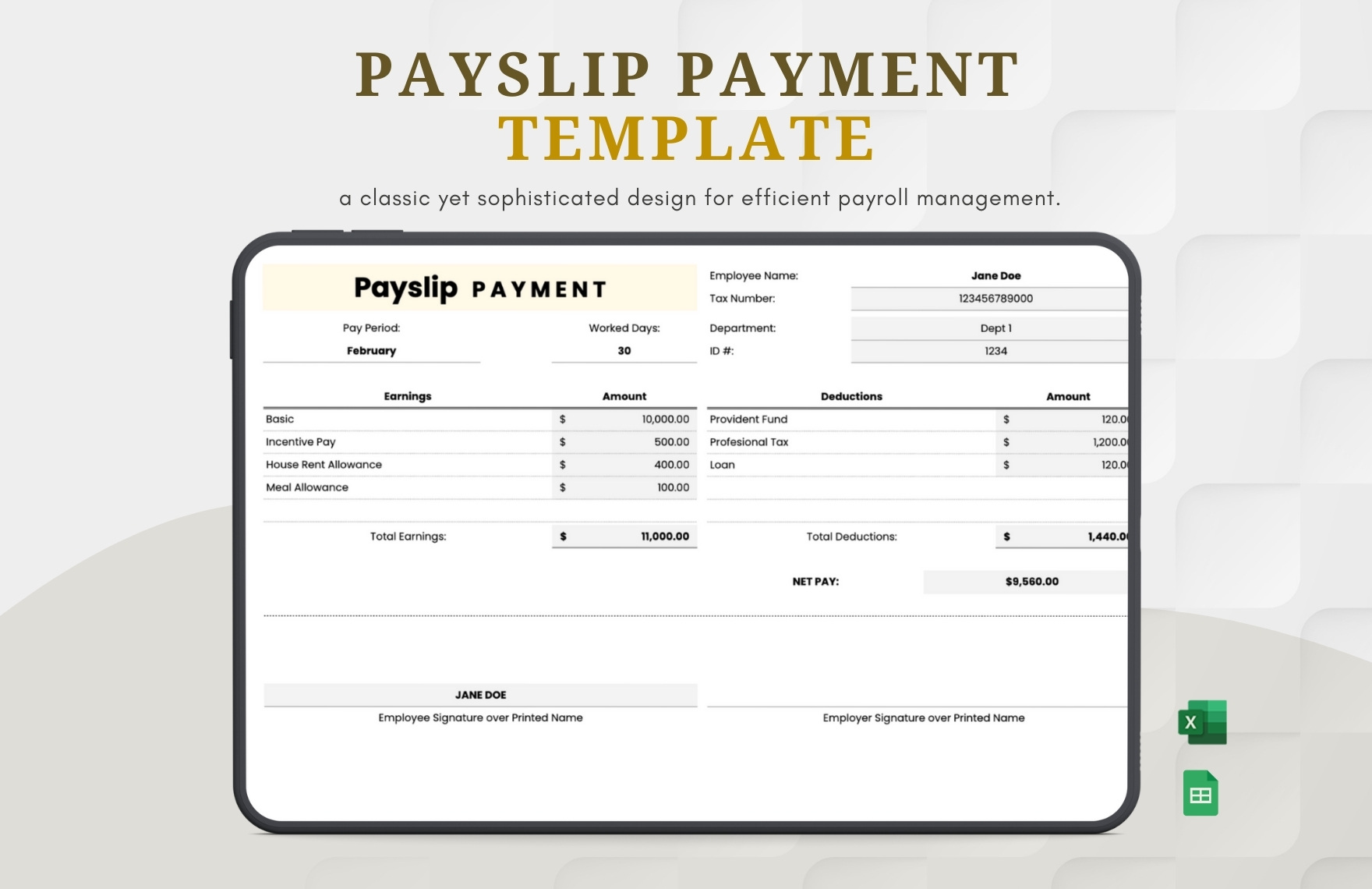
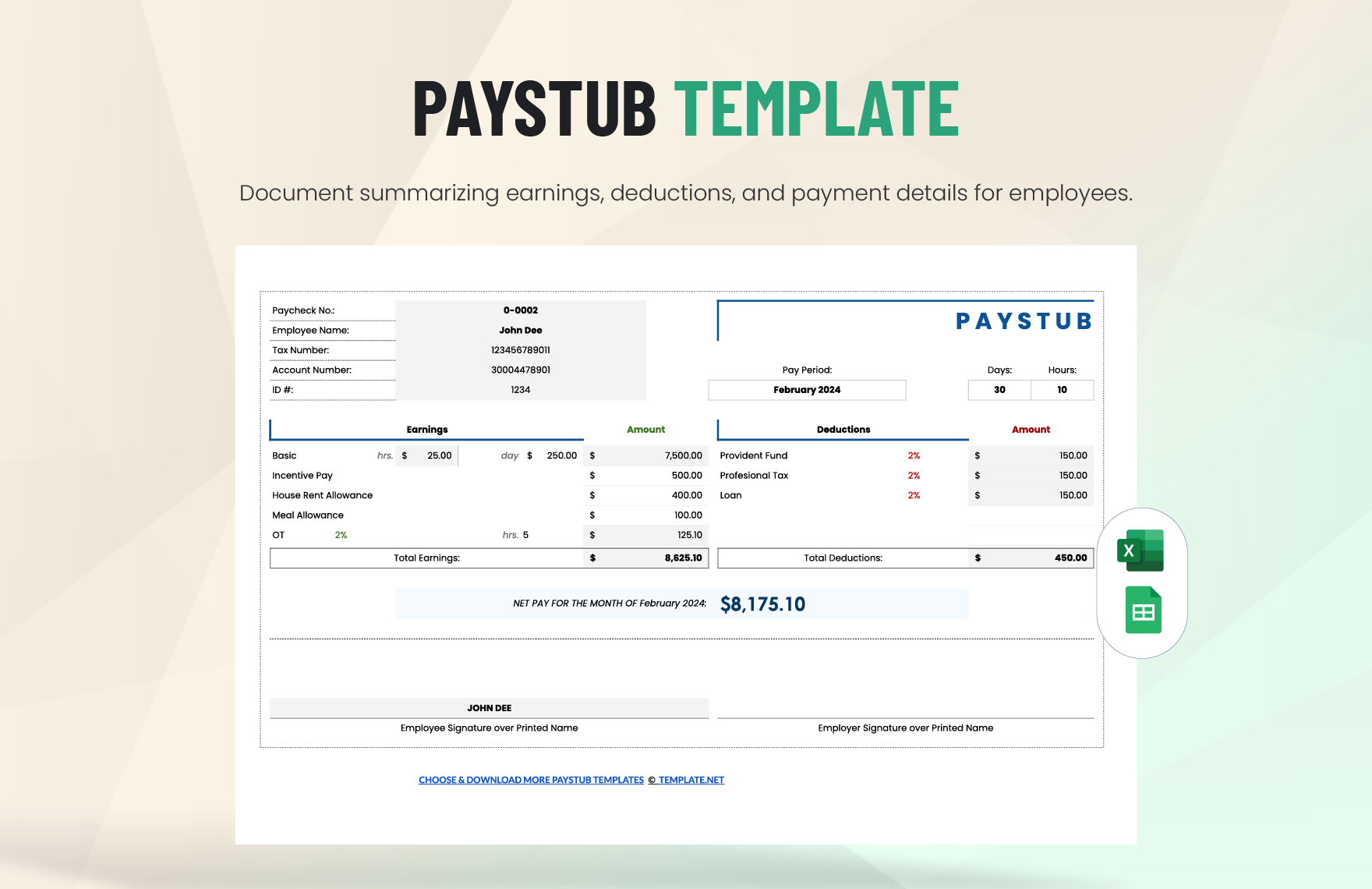
A payment slip serves as a formal record of a transaction, providing both the payer and the payee with essential details such as the amount paid, payment method, and date. This documentation helps in tracking payments, reducing disputes, and ensuring transparency in financial dealings. For small businesses, having a Business Printable Payment Slip for Google Sheets is especially advantageous because it allows easy customization and adaptability to various payment scenarios.
How to Download and Set Up Your Payment Slip Template
To get started with your Business Printable Payment Slip for Google Sheets, follow these simple steps:
- Find the Template: Look for a reputable website that offers free downloadable resources. Ensure the site has positive reviews and provides templates specifically designed for Google Sheets.
- Download the Template: Once you locate the payment slip template, download it in the Google Sheets format. This format allows for easy editing and sharing with team members.
- Open in Google Sheets: Open Google Sheets and upload the downloaded template. You can do this by selecting ‘File’ > ‘Open’ and then choosing the uploaded file from your device.
- Customize the Template: Modify the template to fit your business needs. Include your business name, logo, and any specific payment details that are relevant to your transactions. This could include fields for customer information, payment amounts, and payment methods.
- Format for Printing: Adjust the layout for printing if necessary. Ensure it fits standard paper sizes, such as letter (8.5″ x 11″) or A4. Portrait orientation usually works best for these types of documents.
Essential Features of a Payment Slip
An effective payment slip should include several key features:
- Business Information: Your business name, address, and contact details should be clearly displayed.
- Transaction Details: Include fields for the payer’s name, payment amount, payment date, and method (cash, check, credit card, etc.).
- Unique Identifier: Consider adding a unique transaction number. This helps in tracking payments and can be useful for record-keeping.
- Signature Line: A space for signatures can add an extra layer of authenticity to the document.
- Terms and Conditions: If applicable, you might want to include brief terms regarding the payment, such as refund policies or payment deadlines.
Tips for Using Your Payment Slip Effectively
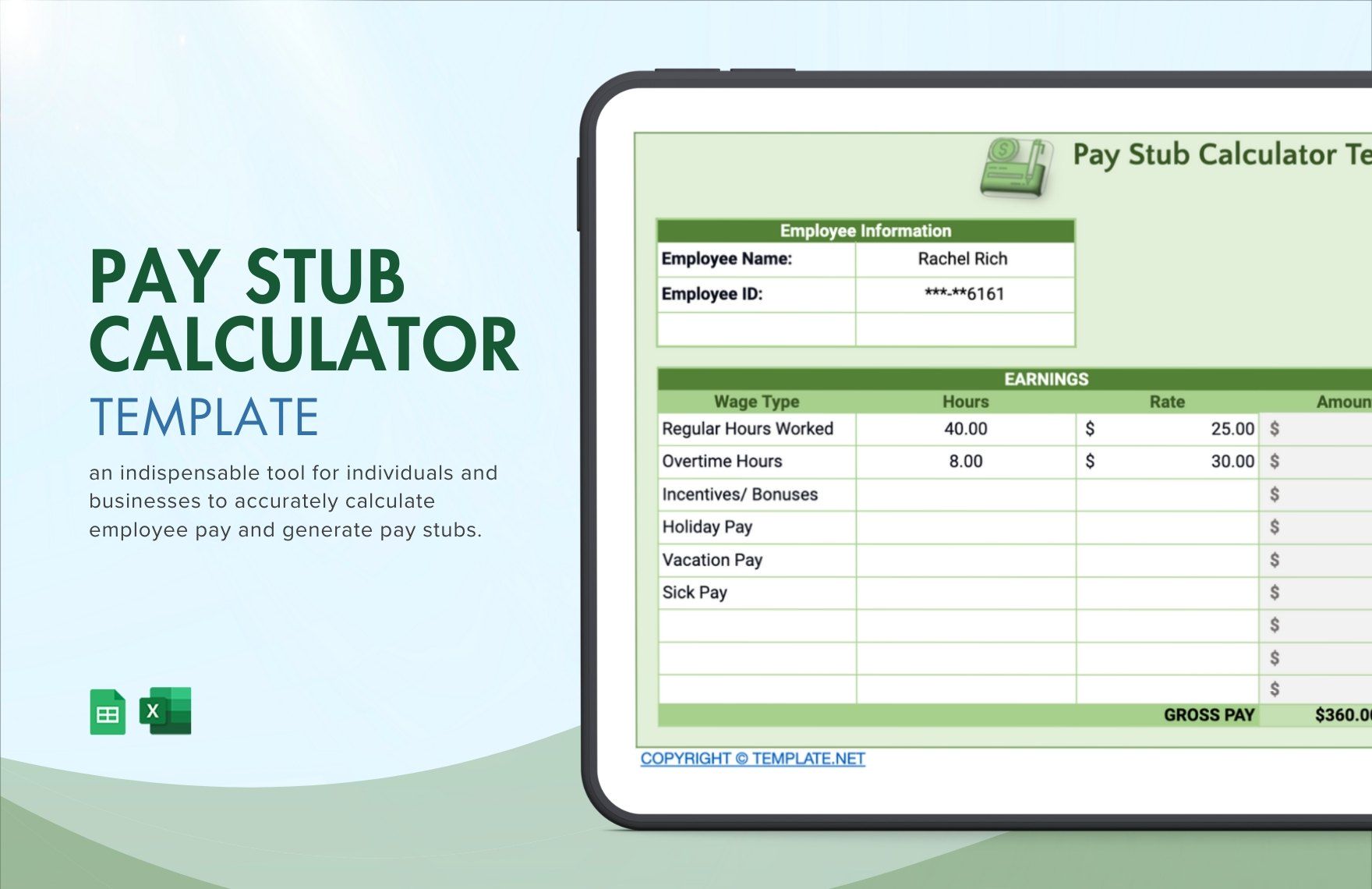
Once your Business Printable Payment Slip for Google Sheets is set up, consider the following tips for effective use:
- Keep it Accessible: Save the template in a shared Google Drive folder so that all team members can access and use it when needed.
- Regular Updates: Periodically review and update the template to ensure it meets your current business needs and reflects any changes in payment policies.
- Backup Records: Store copies of all completed payment slips in a separate file or cloud storage. This practice helps safeguard against data loss and provides a reference for future transactions.
Using a Business Printable Payment Slip for Google Sheets can significantly enhance the payment process in your small business. By having a clear, structured method for documenting transactions, you not only improve your financial management but also foster trust and professionalism with your clients. Implementing this simple tool can lead to smoother operations and better record-keeping.