Managing inventory effectively is crucial for small business owners. A Business Printable Payment Slip For Inventory Tracking serves as an essential tool in that process, helping you keep accurate records of transactions and inventory levels. This resource not only simplifies bookkeeping but also enhances your overall operational efficiency.
Understanding the Importance of Payment Slips
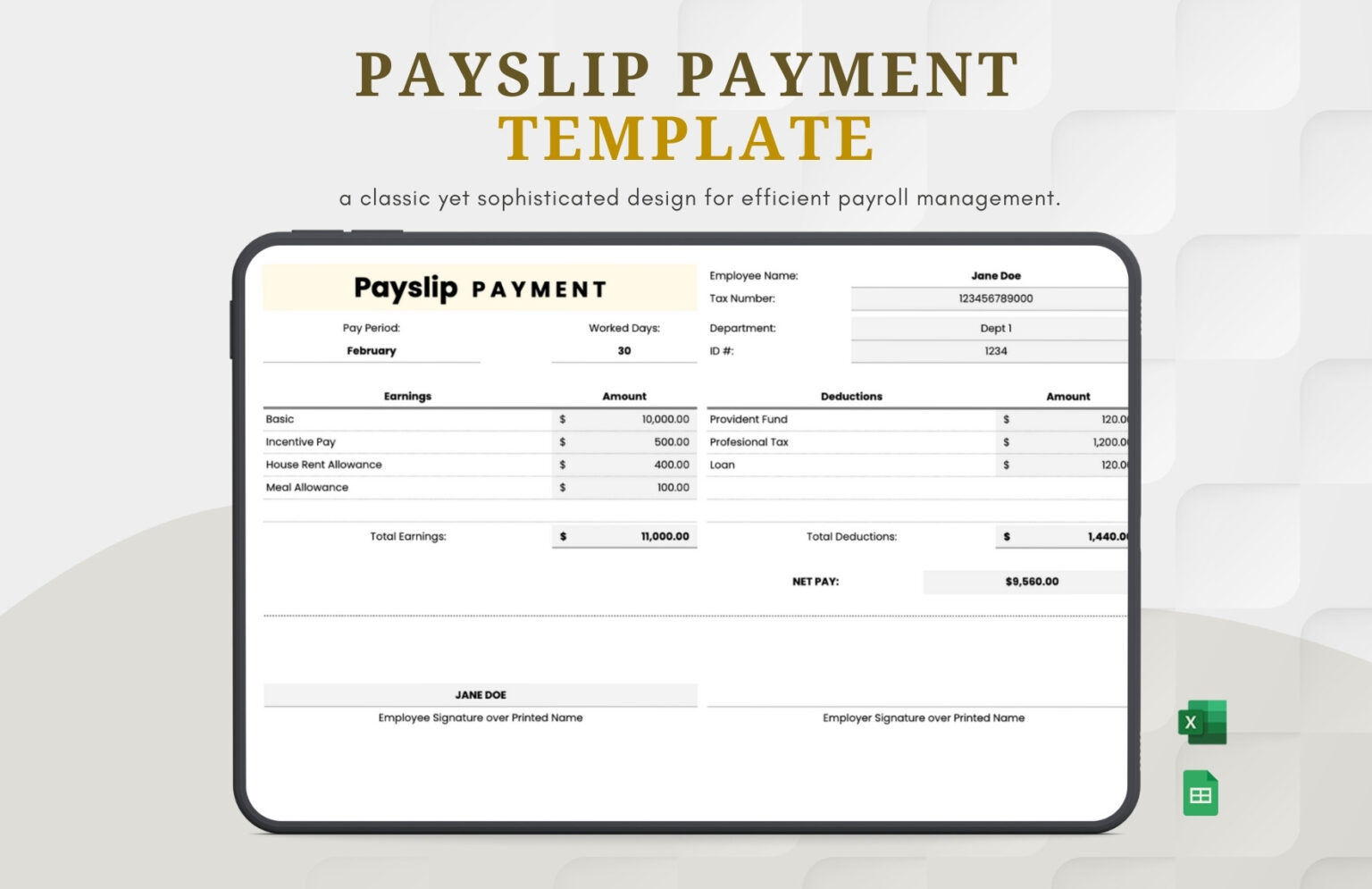
Payment slips are formal documents that confirm payment has been made for goods or services. For inventory tracking, they play a vital role. When you sell products, issuing a payment slip provides a record of the transaction and helps maintain clear communication with your customers. It also serves as a reference for your accounting records, ensuring that you can easily track sales against inventory levels.
Using a business printable payment slip allows you to standardize your documentation process. This means that every transaction is recorded consistently, minimizing the chances of errors that can occur with handwritten notes or informal records.
Choosing the Right Format
When selecting a printable payment slip, consider the format that best suits your business needs. Common formats include PDF and Word documents. PDF files are generally preferred for their ease of use and consistent formatting across different devices. They also prevent accidental edits, which can help maintain the integrity of your records.
Word documents offer more flexibility if you need to customize the slip frequently. However, they may require additional formatting adjustments when printing. Ensure that the payment slip you choose includes all necessary fields such as:
- Date of transaction
- Customer name
- Description of goods or services
- Amount paid
- Payment method
Having these elements clearly laid out on your slip will enhance its functionality and usefulness.
Customizing Your Payment Slip
Customizing a printable payment slip can significantly improve its effectiveness for your business. You might want to incorporate your business logo, contact information, and any specific terms related to your sales. This not only makes your slip professional but also reinforces your brand identity.
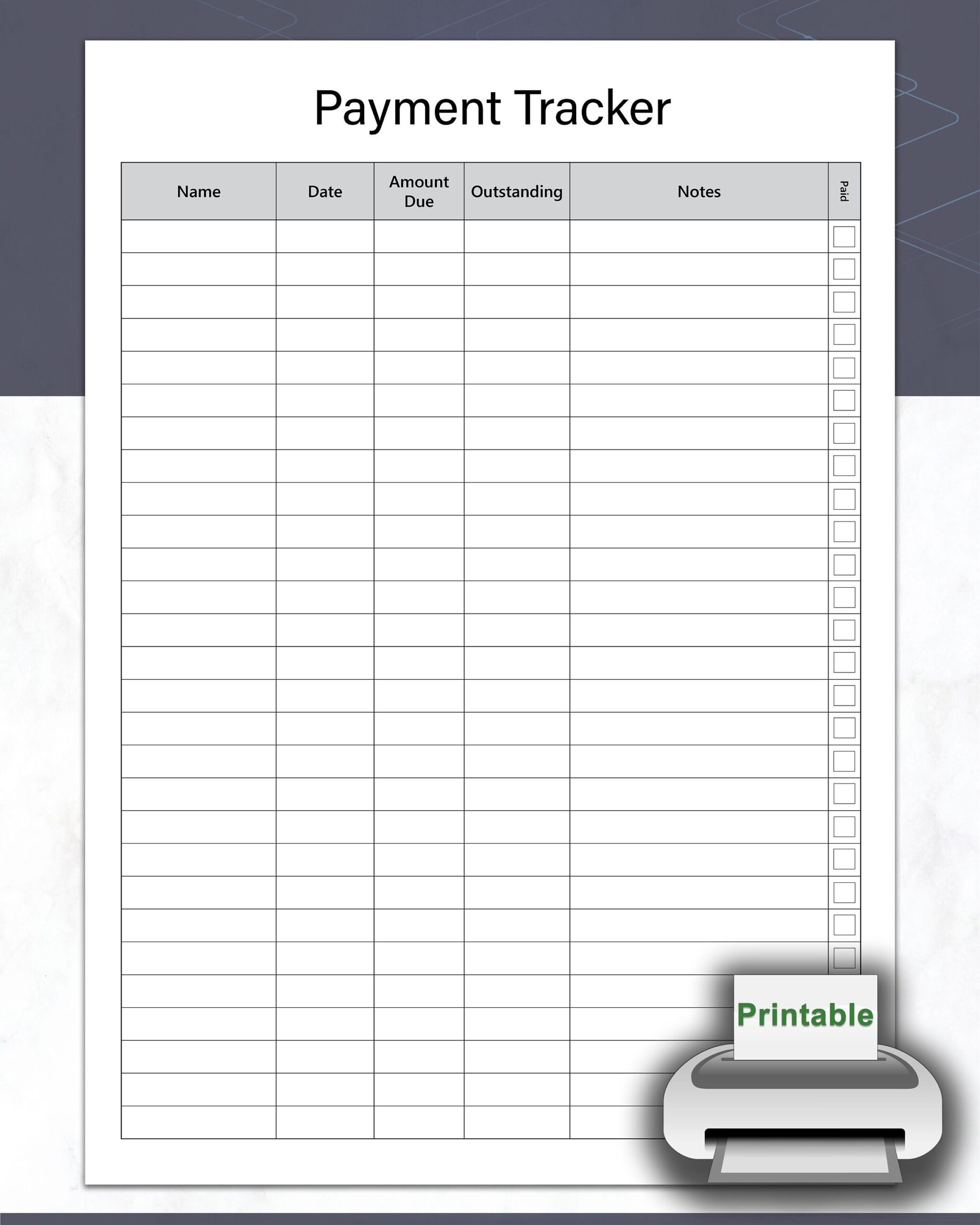
Additionally, consider including a section for inventory tracking. This could be a simple checkbox beside each item sold, allowing you to mark off products as they are purchased. This feature can aid in maintaining accurate inventory counts without requiring additional documentation.
Tips for Effective Use
- Print on Quality Paper: Using heavier paper stock for your payment slips can improve their durability. If your budget allows, consider printing on cardstock, especially for slips that will go into customer files.
- Use a Consistent Layout: Stick to a layout that you find works best for your business. Consistency in your documentation will help you and your team quickly locate information when needed.
- Organize and Store: After issuing a payment slip, ensure that you have a systematic way to store them. Whether digitally or physically, organized records will make it easier to retrieve information during audits or when reconciling inventory.
- Regularly Review Inventory Levels: Use the information from your payment slips to conduct regular inventory checks. This will help you identify trends in sales, allowing for better purchasing decisions going forward.
Easy Access and Printing
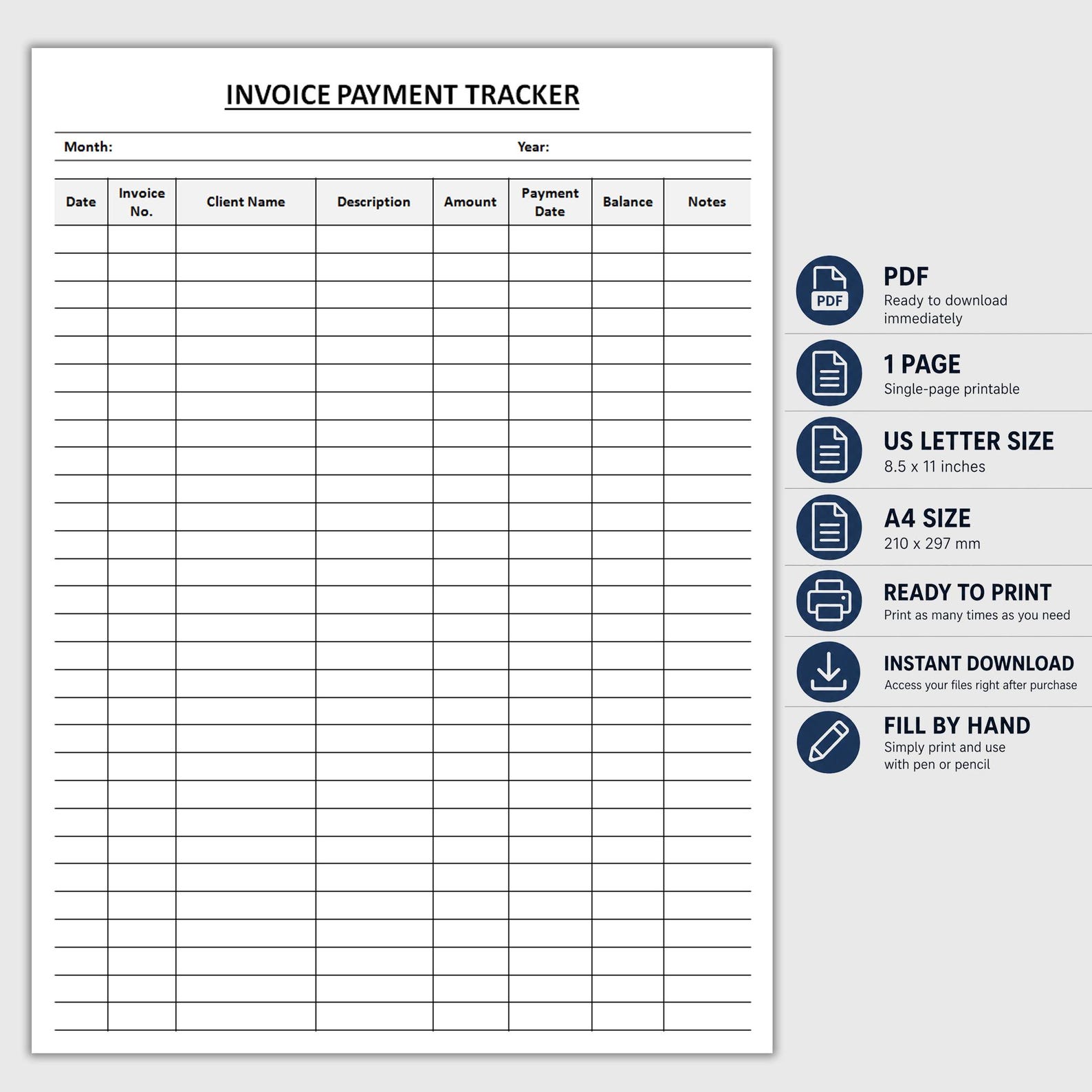
Finding a suitable Business Printable Payment Slip For Inventory Tracking is straightforward. Many printable resource websites offer a variety of templates that you can download and print. Look for resources that allow you to customize fields to suit your specific needs.
When printing, ensure your printer settings are optimized for the paper size you choose. Most payment slips are designed for standard letter size (8.5 x 11 inches), but check your template specifications to avoid formatting issues.
Final Tip
Always keep a few blank slips at your workstation for quick access. Having them readily available can save time when processing sales, ensuring that you maintain accurate records without unnecessary delays. This simple practice can significantly streamline your inventory tracking process.