When it comes to managing finances in a small business, having the right tools can make all the difference. The Business Printable Payment Slip For Microsoft Excel stands out as a practical resource that simplifies payment tracking and management. This slip is designed for easy customization and printing, making it an ideal choice for small business owners looking to maintain organized financial records.
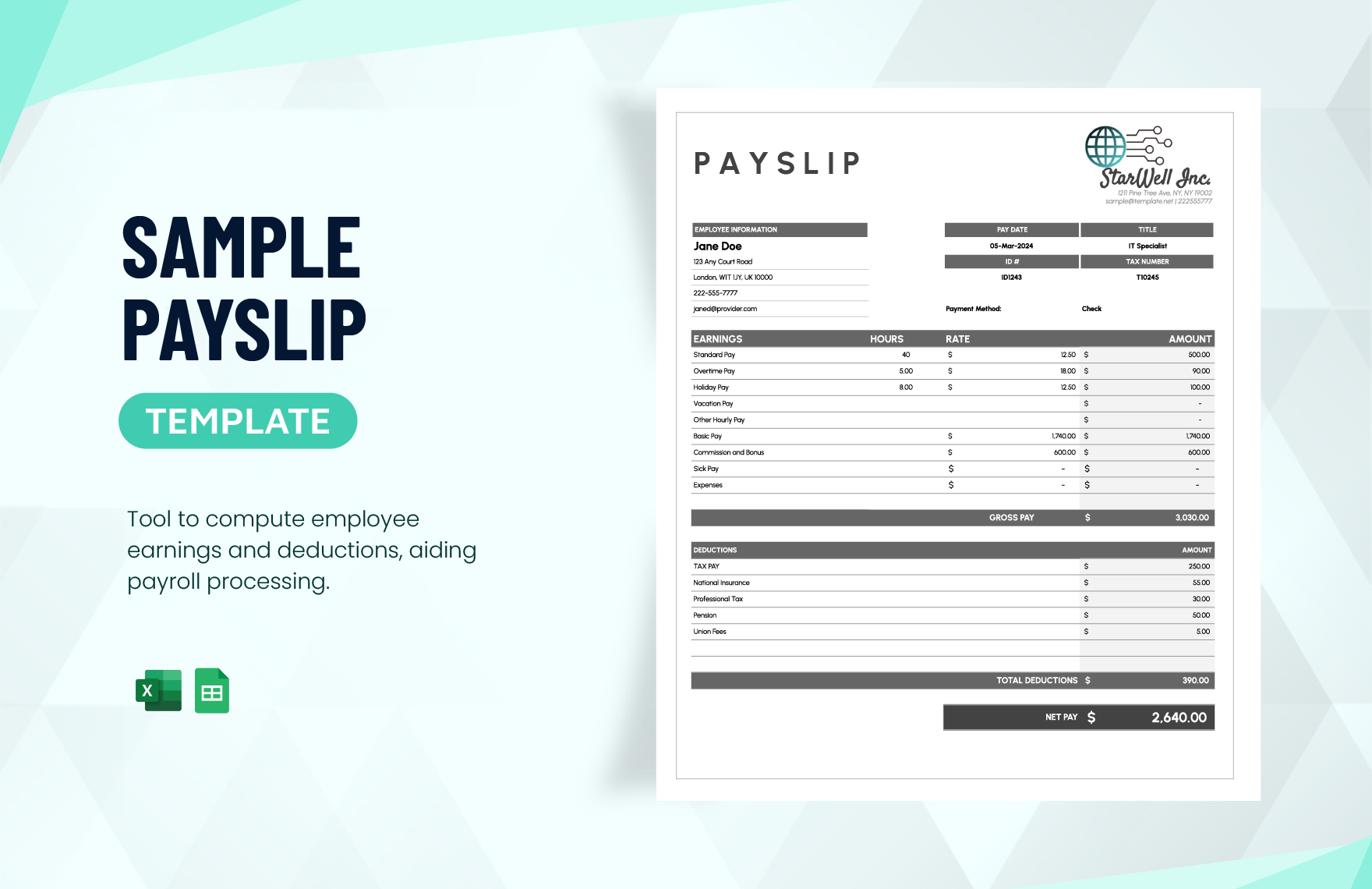
Understanding the Layout of the Payment Slip
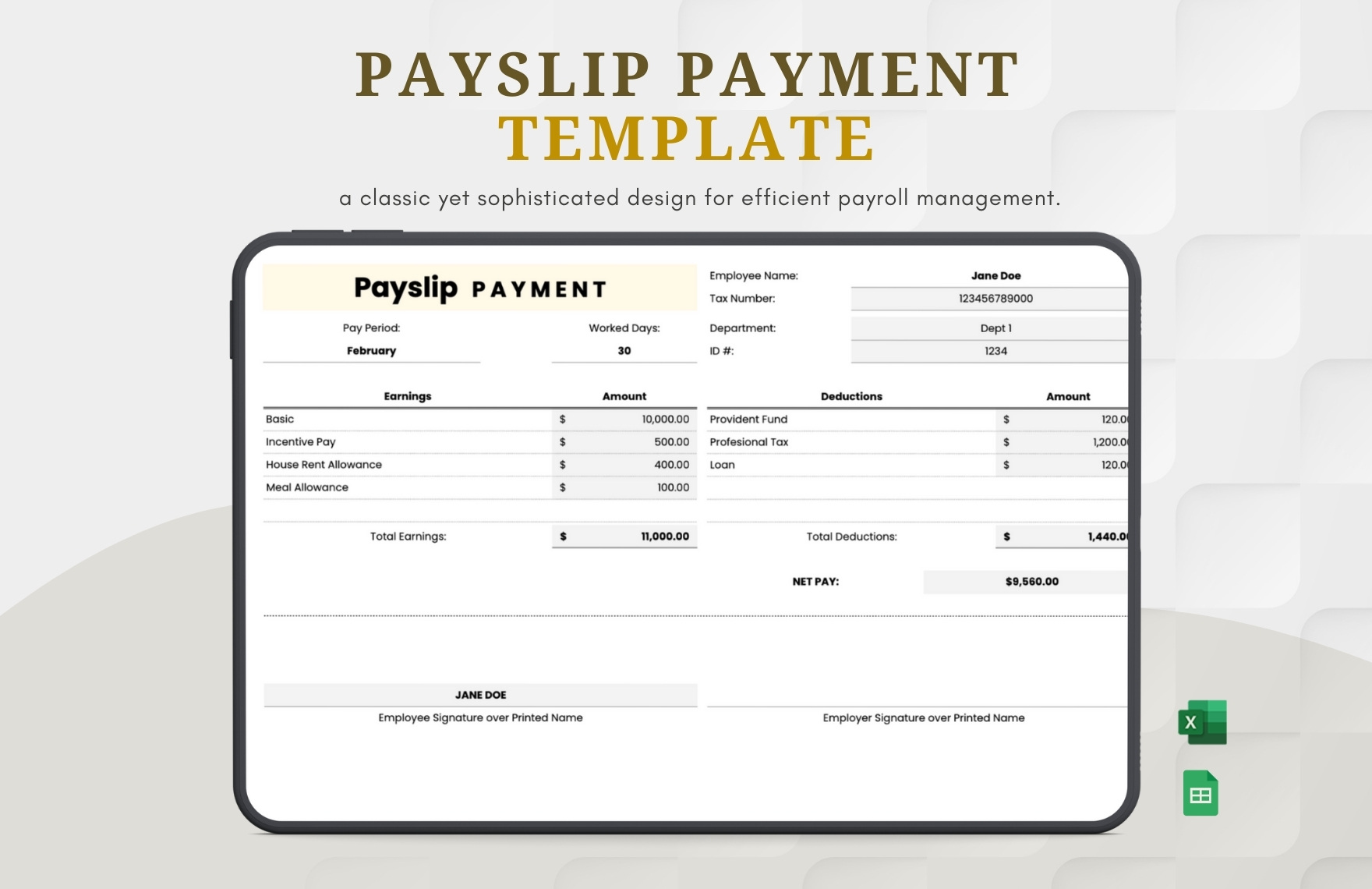
The layout of the Business Printable Payment Slip For Microsoft Excel is straightforward and user-friendly. It typically features clearly defined sections that include:
- Date: The date of the transaction.
- Payee Information: Name and address of the individual or business receiving the payment.
- Payment Details: Amount paid, method of payment, and a brief description of what the payment is for.
- Authorized Signature: A space for the signature of the person authorizing the payment.
This structure ensures that all necessary information is captured in one place, which is essential for both record-keeping and transparency. The design is clean, allowing for easy reading and quick filling out, which reduces the chances of errors during payment processing.
Customizing Your Payment Slip in Excel
One of the greatest advantages of using a printable payment slip in Microsoft Excel is the ability to customize it to fit specific business needs. Users can modify fields, adjust the layout, or even change colors to align with their brand. Here’s how to make the most of the customization features:
- Add Your Logo: Including your business logo at the top of the slip can enhance professionalism. Simply insert an image in the designated area.
- Adjust Font Styles and Sizes: Excel allows you to change font styles and sizes, which can help emphasize important information like payment amounts.
- Create Multiple Versions: If your business has different payment types, consider creating multiple versions of the slip tailored to each type.
These options not only personalize the payment slip but also help maintain a consistent brand image.
Printing Best Practices for Payment Slips
Once the Business Printable Payment Slip For Microsoft Excel is customized, the next step is printing. Proper printing techniques will ensure that the slips are both functional and visually appealing. Here are some key considerations:
- Paper Type: Using standard A4 or Letter-sized paper (8.5 x 11 inches) works best. For a more professional look, consider using heavier paper or cardstock.
- Portrait Orientation: Most payment slips are designed in portrait orientation, which fits standard envelopes and is easier to file.
- Printer Settings: Adjust settings to print at high quality for clearer text and images. If using color, ensure your printer has enough ink to avoid faded prints.
By following these guidelines, your printed payment slips will look professional and be easy to read.
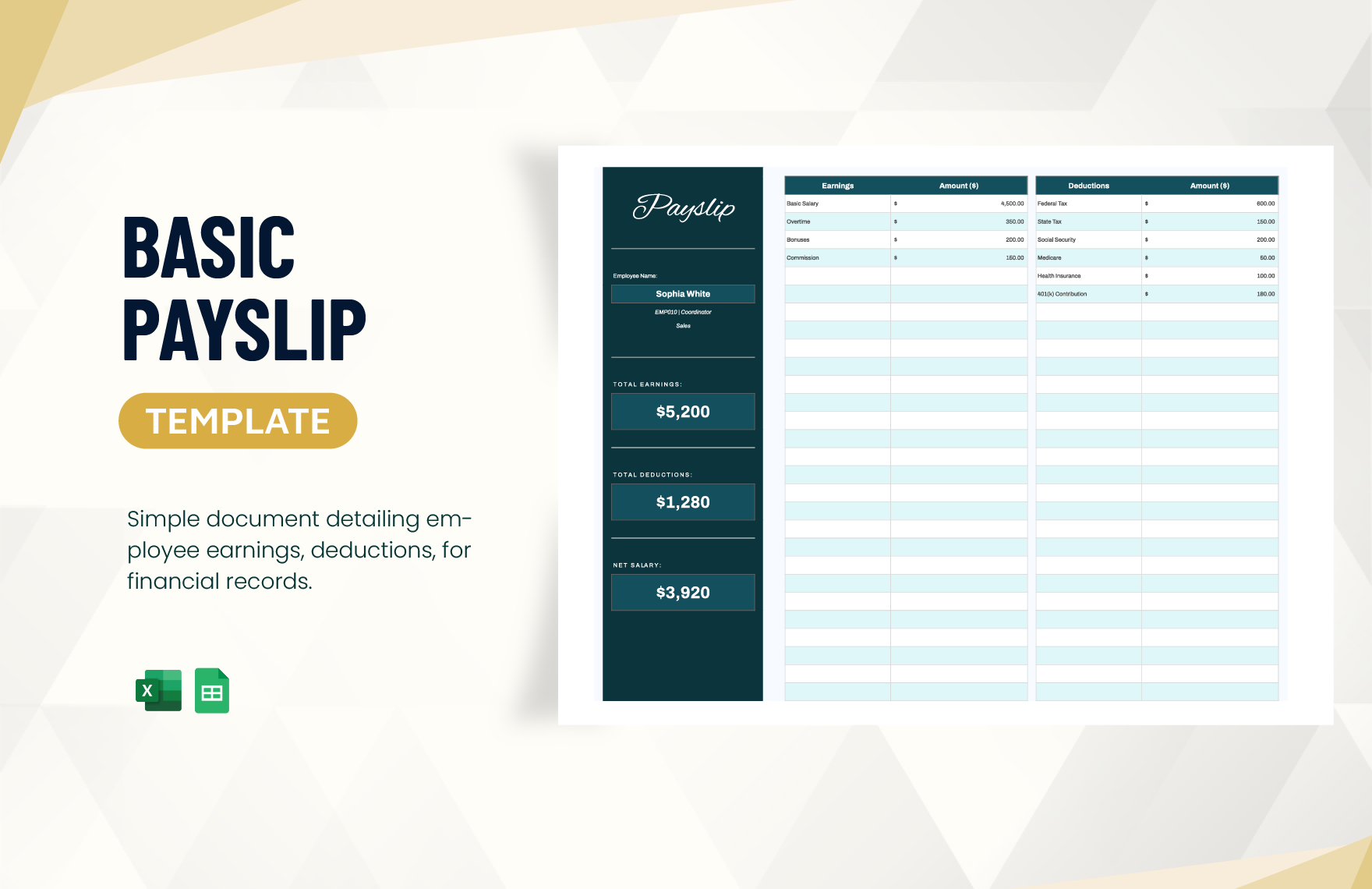
Utilizing the Payment Slip for Record Keeping
Properly utilizing the Business Printable Payment Slip For Microsoft Excel can significantly enhance record-keeping practices within your business. Here’s how to effectively use the slips:
- Track Payments: Each payment slip serves as a record of transactions. Keeping these organized can help during tax season or audits.
- Maintain Copies: It’s wise to keep a copy of each slip for your records. This can be done by either retaining the original or scanning them for digital storage.
- Use for Reconciliation: When reconciling bank statements, having these slips on hand can help verify transactions and ensure accuracy.
By adopting these practices, small business owners can maintain financial clarity and accountability.