Creating a Business Printable Payment Slip Template can streamline your financial transactions, helping you keep track of payments efficiently. These templates are often available in PDF format, making them easy to download and print immediately. They typically come in standard sizes like A4 or letter, ensuring compatibility with most printers.
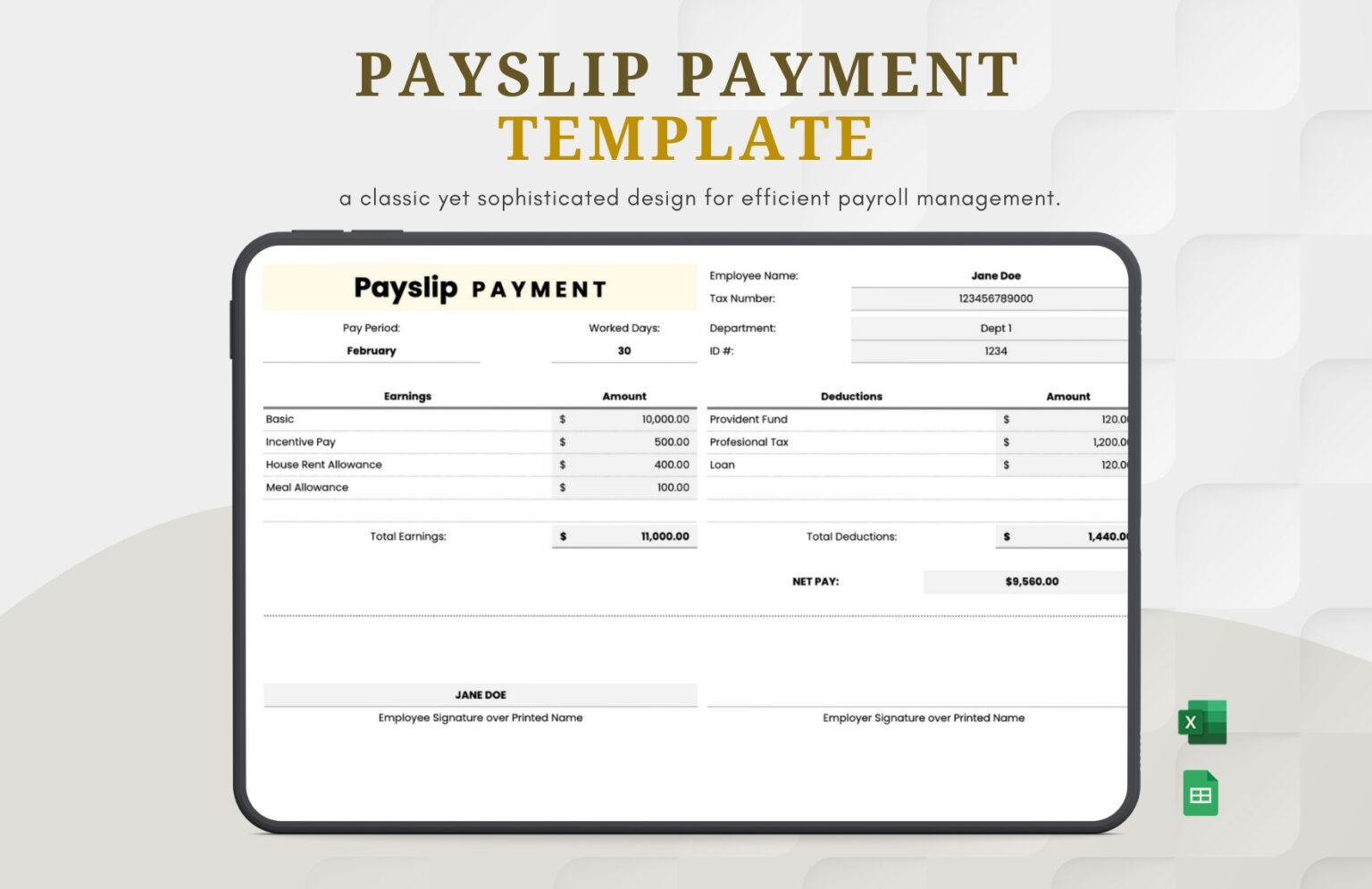
Understanding the Payment Slip Template
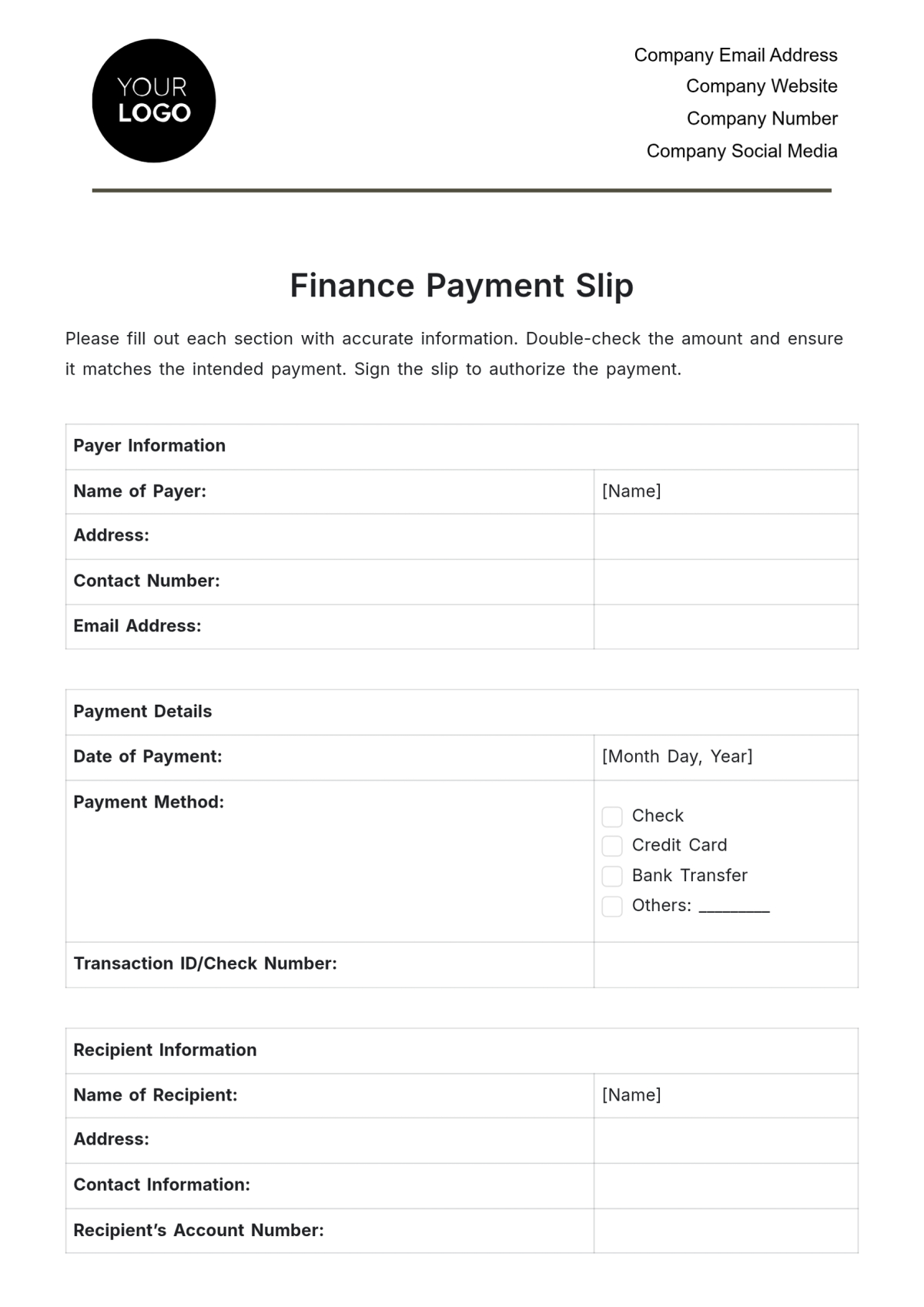
A payment slip template is a vital tool for businesses and freelancers alike. It allows you to document payments received from clients or customers, providing a clear record for both parties. The slip usually includes fields for the date, amount, payment method, and a brief description of the service or product provided. You might find templates that allow customization, enabling you to add your business logo or change the color scheme.
When selecting a template, look for options that offer clear, organized layouts. This not only enhances professionalism but also ensures that all necessary information is easily accessible.
Downloading Your Template
Most templates are available in various formats, including PDF and Word. PDF is often the best choice for preserving layout integrity, especially if you plan to print the slips. Word files, while editable, may require adjustments to maintain the original design when printed.
To download:
- Choose Your Format: Select between PDF or Word based on your needs.
- Download the File: Click the download button; files are usually around 1-2 MB.
- Check Compatibility: Ensure your device can open the chosen format. Most computers and mobile devices support these formats.
Printing Considerations
Printing your payment slips correctly is crucial for maintaining a professional appearance. Here are some tips to ensure the best results:
- Paper Type: Use a heavier weight paper, such as cardstock, for a more durable slip. If you’re planning to laminate, thicker paper will hold up better.
- Printer Settings: Set your printer to the appropriate quality setting. A standard print setting works for most slips, but you might want to use a higher quality for color logos.
- Orientation: Most payment slips will look best in portrait orientation. Ensure your printer is set accordingly before printing.
Customizing Your Payment Slip
One of the benefits of using a Business Printable Payment Slip Template is the ability to customize it to fit your branding. Here are some elements you can modify:
- Logo Placement: Add your business logo at the top of the slip to reinforce your brand identity.
- Color Schemes: Change colors to match your brand’s palette. Most PDF editors and Word processors support color adjustments.
- Field Adjustments: You can add or remove fields based on your specific needs. For instance, if you often deal with deposits, consider adding a “Deposit” field.
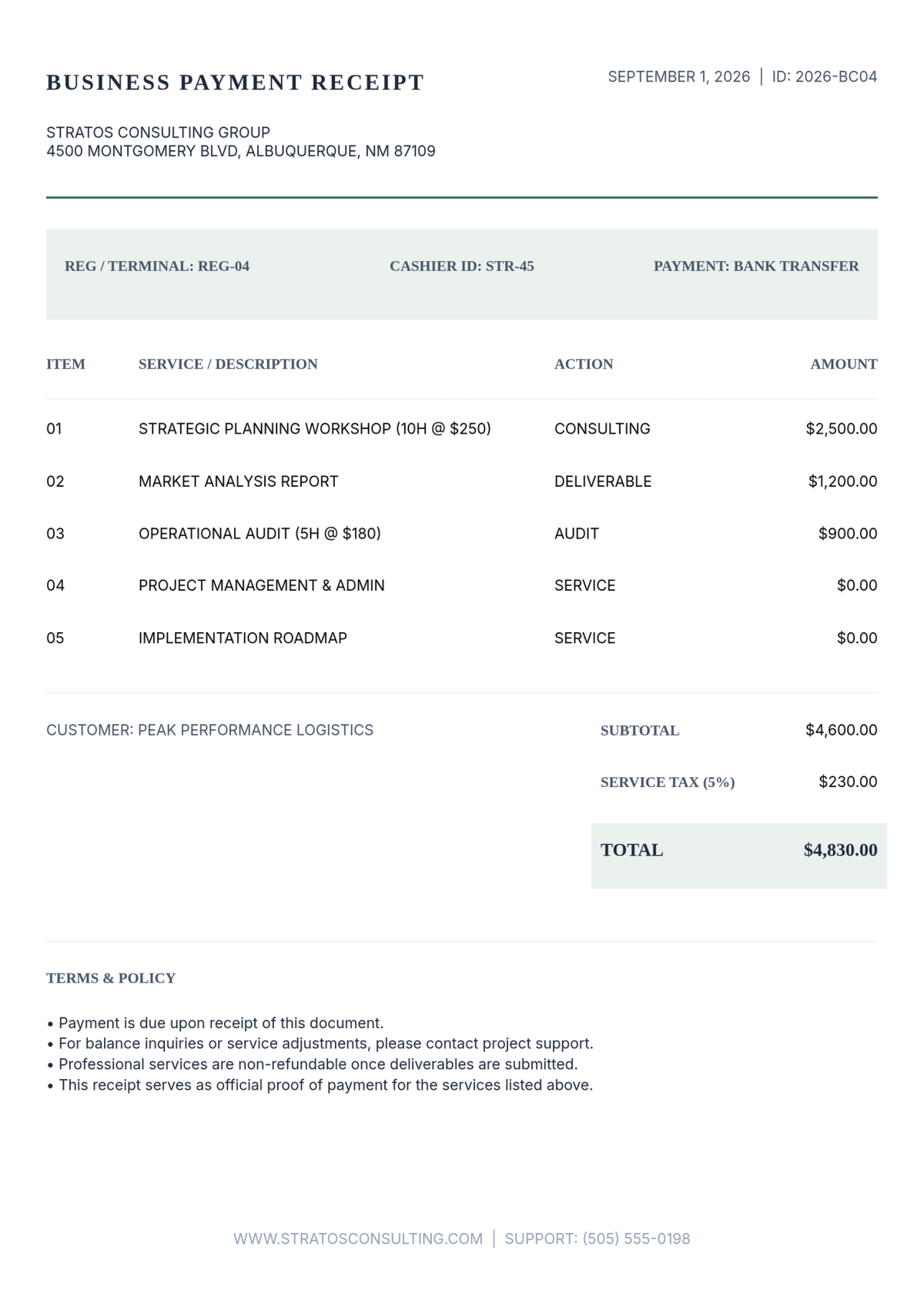
Practical Uses and Considerations
Using a payment slip template effectively can improve your financial management. You can use these slips for various scenarios, such as:
- Client Payments: Provide a slip when receiving payments to ensure both parties have a record.
- Event Registrations: Use slips for collecting fees at events or workshops.
- Sales Transactions: Retail businesses can utilize slips for cash transactions.
However, always ensure that you keep copies of issued slips for your records. This is important for accounting purposes and can help resolve any disputes that may arise regarding payments.
When using a payment slip template, be mindful of the information you include. Avoid overloading the slip with unnecessary details; clarity is key.
In summary, a well-designed Business Printable Payment Slip Template can save you time and enhance your business’s professionalism. Remember to download the right format, print on quality paper, and customize according to your needs for the best results. Always double-check the information for accuracy before issuing a slip to a client.