Managing your finances can be overwhelming, especially when you need to keep track of payments and receipts. A Business Printable Payment Slip With Date Field serves as a practical tool to simplify this process. This resource allows you to document payments clearly and efficiently, ensuring you maintain accurate records for your business or personal finances.
Why Use a Payment Slip?
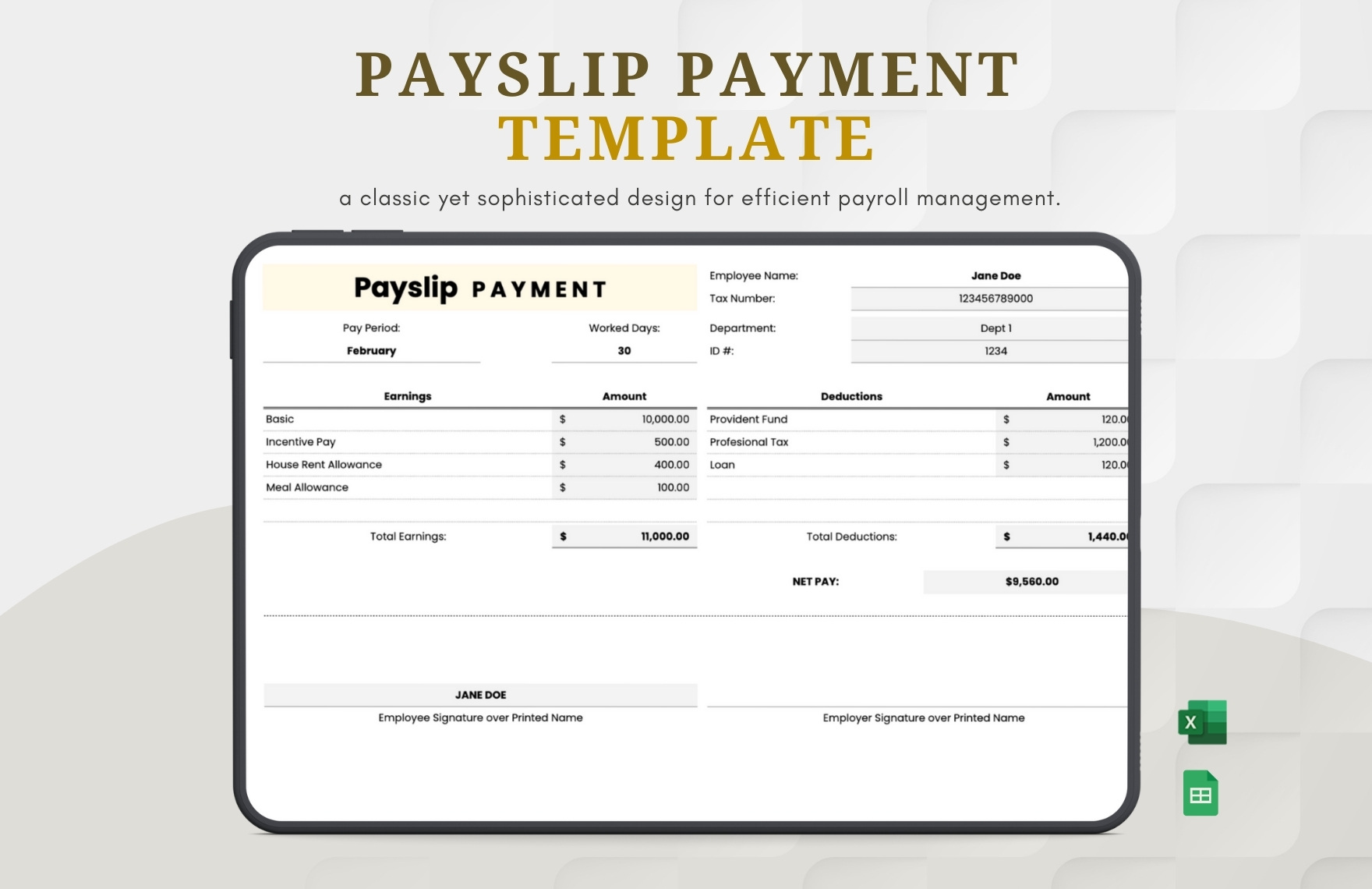
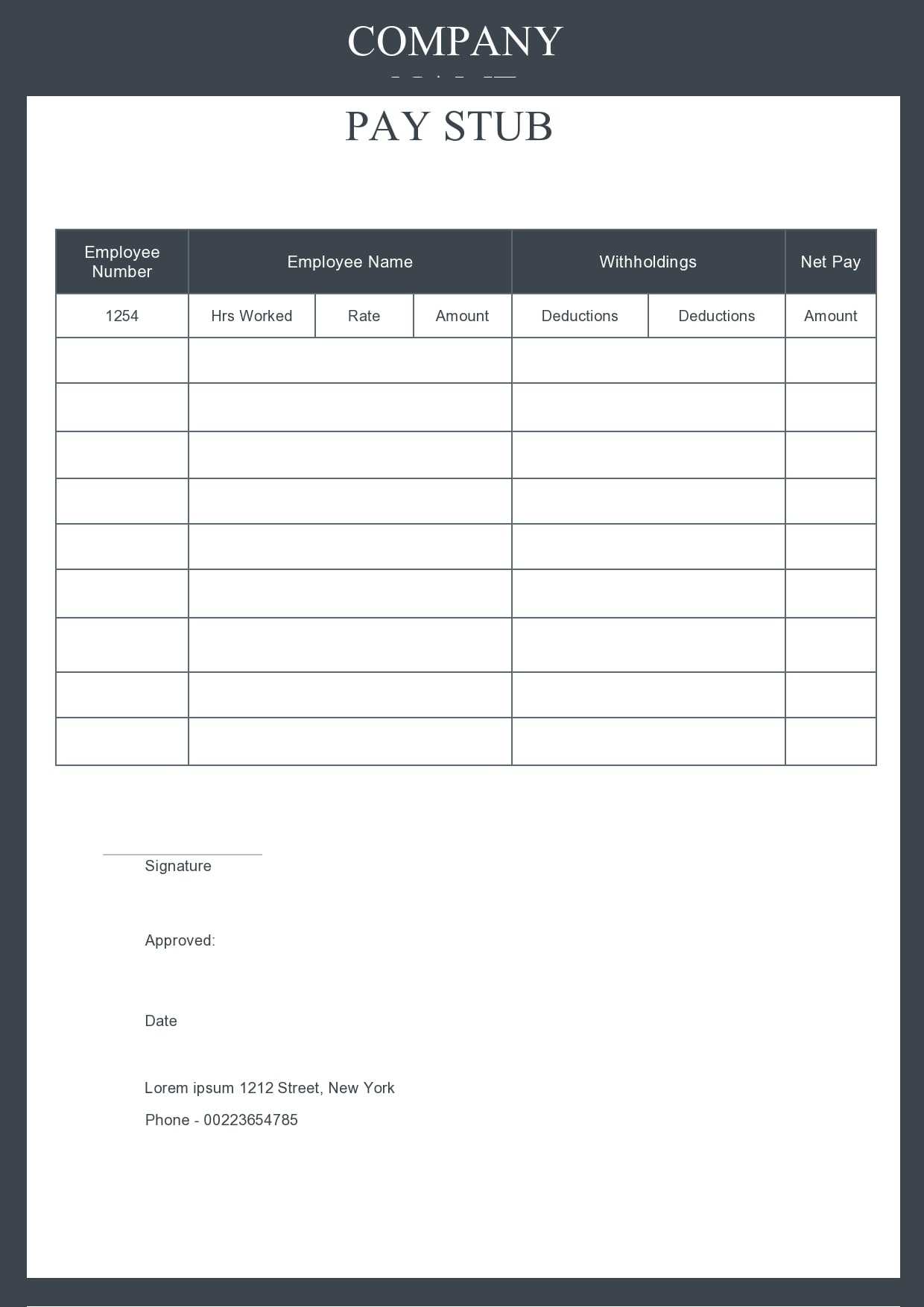
Using a payment slip helps formalize transactions, whether you’re accepting payments for goods or services. When you provide a slip to your clients, it acts as a receipt that confirms the payment has been made. This not only helps in maintaining transparency but also serves as a reference for both parties in case of any future disputes.
Moreover, having a designated space for the date on the payment slip makes it easier to track when each transaction occurred. This can be especially useful during tax season or when reviewing your financial history.
Features of the Business Printable Payment Slip
A well-designed payment slip should include several key features:
- Date Field: A clear space for writing the date of the transaction, which is essential for record-keeping.
- Payment Amount: A section to specify the total amount received, ensuring clarity in financial transactions.
- Payer Information: Space for the name and contact details of the person making the payment, vital for business records.
- Description of Goods/Services: A brief section where you can describe what the payment is for, helping both parties remember the details later.
- Signature Line: An area for signatures can add an extra layer of formality and accountability.
When you download a printable payment slip, check that it includes these features to ensure it meets your needs.
How to Download and Print Your Payment Slip
To get started, look for a reliable source that offers a Business Printable Payment Slip With Date Field. Most resources will provide a downloadable PDF format, which is ideal for printing. Here’s how to get your payment slip ready for use:
- Choose Your Format: PDFs are often preferred since they maintain formatting across different devices. This prevents issues that can arise if you use an image format.
- Select Paper Size: Most payment slips are designed for standard paper sizes like A4 or Letter. Ensure your printer settings match the paper size for optimal results.
- Print Settings: Set your printer to the best quality for professional-looking slips. If possible, use a good quality paper or cardstock for durability, especially if these slips will be used frequently.
- Test Print: Before printing in bulk, do a test print of one slip to check layout and clarity. This ensures that everything looks as expected.
By following these steps, you can quickly have a functional payment slip ready for your transactions.
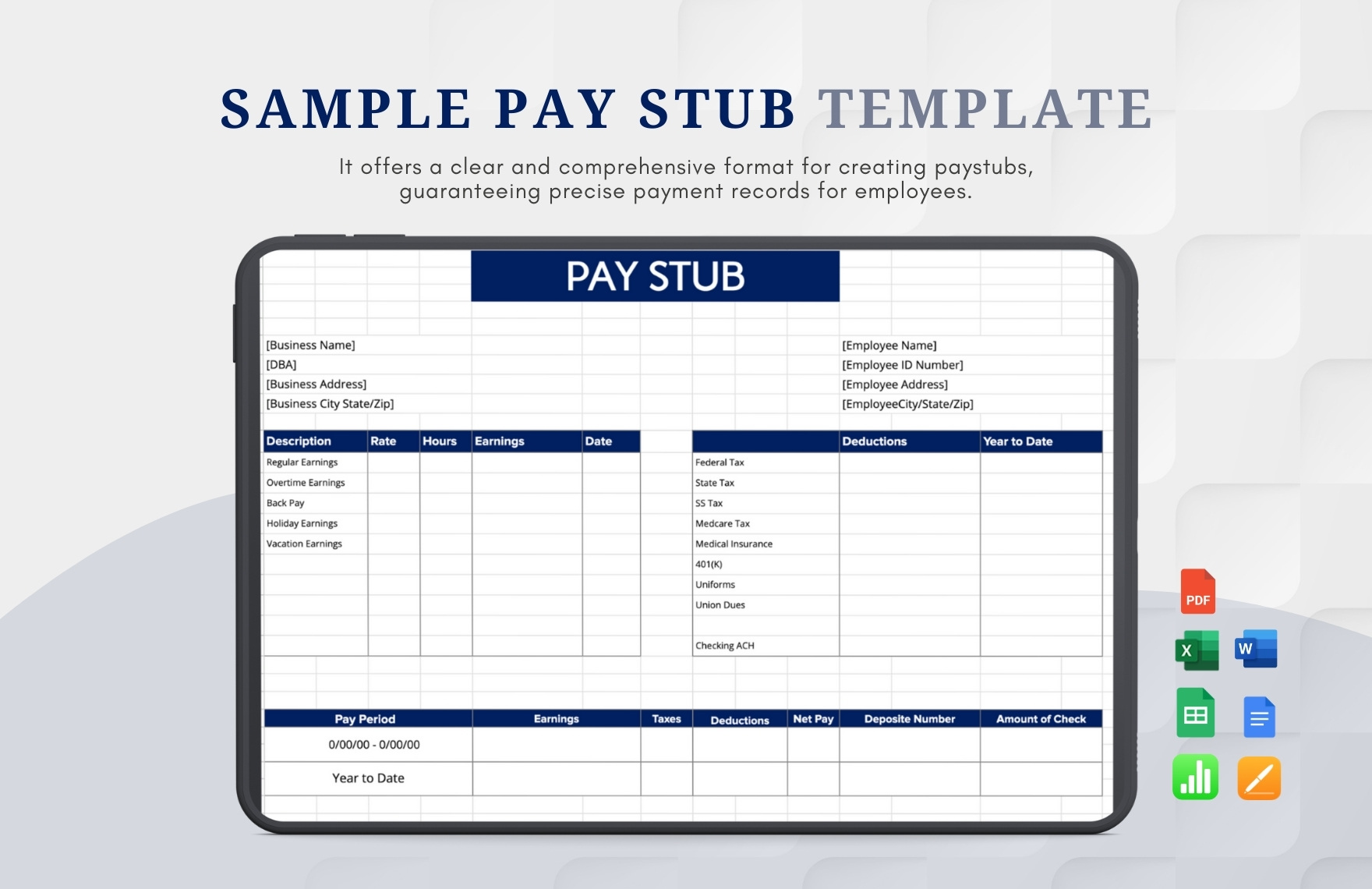
Tips for Using Your Payment Slip Effectively
Once you have your Business Printable Payment Slip With Date Field printed, consider these tips for effective use:
- Always Fill in Details: Make it a habit to fill in all relevant details at the time of the transaction. This includes the date, amount, and a description of the payment.
- Keep Copies: If you’re giving the slip to a client, keep a copy for your records. This can be done by making a photocopy or scanning it into a digital format.
- Organize by Date: When storing your slips, organize them chronologically. This makes it easier to locate specific transactions later, especially during audits or financial reviews.
- Review Regularly: Periodically review your payment slips to reconcile them with your bank statements. This helps you catch any discrepancies early on.
Using a payment slip might seem like a small detail, but it can significantly impact your financial management. By incorporating this simple tool into your routine, you can enhance your organization and keep your financial records in check.
To get started, find a trustworthy site that offers the Business Printable Payment Slip With Date Field, and make it part of your financial toolkit today.