Creating a Business Printable Payment Slip With Professional Layout is a simple yet effective way to manage transactions. This resource not only ensures that your payments are documented clearly but also adds a touch of professionalism to your business dealings. In this guide, I’ll walk you through the steps needed to download, print, and utilize this valuable tool effectively.
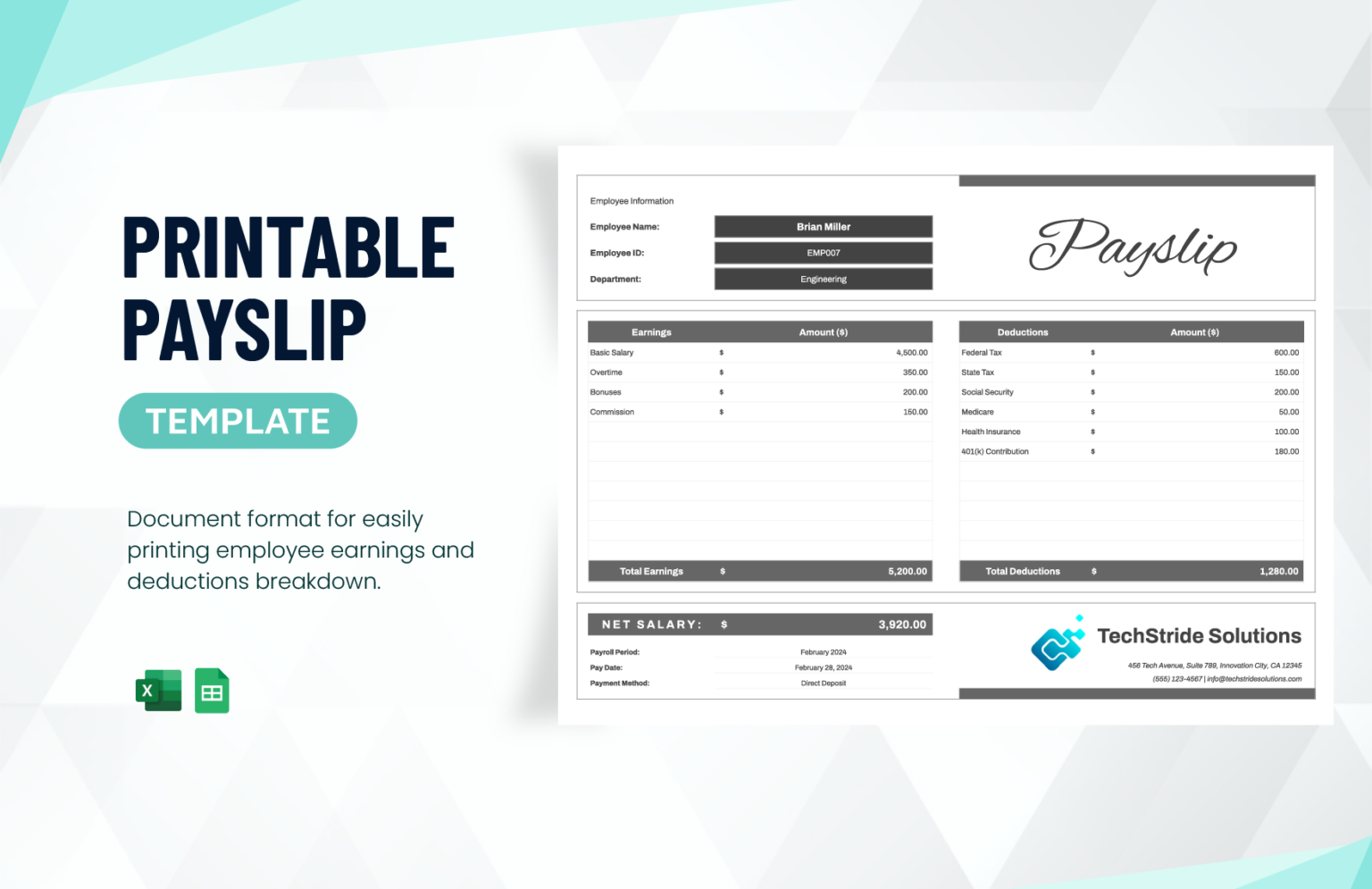
Understanding the Payment Slip Format
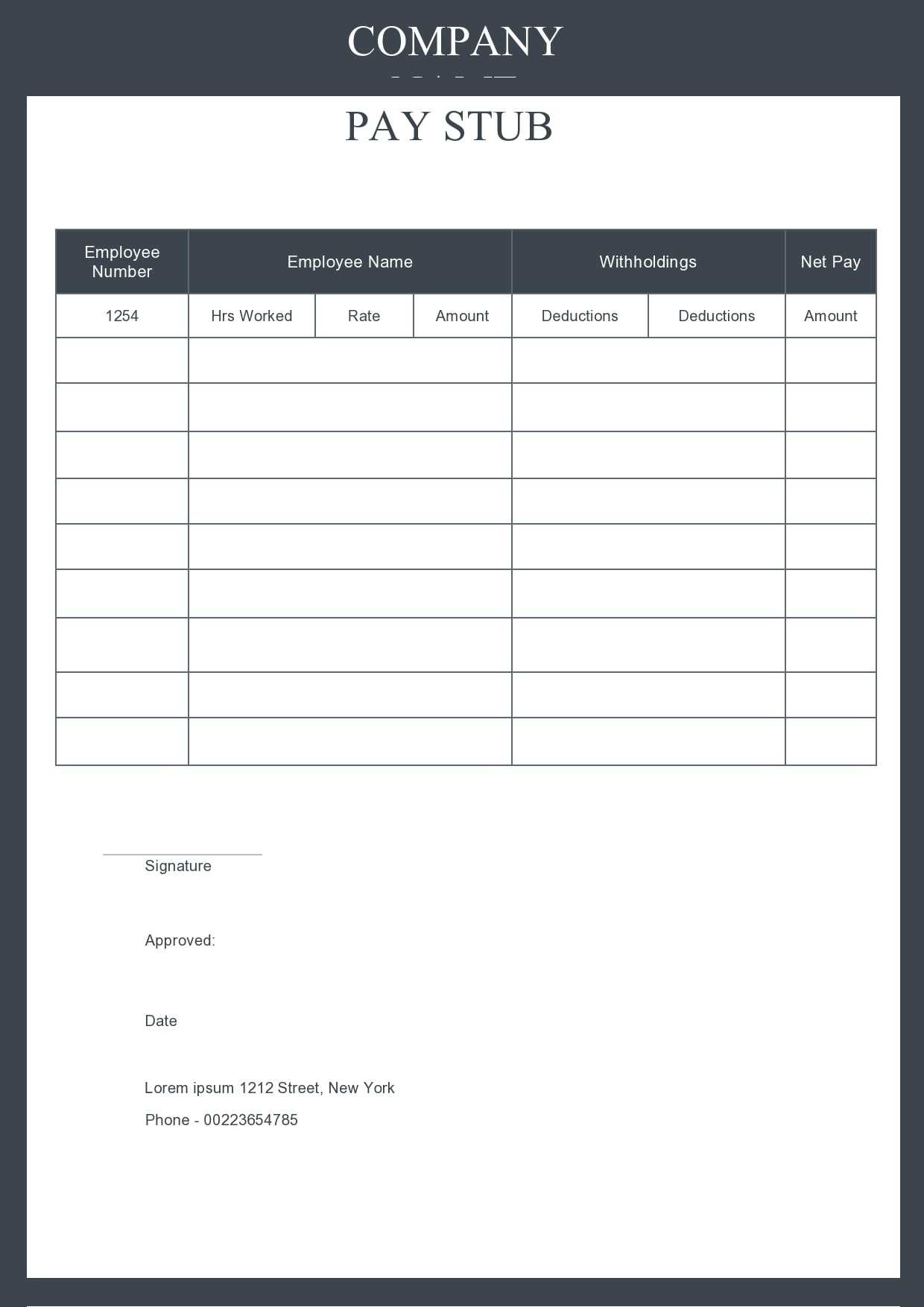
Before diving into the downloading process, it’s essential to understand what a payment slip is and its components. A payment slip typically includes:
- Business Name and Logo: This helps in branding your transactions.
- Date: Important for record-keeping.
- Payment Details: Such as the amount being paid, the service or product in question, and any relevant invoice numbers.
- Payer Information: Name and contact details of the person making the payment.
- Signature Line: For authenticity and to confirm receipt.
The layout should be clean and professional, making it easy to read at a glance. When you opt for a Business Printable Payment Slip With Professional Layout, you get all these elements organized in a visually appealing way.
How to Download Your Payment Slip
Once you’ve decided to use a printable payment slip, the next step is to download it. Most templates are available in PDF format for easy printing. Here’s how to do it:
- Select the Template: Browse your printable-resource website and find the payment slip template that suits your business style.
- Check the Features: Ensure it includes all necessary elements such as space for your logo, payment details, and a signature line.
- Download the File: Click the download button, and save it to a location on your device where you can easily access it later.
Make sure to choose a template that is customizable, so you can add your business name and details without hassle.
Printing Your Payment Slip
Now that you have your Business Printable Payment Slip With Professional Layout downloaded, it’s time to print it. Here are some tips for optimal printing:
- Paper Type: Use high-quality paper or cardstock for durability, especially if the slips will be handed out frequently.
- Printer Settings: Adjust your printer settings to ensure the best quality print. For most home printers, a portrait layout works best.
- Test Print: Before doing a bulk print, do a test print to check for alignment and quality. This helps avoid wasting paper and ink.
Printing multiple copies at once can save time, especially if you anticipate needing a lot of payment slips.
Filling Out the Payment Slip
Filling out the payment slip correctly is crucial for clarity. Here’s a step-by-step approach:
- Date the Slip: Always start by entering the date of the transaction.
- Enter Payer Information: Fill in the name and contact details of the person or business making the payment.
- Detail the Payment: Specify the amount being paid and provide a brief description of the service or product.
- Add Invoice Number: If applicable, include an invoice number to tie the payment to a particular transaction.
- Signature Line: Leave space for a signature, which adds a layer of verification.
Remember that neatness matters. If you’re handwriting this information, take your time to ensure everything is legible.
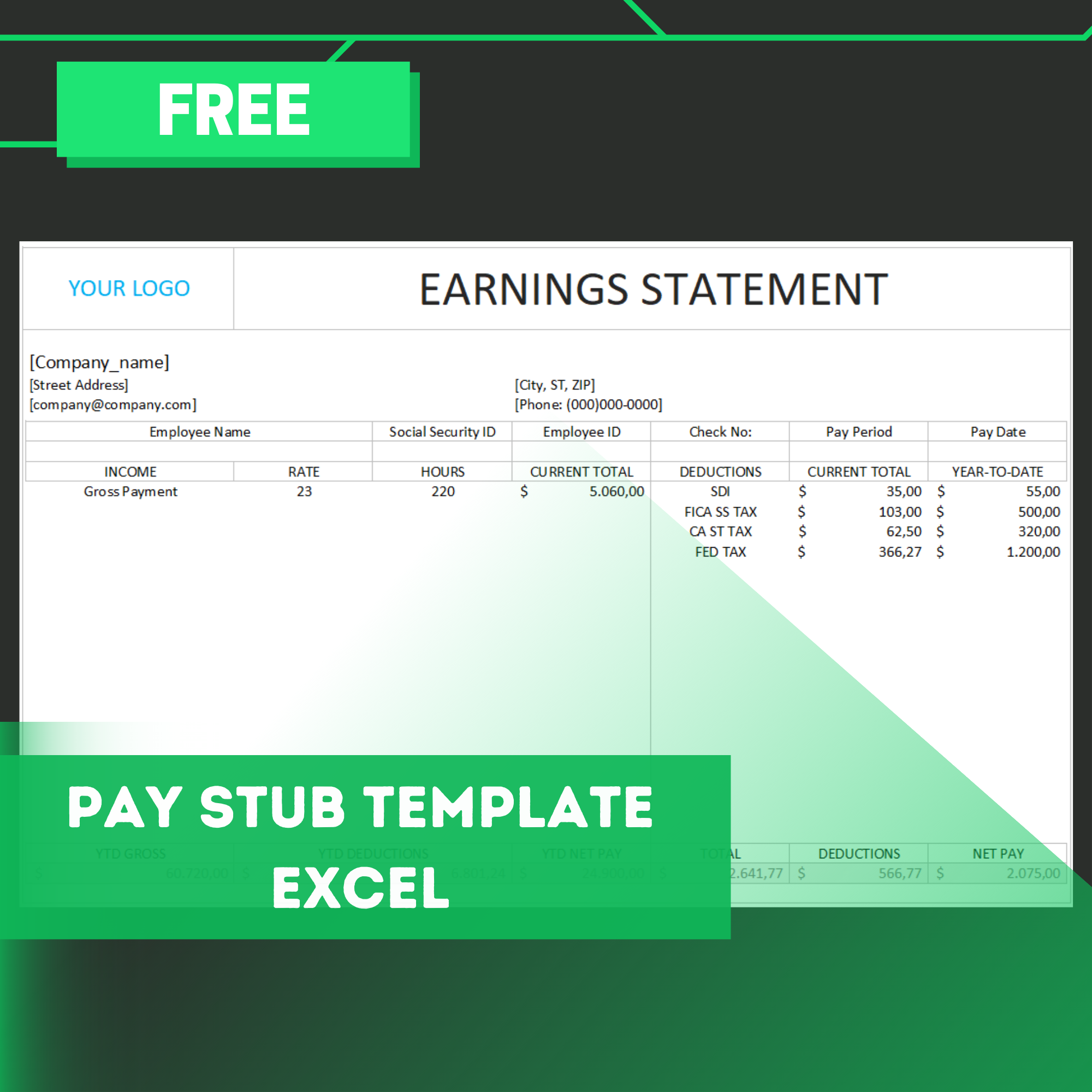
Utilizing the Payment Slip Effectively
Now that your payment slip is printed and filled out, it’s essential to use it effectively in your business transactions. Here are some practical tips:
- Always Provide a Copy: When receiving payments, give a copy of the payment slip to the payer. This serves as their receipt.
- Keep Records: Store a copy of each payment slip for your records. This is crucial for bookkeeping and tax purposes.
- Follow Up: If payments are not received on time, having a record of the payment slip can help in follow-up communications.
The use of a Business Printable Payment Slip With Professional Layout not only streamlines your payment process but also enhances your professionalism.
In summary, having a structured approach to managing payments through a well-designed payment slip can significantly impact your business operations. Whether you’re a freelancer, small business owner, or part of a larger organization, this simple tool can help keep your financial transactions organized and clear.