Creating a customizable printable payment slip for business records is a practical step for any small business owner looking to streamline their financial transactions. A payment slip offers a clear, standardized way to document payments received, ensuring accuracy and accountability in your finances. This guide will help you choose, download, print, and effectively use a payment slip template tailored to your business needs.
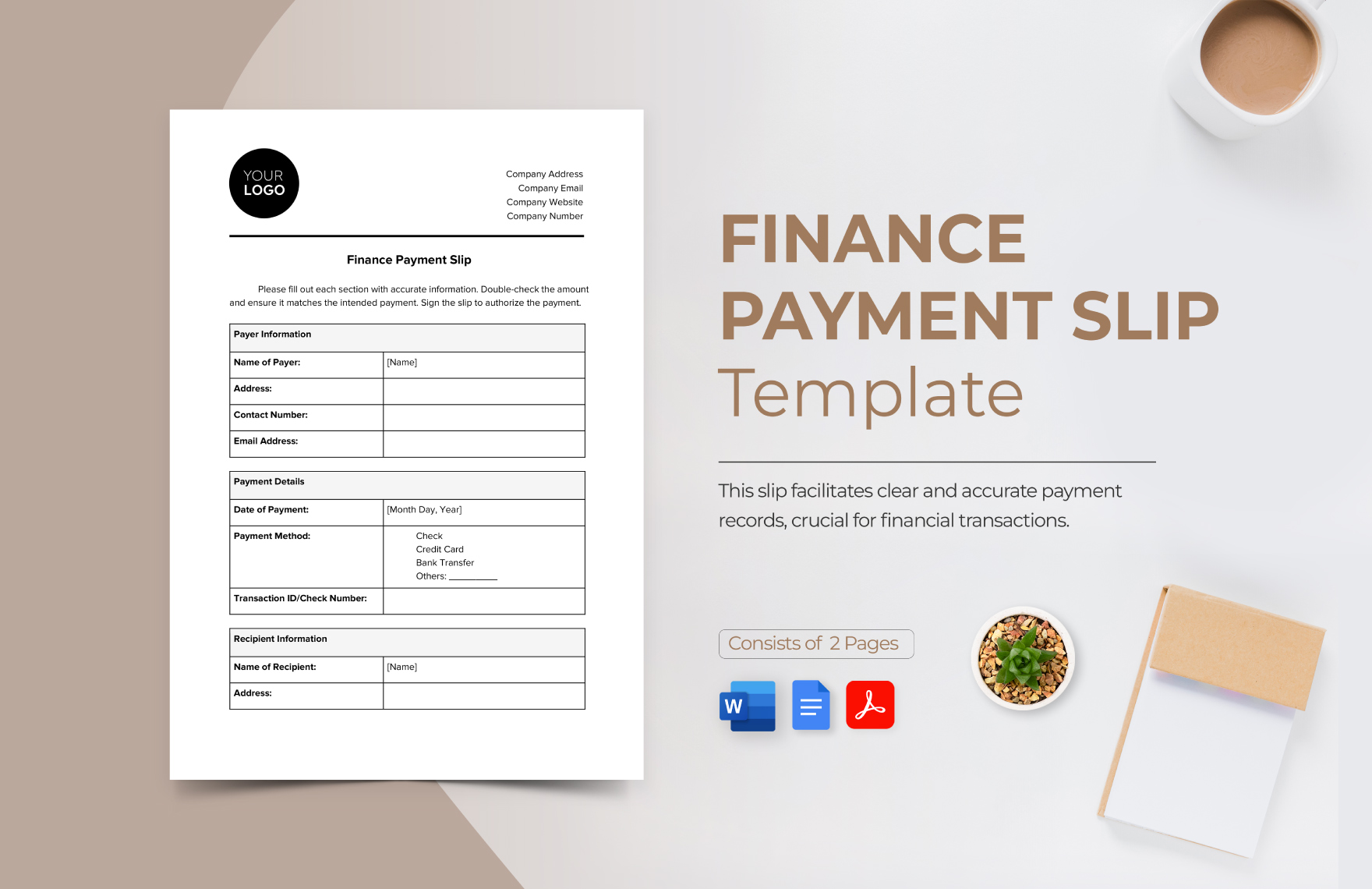
Understanding the Purpose of a Payment Slip
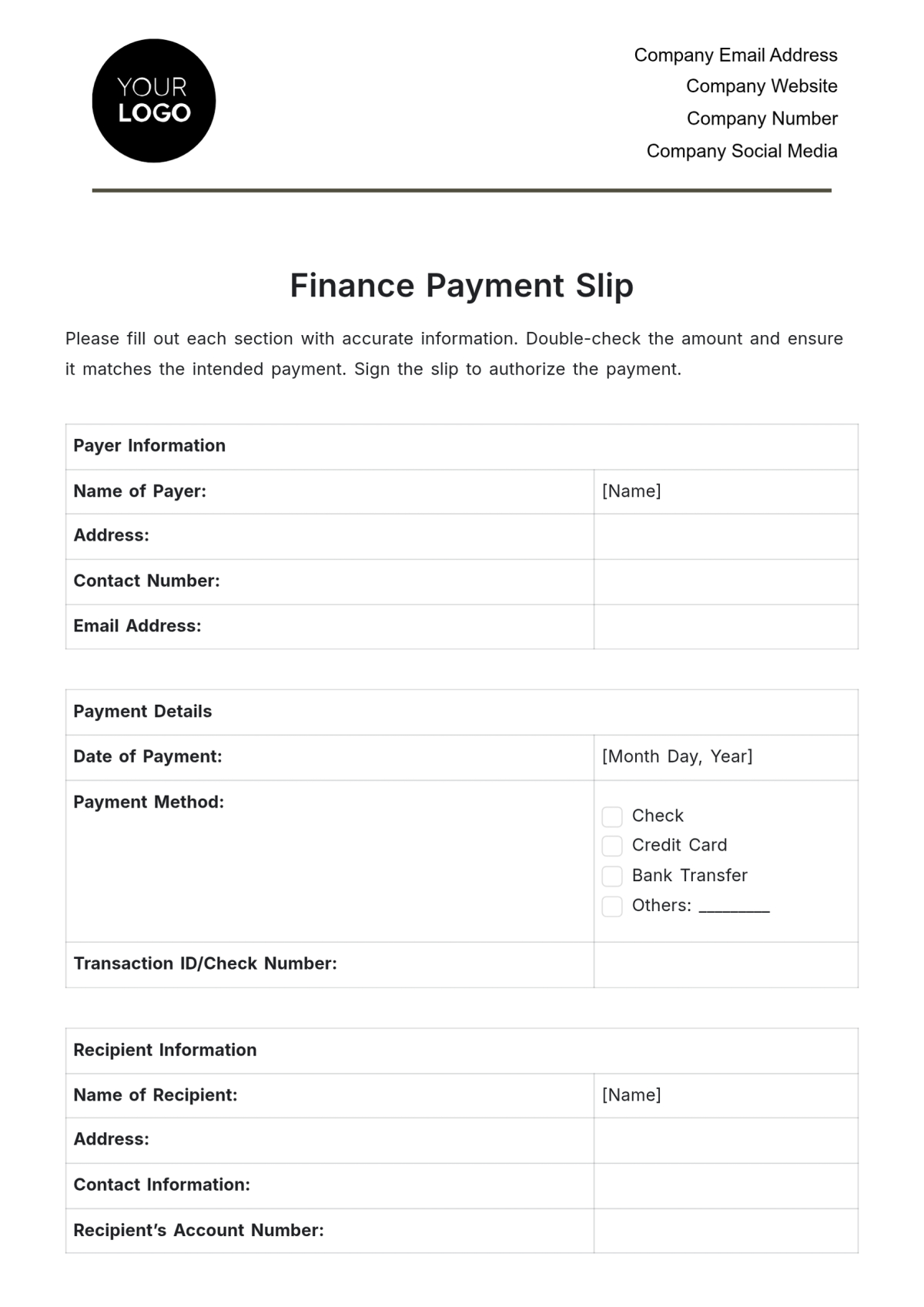
A payment slip serves as a receipt for payments made or received, detailing important information such as the date, amount, method of payment, and a brief description of the transaction. Using a payment slip not only keeps your records organized but also provides a professional touch to your transactions. For small businesses, having a reliable payment record can help during tax season and when reviewing financial statements.
Choosing the Right Payment Slip Template
When selecting a customizable printable payment slip, consider the following factors:
- Format: Most payment slips are available in PDF or Word formats. PDF files maintain formatting and are typically the best choice for printing.
- Design: Look for a template that aligns with your branding. A professional appearance can enhance your business’s credibility.
- Customization Options: Ensure the template allows for easy customization. You should be able to add your business name, logo, and any specific details relevant to your transactions.
Many online resources offer free or low-cost printable payment slip templates. Look for those that allow you to edit fields directly in your preferred software.
Downloading and Printing Your Payment Slip
Once you’ve chosen a template, follow these steps to download and print your customizable printable payment slip for business records:
- Download the Template: Click on the download link for your chosen template. Ensure that you save it in a location that is easy to access.
- Open the File: Use a compatible software application to open the file. For PDFs, Adobe Acrobat Reader is recommended. For Word documents, Microsoft Word or Google Docs will suffice.
- Customize the Slip: Input your business details, including your logo, business name, and any other necessary information. Make sure to double-check for accuracy.
- Print Settings: Before printing, ensure that your printer is set to the correct paper size. Most payment slips are designed for standard letter size (8.5 x 11 inches) or A4 size. Using high-quality paper, such as cardstock, can enhance durability, especially if you plan to keep physical records.
- Print a Test Slip: It’s wise to print a test slip first. This allows you to check for any formatting issues or errors in the information you entered.
Using Your Payment Slip Effectively
After printing your payment slips, it’s time to implement them into your business operations. Here’s how to use them most efficiently:
- Record Transactions Immediately: When a payment is received, fill out the payment slip right away. This helps maintain accurate records and reduces confusion later on.
- Organize Your Records: Keep all payment slips in a dedicated folder or binder. You can categorize them by date, client, or transaction type for easier access.
- Digital Copies: Consider scanning or taking photos of your payment slips and storing them digitally. This can serve as a backup and make retrieval easier for tax purposes.
- Review Regularly: At the end of each month, review your payment slips against your bank statements. This practice can help identify any discrepancies early on.
Final Considerations for Customization
When using a customizable printable payment slip for your business records, consider additional features that might be beneficial:
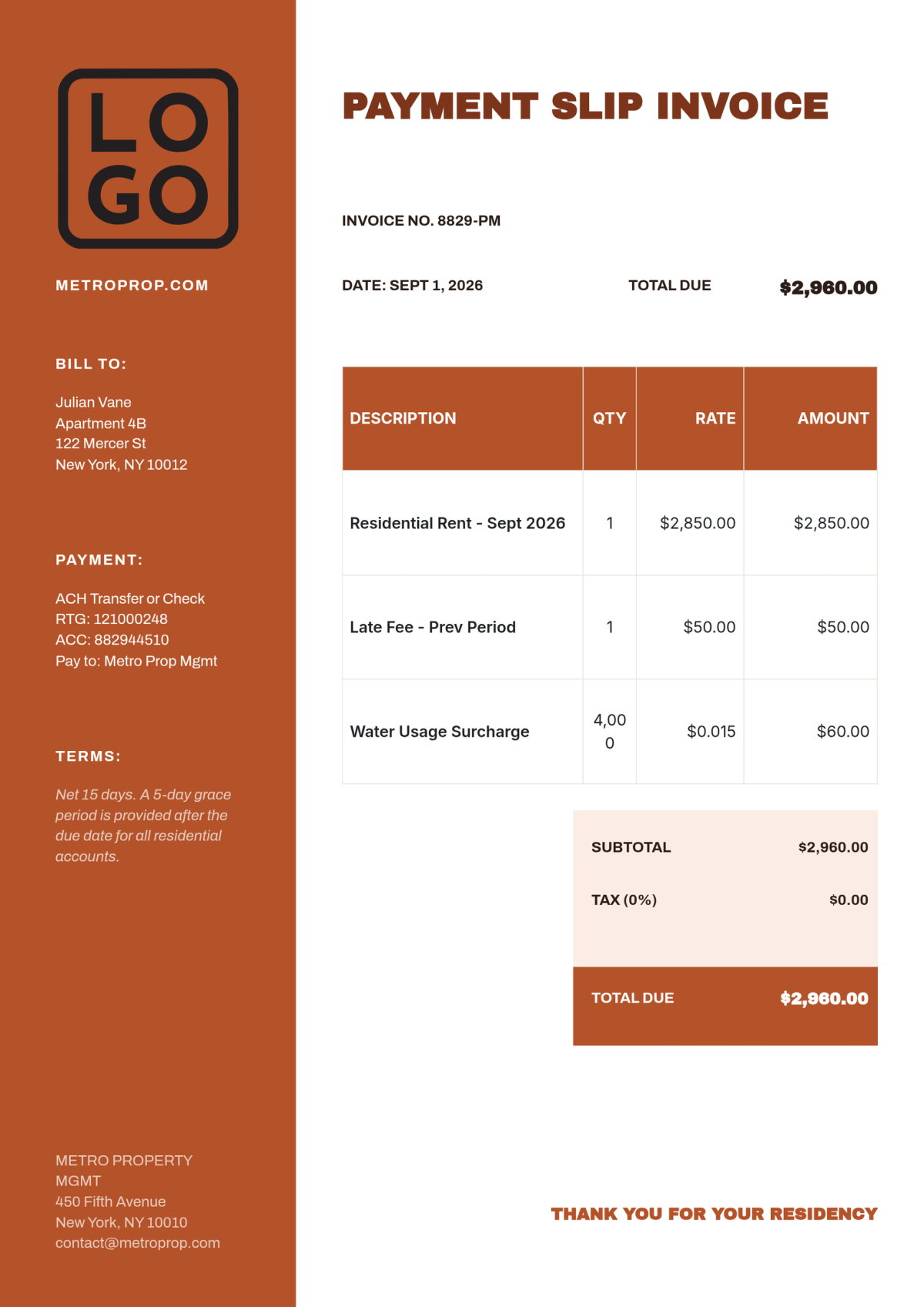
- Itemized Lists: If your business involves multiple items or services in a single transaction, look for a template that allows for itemized entries.
- Payment Methods: Including a section for different payment methods (cash, check, credit card, etc.) can help you track how clients prefer to pay.
- Terms and Conditions: Adding a brief note regarding payment terms (such as due dates or late fees) can help clarify expectations with clients.
The right payment slip can significantly enhance your business’s financial organization. By following these steps, you can effectively implement a payment slip system that works for you.